English GB


Your cart
There are no more items in your cart
- Save -£78.00





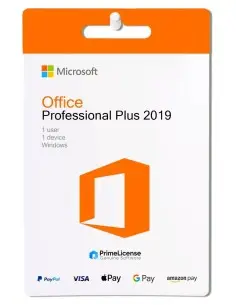
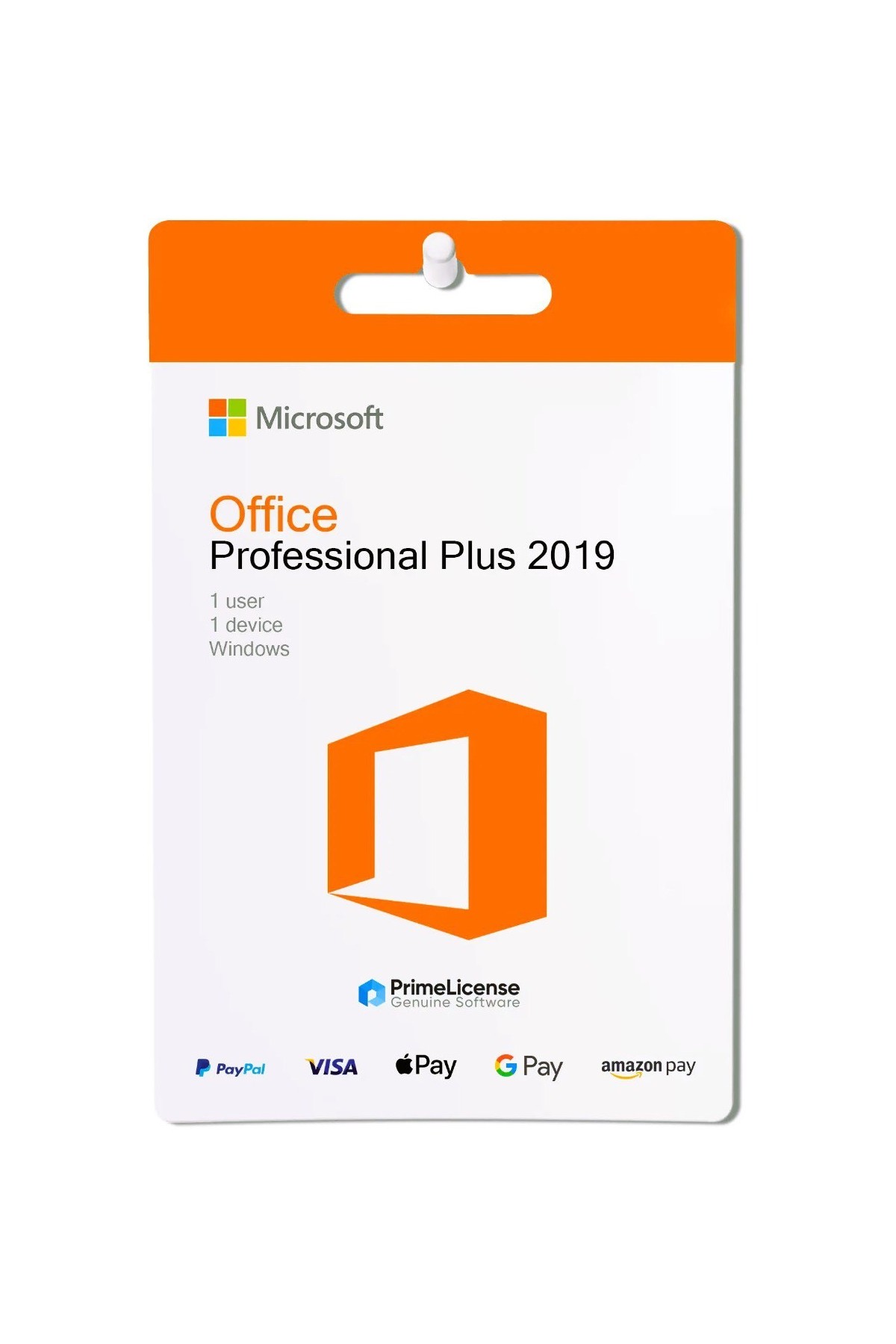
Microsoft Office 2019 Professional Plus is a perpetual licence, which means you pay once and the software is yours forever. Once activated, Office 2019 works offline on your Windows PC with full functionality and without the need for internet for everyday use. It works on 32 and 64-bit systems, Windows 10 and 11. This licence is of the OEM type, if you prefer a licence linked to your Microsoft account, choose the Office 2019 Professional Plus BIND version from our catalogue.
IMPORTANT: This version is for Windows only, if you use a Mac, check our Mac versions such as Office Home & Business 2021, Office Standard 2024 and Office Home & Business 2024.
Office 2019 Pro Plus includes the complete suite of classic Microsoft Office apps, ideal for home, educational or business use, all with a modern interface and improved performance compared to previous versions.
Suitable for students, families, freelancers and professionals who need Office on a single Windows PC.
Office 2019 Professional Plus stands out from the Microsoft 365 service for several fundamental features. The most important one for the buyer is often the type of licence which, in the case of Office 2019 Pro Plus, is a one-time payment, but it is not the only factor to keep in mind. In the table below you will find all the differences that will help you understand which version to buy.
| Feature | Office 2019 Pro Plus | Microsoft 365 |
|---|---|---|
| Payment | One-time payment | Monthly or annual subscription |
| Licence duration | Lifetime | As long as you remain subscribed |
| Apps included | Word, Excel, PowerPoint, Outlook, Access, Publisher, OneNote | Same core apps + cloud tools |
| Cloud storage | Not included | 1 TB on OneDrive |
| Updates | No updates | Regular feature and cloud updates |
| Interface | Classic ribbon interface | Always updated with new features |
| Device support | 1 PC (Windows only) | PC, Mac, tablet, mobile (up to 5 devices) |
| Collaboration | Basic (local files only) | Real-time cloud collaboration with automatic synchronisation |
| Ideal for | Traditional offline users | Teams, businesses, families needing multi-device + cloud sharing |
In short, Office 2019 Pro Plus is ideal if you want a reliable and classic Office suite at a lower cost, perfect for basic offline work. Microsoft 365 is the best solution if you need real-time collaboration, file synchronisation and regular feature updates.
With the presence of new Office packages, such as 2021 and 2024, a user might wonder why to opt for an older version of the package that no longer receives feature or security updates.
The reasons are varied and start first and foremost with a lower price to access productivity apps: by choosing Office 2019 Pro Plus you spend less, but at the same time you do not have high cloud dependency and you can install the software also on older devices without having a negative impact on overall performance. The advantage of being able to work offline is not to be underestimated and it is a detail that many buyers still consider when choosing Microsoft Office software.
Purchasing an original licence on PrimeLicense offers more than just a financial advantage; in addition to the net saving on the software, you can also enjoy a quick activation by following the steps below:
All invoices are generated by "Prime Digital Solutions Inc," the owner of the PrimeLicense platform.
You can request an invoice when placing your order by entering the necessary information in the designated fields during the "checkout" process. Alternatively, you may register your tax details on your account when signing up on our website.
You also have the option to request an invoice after placing your order, but please note that the processing and approval of such requests may take up to 14 business days from the date of your purchase.
You can expect to receive your invoice via email on the same day as the request. For additional details, please feel free to contact us here.
In the same category