English


Your cart
There are no more items in your cart

- Save -₣ 27.00





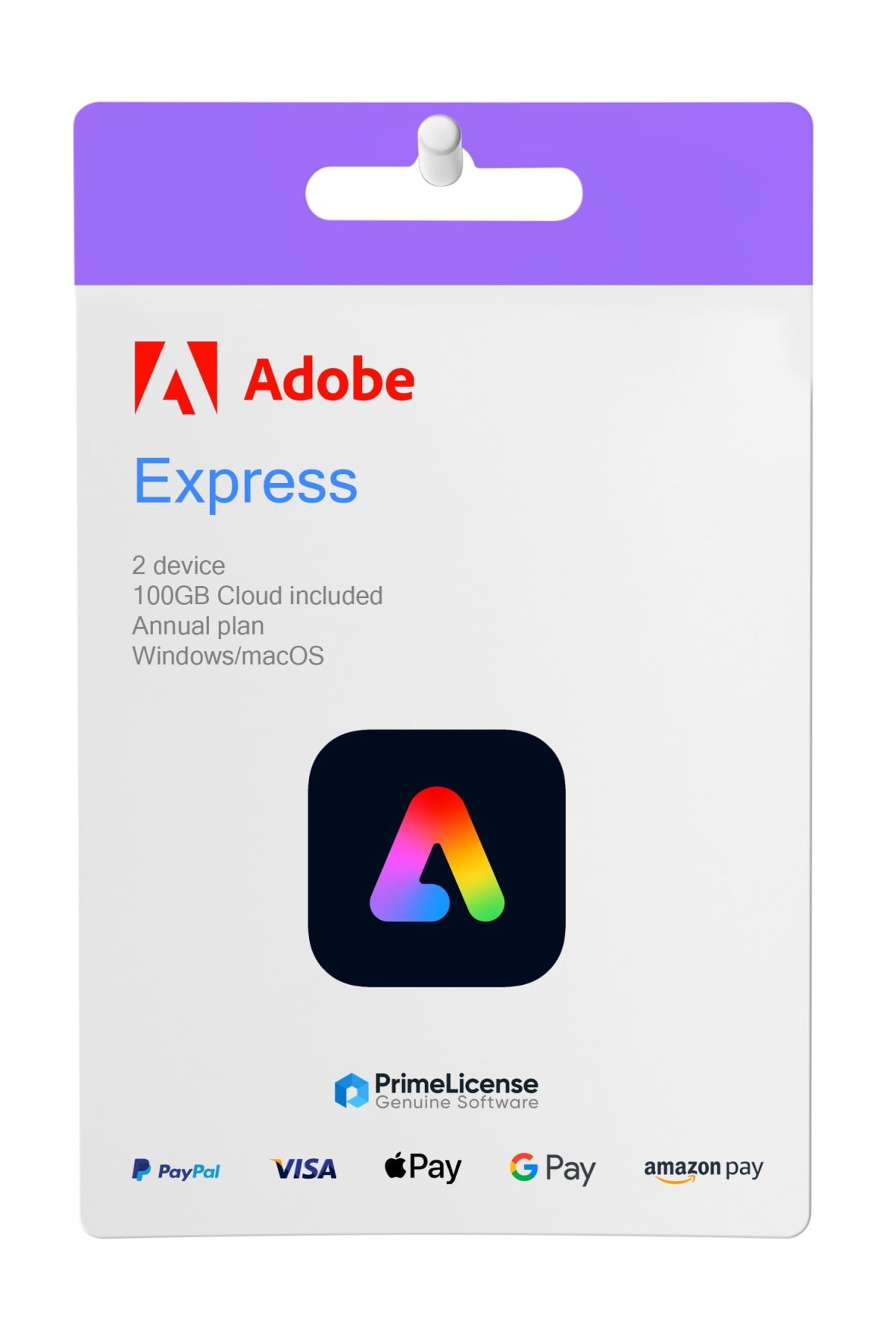
Adobe Express Premium is Adobe's all-in-one design platform, designed to simplify content creation, even without graphic design experience. From social media posts to logos, CVs, advertisements and short videos, you can create everything with ease thanks to drag-and-drop functionality.
Compatible with Windows, macOS and web, the Adobe Express Premium license is available for a duration of 6 months and 1 year. No automatic renewal and no penalties to pay: genuine license from Adobe Certified Reseller at the best price.
By purchasing an Adobe Express Premium license, you have access to:
Perfect for freelancers, marketers, entrepreneurs or students who want to create professional content in a short time.
Not sure if Adobe Express Premium is right for you? If you have doubts, you can consider the table below which compares some of the Adobe software for sale on PrimeLicense, to choose the most suitable for you.
| Main feature | Adobe Express Premium | Adobe Photoshop | Adobe Photography plan | Adobe Creative Cloud |
|---|---|---|---|---|
| Main feature | Design editor, templates, generative AI, social media | Advanced editing, professional photo retouching, compositing, AI filters | Photo catalogue management, RAW editing | All Adobe software |
| Software included | Adobe Express | Photoshop | Photoshop + Lightroom | 20+ Adobe applications |
| Cloud storage | 100 GB | 100 GB | 20 GB | 100 GB per user |
| Reference user | Casual creators, social media managers, professionals | Photographers, designers, professional retouchers | Photographers, photography enthusiasts, content creators | Designers, agencies, creative teams, full-service professionals |
Choose Adobe Express Premium if you are a creative who needs professional design. Choose Adobe Photoshop if you are a photographer or designer who works mainly on advanced editing and professional image retouching, and do not need other software. Adobe Creative Cloud is excellent for a full-service professional or a creative team that needs access to all Adobe software. Finally, Adobe Photography Plan if you are a serious photographer who wants Photoshop for editing and Lightroom for RAW catalog management and complete photography workflow.
Canva Pro is an excellent tool for those who need general use or quick designs with templates. For those looking for more power, flexibility and integration, Adobe Express is the best choice. Below the table illustrates features in comparison between the two tools, allowing you to understand which is best for you.
| Features | Adobe Express Premium | Canva Pro |
|---|---|---|
| Drag-and-drop design interface | ✔ | ✔ |
| Generative AI (Text to Image, Fill, Effects) | Adobe Firefly | ✔ (basic) |
| Access to premium stock library | 195M+ Adobe Stock | ✔ (limited) |
| Real-time collaboration | ✔ | ✔ |
| Brand Kit tools | ✔ (with automation) | ✔ |
| Background removal for images and videos | ✔ | ✔ (images only) |
| Integration with Adobe Creative Cloud | ✔ | ✘ (basic only) |
| Ideal for | Professionals who want Adobe power without Photoshop | General creative use |
We can offer discounts starting from 40% on Adobe Express Premium plans, guaranteeing our customers the best prices on the market thanks to our Adobe Certified Reseller status. PrimeLicense is an Adobe Certified Reseller and this means that we are authorized to sell the brand's services and products because we have met the product knowledge requirements. As certified resellers, we guarantee that customers receive genuine products, excellent support and the best purchase experience.
Purchasing an original license on PrimeLicense offers more than just a financial advantage; in addition to the net savings on the software, you can also enjoy a quick activation by following the steps below:
All invoices are generated by "Prime Digital Solutions Inc," the owner of the PrimeLicense platform.
You can request an invoice when placing your order by entering the necessary information in the designated fields during the "checkout" process. Alternatively, you may register your tax details on your account when signing up on our website.
You also have the option to request an invoice after placing your order, but please note that the processing and approval of such requests may take up to 14 business days from the date of your purchase.
You can expect to receive your invoice via email on the same day as the request. For additional details, please feel free to contact us here.
Nella stessa categoria