• Save -49.00 $
PrimeLicense - 100% genuine software and authentic licenses
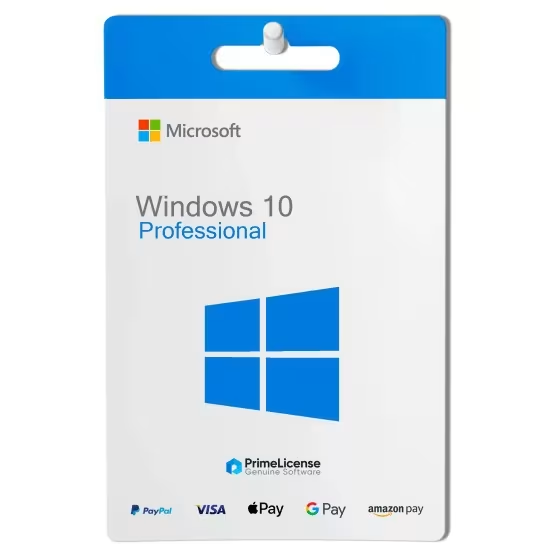
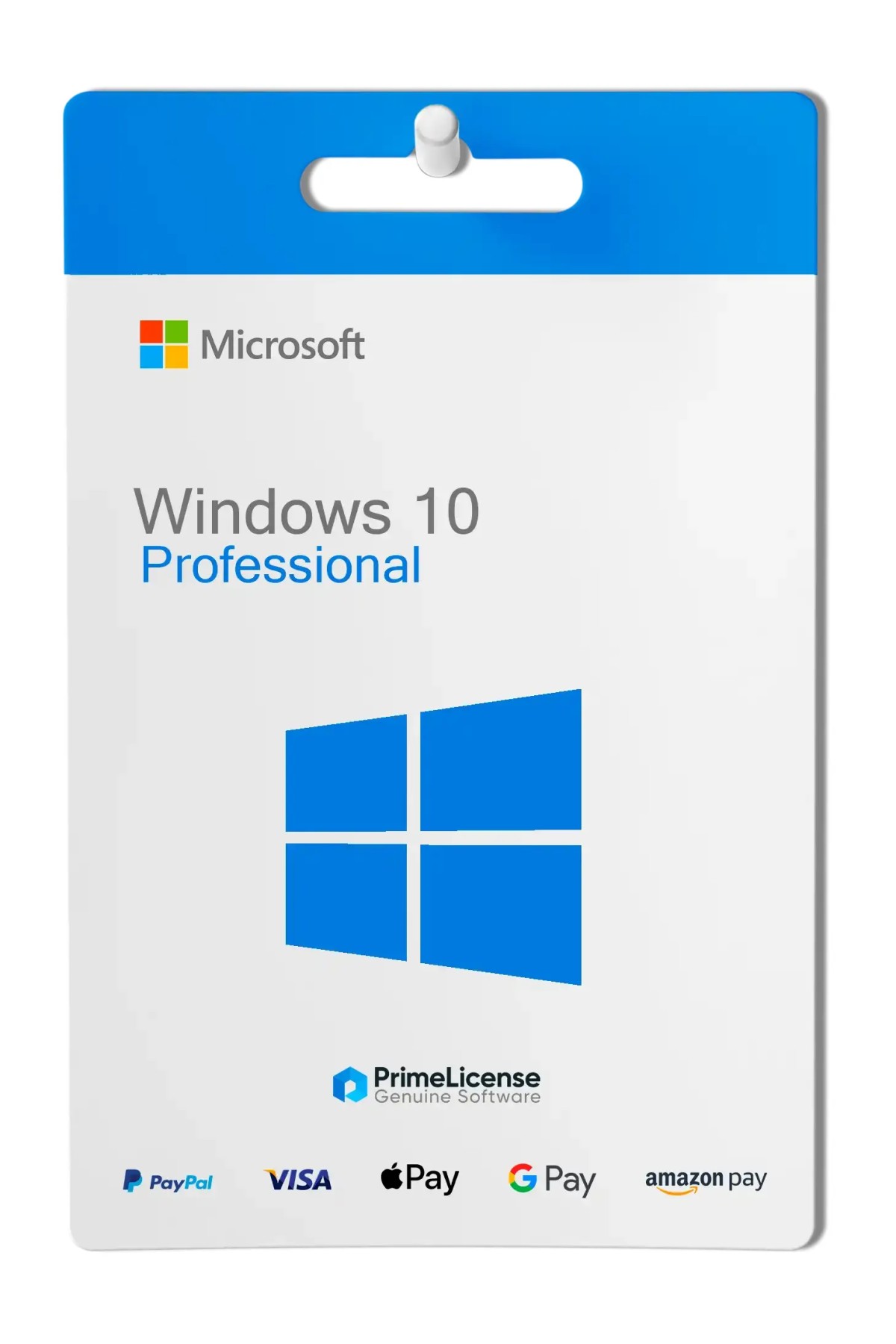
Windows 10 Pro - Lifetime License - Original Software Licenses
PrimeLicense — certified reseller of Microsoft and Adobe software
PrimeLicense has an excellent customer rating of 4.9 out of 5 on Trustpilot
Benefits of buying from PrimeLicense: secure payments, free support, and a 30-day money-back guarantee
Windows 10 Pro - Lifetime License - Original Software Licenses
PrimeLicense — certified reseller of Microsoft and Adobe software
PrimeLicense has an excellent customer rating of 4.9 out of 5 on Trustpilot
Benefits of buying from PrimeLicense: secure payments, free support, and a 30-day money-back guarantee

Windows 10 Pro - Lifetime License

26.90 $ 75.90 $
Tax excluded
30-Day Money-Back Guarantee seal Money-Back Guarantee 30 days - up to $2,500
Microsoft Certified Partner Microsoft Certified Partner
Genuine software seal Genuine software license

Windows 10 Pro is the professional version of the Microsoft operating system. It includes BitLocker encryption, Hyper-V virtualization and integration with enterprise networks via Active Directory. The license is perpetual and delivered via email within minutes of purchase.


Windows 10 Pro is the version of the operating system designed for businesses, professionals and power users who need advanced features and tools to increase productivity and security.

What is included in the Windows 10 Pro license?

By purchasing a Windows 10 Pro license, you get:

  1. 1 original perpetual license for 1 Windows PC
  2. Support for all languages
  3. Trusted Shops guarantee up to €2,500

After your purchase, we will provide you with the Windows 10 Pro product code via email. You will also receive a detailed guide explaining how to download the Windows software, install it on your device and activate it with the product code. For any further questions, we offer free technical support via email or WhatsApp contact.

Features of Windows 10 Professional

Windows 10 Pro is one of Microsoft's most successful operating systems and purchasing it allows you to access all the most advanced features:

  • BitLocker - included and essential for data encryption, protecting sensitive information
  • Enterprise domain connectivity - mobile device management (MDM) and assigned access to configure devices in kiosk mode
  • Windows Update for Business - ensures timely and controlled updates
  • Remote Desktop - to access your PC from anywhere
  • Hyper-V - to create virtual machines
  • Windows Sandbox - to test applications in a secure environment

Advanced security and efficient management make Windows 10 Professional ideal for business needs.

What is the difference between Windows 10 Home and Windows 10 Pro?

Windows 10 Home is designed for home users and offers basic functionality such as Windows Hello, Cortana and Windows Defender. Windows 10 Pro is instead conceived for professional and business users. This includes all Home features and additionally advanced tools such as BitLocker, Remote Desktop, Group Policy Management, Hyper-V, Windows Sandbox and support for Azure Active Directory.

Features Windows 10 Home Windows 10 Pro
Windows Hello
Windows Defender
Bitlocker -
Hyper-V -
Windows Sandbox -

If you are unsure which version to choose, consider this: Windows 10 Home is the right version if you use your PC to browse the Internet, watch videos and work with Office documents. Windows 10 Pro is worthwhile if you work in IT, software development, photo editing and professional video editing or if you are a business that needs to integrate PCs into an enterprise network.

Note: Both versions have received a support extension from Microsoft, with security updates until 12 October 2027. Although this is not new functionality, you can still upgrade Windows 10 Pro.

Windows 10 Pro or Windows 11 Pro: which to choose?

Windows 11 Pro, being Microsoft's most recent operating system, features a modernized user interface, improved performance and better gaming capabilities. It also offers updated virtual desktop support, recent security features and greater integration with Microsoft Teams.

While it may seem that Windows 10 Pro is an outdated choice, it is actually still very popular because it maintains broad compatibility with existing hardware and software, providing a stable and familiar environment for many users who do not yet wish to switch to Windows 11.

Microsoft Office versions and packages compatible with Windows 10 Pro

In addition to purchasing Windows 10 Pro, you may need to consider purchasing other productivity software packages, such as Microsoft Office suites. The versions of Microsoft Office compatible with Windows 10 Professional include:

  • Office 2016
  • Office 2019
  • Office 2021
  • Office 2024
  • Microsoft 365

Discover all available packages on PrimeLicense in the Office category.

What are the best antivirus options for Windows 10 Pro?

Windows 10 Pro has excellent security features, such as Windows Defender and BitLocker, however for those who need to use it in a business context, it may not be sufficient. Many users therefore wonder what antivirus software is compatible with the operating system. Specifically, for Windows 10 Professional, there are several options, all available in our antivirus section.

Kaspersky Total Security is renowned for its advanced protection against malware and its additional security features, Bitdefender Total Security is another excellent choice, known for high performance and comprehensive protection. Norton 360 is highly appreciated for its powerful antivirus engine and additional services such as VPN, finally McAfee offers a range of antivirus and security solutions that work perfectly on Windows 10, providing protection against malware, ransomware and other online threats.

Is the Windows 10 license for a 32-bit or 64-bit system?

We provide the download link for both 32-bit and 64-bit systems. During installation, you can choose the version compatible with your operating system.

How can the Windows 10 Pro license have such a low price?

We offer retail licenses used and released by the previous owner in accordance with the CJEU judgment C-128/2011. For this reason, it is possible to purchase a Windows 10 Pro product key on our website at a more convenient price.

How do I receive my Windows 10 Professional license after purchasing?

After completing your license purchase, we will send you a Windows 10 Pro license via email.

What can I do if I cannot activate or download Windows 10?

No problem, we are always available to help you. If you cannot activate your Windows 10 Pro license for any reason, contact our free technical support indicated on the website, providing details and screenshots of the problem. We will support you immediately in resolving it.

How long does Windows 10 Pro last?

The official support for Windows 10 Professional was scheduled until October 2026, however Microsoft has extended this period until 12 October 2027. You can continue to use your operating system even after the end of official support; simply you will not receive further updates, but the license has no expiry date and is perpetual.

Does Windows 10 Pro include Office?

No, the Windows 10 Professional license includes only the Microsoft operating system. The Office package requires a separate purchase with a lifetime license or subscription depending on the version.

Can I continue to work with Windows 10 Pro?

Yes, you can continue to work with Windows 10 Pro even at the end of Microsoft's official support. However, ensure that the software you need for your work is compatible with the operating system.

How do I upgrade from Windows 10 Pro to Windows 11 Pro?

Upgrading from Windows 10 Pro to Windows 11 Pro is easy: ensure that your PC meets the system requirements for Windows 11, then download the official Microsoft tool to verify the requirements and proceed with the guided installation and upgrade to Windows 11 Pro.

Platform
Windows
Processor
1 GHz or faster processor or SoC
Hard disk
16 GB for 32-bit OS or 20 GB for 64-bit OS
RAM
1 gigabyte (GB) for 32-bit or 2 GB for 64-bit
Other requirements
Internet access / Windows 8.1, Windows 7
#902459032
87 Items
0885370920932
FQC-08930

How to activate your license in three simple steps

Purchasing an original license on PrimeLicense offers more than just a financial advantage; in addition to the net savings on the software, you can also enjoy a quick activation by following the steps below:

  1. Purchase your license on PrimeLicense and receive the activation key with instructions via email.
  2. Download the software from the manufacturer's official website.
  3. Activate the software on the portal using your license.

All invoices are generated by "Prime Digital Solutions Inc," the owner of the PrimeLicense platform.

You can request an invoice when placing your order by entering the necessary information in the designated fields during the "checkout" process. Alternatively, you may register your tax details on your account when signing up on our website.

You also have the option to request an invoice after placing your order, but please note that the processing and approval of such requests may take up to 14 business days from the date of your purchase.

You can expect to receive your invoice via email on the same day as the request. For additional details, please feel free to contact us here.

Nella stessa categoria

Product Reviews / Q&A

Average rating

4.9
54 Reviews
★★★★★ Excellent 50
★★★★☆ Good 4
★★★☆☆ Medium 0
★★☆☆☆ Poor 0
★☆☆☆☆ Terrible 0

  • Reviews (54)
  • Questions & Answers (1)
26.90 $