English GB


Your cart
There are no more items in your cart

- Save -£8.00

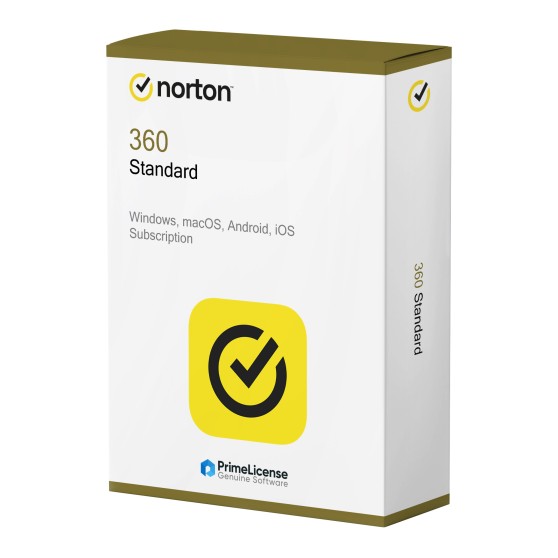




Norton 360 Standard is available as a 1-year subscription and the software is compatible with Windows, macOS, Android and iOS. This version can be activated by one user on a single device.
When you purchase the Norton 360 Standard subscription, you gain access to the following features:
Norton 360 Standard is the ideal choice for those with a single device to protect who do not need the more advanced features available in the Deluxe and Premium subscription plans, such as parental controls and dark web monitoring.
Unlike many other antivirus programmes, Norton 360 Standard includes a VPN at no extra cost and with no need to subscribe to a separate plan. Furthermore, whilst it covers one device, it is compatible with Windows, macOS, Android and iOS, adapting to your specific needs.
Norton 360 Standard is not the only version of the software, so the table below allows you to directly compare the antivirus with other Gen Digital solutions.
| Features | Norton 360 Standard | Norton 360 Deluxe | Norton 360 Premium |
|---|---|---|---|
| Compatibility | Windows, Mac, Android, iOS | Windows, Mac, Android, iOS | Windows, Mac, Android, iOS |
| Users | 1 user | 1 user | 1 user |
| Devices | 1 device | Up to 5 devices | Up to 10 devices |
| Payment | Subscription | Subscription | Subscription |
| Protection against virus, malware, ransomware and hackers | ✓ | ✓ | ✓ |
| Secure VPN | ✓ | ✓ | ✓ |
| Password Manager | ✓ | ✓ | ✓ |
| Cloud backup space | 10 GB | 50 GB | 75 GB |
| Dark Web Monitoring | — | ✓ | ✓ |
| Parental Control | — | ✓ | ✓ |
If you need to protect a single device, then Norton 360 Standard is the version that suits you. To protect multiple devices and at the same time benefit from more cloud backup space, consider Norton 360 Deluxe or Norton 360 Premium, the advanced plans offered by Gen Digital.
Purchasing an original licence on PrimeLicense offers more than just a financial advantage; in addition to the net saving on the software, you can also enjoy a quick activation by following the steps below:
All invoices are generated by "Prime Digital Solutions Inc," the owner of the PrimeLicense platform.
You can request an invoice when placing your order by entering the necessary information in the designated fields during the "checkout" process. Alternatively, you may register your tax details on your account when signing up on our website.
You also have the option to request an invoice after placing your order, but please note that the processing and approval of such requests may take up to 14 business days from the date of your purchase.
You can expect to receive your invoice via email on the same day as the request. For additional details, please feel free to contact us here.
In the same category