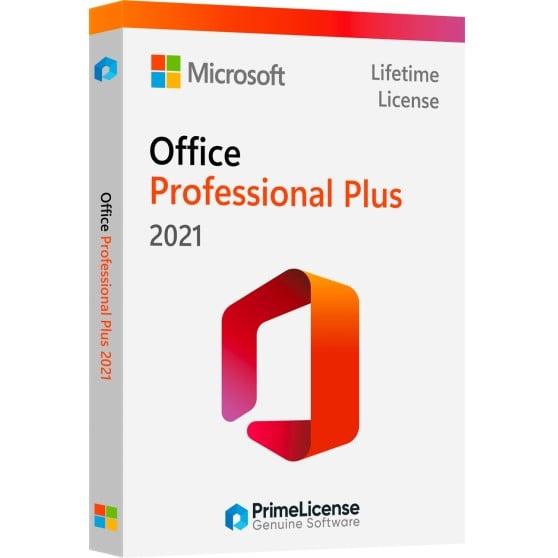
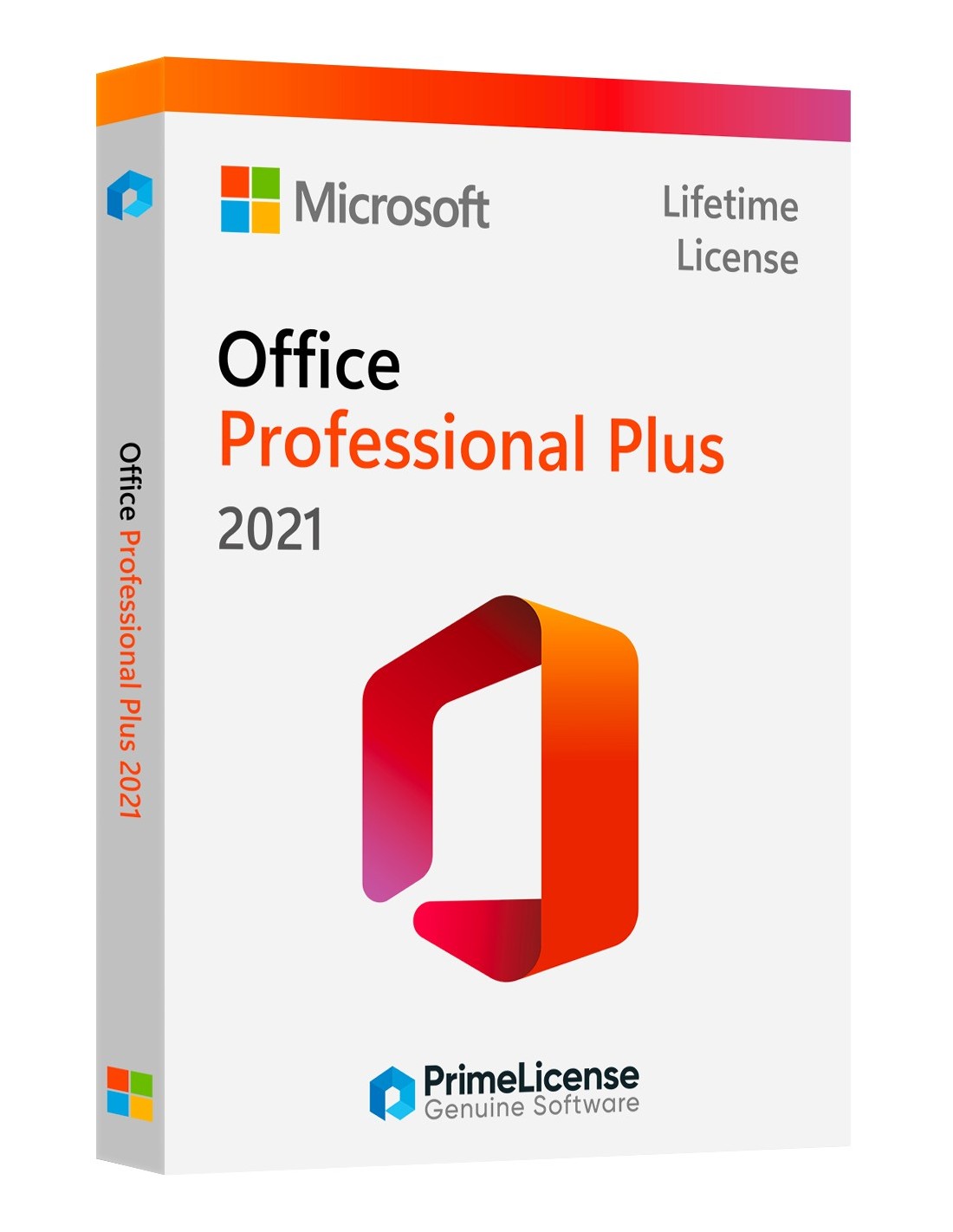
Office 2021 Pro Plus overview
FAQs About Office 2021 Professional Plus Download
Is this a lifetime or subscription-based license?
Office 2021 is a lifetime license; you only pay once and use it perpetually.
Can you download Microsoft Office 2021 Professional Plus for a lifetime?
Yes, you can purchase a perpetual license for Office 2021, allowing you to use it for a lifetime without further payments. It is not a trial key.
Can you still buy a perpetual Office license?
Yes, perpetual licenses are available for Office 2021 Pro, which means you pay once and own it forever without additional subscription fees.
How do I activate Microsoft Office lifetime?
Activation typically involves entering a product key that we send you after purchasing the software. This key verifies your license and activates the products.
Do I have to pay for Microsoft Office every year?
No, if you purchase Office 2021 Professional Plus Lifetime License Key. However, subscription models like Microsoft 365 do require annual or monthly payments.
Which MS Office is best?
The "best" version depends on your needs; Microsoft 365 offers the latest updates and cloud services, while Office 2021 provides a lifetime license without the need for subscriptions.
Is Office 2021 better than 2019?
Office 2021 includes updated features and enhancements over Office 2019, but whether it is "better" may depend on your specific requirements for new features.

 English