English


Your cart
There are no more items in your cart

- Save -21.00 $




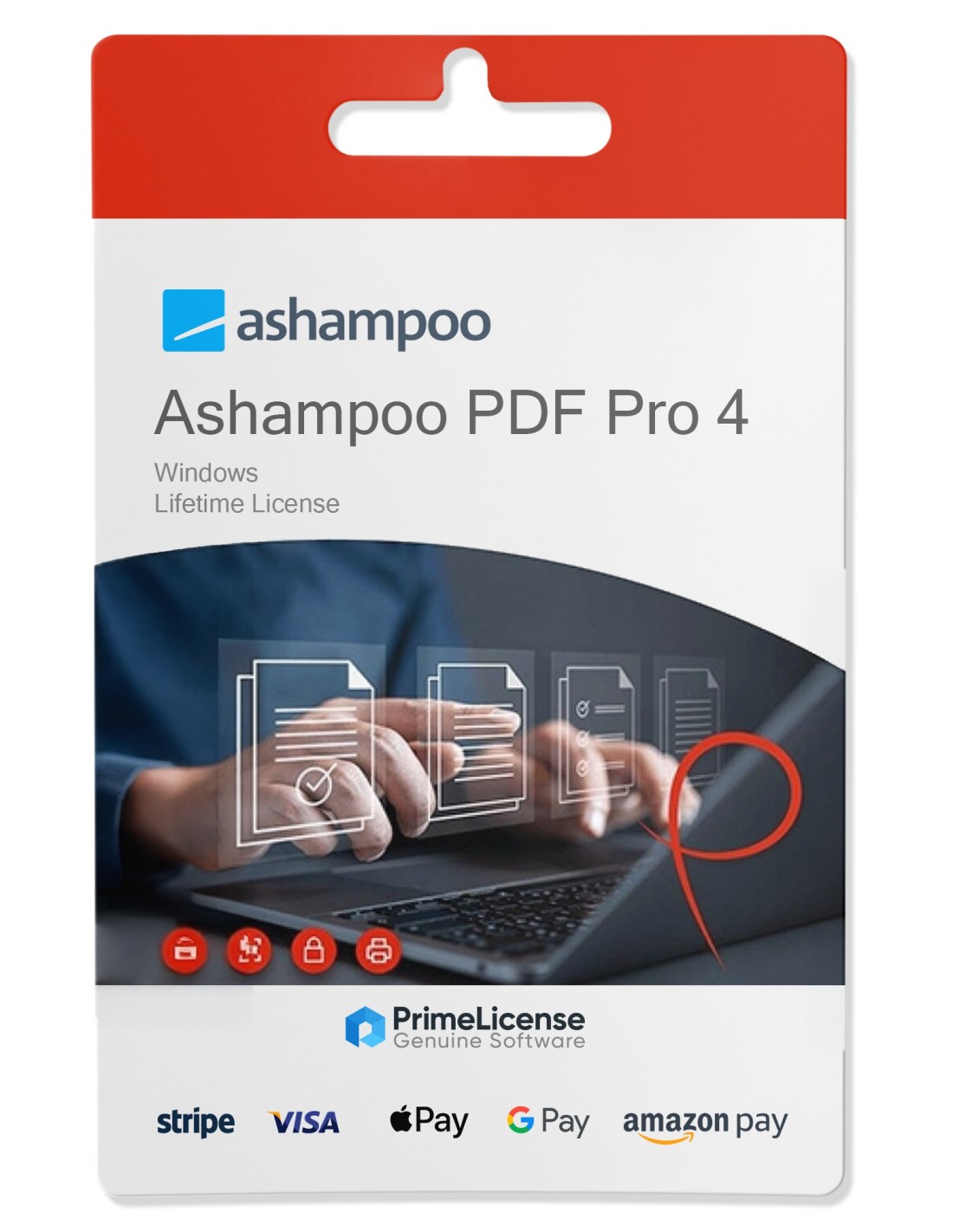
AshampooPDF Pro 4 is the latest version of Ashampoo's PDF editing software, launched in October 2024. This new edition has significant improvements over the previous version, Ashampoo PDF Pro 3, and introduces several new features that expand its capabilities and enhance the user experience.
Strengths of Ashampoo PDF Pro 4
Intuitive Interface: The new tab-based interface makes it easier to navigate between multiple PDF documents, making work more efficient and similar to that of a web browser5.
Full Support for Windows 11: PDF Pro 4 is compatible with all modern versions of Windows, ensuring an optimal experience on up-to-date systems5.
Advanced Comparison Tools: The side-by-side comparison feature allows users to easily and directly view and analyze differences between documents57.
Enhanced Sp ellcheck: A new spellcheck tool with updated dictionaries improves the accuracy of text within documents5.
Full Screen Mode: This mode provides a clear, distraction-free view for optimal concentration while working on a single document5.
Image Capture Tool: Allows you to extract parts of a PDF document and save them as an image file with advanced options for color depth and resolution5.
New Features Compared to Version 3
Tab Navigation: Unlike Version 3, PDF Pro 4 introduces a tabbed navigation system that simplifies switching between open documents56.
Improved Stability and Performance: Significant improvements have been made in the stability and overall performance of the software, making it more responsive and reliable5.
Improved Editing Capabilities: Text editing capabilities have been expanded, enabling smoother and more intuitive handling of content within PDFs56.
In summary, Ashampoo PDF Pro 4 not only represents an evolution from version 3, but also positions itself as a comprehensive and powerful tool for anyone who needs to manage PDF documents professionally. With its new features and enhancements, it is an excellent choice for both private and professional users.
Purchasing an original license on PrimeLicense offers more than just a financial advantage; in addition to the net savings on the software, you can also enjoy a quick activation by following the steps below:
All invoices are generated by "Prime Digital Solutions Inc," the owner of the PrimeLicense platform.
You can request an invoice when placing your order by entering the necessary information in the designated fields during the "checkout" process. Alternatively, you may register your tax details on your account when signing up on our website.
You also have the option to request an invoice after placing your order, but please note that the processing and approval of such requests may take up to 14 business days from the date of your purchase.
You can expect to receive your invoice via email on the same day as the request. For additional details, please feel free to contact us here.
Nella stessa categoria