English


Your cart
There are no more items in your cart
- Save -109.00 $

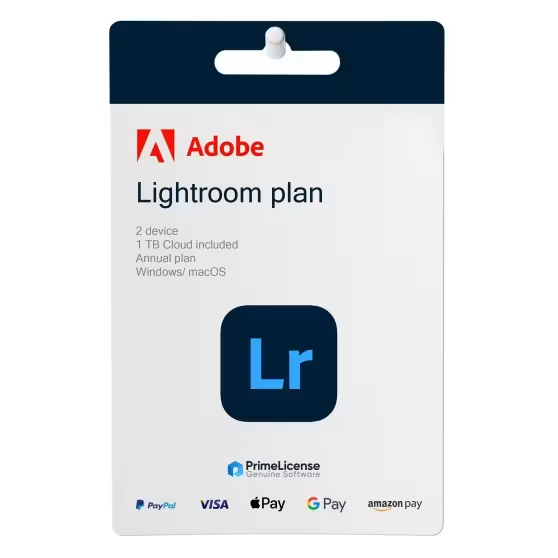


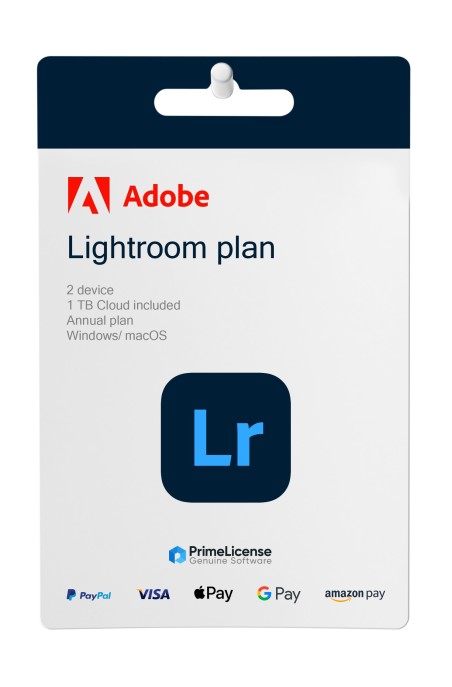


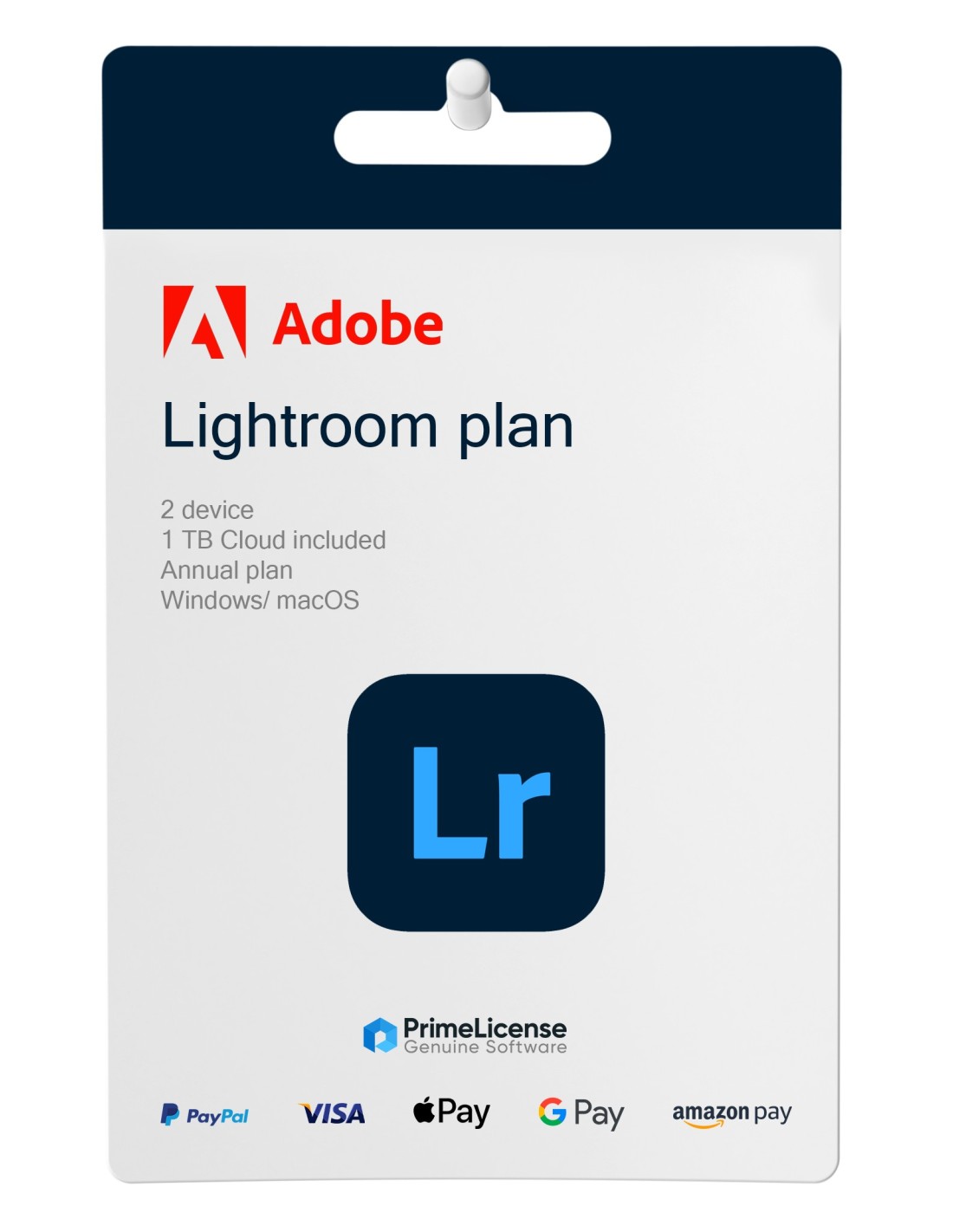
Adobe Lightroom is sold as a subscription — flexible access with cloud features and regular updates included. Once activated, Lightroom runs on both Windows and macOS, with your edits syncing across devices through Adobe Cloud.
PrimeLicense is a certified Adobe reseller, authorized to distribute genuine Adobe software. Every Lightroom subscription sold through our store comes from official channels — clean installation, immediate activation, fully compliant use.

Every order is protected by Trusted Shops Buyer Protection for up to €2,500, backed by a 30-day money-back guarantee.
All transactions are secured with SSL encryption. We accept Stripe, Apple Pay, Google Pay, and all major credit cards.

Lightroom is a professional photo editing and cataloging tool used by photographers, retouchers, and visual creators. It works non-destructively — your originals are never modified, so every adjustment can be rolled back or refined later.
✔ Photo editing and enhancement — Adjust exposure, color, contrast, sharpness, and tone curves with precision.
✔ AI-assisted tools — Adaptive presets, automatic sky and subject selection, and one-click enhancements.
✔ RAW processing — Full control over highlights, shadows, and detail recovery on high-resolution files.
✔ Library management — Albums, keywords, flags, and AI-powered search keep large archives navigable.
✔ Cloud workflow — Edit on desktop, continue on mobile or web; everything stays in sync.
✔ Batch editing — Apply a consistent look across dozens or hundreds of photos in one pass.
✔ Export and sharing — Output in multiple formats and resolutions, or share directly from the app.
Our support team is available seven days a week to help with installation, activation, and anything that does not behave as expected. Send us a short description of the issue, ideally with a screenshot, and we will walk you through the fix.

Your activation key is sent by email as soon as the order is confirmed — typically within a few minutes of payment — along with step-by-step setup instructions.
Yes. Your subscription allows activation on up to 2 devices for a single user, so you can move between desktop and laptop without re-purchasing.
All invoices are generated by "Prime Digital Solutions Inc," the owner of the PrimeLicense platform.
You can request an invoice when placing your order by entering the necessary information in the designated fields during the "checkout" process. Alternatively, you may register your tax details on your account when signing up on our website.
You also have the option to request an invoice after placing your order, but please note that the processing and approval of such requests may take up to 14 business days from the date of your purchase.
You can expect to receive your invoice via email on the same day as the request. For additional details, please feel free to contact us here.
Nella stessa categoria