• Save -€10.00
PrimeLicense - 100% genuine software and authentic licenses
Mcafee Total Protection - Original Software Licenses
PrimeLicense — certified reseller of Microsoft and Adobe software
PrimeLicense has an excellent customer rating of 4.9 out of 5 on Trustpilot
Benefits of buying from PrimeLicense: secure payments, free support, and a 30-day money-back guarantee
Mcafee Total Protection - Original Software Licenses
PrimeLicense — certified reseller of Microsoft and Adobe software
PrimeLicense has an excellent customer rating of 4.9 out of 5 on Trustpilot
Benefits of buying from PrimeLicense: secure payments, free support, and a 30-day money-back guarantee

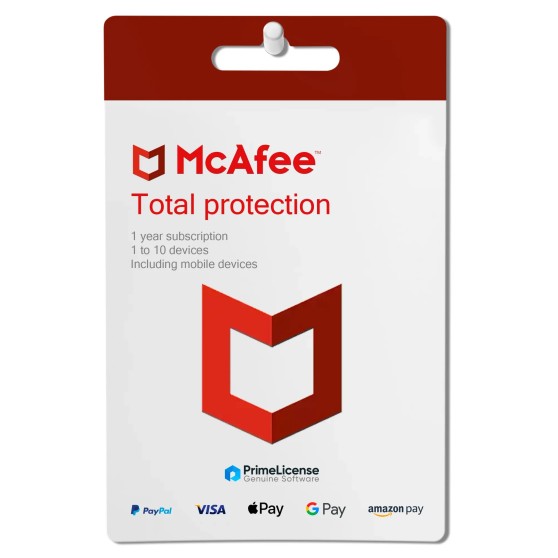
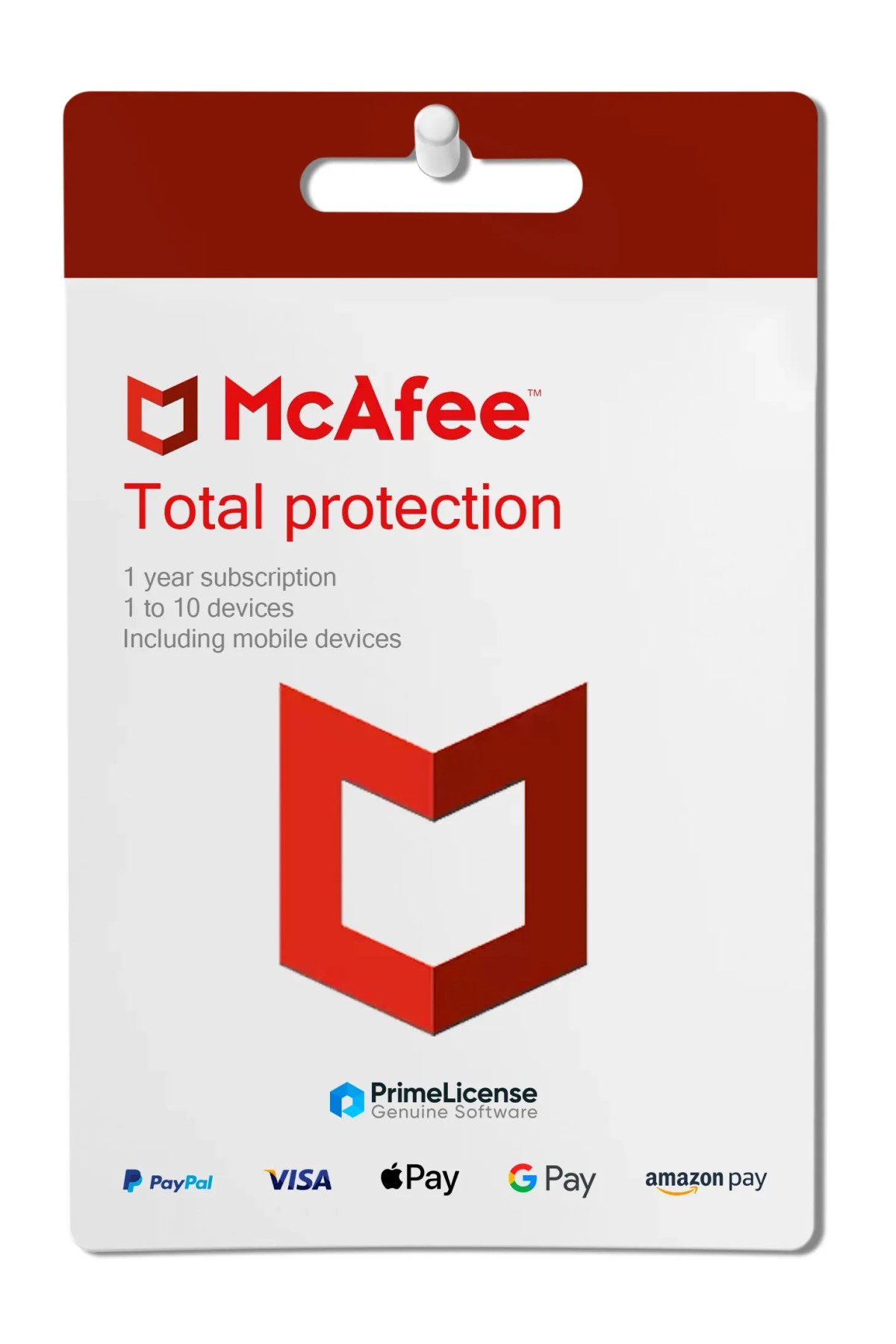
Mcafee Total Protection

€29.90 €39.90
30-Day Money-Back Guarantee seal Money-Back Guarantee 30 days - up to $2,500
Microsoft Certified Partner Microsoft Certified Partner
Genuine software seal Genuine software license

McAfee Total Protection is a comprehensive cybersecurity solution designed to deliver advanced protection. Available via original license for 1, 3, 5 or 10 devices. Compatible with Windows, macOS, Android and iOS. The license is delivered via email within minutes of purchase.

Devices
  • 1
  • 3
  • 5
  • 10
Validity
  • 1 Year


McAfee Total Protection is a security suite developed by a leading provider of digital security solutions. The software offers a range of powerful features and functionalities to safeguard your devices, personal information and online activities. Thanks to robust protection against malware, phishing, identity theft attempts and other online threats, McAfee Internet Security guarantees a secure online experience.

What is included in the McAfee Total Protection subscription?

McAfee Total Protection is available under a subscription license with a duration of one year. When making a purchase, you can select the number of devices you wish to protect with McAfee, from a minimum of 1 to a maximum of 10.

McAfee Total Protection is moreover compatible with Windows, macOS, Android and iOS, covering the full range of the most popular operating systems. The software includes the following features:

  • Real-time protection: Monitors your system in real time for suspicious activity or threats. Performs file scanning, email analysis and web traffic monitoring to block threats before they can damage your device.
  • Malware detection and removal: The antivirus uses a powerful scanning engine that effectively detects and removes various types of malware including viruses, trojans, spyware, adware and worms. It performs deep scans to identify and remove malicious software.
  • Ransomware protection: Ransomware attacks have become increasingly prevalent and McAfee protection acts as a shield against such threats. It proactively identifies and blocks ransomware attacks, safeguarding important files and preventing unauthorized encryption or data loss.
  • Firewall protection: The integrated basic firewall adds an additional layer of defense to your system. It blocks unauthorized access and prevents hackers from compromising your device.
  • Web protection: Secure browsing that alerts you to potentially dangerous websites. It helps you avoid visiting risky or harmful sites by offering security ratings.
  • Email protection: A protection system that constantly monitors emails integrated with your email provider, analyzing their content, links, attachments and metadata to detect fraud and phishing attempts.
  • Wi-Fi privacy: Scans Wi-Fi networks or hotspots and sends you real-time security alerts regarding potentially risky connections. The integrated VPN activates automatically in case of unsecured networks, protecting your personal data, passwords and browsing activity.
  • Password manager: Helps you create strong and unique passwords for your online accounts, storing your login credentials.
  • Identity monitoring: McAfee protection monitors everything, from email addresses to telephone numbers, searching for breaches of your data and informs you in real time to allow you to act promptly.
  • Parental controls: Parental controls to limit your children's online activity and monitor their internet usage, blocking access to inappropriate content. Uses web filters, screen time limits and app blocking.

Why choose McAfee Total Protection?

McAfee Total Protection is the product for advanced protection not only of your device, but also of your online work environment. It does not merely offer constant monitoring of the machine on which it is installed but extends the protection network to the web sphere, with real-time monitoring of online threats, available Wi-Fi networks and also your email.

This subscription solution is designed for all users who require global coverage and not merely local protection. Support for 1, 3, 5 or 10 devices (with varying price bands) also guarantees scalability for those working on multiple machines, even with different operating systems.

McAfee software versions: which to choose?

McAfee Total Protection is the all-in-one product for those who want the best from their antivirus. However, it is not the only version of the software you can purchase at a discount on PrimeLicense. The table below helps you understand the differences between McAfee antivirus products.

McAfee Antivirus McAfee Internet Security McAfee Total Protection
Compatibility Windows, Mac, Android, iOS Windows, Mac, Android, iOS Windows, Mac, Android, iOS
Users 1 user 1 user 1 user
Devices 1 to 10 devices 1 to 10 devices 1 to 10 devices
Payment Subscription Subscription Subscription
Virus, malware and ransomware protection
Firewall
Web protection -
Email protection -
Wi-Fi privacy -
Password Manager - -
Identity monitoring - -
Parental controls - -

McAfee Total Protection guarantees you maximum security and is the most comprehensive subscription package you can purchase. In addition to all the features of McAfee Antivirus and Internet Security, it also adds control tools such as identity monitoring, parental controls and password manager. You will thus be able to keep any activity carried out on your main devices under control, without fearing viruses, hackers and external intrusions.

Is McAfee Total Protection free antivirus?

No, McAfee Total Protection is not free antivirus but a complete suite for protecting your devices with annual subscription.

How much does McAfee Total Protection cost?

McAfee Total Protection costs from $199.99 per year. The price increases gradually if you add more devices to your protection package. By using PrimeLicense for your purchase you will save on your annual subscription while maintaining the same features and benefits.

How long does the McAfee Total Protection subscription last?

The McAfee Total Protection subscription lasts for 12 months.

What is the rating of McAfee Total Protection?

McAfee Total Protection is one of the most reliable antivirus products on the market, tested by the Austrian laboratory AV-Comparatives. It offers comprehensive protection against viruses and online threats.

How do I activate McAfee Total Protection?

After purchasing the license, you will receive an email with the activation code for your subscription and the instructions to follow. For any issues related to your license, please do not hesitate to contact our customer support.

How do I deactivate McAfee Total Protection?

To deactivate McAfee Total Protection, log in to your McAfee account, select the settings for automatic renewal and deactivate it by following the on-screen instructions.

How do I install McAfee Total Protection?

Download the installation file from the official McAfee website and follow the instructions for the guided installation.

How do I download McAfee Total Protection?

To download McAfee Total Protection, log in to your McAfee account, find the download section and download the installer for your operating system.

Platform
Android
MacOS
Windows
iOS
Processor
1GH Processor
Hard disk
1.3 GB free drive space
RAM
2 GB of RAM
Operating system
X64 processors: Microsoft Windows 11 and Windows 10 (RS5) and newer​ ARM64 processors: Microsoft Windows 11 and newer​ Build 4.11.1 or higher: macOS 10.15 and above Build 4.9.1: macOS 10.12 - 10.14 Google Android smartphones and tablets 8 or higher Apple iOS 13 or later ChromeOS 102.0.5005 and higher
Other requirements
Internet access
#448157901484
93 Items
3001492370043
9821492370054

How to activate your license in three simple steps

Purchasing an original license on PrimeLicense offers more than just a financial advantage; in addition to the net savings on the software, you can also enjoy a quick activation by following the steps below:

  1. Purchase your license on PrimeLicense and receive the activation key with instructions via email.
  2. Download the software from the manufacturer's official website.
  3. Activate the software on the portal using your license.

All invoices are generated by "Prime Digital Solutions Inc," the owner of the PrimeLicense platform.

You can request an invoice when placing your order by entering the necessary information in the designated fields during the "checkout" process. Alternatively, you may register your tax details on your account when signing up on our website.

You also have the option to request an invoice after placing your order, but please note that the processing and approval of such requests may take up to 14 business days from the date of your purchase.

You can expect to receive your invoice via email on the same day as the request. For additional details, please feel free to contact us here.

Nella stessa categoria

Product Reviews / Q&A

Average rating

0.0
0 Review
★★★★★ Excellent 0
★★★★☆ Good 0
★★★☆☆ Medium 0
★★☆☆☆ Poor 0
★☆☆☆☆ Terrible 0

  • Reviews (0)
  • Questions & Answers (0)
€29.90
Our agent are not available at this time, for support or inquiries, please reach out us via the contact page.