English


Your cart
There are no more items in your cart

- Save -12.00 $







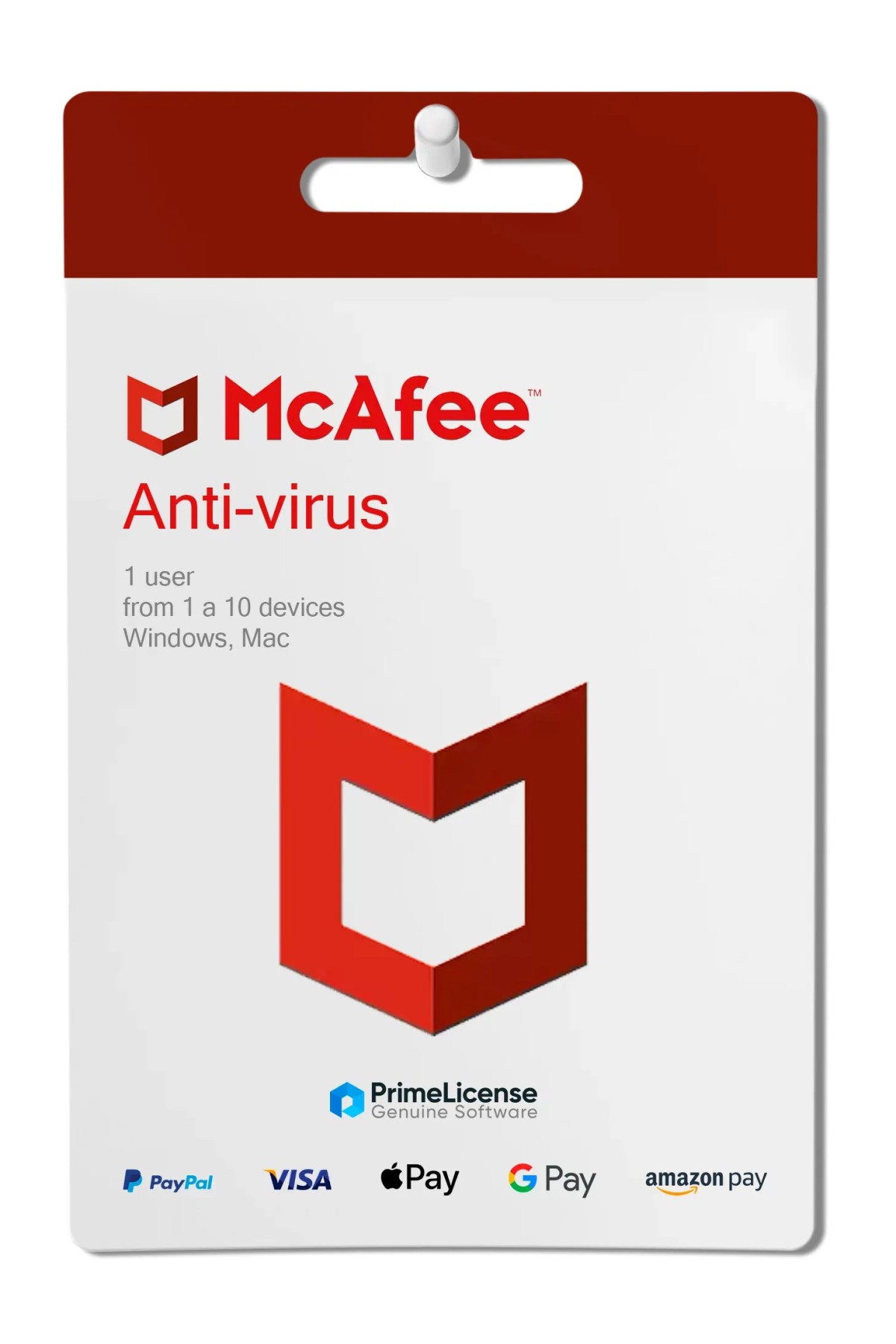
McAfee Antivirus is a cybersecurity solution developed by the company of the same name. The software with original digital license offers protection against malware, viruses, ransomware and other online threats, and is designed for both home and professional use.
Thanks to its advanced features, McAfee Antivirus keeps your device and personal information safe for the entire duration of your annual subscription. The license is delivered via email within a few minutes of purchase.
The subscription version of McAfee Antivirus lasts one year and is scalable across 1, 3, 5 or 10 Windows, macOS, Android and iOS devices. Regardless of the number of devices you choose, the subscription includes the following features:
McAfee Antivirus is designed for those seeking essential and reliable protection at a reasonable cost, with the flexibility to cover 1 to 10 devices with a single license. The subscription model allows you to cancel the service without additional costs when no longer needed, and automatic updates ensure that the software remains effective against the latest threats.
The product integrates well in both home settings, for the protection of one or few family devices, and in professional settings on single workstations or small networks up to 10 endpoints. Multi-platform compatibility (Windows, macOS, Android, iOS) allows you to protect computers and smartphones with the same license.
McAfee Antivirus is the entry-level tier of the range. To assess whether the base version is sufficient for your needs or whether you need a more complete suite, compare the features in the table below.
| Version | Compatibility | Users | Payment | Features |
|---|---|---|---|---|
| McAfee Antivirus | Windows, macOS, Android, iOS | 1 user (1–10 devices) | Subscription (1 year) | Real-time protection from viruses and malware, ransomware protection, basic firewall |
| McAfee Internet Security | Windows, macOS, Android, iOS | 1 user (1–10 devices) | Subscription (1 year) | Everything in McAfee Antivirus, plus web and email protection and limited Wi-Fi privacy |
| McAfee Total Protection | Windows, macOS, Android, iOS | 1 user (1–10 devices) | Subscription (1 year) | Everything in Internet Security, plus password manager, identity monitoring, parental controls and full privacy protection |
If you need unlimited VPN or dark web monitoring, the correct choice is McAfee Total Protection. If you are looking for solid and scalable antivirus protection only, McAfee Antivirus (this product) is the most economical choice.
Purchasing an original license on PrimeLicense offers more than just a financial advantage; in addition to the net savings on the software, you can also enjoy a quick activation by following the steps below:
All invoices are generated by "Prime Digital Solutions Inc," the owner of the PrimeLicense platform.
You can request an invoice when placing your order by entering the necessary information in the designated fields during the "checkout" process. Alternatively, you may register your tax details on your account when signing up on our website.
You also have the option to request an invoice after placing your order, but please note that the processing and approval of such requests may take up to 14 business days from the date of your purchase.
You can expect to receive your invoice via email on the same day as the request. For additional details, please feel free to contact us here.
Nella stessa categoria