• Save -€150.00
PrimeLicense - 100% genuine software and authentic licences
Windows Server 2025 Standard (16-Core) - Original Software Licences
PrimeLicense — certified reseller of Microsoft and Adobe software
Your purchase with PrimeLicense is protected by Trusted Shops for up to €2,500
PrimeLicense has an excellent customer rating of 4.9 out of 5 on Trustpilot
Benefits of buying from PrimeLicense: secure payments, free support, and a 30-day money-back guarantee
We sell 100% genuine pre-owned software licenses fully compliant with EU law
Windows Server 2025 Standard (16-Core) - Original Software Licences
PrimeLicense — certified reseller of Microsoft and Adobe software
Your purchase with PrimeLicense is protected by Trusted Shops for up to €2,500
PrimeLicense has an excellent customer rating of 4.9 out of 5 on Trustpilot
Benefits of buying from PrimeLicense: secure payments, free support, and a 30-day money-back guarantee
We sell 100% genuine pre-owned software licenses fully compliant with EU law

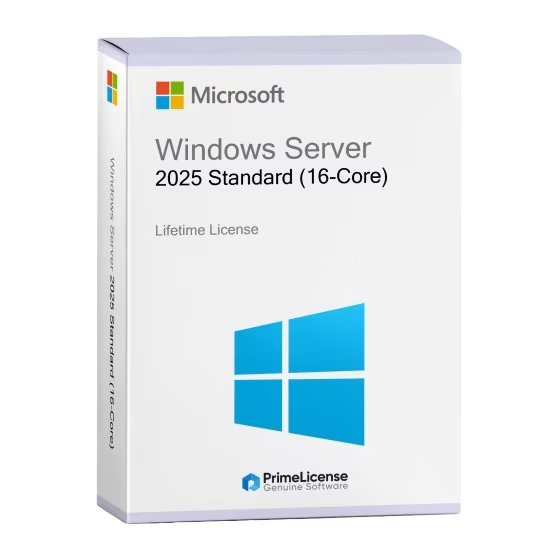
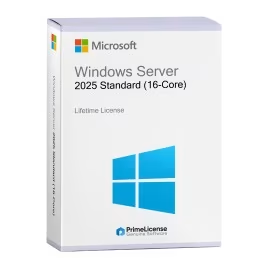
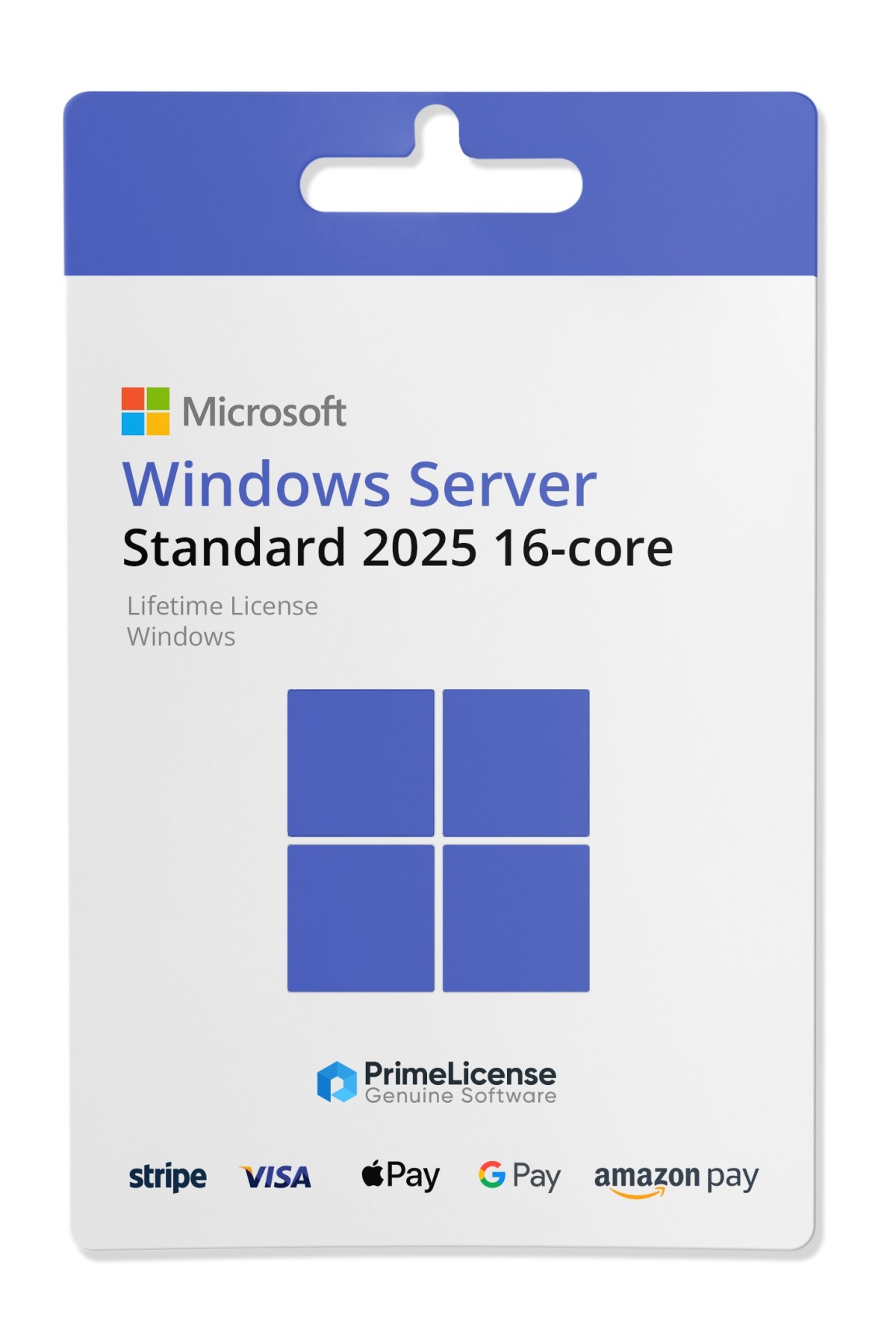
Windows Server 2025 Standard (16-Core)

€109.90 €259.90
TrustedShops insurance seal Purchase Protection included - up to £2,500
Microsoft Certified Partner Microsoft Certified Partner
Genuine software seal Genuine software licence

Windows Server 2025 Standard is Microsoft's server operating system for physical multi-core installations with original and perpetual digital licence. It includes unlimited security updates and official Microsoft support for 10 years from release. Your licence is delivered via e-mail within minutes of purchase and activates on the official Microsoft portal.


Windows Server 2025 Standard is Microsoft's enterprise server platform designed for physical single-core and multi-core infrastructures. Launched in 2024, it represents the balance between advanced management capabilities and contained licence costs, ideal for small-to-medium businesses and IT departments seeking consolidated server functionality without the complexity of the Datacenter version.

With perpetual licence and hybrid cloud management rights included, Windows Server 2025 Standard maintains the server role experience that IT administrators know, adding Azure Arc integration, Windows Admin Center and Hyper-V for basic virtualisation.

What is included in Windows Server 2025 Standard?

Upon purchase you will receive an authentic licence via email, activatable directly on the official Microsoft portal, with detailed guidance. No separate business account registration is required. Windows Server 2025 offers security updates and features for 10 years, until 2031. Critical patches are included at no extra cost and access to the official Microsoft knowledge base is provided.

Core components

  • Windows Server 2025 Standard server operating system for 2 Hyper-V virtual machine instances (virtualisation right limited compared to Datacenter)
  • Windows Defender Advanced Threat Protection (ATP) and Windows Sandbox for application isolation
  • Server Manager and Windows Admin Centre for remote and local management
  • Server roles, Hyper-V, File Services, DNS, DHCP, Active Directory Domain Services, Certificate Authority - identity management becomes more secure and scalable, simplifying AD object recovery and improving credential protection
  • Native support for Windows containers (Docker compatibility)

Hybrid cloud rights

  • Azure Hybrid Benefit hybrid licence: use the same licence for on-premises and Azure instances simultaneously (right to 2 VMs)
  • Access to Azure Arc for centralised monitoring
  • Azure Update Management for automatic patches
  • SQL Server Standard rights included for 2 cores

Why choose Windows Server 2025?

Windows Server 2025 Standard represents the ideal balance point for the following needs:

  • Consolidated physical infrastructures: If your business manages on-premises servers with traditional workloads (file sharing, domain management, SQL database) the Standard version provides everything you need without the cost of the Datacenter version.
  • Hybrid cloud adoption: Many businesses have mixed environments with on-premises servers and Azure cloud. Windows Server 2025 Standard supports this architecture with Azure Hybrid Benefit, allowing you to use the same licence both on-premises and in cloud.
  • Basic virtualisation with Hyper-V: The Standard version includes Hyper-V to virtualise up to 2 virtual machines per core licence.
  • Controlled IT modernisation: Windows Server 2025 introduces security improvements and AI (Copilot for IT) that facilitate the transition towards cloud-native operations, without forcing you to migrate everything immediately.
  • Regulatory compliance: Windows Server 2025 Standard maintains compliance requirements for regulated sectors (GDPR, finance, healthcare). It includes FIPS 140-2 and support for BitLocker full-disc encryption.

Differences between Windows Server 2025 Standard and Windows Server 2022 Standard

Are you unsure whether to choose Windows Server 2025 Standard or the 2022 version? Here is a table summarising the main differences.

Features Microsoft Server 2025 Standard Microsoft Server 2022 Standard
Hyper-V Gen 10 (native virtual GPUs) Gen 9
Copilot for IT Admin Yes No
Ransomware protection Ransomware backup deep detection Defender ATP base
Azure Arc Integration Native and simplified Manual setup
Support Until 10 October 2031 Until 13 November 2026
Security Credential guard Secured core

Compared to Windows Server 2022, version 2025 adds: Copilot for IT administrators integrated, Hyper-V improvements for virtual GPUs, advanced ransomware attack protection and simplified Azure integration.

Complete the Windows Server 2025 package

If your business has an extended server infrastructure, consider the complementary products Windows 2025 Datacenter and Windows Server CAL 2025.

  • Windows Server 2025 Datacenter: If you need to virtualise more than 2 VMs per core licence, or if you manage a private cloud, the Datacenter version is the natural upgrade. Datacenter includes unlimited virtualisation (unlimited Hyper-V), SQL Server Enterprise included (vs Standard included in Standard), Azure Hybrid Benefit with no core cap and High Availability Clustering without limits.
  • Microsoft Remote Desktop Services 2025: RDS CAL licence for technical activation in server manager for devices and users.
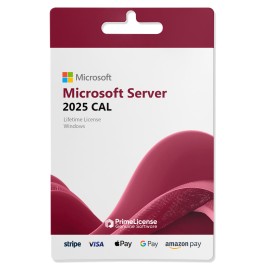
  • Windows Server CAL 2025: A Windows Server CAL is required for each device or user that accesses Windows Server, regardless of which version is installed (Standard, Datacenter, Essentials).
Is Windows Server 2025 Standard free?

No, Windows Server 2025 Standard is a commercial server operating system from Microsoft supplied with a perpetual digital licence (not subscription-based).

Can I use Windows Server 2025 Standard without a licence?

No. Unauthorised use of Windows Server is a violation of Microsoft's terms and is illegal. A valid licence is mandatory for every installation.

What is the difference between Windows Server 2025 and Windows Datacenter 2025?

Standard includes rights for 2 virtual Hyper-V instances per core licence and is ideal for mid-size infrastructures. Datacenter offers unlimited virtualisation and a higher per-core cost, recommended for datacentres or private clouds with high VM density. Both include hybrid cloud Azure rights.

What are the security functions of Windows Server 2025 Standard?

Windows Server 2025 Standard includes Windows Defender Advanced Threat Protection for real-time anti-malware protection, Windows Sandbox for isolated application execution, BitLocker for full disc encryption (FIPS 140-2 compliant), advanced ransomware protection and Azure Security Center integration.

Can I virtualise Windows Server 2025?

Yes, Windows Server 2025 Standard includes integrated Hyper-V rights to virtualise up to 2 virtual machines (VMs) per core licence. If you need more VMs per core you can upgrade to Windows Server Datacenter which offers unlimited virtualisation. Hyper-V supports generation 10 VMs with GPU virtualisation and complex configurations.

What is the difference between Windows Server 2025 and 2022?

Windows Server 2025 introduces integrated Copilot for IT administrators, Hyper-V generation 10 with virtualised GPU support, advanced ransomware protection, Web Assembly container (WASM) runtime and simplified Azure Arc integration. The difference is also in official Microsoft support which for version 2025 ends on 10 October 2031 whilst 2022 ends on 13 November 2026.

Is Windows Server 2025 Standard end-of-service?

No, Windows Server 2025 is not end-of-service and receives full Microsoft support until 10 October 2031. Critical security patches and updates are included and free for the entire duration of support.

Can I move from previous Windows Server to Windows Server 2025 Standard?

No, you cannot upgrade or downgrade but it is necessary to reinstall the entire operating system if you move from a previous version, such as 2022, to 2025 or vice versa.

Do I need separate CAL licences for Windows Server 2025?

Yes, in addition to the Windows Server 2025 Standard server licence installed on the server, every user or device that accesses the server requires a separate RDS CAL with technical activation in the licence manager and CAL for documentation. For example, if 50 users access 1 server, you need the server licence and 50 RDS CALs.

Platform
Windows
Processor
Minimum: 1.4 GHz 64-bit processor Compatible with x64 instruction set Supports NX and DEP Supports CMPXCHG16b, LAHF/SAHF, and PrefetchW Supports Second Level Address Translation (EPT or NPT) Coreinfo, part of Windows Sysinternals, is a tool you can use to confirm which of these capabilities your CPU has.
Hard disk
Computers that run Windows Server must include a storage adapter that is compliant with the PCI Express architecture specification. Persistent storage devices on servers classified as hard disk drives must not be PATA. Windows Server does not allow ATA/PATA/IDE/EIDE for boot, page, or data drives. The following are the estimated minimum disk space requirements for the system partition. Minimum: 32 GB
RAM
Minimum: 512 MB (2 GB for Server with Desktop Experience installation option) ECC (Error Correcting Code) type or similar technology, for physical host deployments
Network adapter requirements
Network adapters used with this release should include these features: Minimum: An ethernet adapter capable of at least 1 gigabit per second throughput Compliant with the PCI Express architecture specification. A network adapter that supports network debugging (KDNet) is useful, but not a minimum requirement. A network adapter that supports the Pre-boot Execution Environment (PXE) is useful, but not a minimum requirement.
Other requirements
Computers running this release also must have the following: DVD drive (if you intend to install the operating system from DVD media) The following items are only required for certain features: UEFI 2.3.1c-based system and firmware that supports secure boot Trusted Platform Module Graphics device and monitor capable of Super VGA (1024 x 768) or higher-resolution Keyboard and Microsoft mouse (or other compatible pointing device) Internet access
#910157901330
84 Items
P73-09232

How to activate your licence in three simple steps

Purchasing an original licence on PrimeLicense offers more than just a financial advantage; in addition to the net saving on the software, you can also enjoy a quick activation by following the steps below:

  1. Purchase your licence on PrimeLicense and receive the activation key with instructions via email.
  2. Download the software from the manufacturer's official website.
  3. Activate the software on the portal using your licence.

All invoices are generated by "Prime Digital Solutions Inc," the owner of the PrimeLicense platform.

You can request an invoice when placing your order by entering the necessary information in the designated fields during the "checkout" process. Alternatively, you may register your tax details on your account when signing up on our website.

You also have the option to request an invoice after placing your order, but please note that the processing and approval of such requests may take up to 14 business days from the date of your purchase.

You can expect to receive your invoice via email on the same day as the request. For additional details, please feel free to contact us here.

In the same category

Product Reviews / Q&A

Average rating

0.0
0 Review
★★★★★ Excellent 0
★★★★☆ Good 0
★★★☆☆ Medium 0
★★☆☆☆ Poor 0
★☆☆☆☆ Terrible 0

  • Reviews (0)
  • Questions & Answers (0)
€109.90