• Save -£43.00
PrimeLicense - 100% genuine software and authentic licences
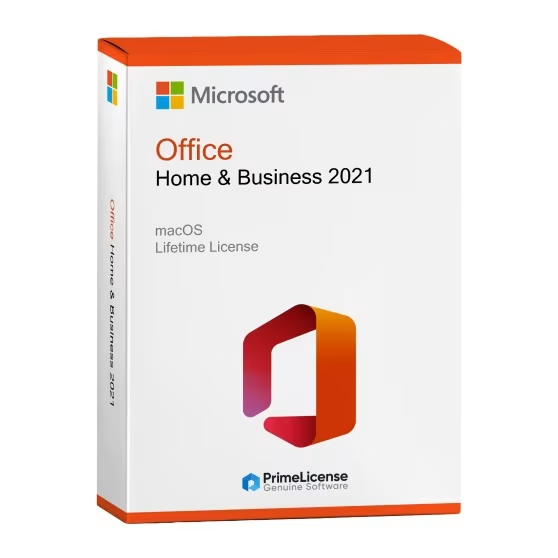
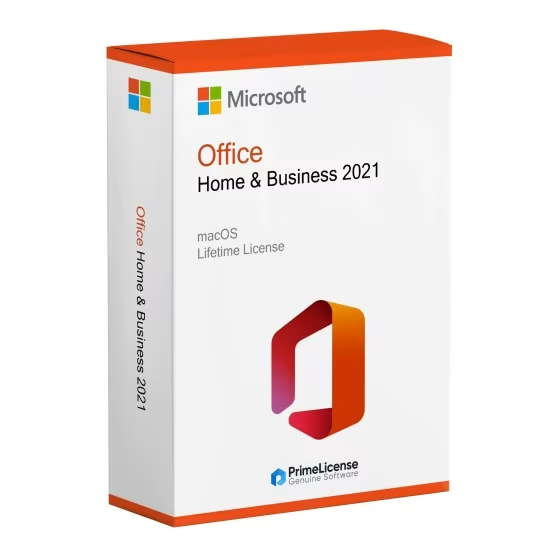
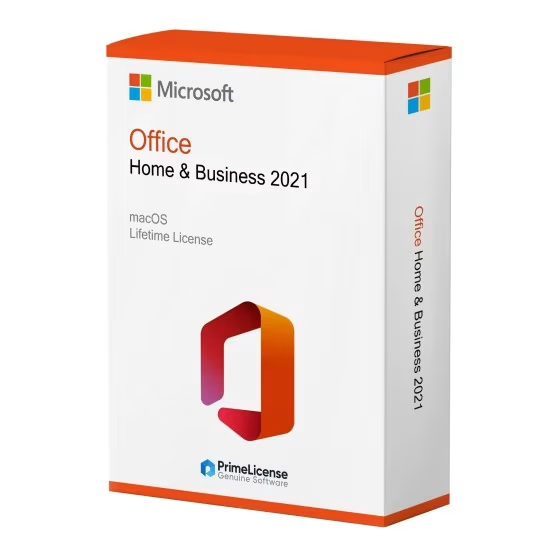
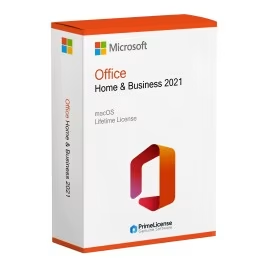
Office Home & Business 2021 - Key for Mac - Original Software Licences
PrimeLicense — certified reseller of Microsoft and Adobe software
Your purchase with PrimeLicense is protected by Trusted Shops for up to €2,500
PrimeLicense has an excellent customer rating of 4.9 out of 5 on Trustpilot
Benefits of buying from PrimeLicense: secure payments, free support, and a 30-day money-back guarantee
We sell 100% genuine pre-owned software licenses fully compliant with EU law
Office Home & Business 2021 - Key for Mac - Original Software Licences
PrimeLicense — certified reseller of Microsoft and Adobe software
Your purchase with PrimeLicense is protected by Trusted Shops for up to €2,500
PrimeLicense has an excellent customer rating of 4.9 out of 5 on Trustpilot
Benefits of buying from PrimeLicense: secure payments, free support, and a 30-day money-back guarantee
We sell 100% genuine pre-owned software licenses fully compliant with EU law

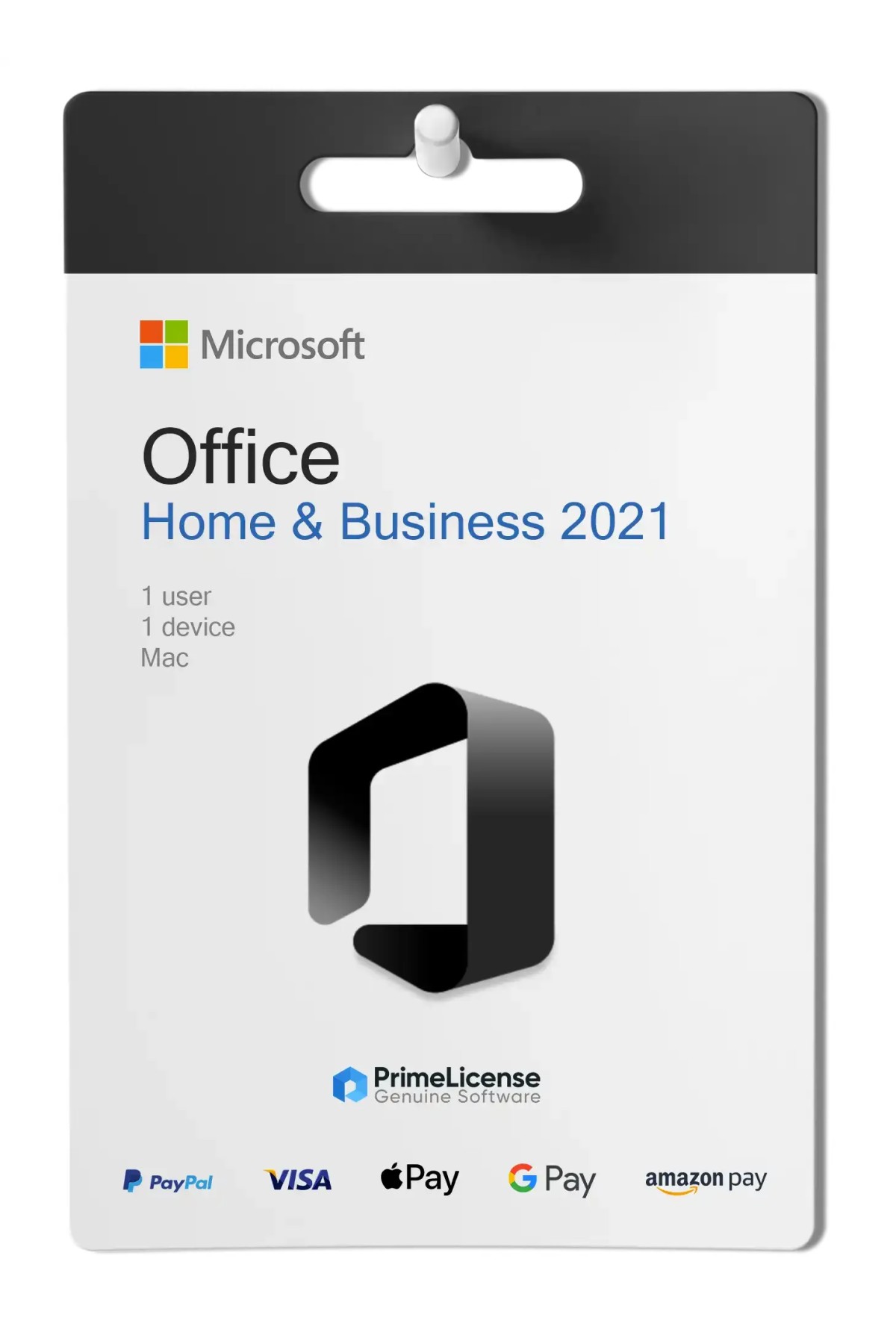
Office Home & Business 2021 - Key for Mac

£51.90 £94.90
VAT excluded
TrustedShops insurance seal Purchase Protection included - up to £2,500
Microsoft Certified Partner Microsoft Certified Partner
Genuine software seal Genuine software licence

Office 2021 Mac Home & Business is the complete suite for macOS with lifetime licence and one-time payment, with no subscriptions or recurring fees. It includes Word, Excel, PowerPoint, Outlook and OneNote. The licence is delivered via e-mail within minutes of purchase.


The Microsoft Office 2021 Mac Home & Business licence is a one-time purchase: no monthly fees, no automatic renewal. You pay once and can use the software offline on your Mac with lifetime access to modern Office apps including Word, Excel, PowerPoint, Outlook and OneNote.

Built for macOS, this version offers fast performance and a refreshed interface. It is perfect for professionals, freelancers and students who want the Office suite without a subscription.

IMPORTANT: This version is for Mac. If you need Office for Windows, you can choose between Office Professional Plus 2021 and Office 2024 Professional Plus.

What is included in Office 2021 Mac Home & Business?

Office 2021 for Mac in Home & Business version includes five essential productivity applications designed for professional and personal use on macOS systems:

  • Word – Document creation with improved layout tools and enhanced performance
  • Excel – Advanced data analysis with XLOOKUP, dynamic arrays and faster calculation speed
  • PowerPoint – Presentation design with refined transitions and updated templates
  • Outlook – Integrated email and calendar management with simplified interface
  • OneNote – Tools for digital note-taking and organisation

Office 2021: Home & Business vs Professional Plus

Office 2021 Home & Business for Mac includes Word, Excel, PowerPoint and Outlook as a single purchase for macOS users. This version covers the essential productivity needs for individuals, students and small businesses using Mac computers.

Office 2021 Professional Plus is exclusive to Windows and adds Access for database management and Publisher for desktop publishing. This expanded suite serves larger organisations and users who require specialised business applications beyond the core Office programmes.

Office for Mac 2021 vs 2024: what are the differences?

Office 2024 for Mac offers extended Microsoft support, improved performance on newer macOS versions and compatibility with Apple Silicon processors (M2, M3 and later). The interface has been updated for better visual consistency across applications.

Office 2021 provides the same core functionality at a lower price, making it suitable for users who do not need the latest features or an extended support timeline. Office 2024 is recommended for users who want maximum longevity and compatibility with future system updates.

Office 2021 vs Microsoft 365: which to choose for Mac?

In this case we are not talking about two fundamentally identical suites but two very different products, both in terms of intended use and regarding costs and features. On one hand we have Office 2021 Home & Business for Mac, with one-time payment and possibility of unlimited offline use, on the other hand Microsoft 365, the most recent subscription plan for access to the Office suite and online collaboration. Let's see the characteristics in detail.

Office Home & Business 2021 (Mac) Microsoft 365 Personal
Payment One-time Monthly/Annual
Duration of Use Lifetime As long as you are subscribed
Included Apps Word, Excel, PowerPoint, Outlook, OneNote Same + OneDrive, Teams (free plan)
Updates Security updates only Frequent feature updates
Cloud Storage No Yes (1 TB OneDrive)
Device Support 1 Mac Multiple devices
Ideal for Users who want the latest tools without fees Users who need cloud storage and sharing

Ultimately, if you want a stable version of Office without paying every month, Office 2021 for Mac is the best option. But if you need cloud storage, group collaboration and frequent updates, Microsoft 365 is more flexible although it has ongoing costs over time.

Other versions of Office for Mac

If you are looking for a different version of Office for Mac with perpetual licence you can opt for the following options:

Can I download Office 2021 on Mac?

Yes, you can purchase and download various versions of Office 2021 for Mac. These are official Microsoft products, available at a discount through PrimeLicense.

How long is Office 2021 for Mac supported?

The Home & Business version of Office 2021 Mac will be supported by security updates until October 2026. After this date you can continue to use the suite without any restrictions or limitations, but you will not receive security updates or new features.

What are the minimum system requirements for Office 2021 Mac Home & Business?

Requirements are an Apple Silicon processor (M1, M2, M3 or M4), at least 4 GB of RAM and 10 GB of free disk space. The software is compatible with macOS Ventura and later versions.

Is Office 2021 Mac a lifetime package?

Yes, Office 2021 Mac Home & Business is a lifetime Office package, with a one-time purchase and no recurring payments.

What is the difference between Office 2021 and Office 2024 for Mac?

The differences relate to the graphical interface, updated in the 2024 version with support for Fluent Design, Excel features, ODF support and accessibility tools. Additionally, support for the 2021 version will end in October 2026 whilst support for the 2024 version will end in October 2029.

Where can I download Office 2021 for Mac?

When you purchase Office 2021 Home & Business for Mac from PrimeLicense, you will be provided with a product key and a link to download the software from the official Microsoft website.

What are the versions of Office for Mac?

In addition to the Office 2021 Home & Business version, the following Mac versions are also available for purchase through PrimeLicense: Office 2016 Home & Business, Office 2021 Standard, Office 2024 Home, Office 2024 Standard, Office 2024 Home & Business.

Platform
MacOS
RAM
8GB RAM for Mac
Users suported
1 user, 1 device
Operating system
macOS (Ventura 13.2 and later)
Other requirements
Internet network to install and configure the product
#902456119
86 Items
0889842822526
T5D-03518

How to activate your licence in three simple steps

Purchasing an original licence on PrimeLicense offers more than just a financial advantage; in addition to the net saving on the software, you can also enjoy a quick activation by following the steps below:

  1. Purchase your licence on PrimeLicense and receive the activation key with instructions via email.
  2. Download the software from the manufacturer's official website.
  3. Activate the software on the portal using your licence.

All invoices are generated by "Prime Digital Solutions Inc," the owner of the PrimeLicense platform.

You can request an invoice when placing your order by entering the necessary information in the designated fields during the "checkout" process. Alternatively, you may register your tax details on your account when signing up on our website.

You also have the option to request an invoice after placing your order, but please note that the processing and approval of such requests may take up to 14 business days from the date of your purchase.

You can expect to receive your invoice via email on the same day as the request. For additional details, please feel free to contact us here.

In the same category

Product Reviews / Q&A

Average rating

4.9
70 Reviews
★★★★★ Excellent 64
★★★★☆ Good 6
★★★☆☆ Medium 0
★★☆☆☆ Poor 0
★☆☆☆☆ Terrible 0

  • Reviews (70)
  • Questions & Answers (2)
£51.90