• Save -₣ 28.00
PrimeLicense - 100% genuine software and authentic licences
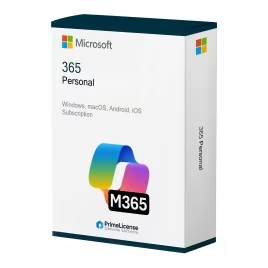
Microsoft 365 Personal - Original Software Licences
PrimeLicense — certified reseller of Microsoft and Adobe software
Your purchase with PrimeLicense is protected by Trusted Shops for up to €2,500
PrimeLicense has an excellent customer rating of 4.9 out of 5 on Trustpilot
Benefits of buying from PrimeLicense: secure payments, free support, and a 30-day money-back guarantee
We sell 100% genuine pre-owned software licenses fully compliant with EU law
Microsoft 365 Personal - Original Software Licences
PrimeLicense — certified reseller of Microsoft and Adobe software
Your purchase with PrimeLicense is protected by Trusted Shops for up to €2,500
PrimeLicense has an excellent customer rating of 4.9 out of 5 on Trustpilot
Benefits of buying from PrimeLicense: secure payments, free support, and a 30-day money-back guarantee
We sell 100% genuine pre-owned software licenses fully compliant with EU law

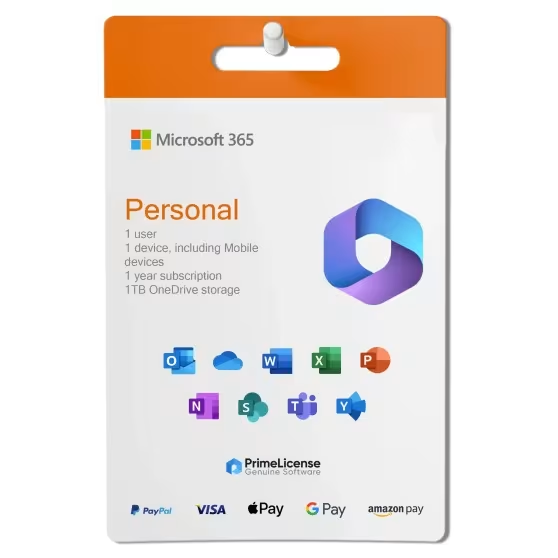
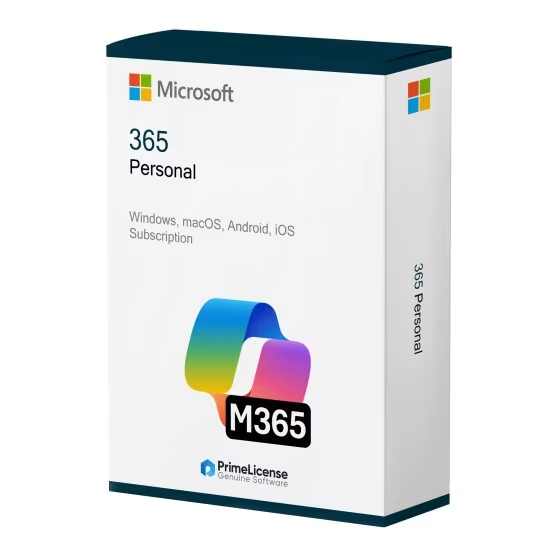
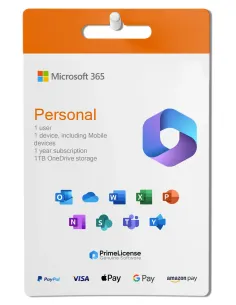
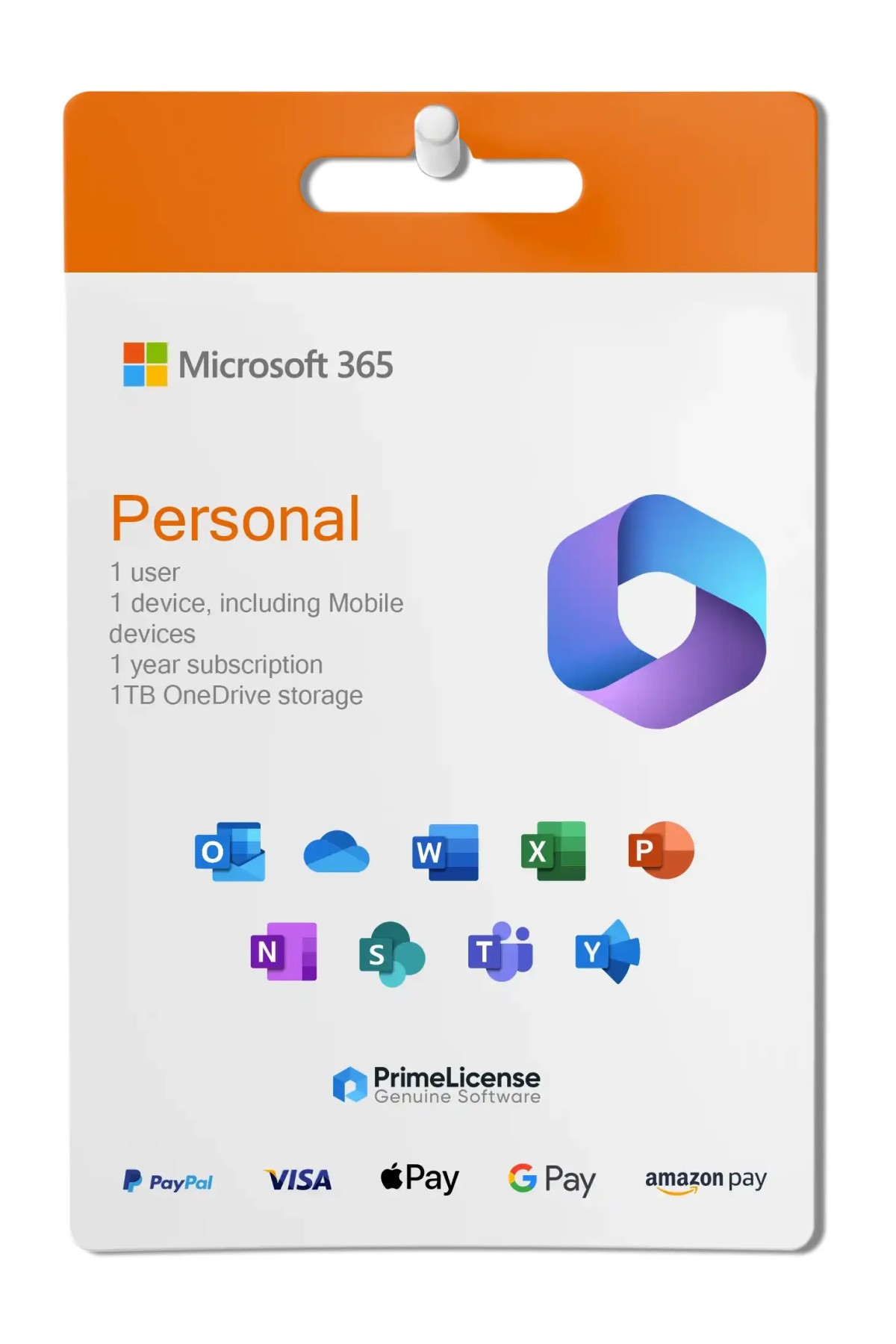
Microsoft 365 Personal

₣ 79.90 ₣ 107.90
TrustedShops insurance seal Purchase Protection included - up to £2,500
Microsoft Certified Partner Microsoft Certified Partner
Genuine software seal Genuine software licence

Microsoft 365 Personal is the subscription service that allows access to the complete Office suite with extended compatibility to Windows, macOS, iOS, Android and browsers. The licence is delivered via e-mail within minutes of purchase.

Users
  • 1
Devices
  • 5
Validity
  • 1 Year


Microsoft 365 Personal is a flexible subscription service that gives you access to the main Office apps, 1TB of OneDrive cloud storage and regular feature updates. You can use it on your PC, Mac, tablet or phone: your files remain automatically synchronised, so you can collaborate in real time regardless of which device you are using. The software is compatible with Windows 10/11, macOS, iOS, Android and web browsers.

This subscription includes the latest versions of Word, Excel, PowerPoint, Outlook, OneNote, Publisher and Access (the latter only for Windows), along with premium features such as Editor in Word, Researcher and Designer in PowerPoint. It also provides 1,000 GB (1TB) of OneDrive cloud storage and advanced tools such as Clipchamp for video editing.

With multi-device synchronisation (up to 5 devices), Microsoft 365 Personal is perfect for individual users, students, freelancers and remote workers who need powerful productivity tools, cloud connectivity and seamless multi-platform access.

Need more users or family sharing? Try Microsoft 365 Family for up to 6 users with 6TB of total OneDrive storage (1TB per person).

IMPORTANT: Microsoft 365 is a subscription-based product. If you are looking for a lifetime licence for Windows, check out Office 2024 Pro Plus or Office 2021 Pro Plus. If you are interested in a lifetime licence for Mac, consider Office 2024 for Mac or Office 2021 for Mac.

What is included in Microsoft 365 Personal?

Microsoft 365 Personal gives you the latest versions of all the Office apps you need, plus some extras available only with the subscription:

  • Word – Write better with the help of built-in editing, research tools and professional templates. Premium features include Editor and Researcher.
  • Excel – Intelligent analysis and beautiful charts.
  • PowerPoint – Professional design suggestions and smooth animations with Designer.
  • Outlook – Intelligent email and calendar management.
  • OneNote – Unlimited notes across all devices.
  • OneDrive – 1TB of cloud storage for easy file sharing.
  • Publisher – Desktop publishing tools.
  • Access – Database management tools.
  • Clipchamp – Advanced video editing.

With the purchase of the subscription licence you will also receive an activation guide and free technical support from PrimeLicense via WhatsApp and email.

Microsoft 365 Personal vs Microsoft 365 Family: which should you choose?

Both subscriptions include the same Office apps and features, but Microsoft 365 Family is designed for families with multiple users. The Family subscription has these features:

  • Supports up to 6 users (vs 1 user for Personal)
  • 6TB of total OneDrive storage (1TB per person)
  • Family safety features and shared calendars
  • Better value for families

If, in light of this information, you are still unsure which subscription to choose, simply consider how many people will use Microsoft 365 (formerly Office 365): if you are a single user using Microsoft 365 alone, then you should choose the Personal version; if instead you are sharing the subscription with other family members, the Family subscription offers better value for money.

Microsoft 365 Personal vs Office 2024: what is the difference?

In this case we are talking about a subscription licence, namely Microsoft 365, and the perpetual (lifetime) licence of Office 2024. Beyond this crucial division in terms of payment methodology and software use, there are also other differences that you can discover in the handy table below.

Feature Microsoft 365 Personal Office 2024
Payment Monthly/annual subscription One-off purchase
Duration of use As long as you are subscribed Lifetime
Updates Regular feature updates Security updates only
Cloud storage 1TB OneDrive included No
Device support Multiple devices (PC, Mac, mobile) 1 PC or Mac
AI features Copilot, advanced AI tools Basic AI features
Ideal for Cloud synchronisation and cutting-edge features One-off purchase, offline use

Office and Microsoft 365 Personal licences compared: which should you choose?

Below we compare the Microsoft 365 Personal licence with those of Office 2024 and Office 2021. In the first case we are talking about a subscription licence lasting one year, to be renewed from time to time, in the others instead perpetual licences, that is with one-off payment and unlimited use even offline, although they are versions with updates limited to security.

Feature Microsoft 365 Office 2024 Office 2021
Licence Monthly or annual subscription Lifetime Lifetime
Versions Personal/Family Home, Home & Business, Standard, Professional Plus Home, Home & Business, Standard, Professional Plus
Compatibility Windows, macOS, Android, iOS Windows/Mac (depending on version) Windows/Mac (depending on version)
Cloud 1 TB on OneDrive - -
Updates Complete and continuous Security only (until October 2029) Security only (until October 2026)
Ideal for Cloud work and multi-device Professionals working on a single device Reduced budget, basic use (depending on version)

Choose Microsoft 365 Personal if you want to work in a constantly updated environment and on different devices. Opt for a lifetime Office licence instead if you use the software offline and only on one Windows or macOS device.

What is Microsoft 365 Personal?

Microsoft 365 Personal is the base subscription for a single user that provides access to all the classic apps in Microsoft's Office suite. Unlike other editions of Office, available with perpetual licence, Microsoft 365 Personal (formerly Office 365) requires recurring costs (monthly or annual) to use the software.

Is there a lifetime licence for Office 365?

No, there is no lifetime licence for Office 365. The service name was changed to Microsoft 365 because it includes a wide range of different apps and is exclusively accessible with a monthly or annual subscription.

How do I activate Microsoft 365 Personal with a code?

Microsoft 365 Personal is activated by entering the product key (25 characters) on the official website in your Microsoft account. After redemption, open an Office app, sign in with the same account, and activation is completed automatically. Make sure you have an internet connection for licence verification.

How many devices can I use with Microsoft 365 Personal?

The Microsoft 365 Personal subscription allows one user to use the apps on up to five devices simultaneously among those supported, namely PC, Mac, iPhone, smartphones and Android tablets, and web browsers.

How do I switch from Microsoft 365 Personal to Family?

Purchase a Family plan and then activate it in the same account that has the Personal subscription. The remaining time on Personal is automatically converted and added to Family. You don't need to reinstall Office; the transition is automatic on your next sign-in.

Can I use Microsoft 365 Personal offline?

Yes, you can use Microsoft 365 Personal offline. Initial online activation is required with your internet connection. After activation, the apps work without a connection, but Microsoft requires a periodic online connection (every 30 days) to re-validate your subscription and maintain access to full features. Local saving to disk works offline; the cloud (OneDrive) requires a connection for synchronisation.

Does Microsoft 365 Personal receive updates?

Yes, unlike software such as Office 2024 and Office 2021, Microsoft 365 receives constant security and feature updates, making it an essential choice for those who work online and on multiple devices.

Platform
Android
MacOS
Windows
iOS
Processor
PC with 1 GHZ processor or faster/ Mac with intel processor
Hard disk
4 GB of free disk memory
RAM
4GB RAM for Mac / 2GB (64bit) for Windows
Operating system
Windows 11, Windows 10, Windows 8.1 / MacOS (Ventura 13.2,Monterey 12.5, BigSur 11.7) / iOS 15.0 or higher / Android 6.0 or higher
Other requirements
Internet connection for installation and activation of Microsoft products and access to online services.
#7771829392
26 Items
0885370751345
QQ2-00012

How to activate your licence in three simple steps

Purchasing an original licence on PrimeLicense offers more than just a financial advantage; in addition to the net saving on the software, you can also enjoy a quick activation by following the steps below:

  1. Purchase your licence on PrimeLicense and receive the activation key with instructions via email.
  2. Download the software from the manufacturer's official website.
  3. Activate the software on the portal using your licence.

All invoices are generated by "Prime Digital Solutions Inc," the owner of the PrimeLicense platform.

You can request an invoice when placing your order by entering the necessary information in the designated fields during the "checkout" process. Alternatively, you may register your tax details on your account when signing up on our website.

You also have the option to request an invoice after placing your order, but please note that the processing and approval of such requests may take up to 14 business days from the date of your purchase.

You can expect to receive your invoice via email on the same day as the request. For additional details, please feel free to contact us here.

In the same category

Product Reviews / Q&A

Average rating

4.9
54 Reviews
★★★★★ Excellent 50
★★★★☆ Good 4
★★★☆☆ Medium 0
★★☆☆☆ Poor 0
★☆☆☆☆ Terrible 0

  • Reviews (54)
  • Questions & Answers (1)
₣ 79.90
Our agent are not available at this time, for support or inquiries, please reach out us via the contact page.