• Save -£17.00
PrimeLicense - 100% genuine software and authentic licences
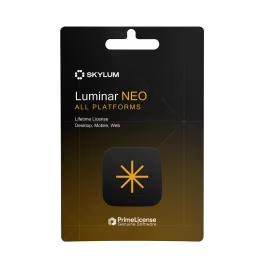
Luminar All Platforms Perpetual
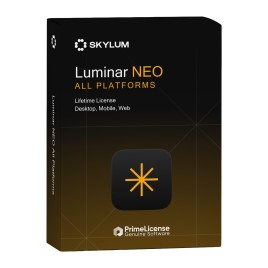
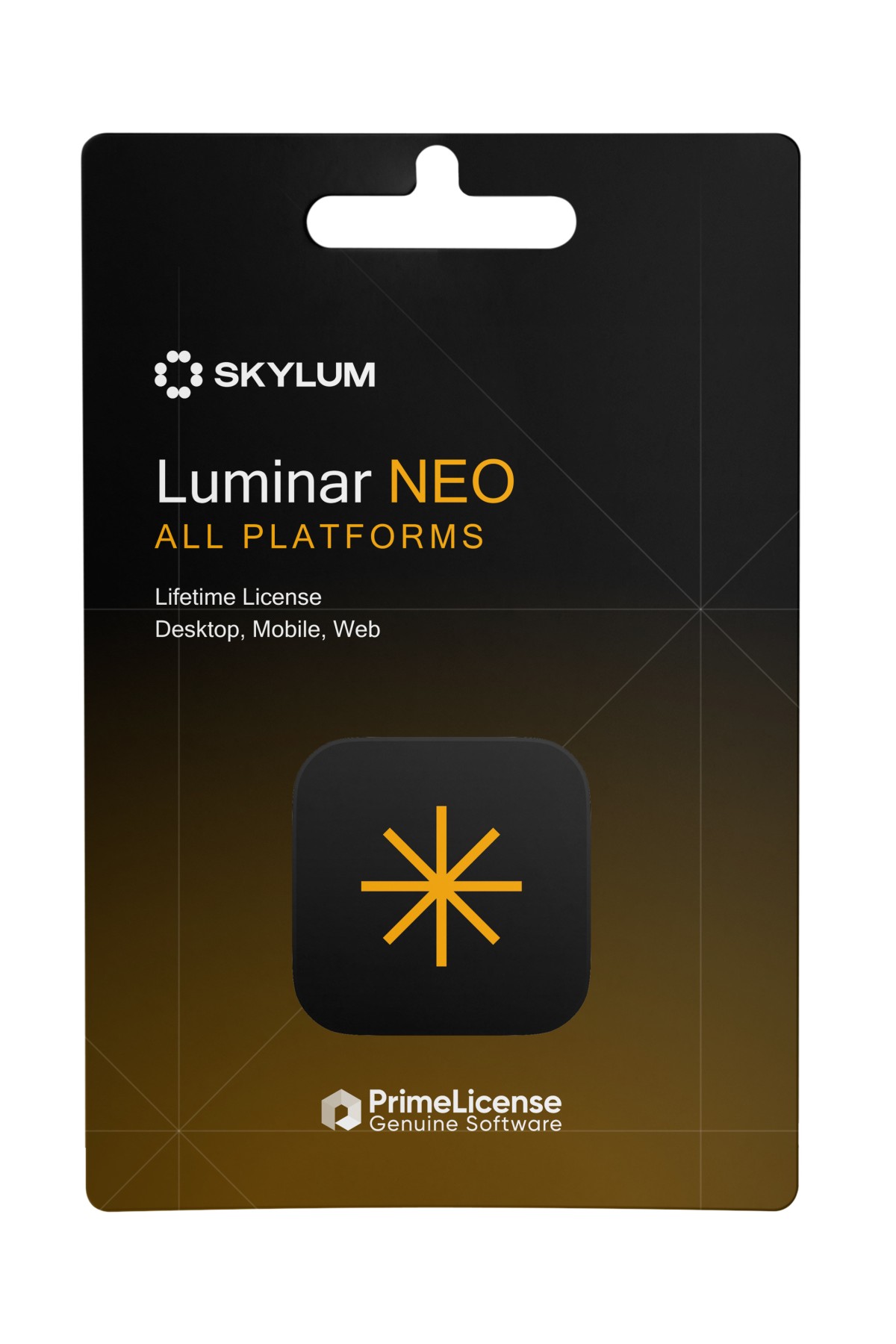
Luminar All Platforms Perpetual - box
PrimeLicense — certified reseller of Microsoft and Adobe software
Your purchase with PrimeLicense is protected by Trusted Shops for up to €2,500
PrimeLicense has an excellent customer rating of 4.9 out of 5 on Trustpilot
Benefits of buying from PrimeLicense: secure payments, free support, and a 30-day money-back guarantee
We sell 100% genuine pre-owned software licenses fully compliant with EU law

Luminar All Platforms Perpetual

£68.90 £85.90
TrustedShops insurance seal Purchase Protection included - up to £2,500
Microsoft Certified Partner Microsoft Certified Partner
Genuine software seal Genuine software licence

Luminar All Platforms is the perpetual licence for Skylum's AI photo editor on computer, phone, tablet and browser: 2 Windows or macOS computers, the mobile app on 3 devices and Luminar on Web on 3 devices. It includes one year of generative AI tools and syncing of edits between devices. The genuine licence key is delivered by email.

Type
  • Perpetual Desktop License


What's included in Luminar All Platforms

One lifetime licence covers all three versions of Luminar: the desktop application, the mobile app and the browser editor.

  • Desktop: activation on 2 Windows or macOS computers, with every editing tool and RAW file support.
  • Mobile: the Luminar app for iPhone, iPad and Android on up to 3 devices.
  • Web: Luminar on Web, the in-browser editor with RAW support, on up to 3 devices.
  • Cross-device editing: edits made on mobile or on the web sync to the desktop app.
  • Spaces: web galleries for sharing your photos online.
  • Generative AI for one year: GenErase, GenSwap and GenExpand.

Why choose Luminar All Platforms

This is the edition for photographers who shoot and edit on more than one device: start an edit on your phone, carry on in a browser on another computer and finish it on the desktop. Compared with Luminar Desktop it adds the mobile app, the web editor and syncing. Compared with Luminar Max it does not include the Luminar Prime subscription or the creative asset library.

Luminar editions compared

EditionDesktop (2 computers)Mobile (3 devices)Web (3 devices)Generative AILuminar Prime and assets
Luminar Desktop✓——1 year—
Luminar All Platforms✓✓✓1 year—
Luminar Max✓✓✓1 year1 year

Key features of Luminar

  • RAW editing on the desktop and in the browser.
  • AI tools: sky replacement, Bokeh, Light Depth for shaping light, and photo restoration.
  • Generative AI: GenErase removes objects, GenSwap replaces elements, GenExpand widens the frame.
  • Presets and LUTs to apply a look in one click.
  • Layers and masks in the desktop app for more complex work.

Luminar All Platforms FAQ

What is the difference between Luminar Desktop and All Platforms?

Luminar Desktop runs only on 2 Windows or macOS computers. Luminar All Platforms includes the same desktop licence and adds the mobile app and Luminar on Web, each on 3 devices, with edits synced between them.

Is Luminar All Platforms a subscription?

No. It is a one-time purchase with a perpetual licence, so the software keeps working without renewal. The generative AI tools are included for one year, and major version upgrades may be charged separately.

Which mobile devices does it support?

The Luminar app is available for iPhone, iPad and Android phones and tablets. The All Platforms licence activates it on up to 3 mobile devices.

Do I need to install anything to use Luminar on Web?

No. Luminar on Web runs in the browser, even on modest computers, and the All Platforms licence covers it on up to 3 devices.

Are Luminar Neo and Luminar the same software?

Yes. In August 2026 Skylum dropped "Neo" from the name, and the software is now called Luminar on desktop, mobile and web.

Platform
MacOS
Windows
Language
Multilanguage
Users suported
1 User
Operating system
Processor Intel Core i5 8ª gen or newer - AMD Ryzen 5 or newer - chip Apple M1/M2/M3/M4.
Other requirements
RAM 8GB Minimum - Display 1280x768 - 10GB SSD Minimum
#LUMINAR31992
99 Items
LU-AP-PERP-ESD

How to activate your licence in three simple steps

Purchasing an original licence on PrimeLicense offers more than just a financial advantage; in addition to the net saving on the software, you can also enjoy a quick activation by following the steps below:

  1. Purchase your licence on PrimeLicense and receive the activation key with instructions via email.
  2. Download the software from the manufacturer's official website.
  3. Activate the software on the portal using your licence.

All invoices are generated by "Prime Digital Solutions Inc," the owner of the PrimeLicense platform.

You can request an invoice when placing your order by entering the necessary information in the designated fields during the "checkout" process. Alternatively, you may register your tax details on your account when signing up on our website.

You also have the option to request an invoice after placing your order, but please note that the processing and approval of such requests may take up to 14 business days from the date of your purchase.

You can expect to receive your invoice via email on the same day as the request. For additional details, please feel free to contact us here.

In the same category

Product Reviews / Q&A

Average rating

0.0
0 Review
★★★★★ Excellent 0
★★★★☆ Good 0
★★★☆☆ Medium 0
★★☆☆☆ Poor 0
★☆☆☆☆ Terrible 0

  • Reviews (0)
  • Questions & Answers (0)
£68.90