- Save -174.00 $
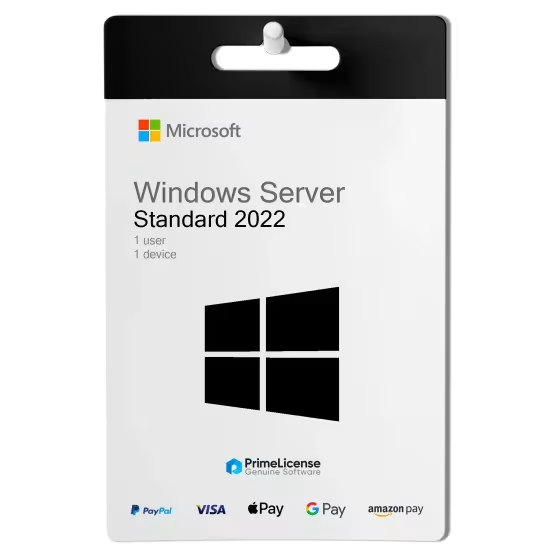
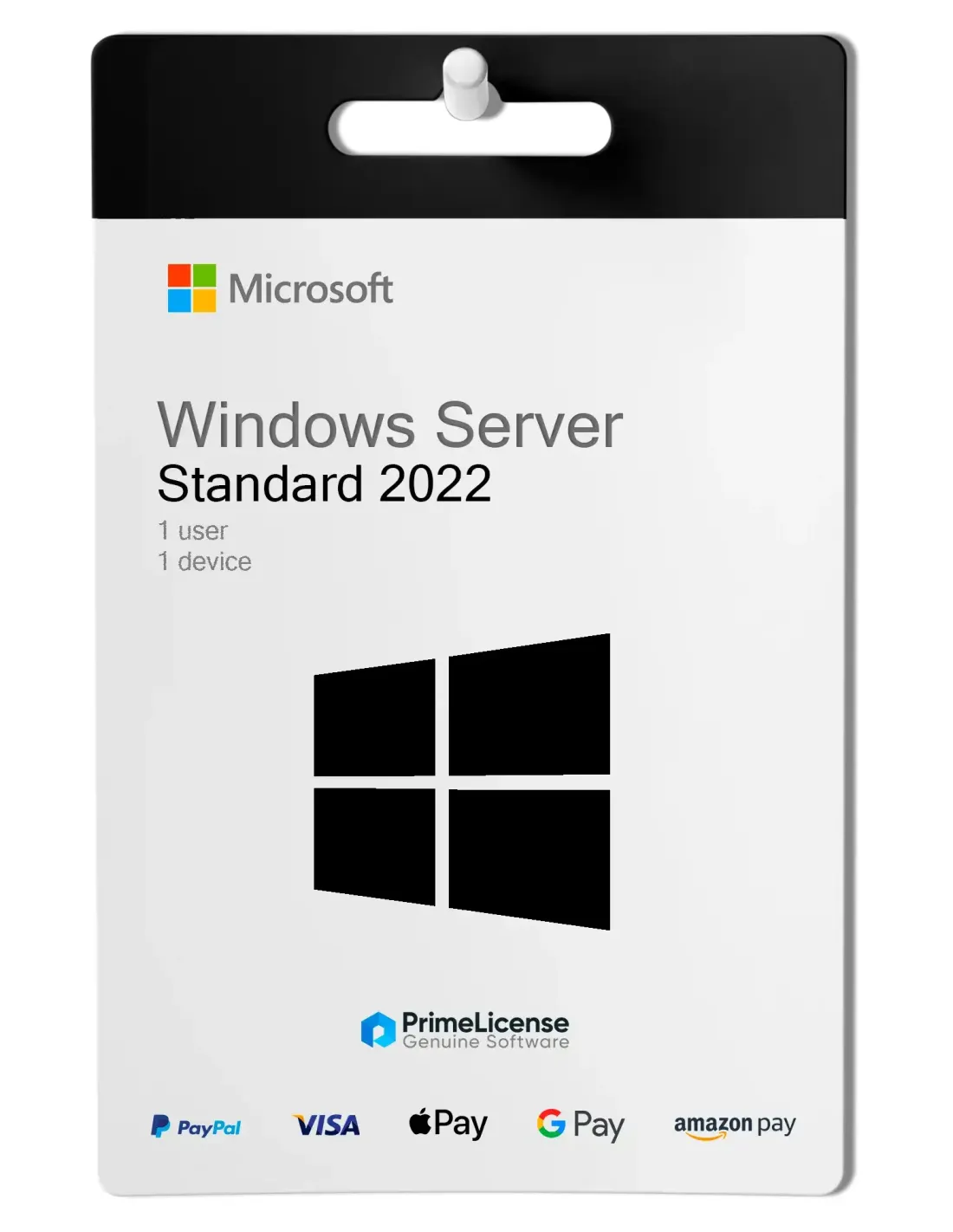
Windows Server 2022 Standard (16-Core)
How do I receive my licence after purchasing Windows Server 2022?
After completing your purchase, we will send you a licence activation key by e-mail.
How do I download, install and activate Windows Server 2022?
We will provide you with everything you need! After purchasing your licence, you will receive your digital key and illustrative manuals with simple instructions. If you have further questions, we offer free technical support via the contacts listed at www.primelicense.com.
What can I do if I cannot activate my Windows Server 2022 licence?
No problem, we are always available to help you! If you are unable to activate your Windows Server 2022 licence, please contact our free technical support on the site, providing details and screenshots of the problem. We will assist you immediately.
- Platform
- Windows
- Processor
- Minimum: 1.4 GHz 64-bit processor Compatible with x64 instruction set Supports NX and DEP Supports CMPXCHG16b, LAHF/SAHF, and PrefetchW Supports Second Level Address Translation (EPT or NPT) Coreinfo, part of Windows Sysinternals, is a tool you can use to confirm which of these capabilities your CPU has.
- Hard disk
- Computers that run Windows Server must include a storage adapter that is compliant with the PCI Express architecture specification. Persistent storage devices on servers classified as hard disk drives must not be PATA. Windows Server does not allow ATA/PATA/IDE/EIDE for boot, page, or data drives. The following are the estimated minimum disk space requirements for the system partition. Minimum: 32 GB
- RAM
- Minimum: 512 MB (2 GB for Server with Desktop Experience installation option) ECC (Error Correcting Code) type or similar technology, for physical host deployments
- Network adapter requirements
- Network adapters used with this release should include these features: Minimum: An ethernet adapter capable of at least 1 gigabit per second throughput Compliant with the PCI Express architecture specification. A network adapter that supports network debugging (KDNet) is useful, but not a minimum requirement. A network adapter that supports the Pre-boot Execution Environment (PXE) is useful, but not a minimum requirement.
- Other requirements
- Computers running this release also must have the following: DVD drive (if you intend to install the operating system from DVD media) The following items are only required for certain features: UEFI 2.3.1c-based system and firmware that supports secure boot Trusted Platform Module Graphics device and monitor capable of Super VGA (1024 x 768) or higher-resolution Keyboard and Microsoft mouse (or other compatible pointing device) Internet access
All invoices are generated by "Prime Digital Solutions Inc," the owner of the PrimeLicense platform.
You can request an invoice when placing your order by entering the necessary information in the designated fields during the "checkout" process. Alternatively, you may register your tax details on your account when signing up on our website.
You also have the option to request an invoice after placing your order, but please note that the processing and approval of such requests may take up to 14 business days from the date of your purchase.
You can expect to receive your invoice via email on the same day as the request. For additional details, please feel free to contact us here.
Nella stessa categoria
-
Reviews (0)
-
Questions & Answers (1)
-
Latest
-
Latest