English GB


Your cart
There are no more items in your cart

- Save -£31.00

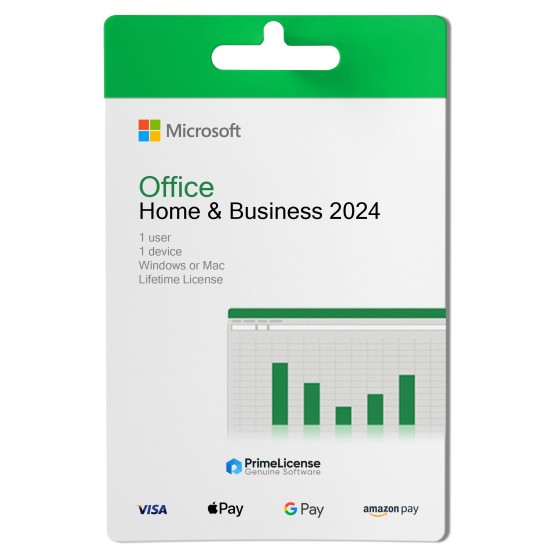


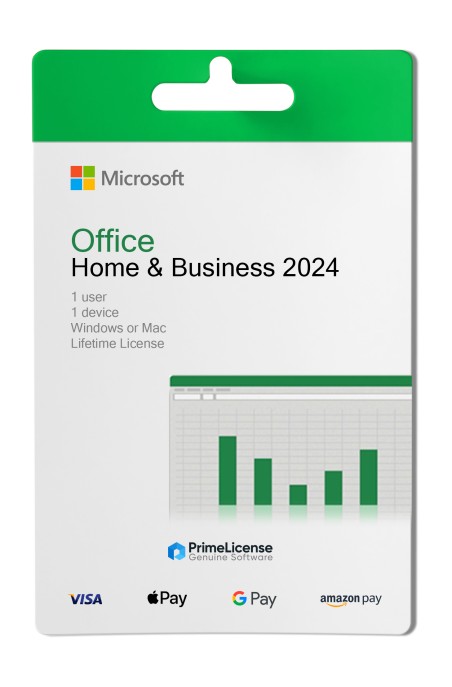


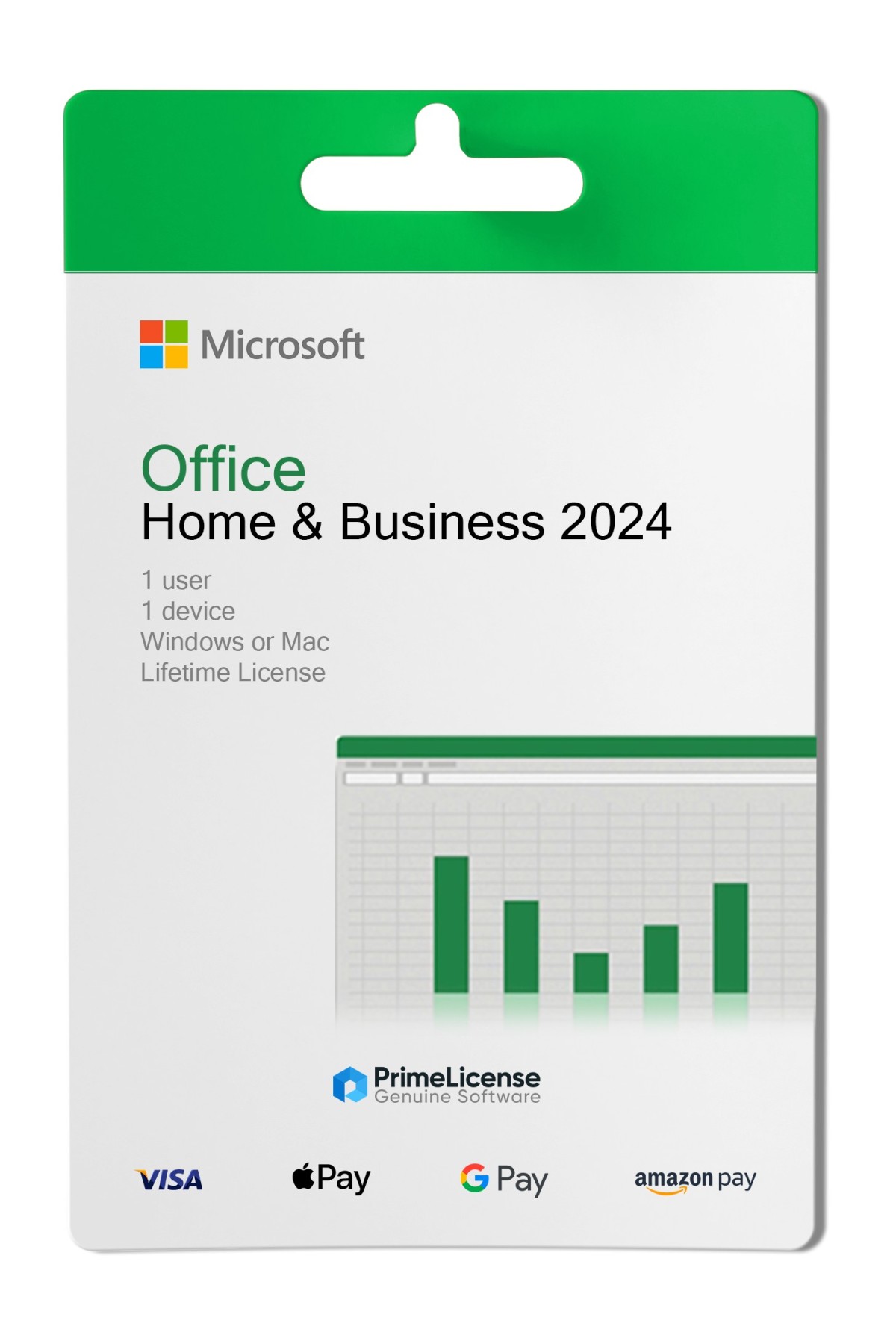
Office Home & Business 2024 is the version for individual users and professionals who want to use the suite on their PC or Mac, utilising all classic applications such as Word, Excel and PowerPoint for educational or professional production.
The Office Home and Business 2024 package includes the following software:
All applications can be installed locally and no continuous internet connection is required.
The table below shows all the features of the Office 2024 Home & Business version compared to other licences, allowing you to choose the one that best suits your needs.
| Feature | Office Home 2024 | Office Home & Business 2024 | Office Professional Plus 2024 LTSC |
|---|---|---|---|
| Compatibility | Windows, macOS | Windows, macOS | Windows |
| Users | 1 user | 1 user | 1 user |
| Devices | 1 device | 1 device | 1 device |
| Payment | One-time | One-time | One-time |
| Word | ✓ | ✓ | ✓ |
| Excel | ✓ | ✓ | ✓ |
| PowerPoint | - | ✓ | ✓ |
| Outlook | - | ✓ | ✓ |
| OneNote | - | ✓ | ✓ |
| Access | - | - | ✓ |
| Teams | - | - | ✓ |
Office Home & Business 2024 is the perpetual licence for users with Windows or macOS operating system, however, if you prefer a subscription plan, you can consider Microsoft 365. Below you will find the features compared.
| Feature | Microsoft 365 | Office Home & Business 2024 |
|---|---|---|
| Licence | Monthly or annual subscription | Lifetime |
| Compatibility | Windows, macOS, Android, iOS | Windows, macOS |
| Cloud | 1 TB on OneDrive | - |
| Updates | Full and continuous | Security only (until October 2029) |
| Ideal for | Cloud work and multi-device | Professionals working on a single device |
Purchasing an original licence on PrimeLicense offers more than just a financial advantage; in addition to the net saving on the software, you can also enjoy a quick activation by following the steps below:
All invoices are generated by "Prime Digital Solutions Inc," the owner of the PrimeLicense platform.
You can request an invoice when placing your order by entering the necessary information in the designated fields during the "checkout" process. Alternatively, you may register your tax details on your account when signing up on our website.
You also have the option to request an invoice after placing your order, but please note that the processing and approval of such requests may take up to 14 business days from the date of your purchase.
You can expect to receive your invoice via email on the same day as the request. For additional details, please feel free to contact us here.
In the same category