• Save -$251.20
PrimeLicense - 100% genuine software and authentic licenses
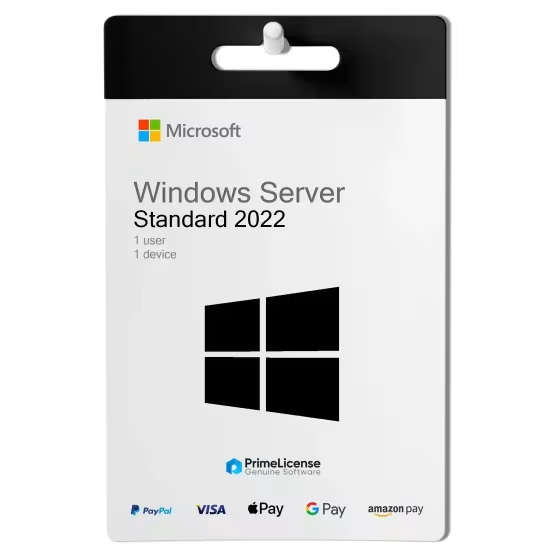
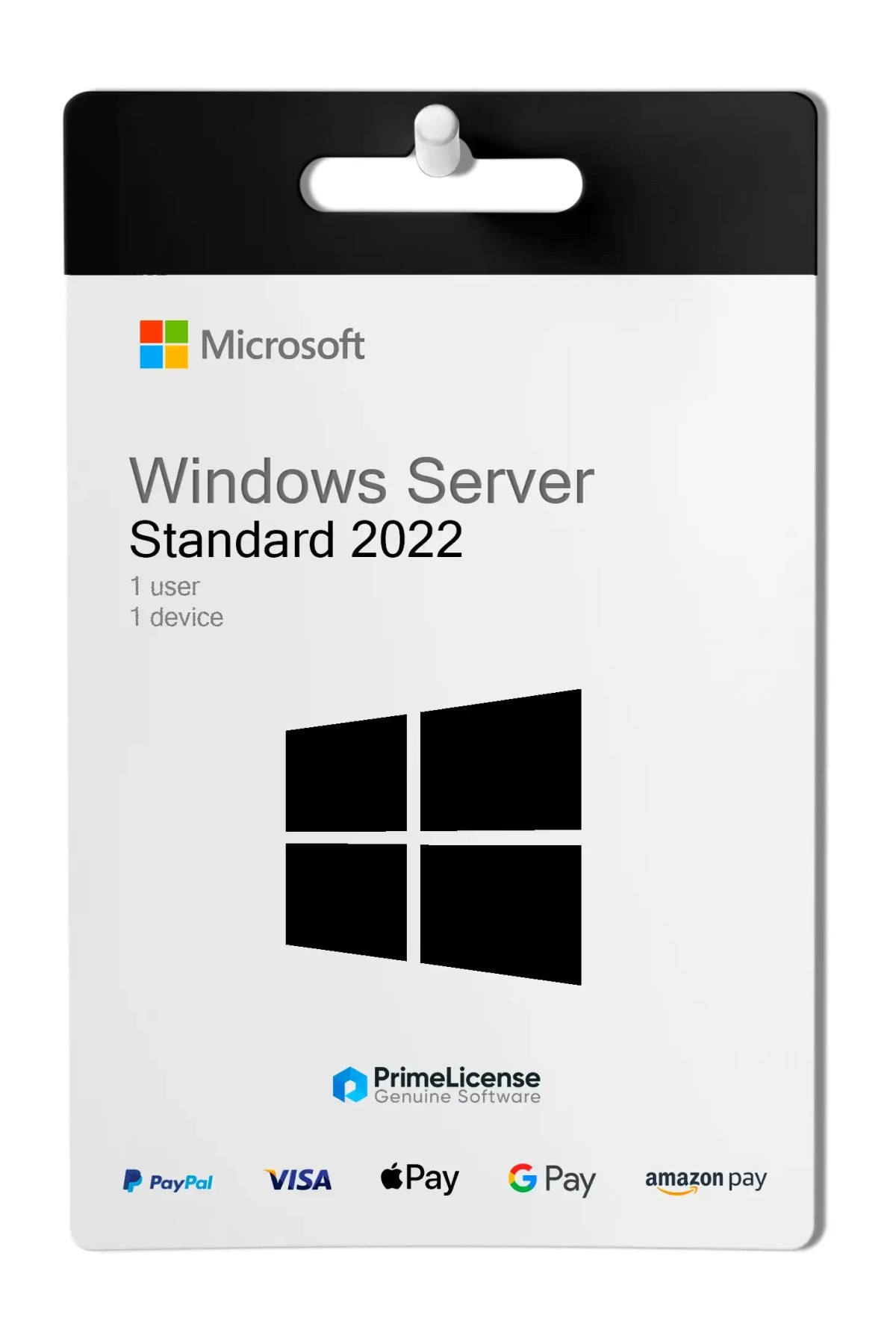
Windows Server 2022 Standard (16-Core) - Original Software Licenses
PrimeLicense — certified reseller of Microsoft and Adobe software
PrimeLicense has an excellent customer rating of 4.9 out of 5 on Trustpilot
Benefits of buying from PrimeLicense: secure payments, free support, and a 30-day money-back guarantee
Windows Server 2022 Standard (16-Core) - Original Software Licenses
PrimeLicense — certified reseller of Microsoft and Adobe software
PrimeLicense has an excellent customer rating of 4.9 out of 5 on Trustpilot
Benefits of buying from PrimeLicense: secure payments, free support, and a 30-day money-back guarantee

Windows Server 2022 Standard (16-Core)

$156.84 $408.04
30-Day Money-Back Guarantee seal Money-Back Guarantee 30 days - up to $2,500
Microsoft Certified Partner Microsoft Certified Partner
Genuine software seal Genuine software license

Windows Server 2022 Standard (16-Core) is a server operating system for physical installations, with a lifetime license. The license is delivered via email within minutes of purchase and is activated on the official Microsoft portal.


Windows Server 2022 Standard is designed for enterprises with more than 25 users and 50 devices, offering a robust platform for running business-critical workloads in the data center, cloud and edge network.

What is included in Windows Server 2022 Standard?

With the purchase of a perpetual license you will receive a product key that you can activate directly on Microsoft's official website, with step-by-step instructions. Security patches and features are included with official manufacturer support until 2026, extended to 2031.

Key Features

  • Advanced Multi-Layer Security: Protection against threats with advanced features.
  • Enhanced Hybrid Management: Powerful tools for managing hybrid servers.
  • License Package: Includes 16 core licenses and additional CAL (Client Access License) licenses.
  • Multilingual Support: Available in Simplified Chinese, English, French, German, Italian, Japanese, Russian and Spanish.

What are the innovations in Windows Server 2022?

Windows Server 2022 builds on the solid foundation of Windows Server 2019, but brings numerous innovations in three key areas: multi-layer security, hybrid features with Azure and a flexible application platform.

Advanced Security

  • Protected Memory: Guarantees the security of hardware, firmware and operating system against advanced threats.
  • Protection Technologies: Includes Windows Defender and virtualisation-based security to minimise risks from firmware vulnerabilities and advanced malware.
  • Protected Connectivity: Introduces faster and more secure encrypted HTTPS connections with SMB Direct AES 128 and 256 encryption.

Improved Management

  • Hybrid Server Management: Significant improvements in virtual machine management, optimized event viewer and new features in Windows Admin Center.
  • Windows Containers: Smaller image sizes for rapid downloads, containerization tools and simplified network policies for .NET applications.

Differences between Windows Server 2022 Standard and Windows Server 2025 Standard

Windows Server 2022 Standard is the lower cost option for server infrastructure, whereas Windows Server 2025 Standard is the most recent, but what are the differences between the two? Below the table illustrates some key points.

Features Microsoft Server 2025 Standard Microsoft Server 2022 Standard
Hyper-V Gen 10 (Native virtual GPUs) Gen 9
Copilot for IT Admin Yes No
Ransomware Protection Ransomware backup deep detection Defender ATP base
Azure Arc Integration Native and simplified Manual setup
Support Until 10 October 2031 Until 13 November 2026 (extended until 2031)
Security Credential guard Secured core

Complete the Windows Server 2022 package: what other software is needed?

To have all the features and maximum efficiency of Windows Server 2022 Standard, consider purchasing the following products that complete the package:

What is the difference between Windows Server 2022 and Windows Datacenter 2022?

The Datacenter edition includes additional features such as Software-defined Networking, Storage Replica and Storage Spaces Direct. The main difference is in the unlimited virtualizations of Datacenter while Standard supports only two.

Can I virtualize Windows Server 2022?

Yes, Windows Server 2022 Standard supports virtualization limited to two virtual machines.

Is Windows Server 2022 Standard at the end of its lifecycle?

Windows Server 2022 Standard follows Microsoft's end of life policy: mainstream support ends on 13 October 2026 but extended support continues until 14 October 2031. After the 2026 date, the software will receive only monthly security updates, with no new features.

Do I need separate CAL licenses for Windows Server 2022 Standard?

Windows Server 2022 Standard includes CAL, however for each additional device or user, the purchase of separate CALs is necessary.

How do I receive my license after purchasing Windows Server 2022?

After completing the purchase, we will send you a license activation key via email.

How do I download, install and activate Windows Server 2022?

After purchasing the license, you will receive illustrated manuals with simple instructions for activation. If you have further questions, we offer free technical support via email and WhatsApp.

What can I do if I cannot activate my Windows Server 2022 license?

If you cannot activate your Windows Server 2022 license, contact our free technical support on the website, providing details and screenshots of the problem. We will assist you immediately.

Platform
Windows
Processor
Minimum: 1.4 GHz 64-bit processor Compatible with x64 instruction set Supports NX and DEP Supports CMPXCHG16b, LAHF/SAHF, and PrefetchW Supports Second Level Address Translation (EPT or NPT) Coreinfo, part of Windows Sysinternals, is a tool you can use to confirm which of these capabilities your CPU has.
Hard disk
Computers that run Windows Server must include a storage adapter that is compliant with the PCI Express architecture specification. Persistent storage devices on servers classified as hard disk drives must not be PATA. Windows Server does not allow ATA/PATA/IDE/EIDE for boot, page, or data drives. The following are the estimated minimum disk space requirements for the system partition. Minimum: 32 GB
RAM
Minimum: 512 MB (2 GB for Server with Desktop Experience installation option) ECC (Error Correcting Code) type or similar technology, for physical host deployments
Network adapter requirements
Network adapters used with this release should include these features: Minimum: An ethernet adapter capable of at least 1 gigabit per second throughput Compliant with the PCI Express architecture specification. A network adapter that supports network debugging (KDNet) is useful, but not a minimum requirement. A network adapter that supports the Pre-boot Execution Environment (PXE) is useful, but not a minimum requirement.
Other requirements
Computers running this release also must have the following: DVD drive (if you intend to install the operating system from DVD media) The following items are only required for certain features: UEFI 2.3.1c-based system and firmware that supports secure boot Trusted Platform Module Graphics device and monitor capable of Super VGA (1024 x 768) or higher-resolution Keyboard and Microsoft mouse (or other compatible pointing device) Internet access
#448157901330
99 Items
0889842769760
P73-08328

How to activate your license in three simple steps

Purchasing an original license on PrimeLicense offers more than just a financial advantage; in addition to the net savings on the software, you can also enjoy a quick activation by following the steps below:

  1. Purchase your license on PrimeLicense and receive the activation key with instructions via email.
  2. Download the software from the manufacturer's official website.
  3. Activate the software on the portal using your license.

All invoices are generated by "Prime Digital Solutions Inc," the owner of the PrimeLicense platform.

You can request an invoice when placing your order by entering the necessary information in the designated fields during the "checkout" process. Alternatively, you may register your tax details on your account when signing up on our website.

You also have the option to request an invoice after placing your order, but please note that the processing and approval of such requests may take up to 14 business days from the date of your purchase.

You can expect to receive your invoice via email on the same day as the request. For additional details, please feel free to contact us here.

Nella stessa categoria

Product Reviews / Q&A

Average rating

0.0
0 Review
★★★★★ Excellent 0
★★★★☆ Good 0
★★★☆☆ Medium 0
★★☆☆☆ Poor 0
★☆☆☆☆ Terrible 0

  • Reviews (0)
  • Questions & Answers (1)
$156.84
Our agent are not available at this time, for support or inquiries, please reach out us via the contact page.