English


Your cart
There are no more items in your cart
- Save -£30.00


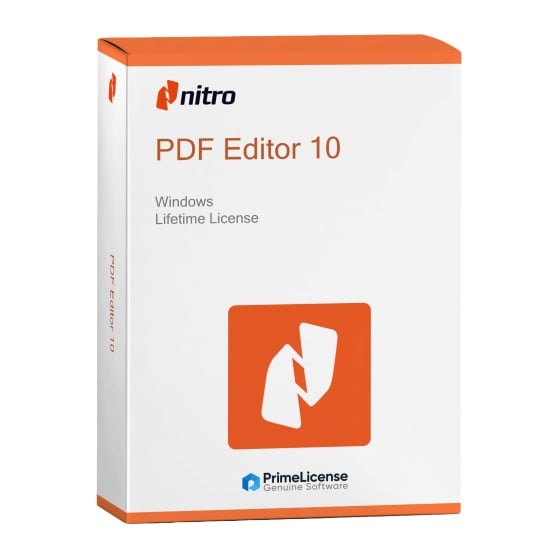


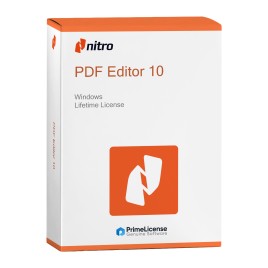


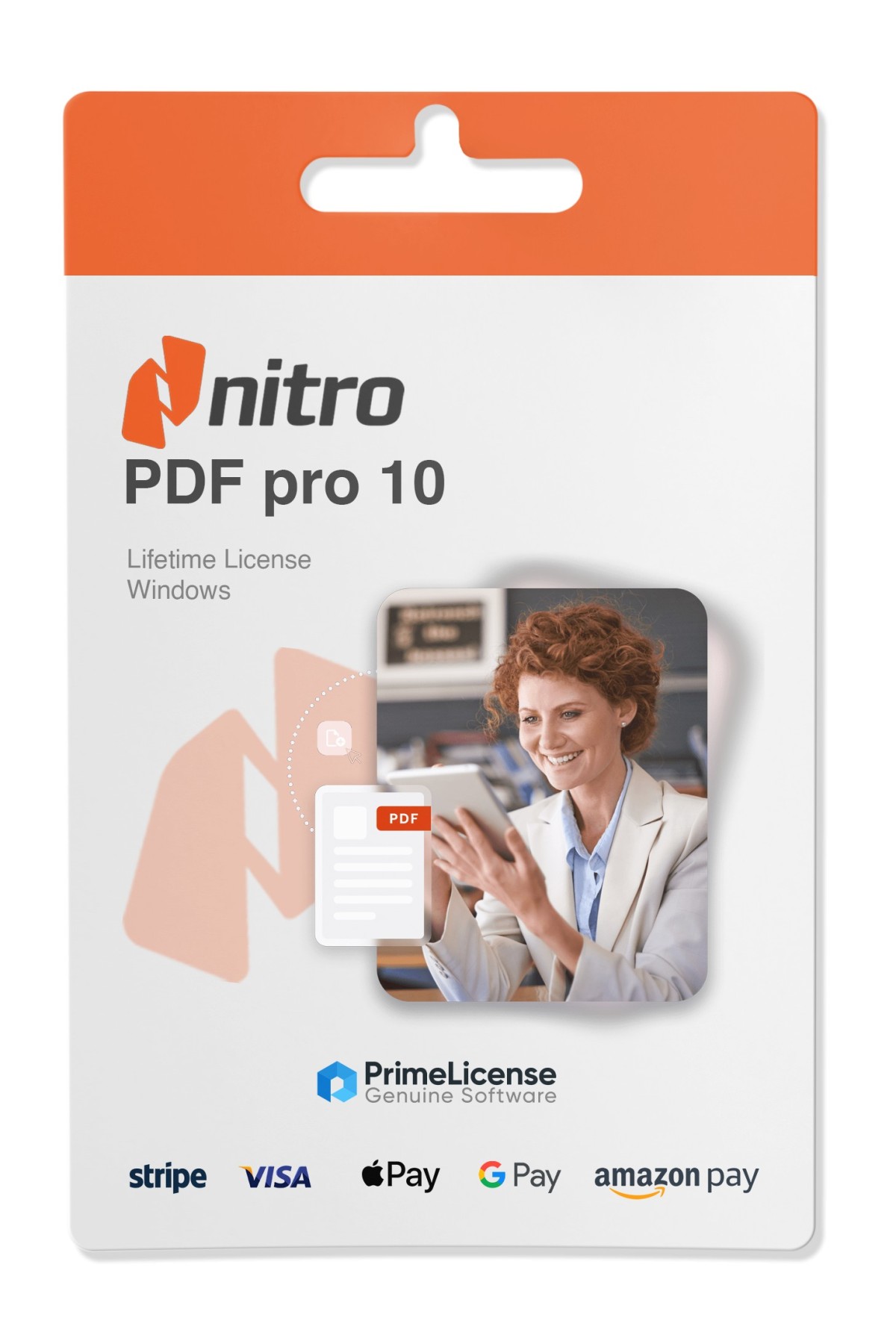
Nitro PDF Pro 10 is software with complete PDF functionality for your workflows. It allows you to manage PDF-related tasks in a simple and fast way: create, convert, edit, organize and secure your documents. The license is original and perpetual, therefore it is a one-time purchase with no subscriptions and no hidden costs.
This offers you lifetime access to a professional PDF editor for Windows. The software works on 32-bit and 64-bit systems, Windows 10 and 11.
IMPORTANT: This version of Nitro PDF Pro 10 is available for Windows only. If you are looking for a powerful PDF editor for Mac, take a look at Movavi PDFChef or Adobe Acrobat DC Pro, professional solutions for editing, converting and scanning PDF files on macOS.
By purchasing Nitro PDF Pro 10 on PrimeLicense you get immediately:
Here is what you can do with the software once installed:
In addition, Nitro PDF Pro 10 provides a platform with multilingual instructions that contains tips and guides to make the most of the software.
Both Nitro PDF Pro 10 and Adobe Acrobat Pro 2020 are powerful PDF editors with one-time payment. Below is a quick comparison to help you decide which one best suits your workflow.
| Features | Nitro PDF Pro 10 | Adobe Acrobat Pro 2020 |
|---|---|---|
| Payment model | One-time payment (perpetual license) | One-time payment (perpetual license) |
| PDF editing | Full editing of text, images and pages | Full editing of text, images and pages |
| OCR (from scan to editable) | Good quality OCR | Excellent quality OCR |
| Form creation/editing | Yes (create and edit interactive forms) | Yes (advanced features) |
| Digital signatures | Sign, certify, validate | Sign, certify, validate |
| Batch processing | Yes (multiple editing) | Yes |
| PDF conversion | To Word, Excel, PowerPoint, images | To Word, Excel, PowerPoint, images |
| Cloud integration | No native integration | Connected to Adobe Cloud services |
| User interface | Feature-rich, professional | Standard Adobe interface |
Ultimately, Nitro PDF Pro 10 is the ideal choice for users who need offline tools to edit PDFs, create forms and process files with a single license. On the other hand, Adobe Acrobat 2020 is preferable if you are familiar with the Adobe interface and want the most accurate OCR possible and cloud integration.
Purchasing an original license on PrimeLicense offers more than just a financial advantage; in addition to the net savings on the software, you can also enjoy a quick activation by following the steps below:
All invoices are generated by "Prime Digital Solutions Inc," the owner of the PrimeLicense platform.
You can request an invoice when placing your order by entering the necessary information in the designated fields during the "checkout" process. Alternatively, you may register your tax details on your account when signing up on our website.
You also have the option to request an invoice after placing your order, but please note that the processing and approval of such requests may take up to 14 business days from the date of your purchase.
You can expect to receive your invoice via email on the same day as the request. For additional details, please feel free to contact us here.
Nella stessa categoria