• Save -€20.00
PrimeLicense - 100% genuine software and authentic licenses
Nitro 10 - PDF Editor - Original Software Licenses
PrimeLicense — certified reseller of Microsoft and Adobe software
PrimeLicense has an excellent customer rating of 4.9 out of 5 on Trustpilot
Benefits of buying from PrimeLicense: secure payments, free support, and a 30-day money-back guarantee
Nitro 10 - PDF Editor - Original Software Licenses
PrimeLicense — certified reseller of Microsoft and Adobe software
PrimeLicense has an excellent customer rating of 4.9 out of 5 on Trustpilot
Benefits of buying from PrimeLicense: secure payments, free support, and a 30-day money-back guarantee

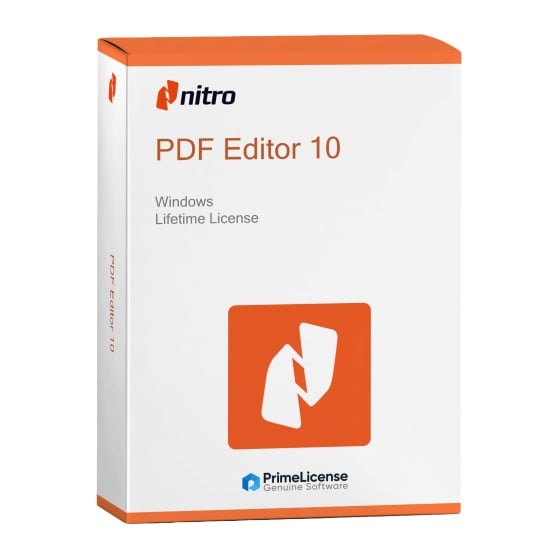
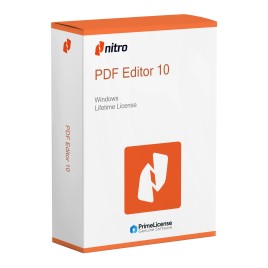
Nitro 10 - PDF Editor

€29.90 €49.90
30-Day Money-Back Guarantee seal Money-Back Guarantee 30 days - up to $2,500
Microsoft Certified Partner Microsoft Certified Partner
Genuine software seal Genuine software license

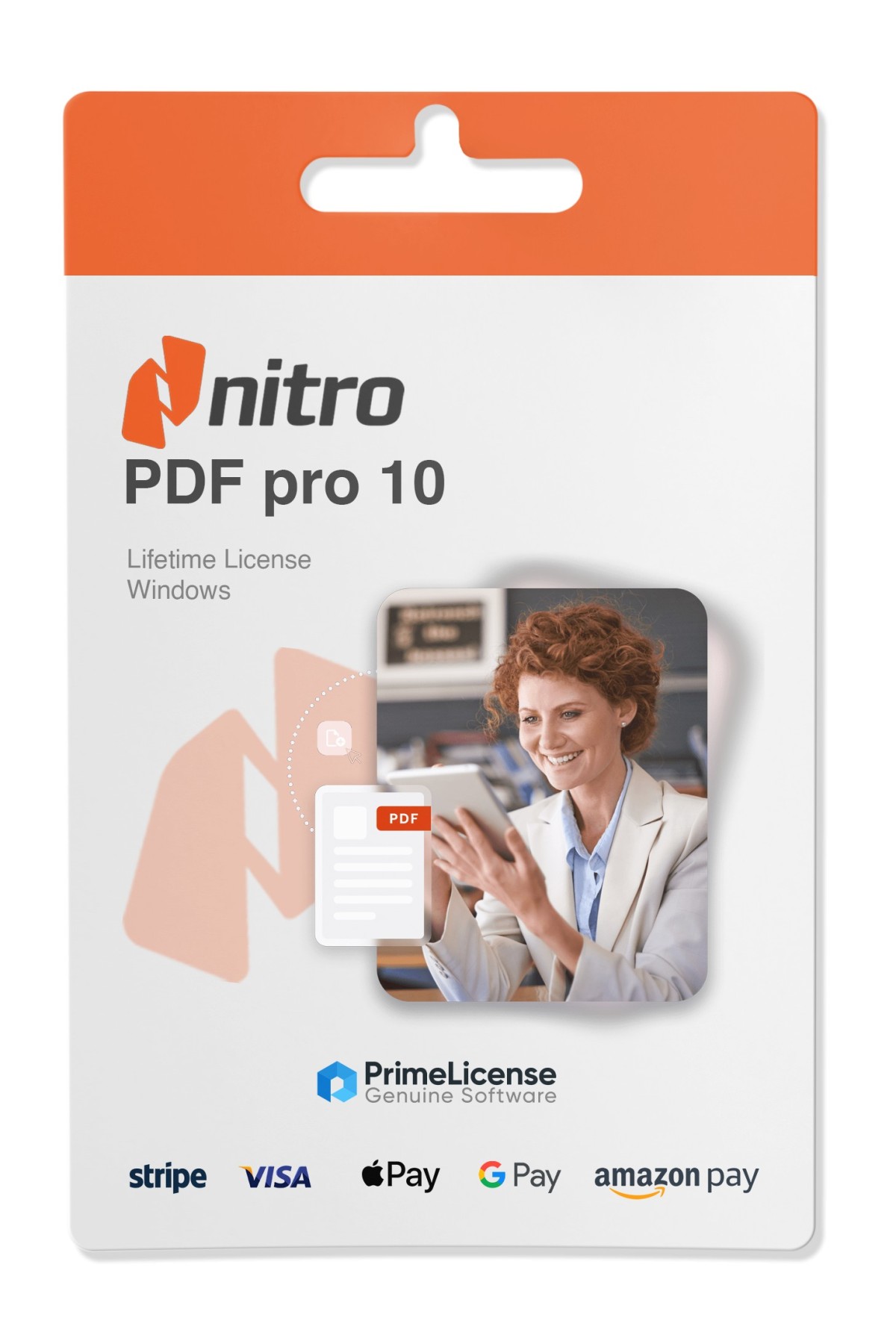
Nitro PDF Pro 10 is a professional PDF editor for Windows with perpetual license. The ideal solution for creating, editing, converting and signing PDF files without recurring subscription. The license is delivered via email within minutes of purchase.


Nitro PDF Pro 10 is software with complete PDF functionality for your workflows. It allows you to manage PDF-related tasks in a simple and fast way: create, convert, edit, organize and secure your documents. The license is original and perpetual, therefore it is a one-time purchase with no subscriptions and no hidden costs.

This offers you lifetime access to a professional PDF editor for Windows. The software works on 32-bit and 64-bit systems, Windows 10 and 11.

IMPORTANT: This version of Nitro PDF Pro 10 is available for Windows only. If you are looking for a powerful PDF editor for Mac, take a look at Movavi PDFChef or Adobe Acrobat DC Pro, professional solutions for editing, converting and scanning PDF files on macOS.

What is included with the purchase of Nitro PDF Pro 10?

By purchasing Nitro PDF Pro 10 on PrimeLicense you get immediately:

  • A lifetime product key - one-time payment, with no renewals or subscriptions
  • Clear installation and activation instructions via email
  • Free customer support provided by our team of experts

What can Nitro PDF Pro 10 really do?

Here is what you can do with the software once installed:

  • Create and edit PDFs – Create new documents from scratch or edit existing ones (text, images and entire pages)
  • File conversion – Convert PDFs to Word, Excel, PowerPoint or images (and vice versa)
  • Merge and split PDFs – Combine multiple documents into a single file or split large PDFs into separate documents
  • Digital signatures and security – Sign, certify and validate documents; set user permissions and encrypt sensitive files
  • Support for interactive forms – Fill, save and manage PDF forms
  • Batch processing – Apply the same edits or conversions to multiple files at once
  • OCR (text recognition) – Convert scanned documents and images into editable and searchable text

In addition, Nitro PDF Pro 10 provides a platform with multilingual instructions that contains tips and guides to make the most of the software.

Nitro PDF Pro 10 vs Adobe Acrobat 2020 DC: which one to choose?

Both Nitro PDF Pro 10 and Adobe Acrobat Pro 2020 are powerful PDF editors with one-time payment. Below is a quick comparison to help you decide which one best suits your workflow.

Features Nitro PDF Pro 10 Adobe Acrobat Pro 2020
Payment model One-time payment (perpetual license) One-time payment (perpetual license)
PDF editing Full editing of text, images and pages Full editing of text, images and pages
OCR (from scan to editable) Good quality OCR Excellent quality OCR
Form creation/editing Yes (create and edit interactive forms) Yes (advanced features)
Digital signatures Sign, certify, validate Sign, certify, validate
Batch processing Yes (multiple editing) Yes
PDF conversion To Word, Excel, PowerPoint, images To Word, Excel, PowerPoint, images
Cloud integration No native integration Connected to Adobe Cloud services
User interface Feature-rich, professional Standard Adobe interface

Ultimately, Nitro PDF Pro 10 is the ideal choice for users who need offline tools to edit PDFs, create forms and process files with a single license. On the other hand, Adobe Acrobat 2020 is preferable if you are familiar with the Adobe interface and want the most accurate OCR possible and cloud integration.

What is Nitro Pro?

Nitro Pro is the perpetual license version (with a one-time payment and no subscription) of PDF editing software for Windows.

Is Nitro PDF free?

No, Nitro PDF Pro 10 is not free software but a paid product. It is a PDF editor with a one-time payment that allows you to create, edit and convert PDF files.

On how many devices can I install Nitro PDF?

The perpetual license for Nitro PDF allows installation on one Windows PC at a time. If you need multiple workstations, you can opt to purchase multiple licences of the software, one for each additional workstation.

Is Nitro PDF a good PDF editor?

Yes, it is excellent software with modern features and an excellent alternative to Adobe Acrobat.

How can I edit a PDF with Nitro PDF?

To edit a PDF file with Nitro PDF Pro 10, open the document with the program, select "Edit" and then click on the text to add, change or move elements. After that, save the file to apply the changes you have made.

Is Nitro PDF better than Adobe?

It depends on your priorities. Nitro has an interface very similar to Microsoft Office, making it easy to use for those accustomed to the most popular productivity applications on Windows. Additionally, it is able to handle large PDF files in a short time with good OCR conversion. Adobe, on the other hand, is more oriented towards supporting the mobile ecosystem and cloud integration, making it a choice designed for work environments where collaboration is necessary.

Is Nitro PDF compatible with my operating system?

Nitro PDF Pro 10 is compatible with all the most recent Windows operating systems, namely Windows 10 and 11. It is not compatible with macOS and mobile devices.

Platform
Windows
Processor
1.3 GHz or faster processor
Hard disk
250 MB of available hard disk space
RAM
512 MB of RAM (1 GB recommended)
Display
1024 x 768
Operating system
Microsoft Windows 10, Microsoft Windows 8 / 8.1, Windows 7, Windows Vista or Windows XP with latest service packs installed (32-bit and 64-bit editions)
Server support
Corel PDF Fusion supports deployment via the following third-party systems: Novell ZENworks, Citrix XenApp and Windows Group Policies. PDF Fusion also supports Windows Server 2008 R2, Windows Server 2008 and Windows Server 2003 (32-bit and 64-bit editions), including virtualization on Microsoft Hyper-V servers and VMware.
#448157901374
96 Items
NITRO10-PRO

How to activate your license in three simple steps

Purchasing an original license on PrimeLicense offers more than just a financial advantage; in addition to the net savings on the software, you can also enjoy a quick activation by following the steps below:

  1. Purchase your license on PrimeLicense and receive the activation key with instructions via email.
  2. Download the software from the manufacturer's official website.
  3. Activate the software on the portal using your license.

All invoices are generated by "Prime Digital Solutions Inc," the owner of the PrimeLicense platform.

You can request an invoice when placing your order by entering the necessary information in the designated fields during the "checkout" process. Alternatively, you may register your tax details on your account when signing up on our website.

You also have the option to request an invoice after placing your order, but please note that the processing and approval of such requests may take up to 14 business days from the date of your purchase.

You can expect to receive your invoice via email on the same day as the request. For additional details, please feel free to contact us here.

Nella stessa categoria

Product Reviews / Q&A

Average rating

0.0
0 Review
★★★★★ Excellent 0
★★★★☆ Good 0
★★★☆☆ Medium 0
★★☆☆☆ Poor 0
★☆☆☆☆ Terrible 0

  • Reviews (0)
  • Questions & Answers (0)
€29.90