• Save -63.00 $
PrimeLicense - 100% genuine software and authentic licenses
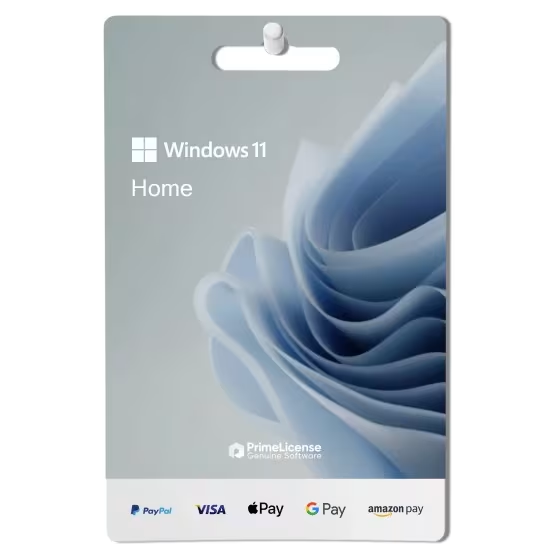
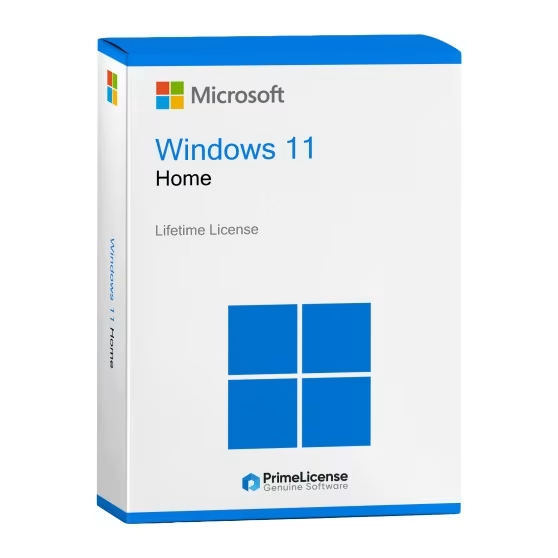
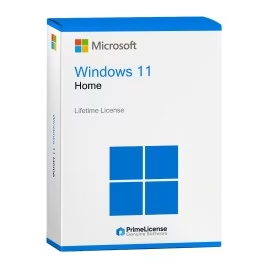
Windows 11 Home - Lifetime License - Original Software Licenses
PrimeLicense — certified reseller of Microsoft and Adobe software
PrimeLicense has an excellent customer rating of 4.9 out of 5 on Trustpilot
Benefits of buying from PrimeLicense: secure payments, free support, and a 30-day money-back guarantee
Windows 11 Home - Lifetime License - Original Software Licenses
PrimeLicense — certified reseller of Microsoft and Adobe software
PrimeLicense has an excellent customer rating of 4.9 out of 5 on Trustpilot
Benefits of buying from PrimeLicense: secure payments, free support, and a 30-day money-back guarantee

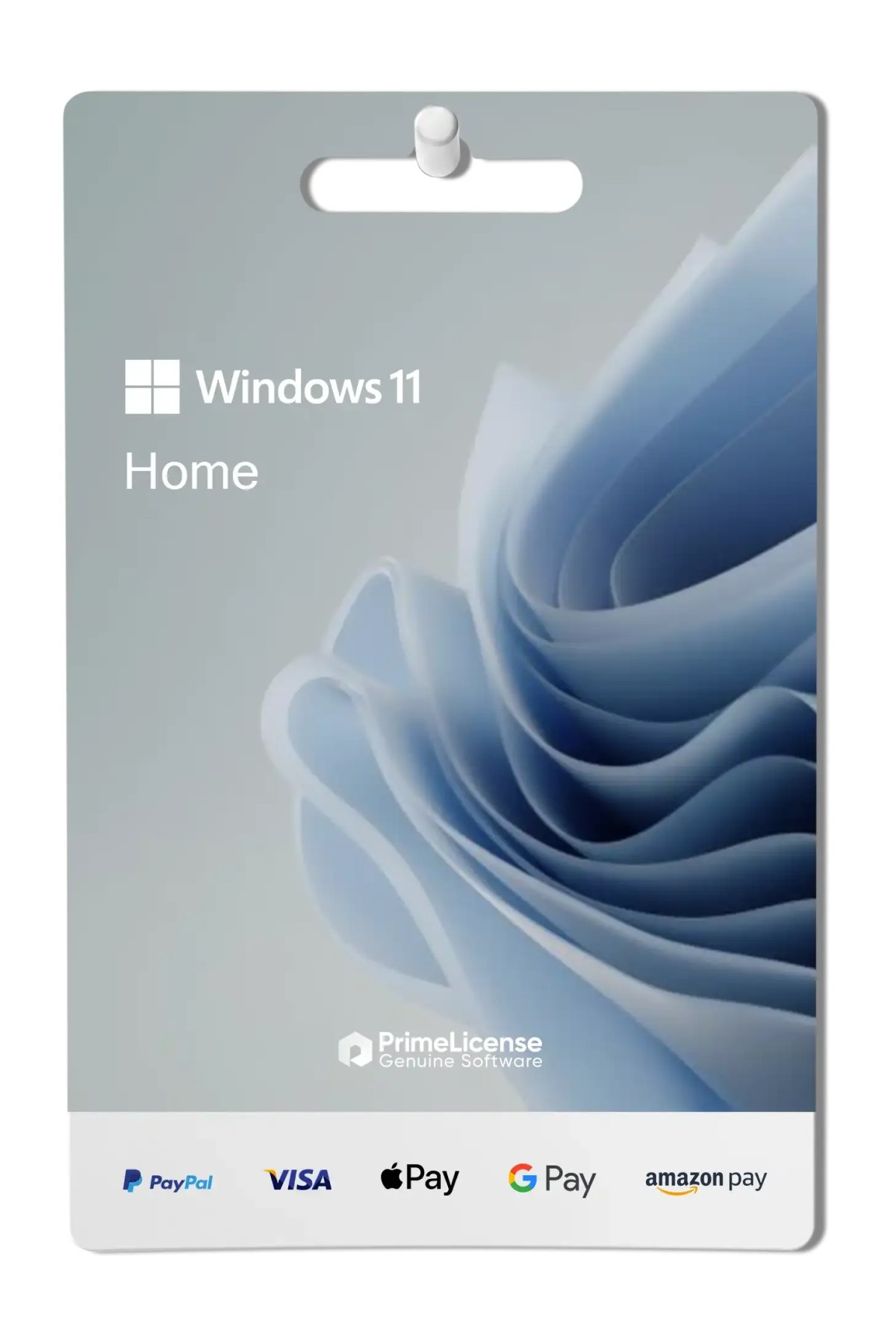
Windows 11 Home - Lifetime License

27.90 $ 90.90 $
30-Day Money-Back Guarantee seal Money-Back Guarantee 30 days - up to $2,500
Microsoft Certified Partner Microsoft Certified Partner
Genuine software seal Genuine software license

Windows 11 Home is the entry-level version of Microsoft's operating system, designed for home use with a modern design and enhanced security features. The license is perpetual and delivered via email within minutes of purchase.


Windows 11 Home is a version of the Windows 11 operating system designed for home users. The software includes a refreshed interface, with the new Start menu, Snap Layouts for efficient window management, and Microsoft Teams built-in to facilitate communication.

What's included in Windows 11 Home?

When you purchase Windows 11 Home, you will receive your license immediately via email. Here's what your purchase from PrimeLicense includes:

  • 1 original perpetual license for 1 Windows PC
  • Support for all languages
  • Digital delivery via email within minutes of purchase
  • Detailed guide explaining how to download the software
  • Free PrimeLicense technical support via email or WhatsApp

Before purchasing your Windows 11 Home license, if you wish to verify your device's compatibility, you can download the installation assistant from the official Microsoft website.

What are the features of Windows 11 Home license?

Windows 11 introduced many innovations in all its versions: security is enhanced with Windows Hello for biometric access and parental controls to protect young users. Additionally, Windows 11 Home supports DirectStorage to improve gaming performance and offers Xbox Game Pass for access to a wide range of games. Integration with Microsoft Store provides easy access to numerous apps and games, making Windows 11 Home ideal for versatile and secure use.

Windows 11 Home vs Windows 10 Home: which is better?

Windows 11 Home offers a refreshed user interface with a more modern design and new features such as support for Android apps and improvements in multitasking with Snap Layouts. It also includes security and performance improvements over Windows 10 Home.

Windows 10 Home, while still robust and functional, has a more traditional design and does not include some of the new features and optimizations present in Windows 11. In summary, Windows 11 Home offers a more updated and functional experience compared to Windows 10 Home.

Which version of Windows 11 is right for you? Quick opinion

Windows 11 is available in several editions: Home, Pro, and Enterprise. Below you will find a table summarizing the features to help you understand the benefits of this operating system.

Features Windows 11 Home Windows 11 Pro Windows 11 Enterprise
Windows Hello ✓ ✓ ✓
DirectStorage ✓ ✓ ✓
Bitlocker — ✓ ✓
Hyper-V — ✓ ✓
Windows Sandbox — ✓ ✓
Windows Defender Credential Guard — — ✓
Application Guard — — ✓
Microsoft Endpoint Manager — — ✓
Windows Autopilot — — ✓

Windows 11 Home is the basic solution for all users who do not need to use the software for professional purposes. It can be chosen by anyone who needs the Microsoft operating system on their home computer. Windows 11 Pro is better suited for professionals and advanced users, while Windows 11 Enterprise is ideal for large enterprises.

Which is better — Windows 11 Home or Windows 11 Pro?

Windows 11 Home and Windows 11 Pro share many features, including an updated user interface, improved performance, and advanced security. However, Windows 11 Pro offers additional functionality for business users and advanced professionals, such as BitLocker encryption, remote desktop access, and Hyper-V virtualization. Pro also supports domain joining and Azure Active Directory integration, essential for enterprise environments. Home suits general consumers, while Pro targets professionals needing advanced tools and security features.

How do I upgrade from Windows 11 Home to Pro?

To upgrade from Windows 11 Home to Pro, open Settings on your PC. Navigate to "System" and click "About". You will find an option to change your product key or upgrade your Windows edition. Click this option and enter a valid Windows 11 Pro product key. Follow the on-screen instructions to complete the upgrade. Your system will restart and Windows 11 Pro will be installed and ready to use.

How can I tell if my computer can run Windows 11 Home?

Before purchasing your Windows 11 Home license, refer to the "System Requirements" section on this page to verify the technical specifications, or visit the manufacturer's website.

Is the Windows 11 license for 32-bit or 64-bit systems?

We provide download links for both 32-bit and 64-bit systems. During installation, you can select the version that is compatible with your operating system.

What should I do if I cannot activate my Windows 11 Home license?

Simply contact our free technical support team, providing details and screenshots of the issue. Our experts will work to resolve it promptly.

Is the Windows 11 Home license legal?

Yes, PrimeLicense is a Microsoft Cloud Service Partner and operates within the legal framework. Every license sold is genuine, verified before delivery, and activated on the official vendor platform.

Platform
Windows
Processor
1 Ghz or faster with 2 or more cores
Hard disk
64 GB available disk space
RAM
4 GB (64bit)
Other requirements
Internet access / Windows 10 Home or Pro
System firmware
UEFI, Secure Boot capable
TPM
version 2.0
#902459034
9937 Items
0889842905267
KW9-00632

How to activate your license in three simple steps

Purchasing an original license on PrimeLicense offers more than just a financial advantage; in addition to the net savings on the software, you can also enjoy a quick activation by following the steps below:

  1. Purchase your license on PrimeLicense and receive the activation key with instructions via email.
  2. Download the software from the manufacturer's official website.
  3. Activate the software on the portal using your license.

All invoices are generated by "Prime Digital Solutions Inc," the owner of the PrimeLicense platform.

You can request an invoice when placing your order by entering the necessary information in the designated fields during the "checkout" process. Alternatively, you may register your tax details on your account when signing up on our website.

You also have the option to request an invoice after placing your order, but please note that the processing and approval of such requests may take up to 14 business days from the date of your purchase.

You can expect to receive your invoice via email on the same day as the request. For additional details, please feel free to contact us here.

Nella stessa categoria

Product Reviews / Q&A

Average rating

0.0
0 Review
★★★★★ Excellent 0
★★★★☆ Good 0
★★★☆☆ Medium 0
★★☆☆☆ Poor 0
★☆☆☆☆ Terrible 0

  • Reviews (0)
  • Questions & Answers (1)
27.90 $
Our agent are not available at this time, for support or inquiries, please reach out us via the contact page.