English


Your cart
There are no more items in your cart

- Save -$83.00

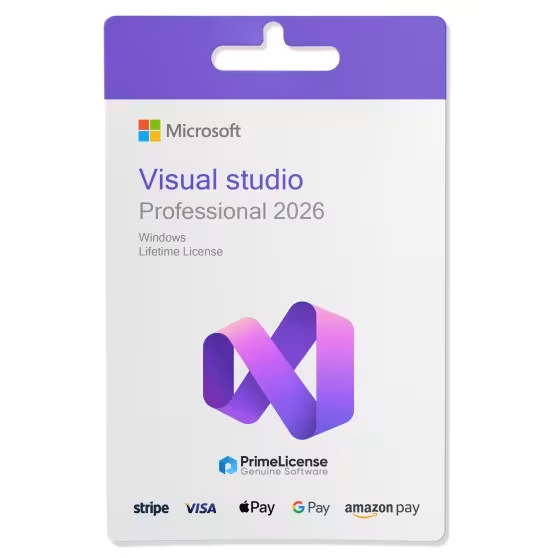
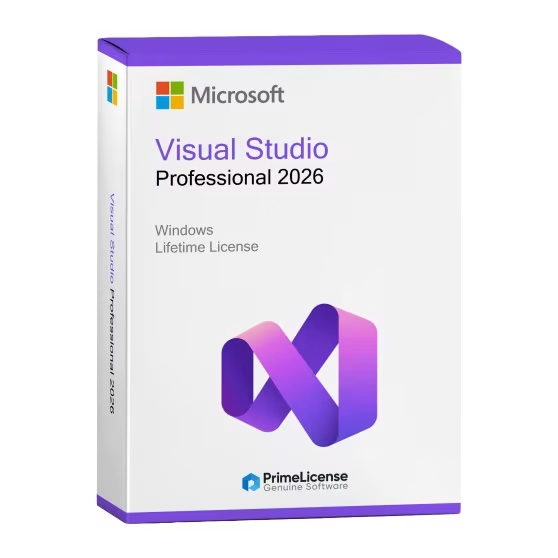
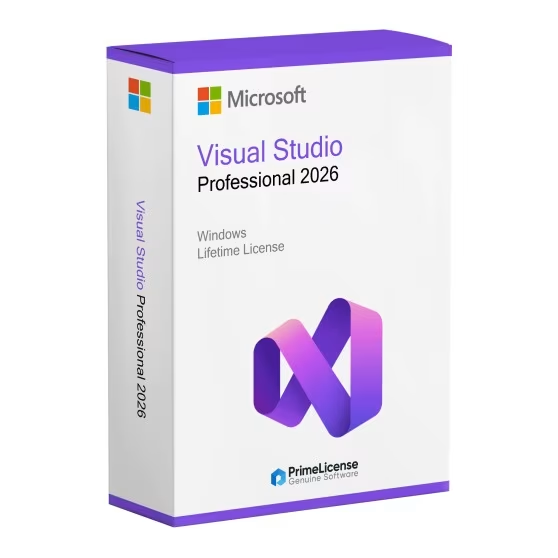




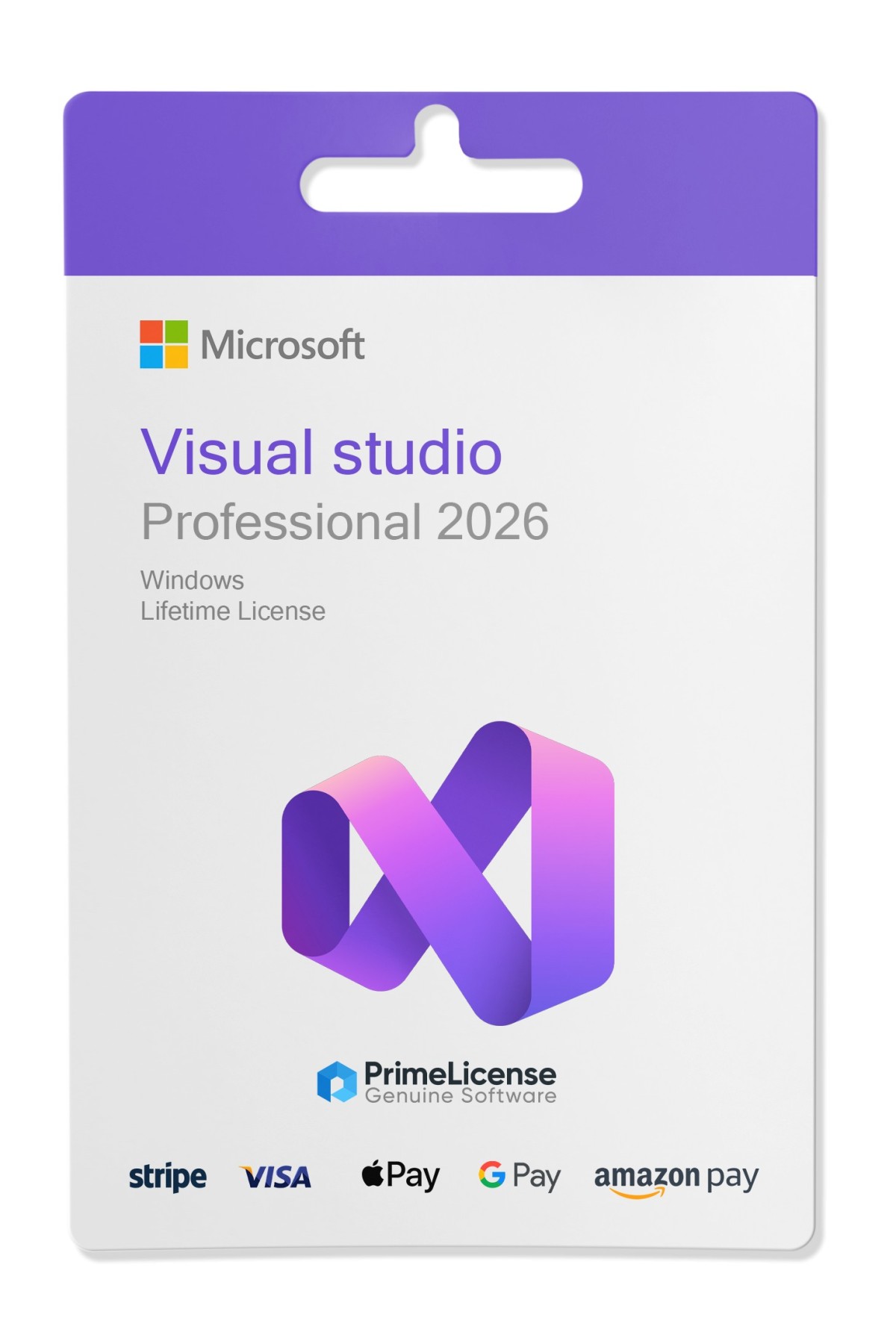
Microsoft Visual Studio Professional 2026 is a complete integrated development environment (IDE), designed for professional developers and small teams that need powerful tools to create, test, and deploy applications across multiple platforms. With a one-time purchase, you gain access to advanced programming, debugging, and collaboration features to accelerate your development process. Compatible with Windows 10 and later.
Microsoft Visual Studio 2026 Professional is an advanced IDE with native AI integrations, support for .NET 10, and a Fluent Design interface for modern UI, ideal for individual developers and small teams. It delivers optimized performance (up to 40% faster load times and fewer freezes), extensive code coverage for unit testing, and tools like Adaptive Paste to automatically adapt pasted code to context. Includes enhanced GitHub Copilot for contextual completions, AI debugging, and Profiler Agent for automatic optimizations.
The editor supports improved IntelliSense, refactoring, code navigation, and 11 customizable themes, with shortcuts like Ctrl+W to close tabs and "Did You Mean?" search for imprecise queries. Integrates Mermaid for diagrams in Markdown and reliable Hot Reload for .NET, Razor, and C++20/26.
Advanced debugger with breakpoints, memory profiling, and AI diagnostics for root causes; code coverage measures test effectiveness across all Professional editions. Integrated Git tools manage commits, branches, and pull requests, with inline Markdown comments.
Native support for .NET 10, C# 14, C++26, web/cloud development (Docker, Azure base), mobile apps, and Teams/M365 agents. Extensions compatible with VS2022 and workloads for .NET, C++, and web.
Visual Studio 2026 delivers a modernized UI with Fluent Design, new themes, and improved performance (up to 50% fewer freezes and faster load times). Integrates deeper AI, including Adaptive Paste (adapts pasted code to context), Profiler Copilot for automatic optimizations, and choice of custom LLM models. Adds code coverage for all Professional editions, tools for migrating to .NET 10, and extended support for C++26 and cloud (Docker, Kubernetes).
Microsoft Visual Studio 2026 Professional and Enterprise share the same core IDE engine with support for .NET 10, C# 14, native AI (such as enhanced GitHub Copilot), and improved performance, but Enterprise includes premium tools for enterprise teams and complex scenarios. Professional is ideal for individual developers or small teams, while Enterprise adds advanced testing, diagnostics, and collaboration features for large projects.
| Features | Professional 2026 | Enterprise 2026 |
|---|---|---|
| Target user | Individual developers, freelancers, small teams | Enterprise teams, large organizations, complex projects |
| Core IDE (.NET 10, C# 14, performance) | Identical | Identical |
| GitHub Copilot (AI-assisted coding) | Enhanced with IntelliCode | Enhanced with IntelliCode |
| Code coverage and unit testing | Complete code coverage | Code coverage + advanced test runner |
| Debugging and diagnostics | Standard debugger, profiler, breakpoints | Advanced debugger, enterprise diagnostic tools, root cause analysis |
| Load testing and distributed tests | — | Microsoft Fakes, cloud testing for mobile/browser |
| Architecture tools and diagrams | — | Modeling and architecture explorer |
| Support and MSDN updates | Technical support, MSDN access (cloud credits, software) | Enterprise priority support, complete MSDN, Azure benefits |
The main difference between Microsoft Visual Studio 2026 Professional and 2022 Professional lies in performance updates, native AI integration, and support for newer frameworks like .NET 10. Visual Studio 2026, released in November 2025, introduces an "AI-native" IDE with tools like enhanced Copilot, while the 2022 version focuses on improvements such as 64-bit IDE and basic IntelliCode. Both Professional editions offer similar features such as CodeLens and advanced debugging, but do not differ in licensing or use scenarios.
Purchasing an original license on PrimeLicense offers more than just a financial advantage; in addition to the net savings on the software, you can also enjoy a quick activation by following the steps below:
All invoices are generated by "Prime Digital Solutions Inc," the owner of the PrimeLicense platform.
You can request an invoice when placing your order by entering the necessary information in the designated fields during the "checkout" process. Alternatively, you may register your tax details on your account when signing up on our website.
You also have the option to request an invoice after placing your order, but please note that the processing and approval of such requests may take up to 14 business days from the date of your purchase.
You can expect to receive your invoice via email on the same day as the request. For additional details, please feel free to contact us here.
Nella stessa categoria