English


Your cart
There are no more items in your cart

- Save -₣ 84.00

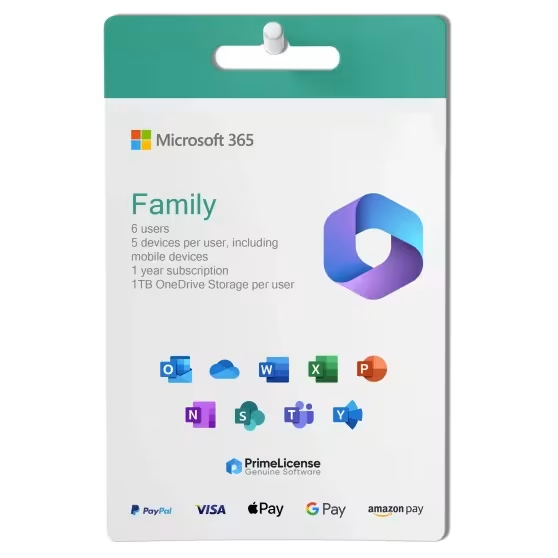
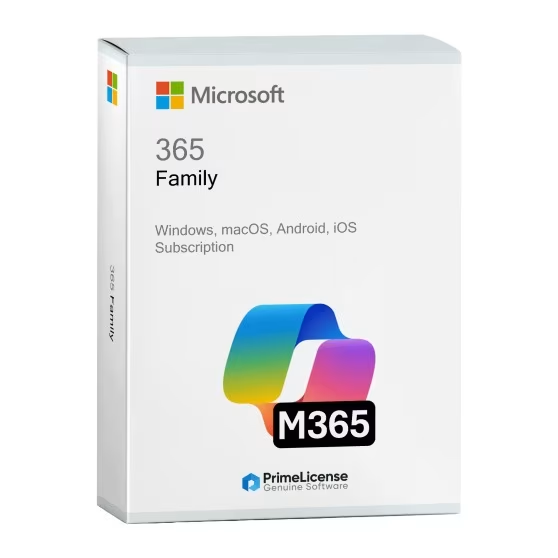


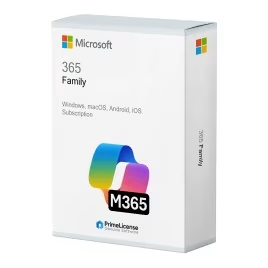


Microsoft 365 Family is the family version of the subscription to access the Office 365 package. It covers up to 6 people with different accounts and includes family security tools. Each member gets their own Office apps with personal settings and private file space.
IMPORTANT: Microsoft 365 Family is a subscription-based product. If you are looking for a lifetime license for Windows, take a look at Office 2024 Professional Plus or Office 2021 Professional Plus. If instead you are looking for a perpetual license for Mac, you can choose from versions like Office 2021 or Office Standard 2024. Consult our complete Office catalog to find the solution that best suits your needs.
Microsoft 365 Family offers you all the Office apps you know, plus family-specific features:
With synchronization across devices (for all devices for each of the 6 users), Microsoft 365 Family is ideal for family groups, housemates, small teams or any team that needs powerful tools, private storage and shared features.
By purchasing Microsoft 365 Family through PrimeLicense, you ensure you choose a certified Microsoft Cloud Partner and have access to a competitive price. By ordering from us, you will receive a genuine activation key for the Microsoft 365 Family subscription, a step-by-step guide for installation and activation, and free technical support provided by our team of experts.
If you need software for your household, the table below will help you choose between these two versions of the Office package.
| Features | Microsoft 365 Family | Office 2024 (Multiple Licenses) |
|---|---|---|
| Supported users | Up to 6 family members | 1 user per license purchased |
| Payment model | Annual family subscription | One-time purchase |
| Total cost | Single family plan price | 6 separate license purchases |
| Cloud storage | 6TB total (1TB per person) | No cloud storage |
| Device flexibility | Unlimited devices per user | 1 device per license |
| Family features | Calendar sharing, parental controls, location sharing | No family-specific features |
| Updates | Continuous feature updates | Security patches only (until October 2029) |
| Ideal for | Families wanting shared benefits and value | Families preferring the ownership model |
Both plans include identical apps and features, but Microsoft 365 Family extends the benefits to your entire family. Here's why you might want to choose the Family plan over Personal:
If you are the only user who will use the subscription service, then you can choose Microsoft 365 Personal, but if you need to share the work environment with 2 or more users, then the value for money offered by the Family plan is superior.
Purchasing an original license on PrimeLicense offers more than just a financial advantage; in addition to the net savings on the software, you can also enjoy a quick activation by following the steps below:
All invoices are generated by "Prime Digital Solutions Inc," the owner of the PrimeLicense platform.
You can request an invoice when placing your order by entering the necessary information in the designated fields during the "checkout" process. Alternatively, you may register your tax details on your account when signing up on our website.
You also have the option to request an invoice after placing your order, but please note that the processing and approval of such requests may take up to 14 business days from the date of your purchase.
You can expect to receive your invoice via email on the same day as the request. For additional details, please feel free to contact us here.
Nella stessa categoria