English


Your cart
There are no more items in your cart

- Save -$78.50

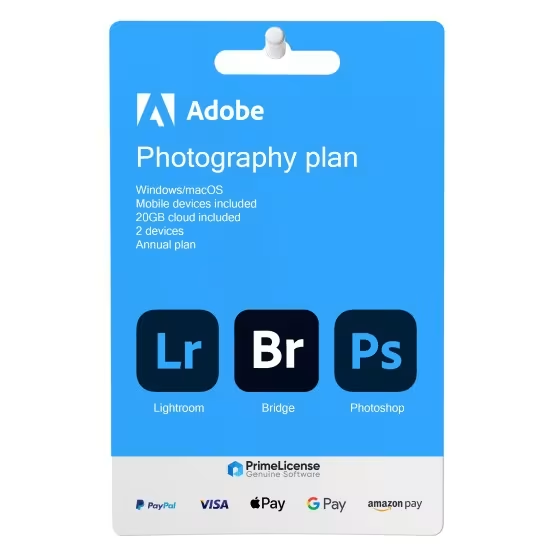


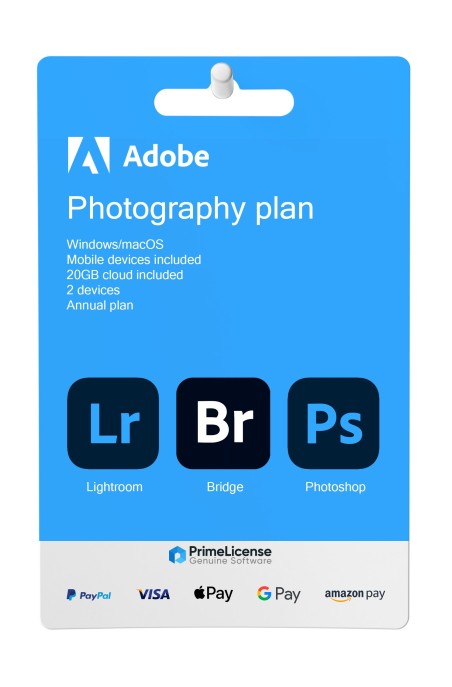


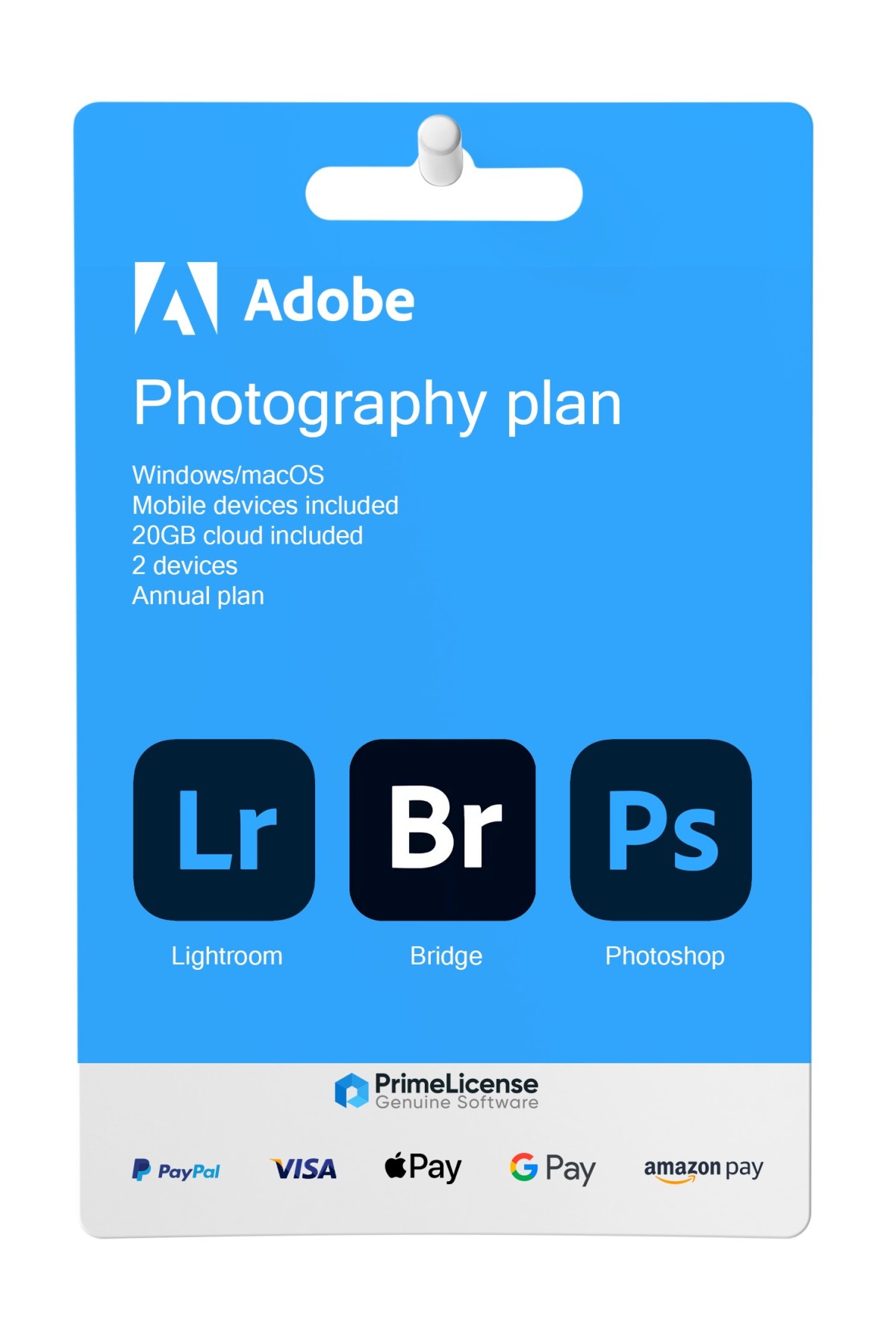
Adobe Photography Plan 1 TB is the subscription plan for Adobe photo designed for all professionals who need a comprehensive suite for organizing, editing and managing their photographs. It differs from Adobe Creative Cloud Pro (All Apps) which instead includes all productivity applications from the brand. This license is for activation on an Adobe Account in the European region or United States; contact us for more details on how to redeem it in your area.
IMPORTANT: Codes for 1 month and 3 months are redeemable up to a maximum of 1 or 2 times per code type and per account. In the case of frequent renewals with these solutions, we recommend changing your Adobe account to avoid exceeding the limit or renew with annual products.
The Adobe Photography Plan includes:
Adobe Creative Cloud Photography Plan 1 TB is a subscription designed for professional photographers and includes the most robust Adobe applications necessary for photo processing, storage and sharing.
With Adobe Photography Plan it is possible to access the applications on a monthly, quarterly or annual basis. This approach eliminates the need to pay full price for software from the outset. The Adobe photo subscription gives you the ability to get updates and new features as soon as they are released, cloud storage that allows you to create, store and share on any device, and access to mobile applications. Let us take a look at the apps included in this plan.
Adobe Photography Plan 1 TB is the ideal plan if you are a professional photographer since this subscription brings together in a single package the most essential tools for your business.
Photoshop for advanced editing and retouching, Lightroom for management and batch editing, Lightroom Classic if you prefer a traditional desktop workflow and Adobe Bridge for asset management. Unlike single-app plans, Photography Plan does not force you to subscribe to separate licenses for each software, eliminating the "creative silo" problem.
With 1 TB of cloud storage included (more than 50 times the previous limit of 20 GB) you have plenty of space for thousands of high-resolution photos, all automatically synced across all your devices. You can start editing on desktop and continue on tablet or smartphone without interruption, always maintaining the control and flexibility your photography projects deserve.
Choosing between Adobe Photography Plan and Adobe Creative Cloud (All Apps) depends on your professional field and the applications you actually use. Here is a detailed comparison:
| Feature | Adobe Photography Plan 1 TB | Adobe Creative Cloud (All Apps) |
|---|---|---|
| Applications included | Photoshop, Lightroom, Lightroom Classic, Adobe Bridge | 20+ apps |
| Cloud storage space | 1 TB (1,000 GB) | 100 GB |
| Adobe Firefly (generative AI) | Not included | Included with unlimited monthly credits for standard image generation and generative video |
| Adobe Fonts | Not included | Included with access to thousands of professional fonts |
| Adobe Stock | Not included | Not included (separate subscription) |
| Ideal for | Photographers requiring photo editing and management | Designers, video makers, multidisciplinary professionals using design, video, web and illustration |
| Workflow | Specialized photography | Multidisciplinary and versatile |
In summary: if your workflow revolves around photography, acquisition, organization, editing and sharing, and you have no need for Premiere Pro, Illustrator, InDesign or other advanced creative applications, Photography Plan offers the best value for money with abundant storage space and the essential apps.
If you work across multiple creative sectors or wish to access Adobe Firefly for image and video generation, Adobe Creative Cloud is the choice for you. Even though the monthly cost is higher, access to 20+ applications compensates for multidisciplinary professionals.
PrimeLicense is an Adobe Certified Reseller, that is, an Adobe certified reseller. This means we are authorized to sell Adobe products and services and we have met the product knowledge requirements. As certified resellers, we guarantee that customers receive authentic products, excellent support and the best purchasing experience for products such as Creative Cloud, Acrobat and others.
Purchasing an original license on PrimeLicense offers more than just a financial advantage; in addition to the net savings on the software, you can also enjoy a quick activation by following the steps below:
All invoices are generated by "Prime Digital Solutions Inc," the owner of the PrimeLicense platform.
You can request an invoice when placing your order by entering the necessary information in the designated fields during the "checkout" process. Alternatively, you may register your tax details on your account when signing up on our website.
You also have the option to request an invoice after placing your order, but please note that the processing and approval of such requests may take up to 14 business days from the date of your purchase.
You can expect to receive your invoice via email on the same day as the request. For additional details, please feel free to contact us here.
Nella stessa categoria