• Save -₣ 56.00
PrimeLicense - 100% genuine software and authentic licenses
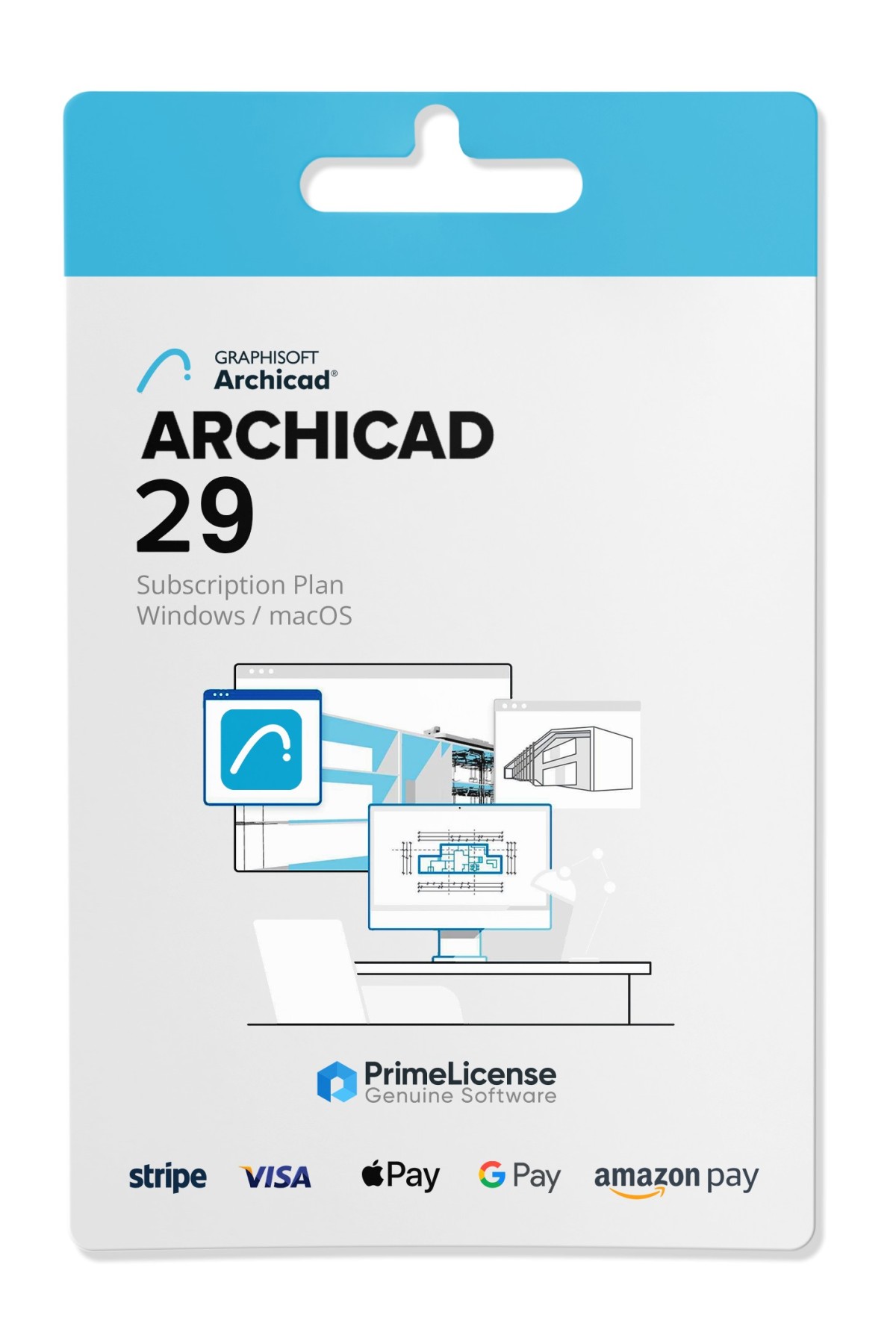
Graphisoft ArchiCAD 29 - Student - Original Software Licenses
PrimeLicense — certified reseller of Microsoft and Adobe software
PrimeLicense has an excellent customer rating of 4.9 out of 5 on Trustpilot
Benefits of buying from PrimeLicense: secure payments, free support, and a 30-day money-back guarantee
Graphisoft ArchiCAD 29 - Student - Original Software Licenses
PrimeLicense — certified reseller of Microsoft and Adobe software
PrimeLicense has an excellent customer rating of 4.9 out of 5 on Trustpilot
Benefits of buying from PrimeLicense: secure payments, free support, and a 30-day money-back guarantee

Graphisoft ArchiCAD 29 - Student

₣ 65.90 ₣ 121.90
30-Day Money-Back Guarantee seal Money-Back Guarantee 30 days - up to $2,500
Microsoft Certified Partner Microsoft Certified Partner
Genuine software seal Genuine software license

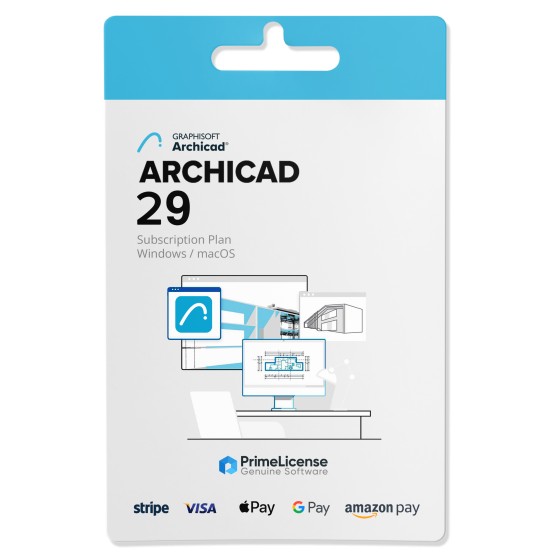
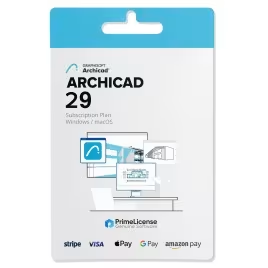
Graphisoft ArchiCAD 29 is the BIM software for architectural design with an annual subscription license. Parametric 3D modeling, document automation, energy analysis and IFC interoperability. Your license is delivered via email within minutes of purchase, with official Graphisoft download.

Validity
  • 1 Year
Language
  • Italian
  • English
  • German


Graphisoft ArchiCAD 29 is a 3D CAD software developed by Graphisoft, a leader in architectural design and Building Information Modeling (BIM). It enables you to create detailed 3D models of buildings, integrating all project information in a single file. It offers advanced tools for modeling, analysis and documentation, streamlining architects' workflows from the conceptual phase through to execution.

IMPORTANT: This is an educational version with all the features of the commercial version. The license type is indicated in the watermark during printing, as it is intended for educational use and not for commercial purposes.

What is included in Graphisoft ArchiCAD 29?

With the purchase of a Graphisoft ArchiCAD 29 subscription license, you will receive:

  • 1 authentic license key for a 1-year ArchiCAD subscription
  • Official software download from the Graphisoft website
  • Free technical support available 7 days a week

For any questions, inquiries or technical issues, our knowledgeable and professional customer support team is available via email and WhatsApp.

What are the new features in ArchiCAD 29?

ArchiCAD 29 introduces a more fluid, intelligent and high-performance BIM environment. This new version improves daily workflows thanks to advanced modeling tools, greater automation and more efficient collaboration features designed for modern design teams. Here are some of the main new features:

  • Advanced BIM improvements for more precise modeling and better project data management.
  • New automation tools that reduce repetitive tasks and accelerate the creation of architectural elements.
  • Optimized 3D performance with faster rendering and smoother navigation in complex models.
  • Improved energy analysis thanks to more accurate calculations and faster simulations.
  • Enhanced interoperability with improved IFC exchanges and greater integration with BIM collaboration platforms.
  • Modernized user interface with more intuitive menus and simplified commands.
  • Advanced collaboration tools that facilitate project reviews and team communication.

These updates make ArchiCAD 29 an ideal choice for those seeking efficiency, precision and a modern BIM experience.

What are the additional rendering solutions for ArchiCAD 29?

Substance Collection for ArchiCAD rendering: The Substance Collection enhances ArchiCAD rendering by providing high-quality, customizable PBR materials. Compatible with V-Ray, Twinmotion and Unreal Engine, it enables architects to create realistic textures and surfaces with procedural workflows. This results in more detailed, accurate and visually striking architectural renderings.

Lumion for ArchiCAD rendering: Lumion offers seamless integration with ArchiCAD, enabling real-time visualization and high-quality rendering. With LiveSync, users can instantly see project updates in a fully rendered environment. Its extensive library of materials and objects, combined with AI-enhanced lighting and rendering speed, makes it ideal for creating immersive architectural visualizations of both exteriors and interiors.

Graphisoft ArchiCAD 29 or Autodesk AutoCAD: which to choose?

Although ArchiCAD and AutoCAD may appear to be similar design software, they actually address very different needs and working philosophies. ArchiCAD 29 is a native BIM platform, developed specifically for architects and integrating parametric 3D modeling with automated building data management. AutoCAD is a generic multi-disciplinary assisted drawing tool, excellent for 2D geometric precision and free 3D modeling. The table below illustrates some of the main differences:

Aspect ArchiCAD 29 AutoCAD
Software Native BIM Generic CAD
Focus Integrated architectural design Technical drawing and free modeling
3D Methodology Parametric modeling Free geometric modeling
Document automation Yes No
Integrated rendering Native Cine-Render Rendering via plugin
Collaboration BIMcloud, Forma Connection, Bluebeam Connection Autodesk Docs, Autodesk Forma, collaborative plugins
Target users Architects, designers, BIM design teams Architects (for drafting), engineers, industrial designers, multi-sector technicians

Ultimately, choose ArchiCAD 29 if you work with native BIM methodology and require document automation within your design team. Instead, choose AutoCAD if you need design freedom and work in multidisciplinary contexts beyond just architecture.

What is Graphisoft ArchiCAD used for?

Graphisoft ArchiCAD 29 is used for design following BIM methodology. From conceptual phase through to final construction documents, you build a parametric 3D model with technical documentation in a single file. From this model, sections, elevations and schedules generate automatically.

Do architects use ArchiCAD?

Yes, many architects choose Graphisoft ArchiCAD, and it is one of the most widely used BIM platforms in architectural practices. The software is adopted by studios of every size, and universities and technical institutes also use it in design courses.

What is the difference between AutoCAD and ArchiCAD?

ArchiCAD is a native BIM platform that manages a building information model, whereas AutoCAD is a generic CAD program oriented towards precise 2D drawing and free 3D modeling. AutoCAD is therefore flexible in multidisciplinary contexts, while ArchiCAD is more specifically for architectural design.

Which is better, Revit or ArchiCAD?

There is no objectively better software between the two. Both ArchiCAD and Revit are complete BIM platforms, and the choice depends on your working context. ArchiCAD is more immediate during the design phase while Revit covers structural and MEP disciplines in a single environment. Usually the choice depends more on interoperability with your project partners.

Is Archicad harder to use than AutoCAD?

ArchiCAD is initially more demanding because it requires you to think in terms of parametric building elements rather than lines and geometries. Once you pass that learning phase, productivity is higher because documentation updates automatically and every change propagates across all drawings.

How do I update ArchiCAD?

ArchiCAD updates are downloaded from the official Graphisoft website download section by logging into your account. Before converting your project files, it is advisable to check that libraries and add-ons are compatible with the new build.

Can I get ArchiCAD for free?

No, Graphisoft does not distribute ArchiCAD software free for professional use, only a temporary trial version.

Platform
MacOS
Windows
Graphics
MAC: Minimum requirement: 1280 x 800 High resolution screen: 2880 x 1800 with Retina display / Recommended: native installed graphics cards for Mac ; WINDOWS: Conventional screens: 1920 x 1080 with 16.8 million colors High resolution and 4K screens: Resolutions up to 3840 x 2160 (with compatible video card)
Processor
WINDOWS: Basic requirement: 2.5-2.9 GHz processor. ARM processors are not supported. Recommended: processor of at least 3 GHz (basic), at least 4 GHz (turbo) / MAC: 64-bit Intel CPU Apple M-series CPUs.
Hard disk
WINDOWS: 10 GB free disk space for download and installation MAC: 6 GB free disk space for download and installation
RAM
WINDOWS: Basic requirement: 8 GB Recommended: 32 GB; MAC: Minimum requirement: 4 GB Recommended: at least 8 GB
Operating system
WINDOWS: Windows 11 64-bit and Windows 10 version 1809 or later / MAC: macOS Ventura v13, Monterey v12, Big Sur v11
Other requirements
Internet connection for license registration and prerequisite component download
#ARCHICAD29ITA
78 Items
AC29-STU

How to activate your license in three simple steps

Purchasing an original license on PrimeLicense offers more than just a financial advantage; in addition to the net savings on the software, you can also enjoy a quick activation by following the steps below:

  1. Purchase your license on PrimeLicense and receive the activation key with instructions via email.
  2. Download the software from the manufacturer's official website.
  3. Activate the software on the portal using your license.

All invoices are generated by "Prime Digital Solutions Inc," the owner of the PrimeLicense platform.

You can request an invoice when placing your order by entering the necessary information in the designated fields during the "checkout" process. Alternatively, you may register your tax details on your account when signing up on our website.

You also have the option to request an invoice after placing your order, but please note that the processing and approval of such requests may take up to 14 business days from the date of your purchase.

You can expect to receive your invoice via email on the same day as the request. For additional details, please feel free to contact us here.

Nella stessa categoria

Product Reviews / Q&A

Average rating

0.0
0 Review
★★★★★ Excellent 0
★★★★☆ Good 0
★★★☆☆ Medium 0
★★☆☆☆ Poor 0
★☆☆☆☆ Terrible 0

  • Reviews (0)
  • Questions & Answers (7)
₣ 65.90
Our agent are not available at this time, for support or inquiries, please reach out us via the contact page.