- Save -£61.00
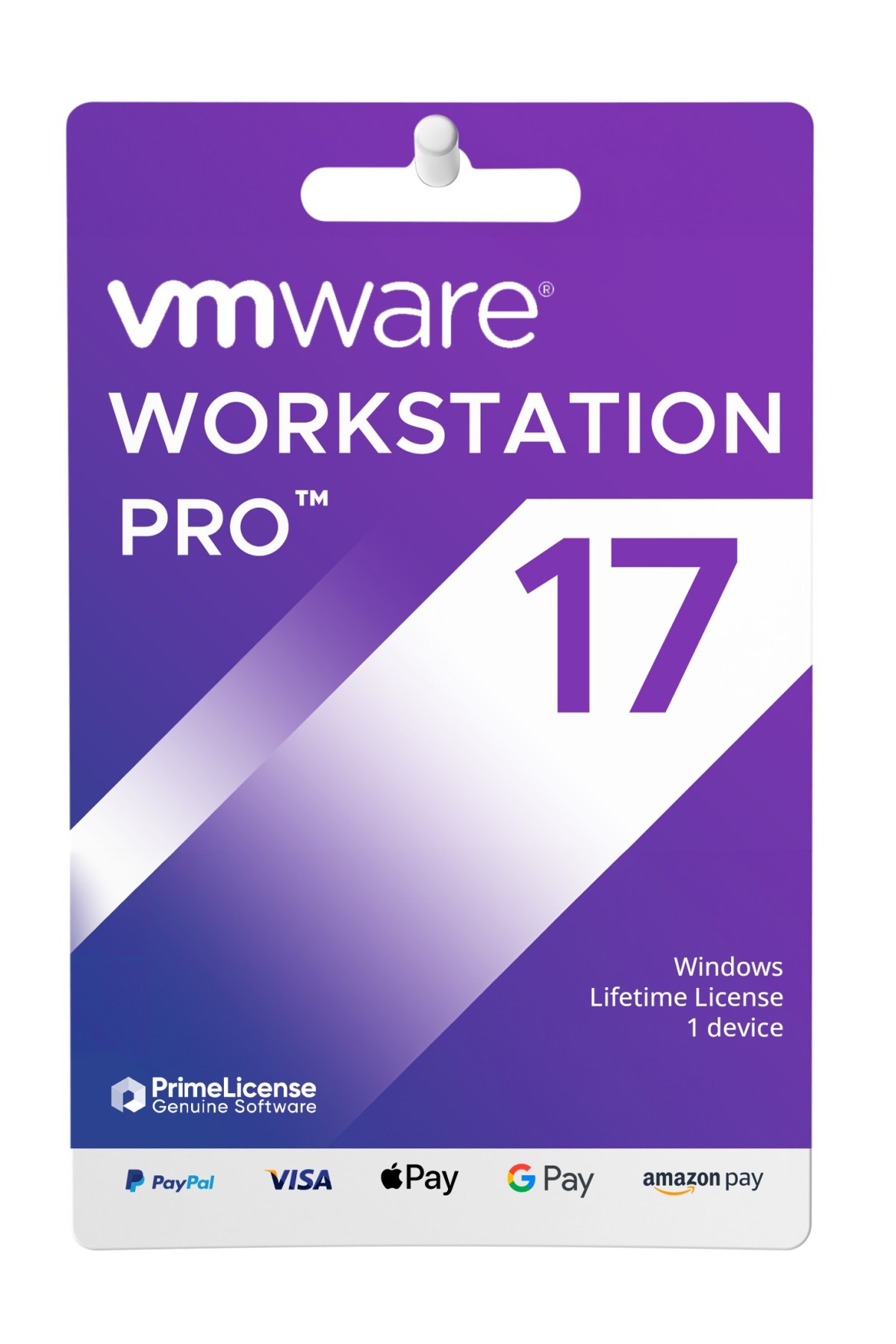
VMware Workstation Pro 17
Product Details
This is an original licence key for VMware Workstation Pro 17, the ultimate virtualisation software solution for IT professionals, developers and businesses.
Licence features:
- 1 user and 1 device
- Lifetime licence
- Multilingual
- Compatible with Windows 8.1 64-bit or higher
Buy VMware Workstation at the best price on the market
Get VMware Workstation at an unbeatable price with 65% off. PrimeLicense allows you to save money, get a 100% genuine licence and have access to reliable technical support.
What is VMware Workstation Pro
VMware Workstation is powerful virtualisation software that allows users to run multiple operating systems simultaneously on a single physical machine.
- Create and manage virtual machines, each with its own operating system and resources (CPU, memory, disk space).
- Take snapshots of virtual machines to capture their state at a specific time, allowing them to return to that state if necessary.
- Clone virtual machines to create identical copies, useful for testing or deployment.
- Configure various network options for virtual machines, including NAT (Network Address Translation), Bridged and host-only networking.
- Assign resources such as CPU, memory and storage to each virtual machine according to your needs.
What's new in VMware Workstation Pro 17?
-
New automatic virtual machine start-up
-
- You can now configure local virtual machines to start automatically when the host machine starts.
-
New support for guest operating systems
-
- Microsoft Windows 11
- Microsoft Windows Server 2022
- RHEL 9
- Debian 11.x
- Ubuntu 22.04
-
New virtual Trusted Platform Module 2.0
-
- Workstation Pro now offers a virtual Trusted Platform Module (version 2.0) to support Windows 11 and other operating systems that require a TPM.
-
New full or fast encryption features
-
- You can now choose between security (Full) and performance (Fast) options for encryption.
-
Improved graphics support: OpenGL 4.3; Requirements:
-
- Windows 7 or higher
- Linux with Mesa 22.0.0 and Linux kernel 5.16.0
-
Support for WDDM 1.2
-
- Workstation Pro now supports WDDM (Windows Display Driver Model) version 1.2 for virtual machines.
VMware Workstation Pro 17 - download and installation guide
We are committed to providing only official downloads of purchased products!
After purchase, you will receive an email with your Workstation Pro 17 licence key, along with clear instructions on how to download it from VMware's official website and activate it with your purchased licence key.
What is the difference between Workstation Pro and Workstation Player?
- Workstation Player is a free solution that offers much simpler virtualisation functions. It is designed to run a single graphics virtual machine and is also widely used in education.
- Workstation Pro is designed for IT professionals and developers. It offers a more comprehensive interface. Workstation Pro can provide and configure network virtual network create clones, connect to vSphere, display multiple virtual machines simultaneously in a tabbed user interface and more.
Why choose PrimeLicense to purchase software licenses?
PrimeLicense is your trusted reseller of original software licenses at the best price. We offer:
- Only authentic software: The software is always downloaded from the official website of the software vendor, which guarantees the authenticity of the products.
- Unbeatable prices: Our competitive prices are made possible by the resale of 'pre-owned' licences, a practice legally permitted by the CJEU ruling of 3 July 2012.
- Outstanding customer service: Our multilingual support team is available 7 days a week and has an average rating of 4.9/5 on platforms such as Trustpilot, Trusted Shops and Google Reviews.
- Secure payment options: Our customers have a wide range of secure payment methods at their disposal, including Apple Pay, Google Pay and credit cards.
FREQUENTLY ASKED QUESTIONS
Is VMware Workstation Pro 17 available for Mac?
Workstation Pro is a version designed for Windows-based computers. However, there is a Mac version with the same functionality - VMware Fusion Pro. VMware Fusion Pro.
How do I receive my licence key after purchasing VMware Workstation?
Once you have completed your purchase of VMware Workstation, you will receive your licence activation key by e-mail.
What can I do if I cannot activate my VMware Workstation licence?
No problem, we are always available to help you! If for any reason you are unable to activate your VMware Workstation licence, please contact our technical support free of charge with details and screenshots of the problem. We will promptly assist you in solving the problem.
- Platform
- Windows
- Graphics
- DirectX 11
- Processor
- Intel or AMD x86 64-bit processor from 2011 onward
- Hard disk
- Minimum 1.5 GB available
- RAM
- 4GB
- Operating system
- Windows 10 Minimum
All invoices are generated by "Prime Digital Solutions Inc," the owner of the PrimeLicense platform.
You can request an invoice when placing your order by entering the necessary information in the designated fields during the "checkout" process. Alternatively, you may register your tax details on your account when signing up on our website.
You also have the option to request an invoice after placing your order, but please note that the processing and approval of such requests may take up to 14 business days from the date of your purchase.
You can expect to receive your invoice via email on the same day as the request. For additional details, please feel free to contact us here.
In the same category
-
Reviews (0)
-
Questions & Answers (0)
-
Latest
-
Latest