English GB


Your cart
There are no more items in your cart
- Save -$565.20





VMware vSphere is the server virtualisation software created by industry leaders: the heart of a modern SDDC that enables you to run, manage, connect and protect applications in a common operational environment across various clouds.
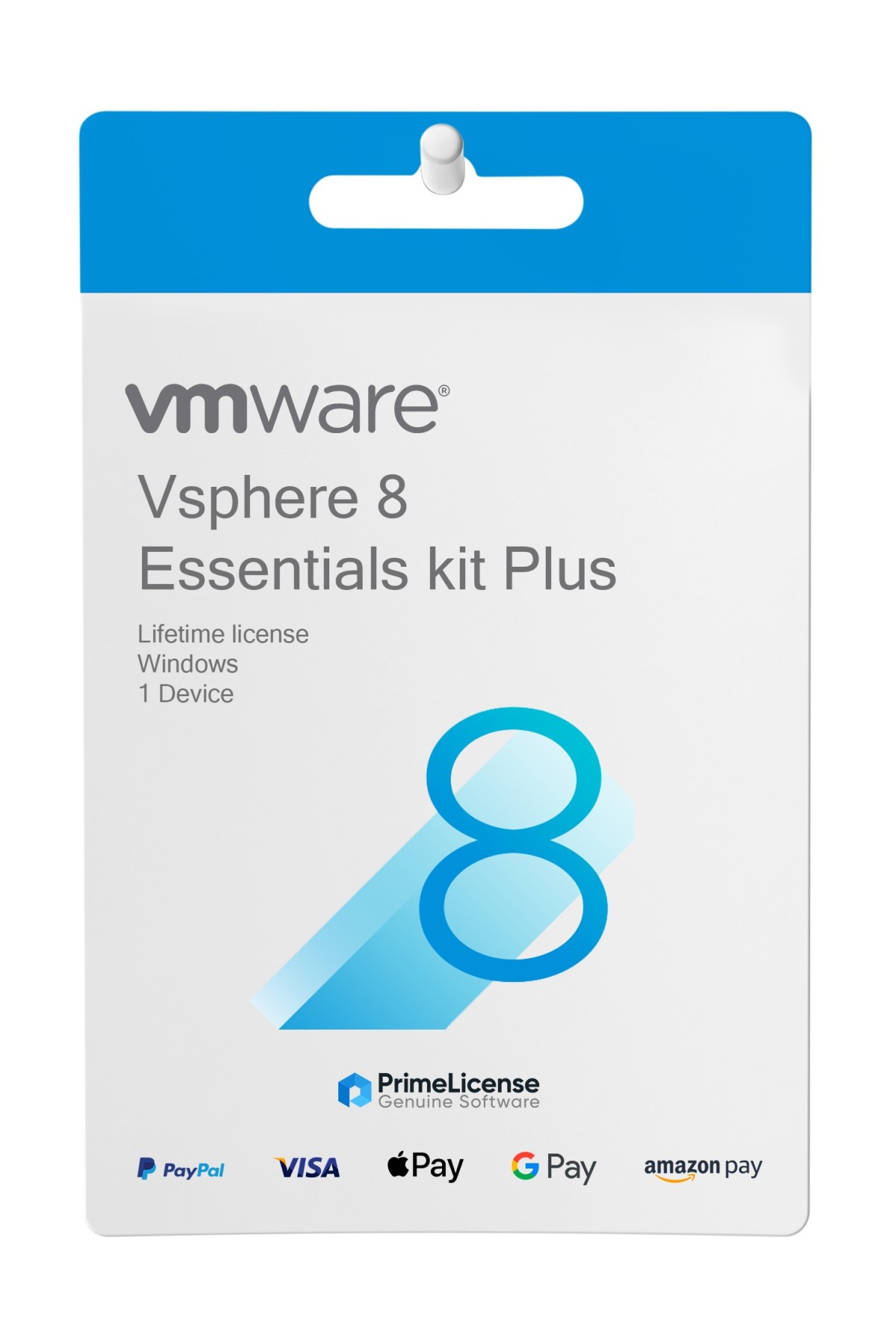
With your purchase you receive an authentic licence key for VMware vSphere 8 Essentials Kit Plus, the complete solution for small businesses. It allows you to virtualise physical servers and reduce hardware costs whilst guaranteeing high application availability and superior data protection.
We are committed to providing only official product downloads: after your purchase, you will receive an e-mail with the licence key for vSphere 8 Essentials Kit Plus, along with clear instructions on how to download it from VMware's official site and activate it with the key. The licence has the following features:
VMware vSphere serves to provide business continuity and ensure IT is always available, an essential factor for any modern organisation. Beyond improving reliability, it enables you to save significantly on IT hardware costs and substantially reduce the physical footprint of your infrastructure whilst simplifying overall systems management. The platform is also able to improve service levels and the quality of delivered applications, whilst simultaneously strengthening security and protection of business data. Thanks to the higher limits introduced in vSphere 8, you can run a greater number of virtual machines, characterised by more powerful and faster performance, thus offering greater operational flexibility.
Among the main features of vSphere we find:
In addition to vSphere 8 Essentials Kit Plus, we also offer the licence for the previous version, namely vSphere 7. To help you choose the best software, you can use the table below which illustrates the main features and differences between these two software products.
| Feature | vSphere 7 | vSphere 8 |
|---|---|---|
| Virtual machines per cluster | 8.000 | 10.000 |
| vGPU per virtual machine | 4 | 8 |
| NVIDIA GPU Passthrough | 8 | 32 |
| CPU Support | Previous generations | Recent Intel and AMD |
| Innovative technology | vSphere with Tanzu (native Kubernetes) | Distributed Services Engine (DPU) |
vSphere 7 proves suitable for traditional infrastructures and mature containers whilst vSphere 8 is for AI/ML and enterprise-level scalability. If you have a limited number of hosts and traditional applications, vSphere 7 offers a solid foundation; if you are designing an architecture for the future with intensive workloads, high scalability requirements or the need to optimise computing resources, then vSphere 8 is the strategic solution to maximise return on investment in the long term.
Purchasing an original licence on PrimeLicense offers more than just a financial advantage; in addition to the net saving on the software, you can also enjoy a quick activation by following the steps below:
All invoices are generated by "Prime Digital Solutions Inc," the owner of the PrimeLicense platform.
You can request an invoice when placing your order by entering the necessary information in the designated fields during the "checkout" process. Alternatively, you may register your tax details on your account when signing up on our website.
You also have the option to request an invoice after placing your order, but please note that the processing and approval of such requests may take up to 14 business days from the date of your purchase.
You can expect to receive your invoice via email on the same day as the request. For additional details, please feel free to contact us here.
In the same category