• Save -$17.00
PrimeLicense - 100% genuine software and authentic licences
Adobe Acrobat Standard DC (Subscription) - Original Software Licences
PrimeLicense — certified reseller of Microsoft and Adobe software
Your purchase with PrimeLicense is protected by Trusted Shops for up to €2,500
PrimeLicense has an excellent customer rating of 4.9 out of 5 on Trustpilot
Benefits of buying from PrimeLicense: secure payments, free support, and a 30-day money-back guarantee
We sell 100% genuine pre-owned software licenses fully compliant with EU law
Adobe Acrobat Standard DC (Subscription) - Original Software Licences
PrimeLicense — certified reseller of Microsoft and Adobe software
Your purchase with PrimeLicense is protected by Trusted Shops for up to €2,500
PrimeLicense has an excellent customer rating of 4.9 out of 5 on Trustpilot
Benefits of buying from PrimeLicense: secure payments, free support, and a 30-day money-back guarantee
We sell 100% genuine pre-owned software licenses fully compliant with EU law

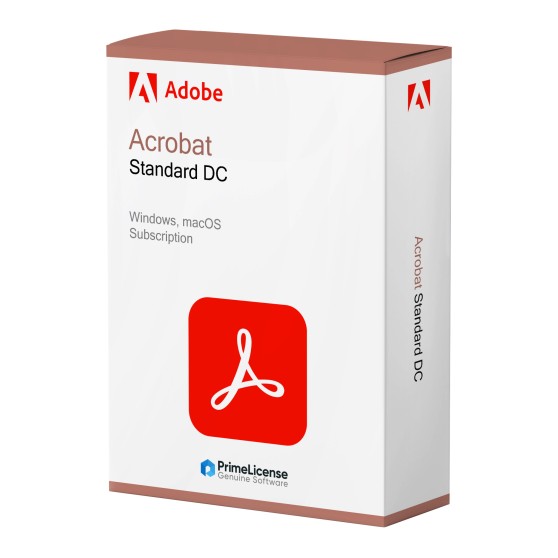
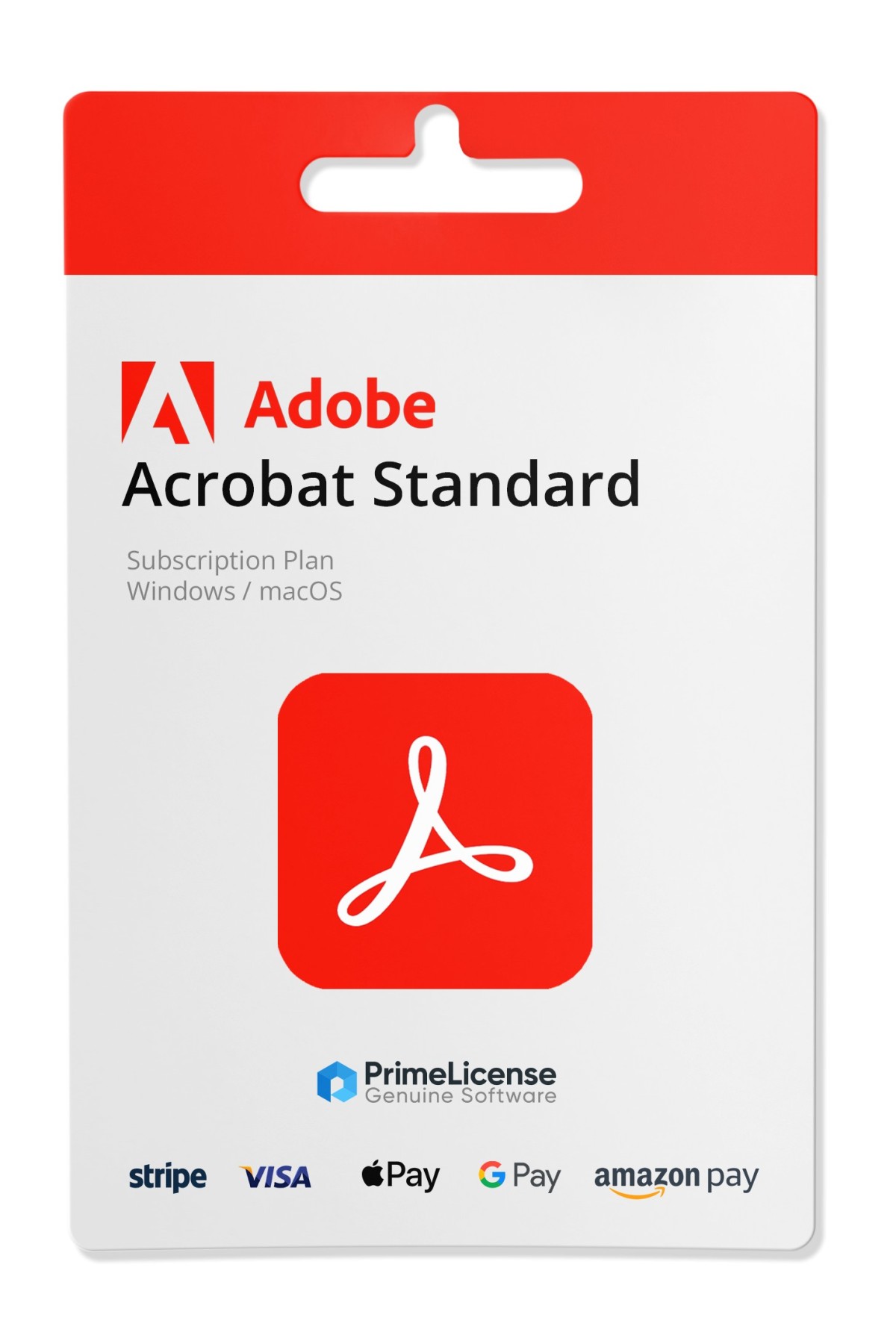
Adobe Acrobat Standard DC (Subscription)

$20.90 $37.90
TrustedShops insurance seal Purchase Protection included - up to £2,500
Microsoft Certified Partner Microsoft Certified Partner
Genuine software seal Genuine software licence

Adobe Acrobat Standard DC is a subscription licence for PDF editing software for Windows and macOS. Use it for managing, editing, converting and securely sharing your files. Includes 100 GB of cloud storage space.

Validity
  • 1 Month
  • 3 Months
  • 1 Year
Type
  • Standard


Acrobat Standard DC is the subscription version of the Adobe programme, used to convert, crop, edit, sign and manage PDF documents. Acrobat Standard DC includes 100 GB of space on Adobe cloud for your external storage.

This version is on subscription (monthly, quarterly or annual) if you are looking for a version without any expiry date, you can find it by purchasing products with a perpetual licence such as Adobe Acrobat Pro 2020 or Adobe Acrobat 2019.

What is included in Adobe Acrobat Standard DC?

By purchasing a subscription licence for Adobe Acrobat Standard DC you have access to the following features:

  • PDF creation and conversion - allows you to convert Word, Excel, Powerpoint and image files into PDF files
  • Export to other formats - to convert your PDFs into any format
  • Direct editing - to intervene directly on files and modify them
  • Electronic signature - to apply your digital signature and guarantee the authenticity of documents
  • Cloud storage space - 100 GB of storage on Adobe cloud

Additionally, you also have access to the installation guide provided with the Adobe Acrobat Standard DC subscription, sent via e-mail immediately after your purchase.

Adobe Acrobat Standard DC: differences with other versions

Adobe Standard DC includes all basic PDF functionality, these include: editing and organising PDF files; converting documents to and from PDF; form completion, document signing and requesting electronic signatures; protecting files via password.

Compared to the Pro DC version of Adobe software, it lacks the OCR tool, redaction, generative AI implementation and advanced features that you can instead find in the more expensive subscription.

Compared instead to the perpetual licence edition, namely Acrobat Pro 2020 and earlier versions, it boasts continuous updates to keep the software always at the latest version, as well as compatibility with macOS.

Adobe Acrobat: which one to choose in brief?

The Acrobat software is available in three different formats: two of these are on subscription, such as Acrobat Standard DC, whilst one has a perpetual licence. Below are the characteristics of each of them.

Feature Acrobat Standard DC Acrobat Pro DC Acrobat Pro 2020
Licence type Subscription (monthly, quarterly, annual) Subscription (monthly, quarterly, annual) Perpetual (one-time)
Operating systems Windows, macOS Windows, macOS Windows
Devices 1 2 (not for concurrent use) 1
Cloud Storage 100 GB 100 GB
Advanced features — (editing, conversion, digital signature) ✓ (OCR, redaction, preflight, batch + generative AI) ✓ (OCR, redaction, preflight, batch)
Updates ✓ Continuous ✓ Continuous

The choice depends on your usage needs. If you need to use Acrobat for collaborative and work purposes, then you can consider purchasing Acrobat Standard DC or Acrobat Pro DC, both versions guarantee 100 GB of cloud storage and all the most useful features for managing and editing PDFs.

In the event that you need desktop software, with no expiry date and without the need for constant updates, then your choice may fall on the Acrobat Pro 2020 product with lifetime licence.

The PrimeLicense advantage: Adobe Certified Reseller

We offer strong discounts on brand products thanks to our status as Adobe certified resellers. This means we are authorised to sell the brand's services and products, having met the product knowledge requirements. As an Adobe Certified Reseller, we guarantee that customers receive genuine products, excellent support and the best purchasing experience. You can contact us for any need and our team of experts will help you resolve any issue with your Adobe licence.

Can I edit a PDF with Acrobat Standard DC?

Yes, it is possible to edit a PDF with the Adobe Standard DC version of the software. You can also swap images, correct typos and change page layout directly within the document. Other advanced edits, however, such as inserting fillable forms and using OCR, require a subscription to Acrobat Pro DC.

Is Acrobat DC the same as Acrobat?

For the most part it is the same application. DC stands for Document Cloud and indicates the modern subscription version of the software, whereas Acrobat versions without this designation are perpetual licences, usually followed by the year the software was published.

Is there a free Adobe Acrobat DC version?

Yes, the free version is called Adobe Acrobat Reader DC but it does not allow you to edit PDF files. Use of the free software permits only viewing and adding comments to PDF documents.

How do I install Adobe Acrobat Standard DC?

Log in with your Adobe account and then access your applications and services. If you have activated your subscription licence, you will find Acrobat Standard DC in the "Products" category. Simply download the software installer and run it on your device.

How do I cancel my Adobe Acrobat Standard DC subscription?

When you purchase from PrimeLicense, automatic renewal of your Acrobat Standard DC licence is not activated, so you do not need to cancel your subscription. However, if you need to cancel it, you can do so by logging into your Adobe account page. Select "Manage plan" and then "Cancel your plan", following the on-screen steps to confirm the operation.

What happens if I delete Adobe Acrobat Standard DC?

By deleting Adobe Standard DC, you remove the software and all advanced editing features. This does not mean you lose your locally saved PDF documents, as you will still be able to open them with other software or web browsers. However, you will not be able to apply edits or sign documents.

Platform
MacOS
Windows
Language
Multilanguage
Users suported
1 User
Operating system
Windows 11, Windows 10. For OS Mac Catalina 10.15.7 minimum
Other requirements
Any device that supports the operating systems listed above. Systems with ARM processors are not supported. An Internet connection is required to activate the program. The program license is verified repeatedly at regular intervals.
#ARPOP291
88 Items
3001492154001
9821492154005

How to activate your licence in three simple steps

Purchasing an original licence on PrimeLicense offers more than just a financial advantage; in addition to the net saving on the software, you can also enjoy a quick activation by following the steps below:

  1. Purchase your licence on PrimeLicense and receive the activation key with instructions via email.
  2. Download the software from the manufacturer's official website.
  3. Activate the software on the portal using your licence.

All invoices are generated by "Prime Digital Solutions Inc," the owner of the PrimeLicense platform.

You can request an invoice when placing your order by entering the necessary information in the designated fields during the "checkout" process. Alternatively, you may register your tax details on your account when signing up on our website.

You also have the option to request an invoice after placing your order, but please note that the processing and approval of such requests may take up to 14 business days from the date of your purchase.

You can expect to receive your invoice via email on the same day as the request. For additional details, please feel free to contact us here.

In the same category

Product Reviews / Q&A

Average rating

0.0
0 Review
★★★★★ Excellent 0
★★★★☆ Good 0
★★★☆☆ Medium 0
★★☆☆☆ Poor 0
★☆☆☆☆ Terrible 0

  • Reviews (0)
  • Questions & Answers (0)
$20.90