• Save -£43.00
PrimeLicense - 100% genuine software and authentic licences
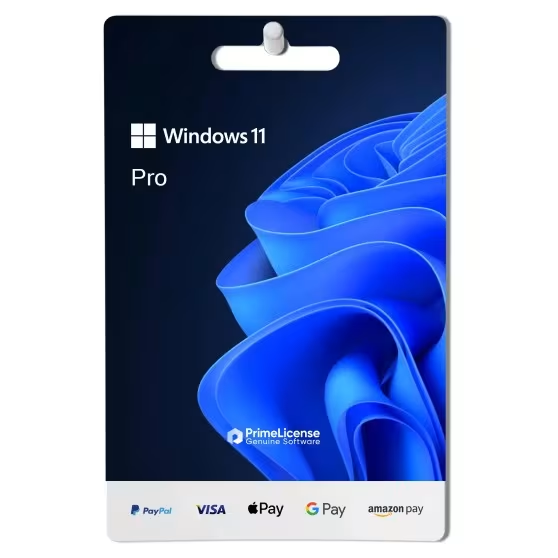
Windows 11 Pro - Lifetime License Key - Original Software Licences
PrimeLicense — certified reseller of Microsoft and Adobe software
Your purchase with PrimeLicense is protected by Trusted Shops for up to €2,500
Benefits of buying from PrimeLicense: secure payments, free support, and a 30-day money-back guarantee
PrimeLicense has an excellent customer rating of 4.9 out of 5 on Trustpilot
We sell 100% genuine pre-owned software licenses fully compliant with EU law
Windows 11 Pro - Lifetime License Key - Original Software Licences
PrimeLicense — certified reseller of Microsoft and Adobe software
Your purchase with PrimeLicense is protected by Trusted Shops for up to €2,500
Benefits of buying from PrimeLicense: secure payments, free support, and a 30-day money-back guarantee
PrimeLicense has an excellent customer rating of 4.9 out of 5 on Trustpilot
We sell 100% genuine pre-owned software licenses fully compliant with EU law

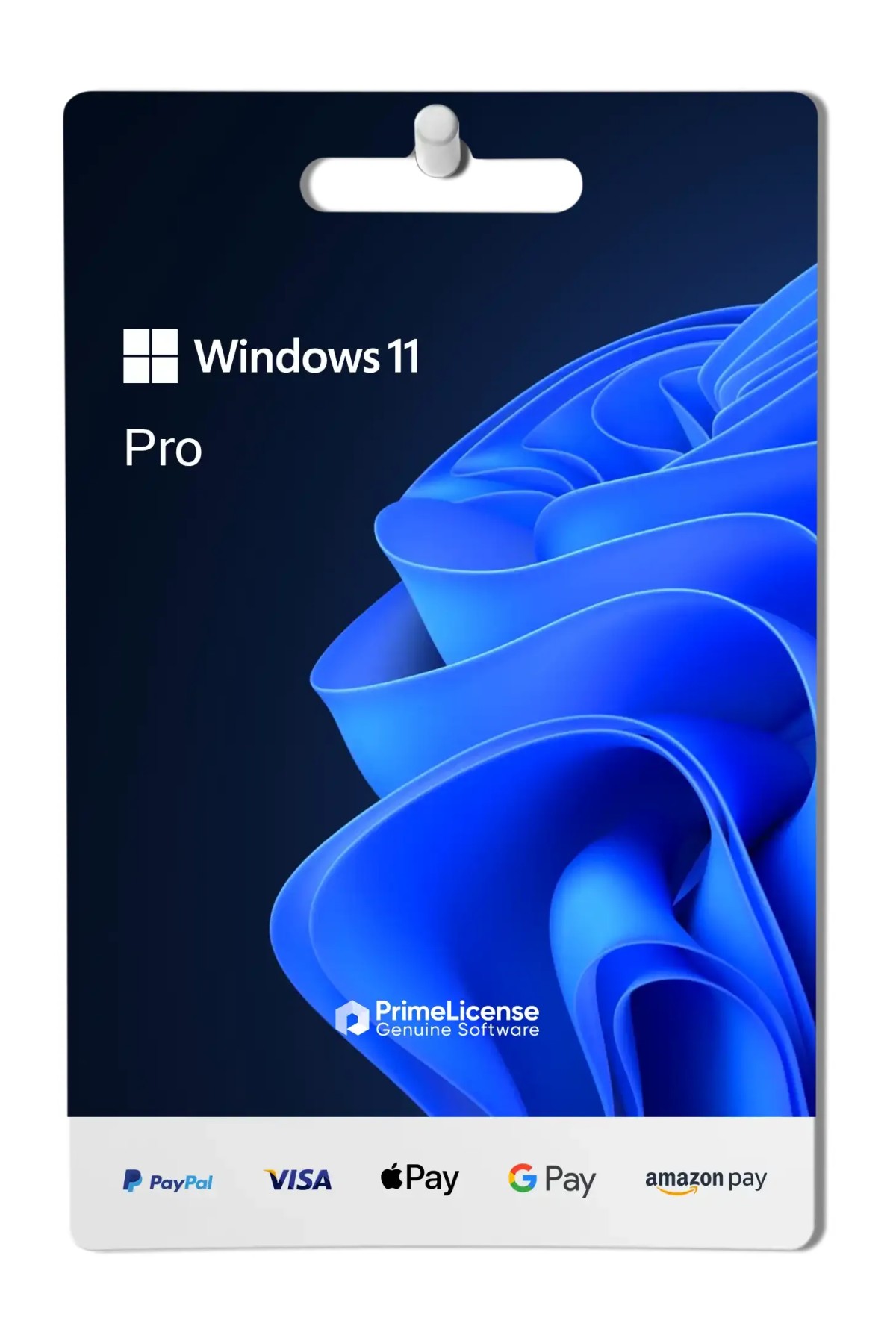
Windows 11 Pro - Lifetime License Key

£25.90 £68.90
TrustedShops insurance seal Purchase Protection included - up to £2,500
Microsoft Certified Partner Microsoft Certified Partner
Genuine software seal Genuine software licence

Windows 11 Pro is the advanced version of Microsoft's most recent operating system. It includes hardware and software protection tools, virtualisation and accessibility features. The licence is perpetual and is delivered via e-mail within a few minutes of purchase.


Windows 11 Pro is the version of Microsoft operating system designed for professionals, businesses and advanced users who require cutting-edge features and tools to improve productivity and security.

What is included in the Windows 11 Pro licence?

Purchasing Windows 11 Pro gives you access to:

  1. 1 original perpetual licence for 1 Windows PC
  2. All supported languages
  3. Digital delivery via email within a few minutes of purchase
  4. Free PrimeLicense technical support
  5. Trusted Shops guarantee up to €2,500

If you want to verify whether your device is compatible before purchasing your licence, you can download and run the installation assistant from the Microsoft official website.

The features of the Windows 11 Pro licence

By purchasing a Windows 11 Pro licence you will have access to all advanced features for experienced users including device management, virtualisation and security tools:

  • BitLocker - encryption for protecting sensitive data
  • Windows Hello - secure access via face or fingerprint recognition
  • Ransomware protection - automatic blocking of unauthorised changes
  • TPM 2.0 and Secure Boot - hardware and boot protection
  • Hyper-V - work environment virtualisation
  • Windows Sandbox - for running applications in isolated environment
  • Remote desktop control - for remote PC control and useful for remote work

What are the new features in Windows 11 Pro?

By purchasing an official Windows 11 Pro licence you will be able to enjoy many new features related to the Microsoft operating system. In addition to the features already described, you will have a redesigned menu, more centred and with a simplified appearance so that even users coming from other operating systems can make the most of Windows 11.

It is not just a matter of visual appearance but also of accessibility, thanks to the presence of automatic subtitles generated in real time from any audio everyone can use the operating system to the best of its potential.

Those who work with Windows 11 Professional do not need to worry about performance: the Efficiency Mode, that is efficiency mode, reduces the energy consumption of background processes, so you can organise your work without hitches and slowdowns.

Which version of Windows 11 should you choose?

If you are unsure about the choice of operating system, below you can find a table that summarises the presence or absence of Windows 11 features in the Home, Pro and Enterprise versions.

Features Windows 11 Home Windows 11 Pro Windows 11 Enterprise
Windows Hello
DirectStorage
Bitlocker -
Hyper-V -
Windows Sandbox -
Windows Defender Credential Guard - -
Application Guard - -
Microsoft Endpoint Manager - -
Windows Autopilot - -

Windows 11 Pro is the intermediate solution: if you are an experienced user or a professional who works remotely and requires virtualisation, advanced protection and accessibility, then this is the operating system for you.

For large companies it is recommended to choose a Windows 11 Enterprise licence whereas a single user who wants a licence for their home PC, then Windows 11 Home is a good starting point, from which you can decide to upgrade to Windows 11 Pro at a later date and only if necessary.

Windows 11 Pro or Windows 10 Pro: what's the difference?

The main differences between Windows 10 Professional and Windows 11 Professional are related to the use of a cleaner and more rounded user interface in Windows 11, very similar to macOS systems for more intuitive use. The design has been completely redesigned compared to Windows 10 which features a traditional Start menu in line with previous operating systems.

In terms of implementation, the Windows 11 Pro licence has advanced data protection and security compared to its previous edition, with effective device management based on cloud analysis, system requirements for updated software and improved compatibility for old applications already present in Windows 10.

We must not forget the factor of updates and features always available: whilst support for edition 10 of Windows is now over, Windows 11 Pro is in constant evolution. New and optimised applications such as Clipchamp, Cortana, Microsoft Edge, Microsoft 365 trial version and completely renovated hardware management make the latest Microsoft operating system a high-profile choice.

Which is better: Windows 10 or 11?

The choice between Windows 10 and Windows 11 depends on your use and specific needs. With a Windows 11 Pro licence, you get enhanced and updated features for business management and security, plus a more modern and clean interface.

Windows 11 Pro or Professional?

Although the naming might suggest two different products, they are the same version of Windows 11.

How do I upgrade from Windows 10 to Windows 11?

To upgrade from Windows 10 to Windows 11, start by backing up your important data for safety. Then, go to the Microsoft website and download the Media Creation Tool. Open the tool and select "Upgrade this PC now". Follow the on-screen instructions to complete the upgrade process. After installation, activate Windows 11 using a valid product key.

Is the Windows 11 Pro licence for 32-bit or 64-bit systems?

We provide download links for both 32-bit and 64-bit systems, during installation you can choose the version compatible with your operating system.

Is the Windows 11 Pro licence perpetual?

Yes, the Windows 11 Pro licence is for life. You purchase it once and use it forever: it has no expiration date and is not a subscription licence.

Is Windows 11 Pro suitable for gaming?

Although not specifically designed for gaming, the operating system enjoys the same features as Windows 11 Home, thus guaranteeing DirectStorage, Auto HDR and full integration with Xbox Game Pass for PC. Therefore, Windows 11 Pro is also suitable for even the most demanding gamers.

Is Windows 11 Pro compatible with Office 2024?

Yes, Windows 11 Professional is fully compatible with the Office 2024 package and also Office 2021.

Can I switch to Windows 11 Pro from Windows 11 Home?

Yes, you can. All you need to do is purchase a Windows 11 Pro licence and upgrade your operating system.

How is the Windows 11 Pro licence priced so low?

We offer used retail licences released by the previous owner in accordance with the Court of Justice ruling C.E. C-128/2011. For this reason it is possible to purchase the official Windows 11 licence on our website at a more convenient price.

How do I receive my licence after purchasing Windows 11 Professional?

After completing your licence purchase, we will send you a Windows 11 Pro activation key via e-mail.

What do I do if I cannot activate or download Windows 11 Pro?

No problem, we are always available to help! If you are unable to download your Windows 11 Pro licence for any reason, contact our free technical support indicated on the website, providing details and screenshots of the issue. We will support you immediately in resolving it.

Platform
Windows
Processor
1 Ghz or faster with 2 or more cores
Hard disk
64 GB available disk space
RAM
4 GB (64bit)
Other requirements
Internet access / Windows 10 Home or Pro
System firmware
UEFI, Secure Boot capable
TPM
version 2.0
#902459036
9638 Items
0889842905892
FQC-10528

How to activate your licence in three simple steps

Purchasing an original licence on PrimeLicense offers more than just a financial advantage; in addition to the net saving on the software, you can also enjoy a quick activation by following the steps below:

  1. Purchase your licence on PrimeLicense and receive the activation key with instructions via email.
  2. Download the software from the manufacturer's official website.
  3. Activate the software on the portal using your licence.

All invoices are generated by "Prime Digital Solutions Inc," the owner of the PrimeLicense platform.

You can request an invoice when placing your order by entering the necessary information in the designated fields during the "checkout" process. Alternatively, you may register your tax details on your account when signing up on our website.

You also have the option to request an invoice after placing your order, but please note that the processing and approval of such requests may take up to 14 business days from the date of your purchase.

You can expect to receive your invoice via email on the same day as the request. For additional details, please feel free to contact us here.

In the same category

Product Reviews / Q&A

Average rating

4.9
72 Reviews
★★★★★ Excellent 65
★★★★☆ Good 7
★★★☆☆ Medium 0
★★☆☆☆ Poor 0
★☆☆☆☆ Terrible 0

  • Reviews (72)
  • Questions & Answers (1)
£25.90