• Save -£120.00
PrimeLicense - 100% genuine software and authentic licences
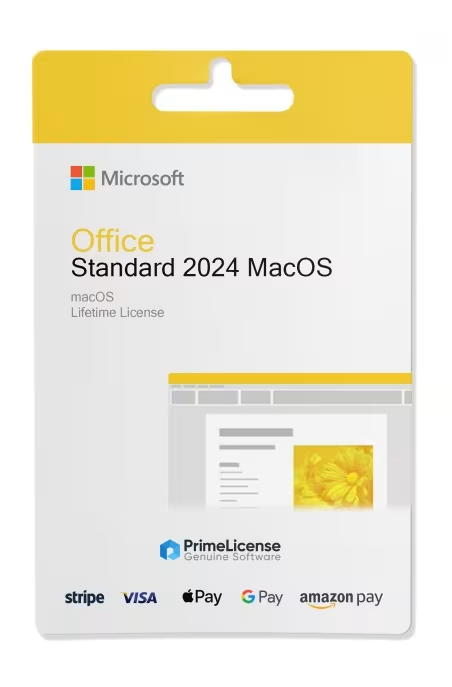
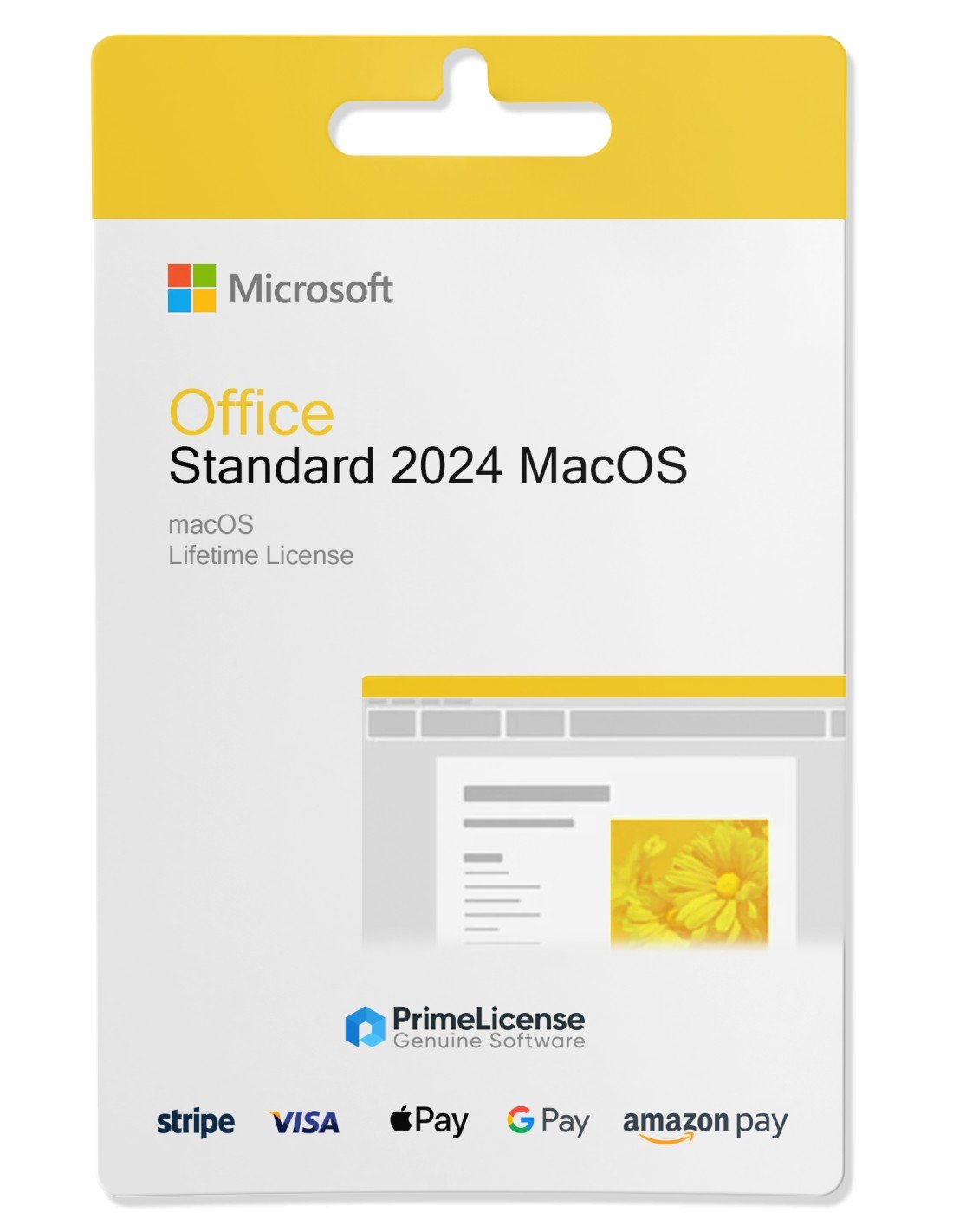
Office Standard 2024 Mac - Original Software Licences
PrimeLicense — certified reseller of Microsoft and Adobe software
Your purchase with PrimeLicense is protected by Trusted Shops for up to €2,500
Benefits of buying from PrimeLicense: secure payments, free support, and a 30-day money-back guarantee
PrimeLicense has an excellent customer rating of 4.9 out of 5 on Trustpilot
We sell 100% genuine pre-owned software licenses fully compliant with EU law
Office Standard 2024 Mac - Original Software Licences
PrimeLicense — certified reseller of Microsoft and Adobe software
Your purchase with PrimeLicense is protected by Trusted Shops for up to €2,500
Benefits of buying from PrimeLicense: secure payments, free support, and a 30-day money-back guarantee
PrimeLicense has an excellent customer rating of 4.9 out of 5 on Trustpilot
We sell 100% genuine pre-owned software licenses fully compliant with EU law

Office Standard 2024 Mac

£51.90 £171.90
TrustedShops insurance seal Purchase Protection included - up to £2,500
Microsoft Certified Partner Microsoft Certified Partner
Genuine software seal Genuine software licence

Microsoft Office 2024 Standard for Mac is a perpetual licence giving you access to all core Office apps: Word, Excel, PowerPoint, Outlook and OneNote. Digital delivery is via email within minutes of purchase.


Microsoft Office 2024 Standard for Mac is the version of Office designed for devices with the macOS operating system. The licence is perpetual, which means you don't pay any subscription or renew contracts with recurring costs: install Office Mac and gain lifetime access to all apps.

IMPORTANT: This version is compatible exclusively with Mac. If you're looking for the Office 2024 version for Windows PCs, you can opt for the Professional Plus 2024 version or Home & Business 2024.

What's included in Office 2024 Mac?

Office 2024 Standard for Mac includes the essential applications of the Office suite, including:

  • Word - for creating professional and well-structured documents
  • Excel - for creating intelligent spreadsheets with new features and improved performance
  • PowerPoint - for creating captivating presentations with modern transitions
  • Outlook - for managing email, calendar and contacts with greater speed and synchronisation
  • OneNote - for capturing ideas, tasks and notes across multiple devices thanks to Microsoft account synchronisation

Whether you work from home, run a small business or simply want Office applications without monthly payments, this version offers simplicity, performance and long-term value. Office 2024 Mac receives security updates but doesn't update with new features.

Compatibility and system requirements

Office 2024 Mac Standard is compatible with:

  • macOS Monterey 12.5, Ventura 13, Sonoma 14 and later versions
  • Apple Silicon (M1, M2, M3 chips) and Intel-based Macs

Office 2024 Mac Standard, Home & Business or Microsoft 365?

When talking about the latest versions of Office for Mac you can choose between the Standard, Home & Business or Microsoft 365 version. There is often much confusion about this, so if you don't want to make a mistake with your purchase, take into account the information in the table below.

Feature Office 2024 Mac Standard Office 2024 Mac Home & Business Microsoft 365
Payment One-time (volume licence) One-time (retail licence) Monthly/Annual
Duration of use Lifetime Lifetime As long as subscription is active
Apps included Word, Excel, PowerPoint, Outlook, OneNote Word, Excel, PowerPoint, Outlook, OneNote + advanced templates Same apps + OneDrive, Teams
Cloud Storage No No 1 TB OneDrive
Updates Security Security (retail channel) Features and security
Activation Volume LTSC Retail (Microsoft account) Microsoft account
Ideal for Organisations needing multiple licences / individuals who don't need the latest updates Personal use, freelancers, small businesses Users who want cloud access and constant updates

Other Office for Mac versions compared: which to choose?

All Office for Mac versions presented in the table below are on perpetual licence (i.e. one-time purchase), however they differ based on factors such as price, macOS compatibility and security update support.

Version Office Home & Business 2016 for Mac Office Home & Business 2019 for Mac Office Home & Business 2021 for Mac Office Standard 2024 for Mac
Compatibility macOS Catalina 10.15 or later macOS Monterey 12.5 or later macOS Ventura 13.2, Monterey 12.5 macOS Ventura 13, Sonoma 14 and later
Support Ended (13 October 2020) Ended (10 October 2023) Until 13 October 2026 Until 9 October 2029
Ideal for Maximum savings Offline work Recent Mac devices Online work and security updates

Whichever version of Office for Mac you choose, don't hesitate to contact our customer support for any questions or issues. We'll help you choose and activate your licence to ensure maximum satisfaction.

Can I install Office 2024 on Mac?

Yes, it is possible to install Office 2024 on Mac by purchasing the version specifically designed for Apple hardware with macOS. The Standard version is compatible with macOS Ventura 13, Sonoma 14 and later versions.

What's the difference between Office 2024 Mac Standard and Microsoft 365?

Office 2024 Mac Standard is a perpetual licence with a one-time payment and usable for life without additional costs. Microsoft 365, on the other hand, is the subscription plan with monthly or annual payment that includes all Office apps, constant updates and new features.

What is the lifetime licence for Office on Mac?

The Office for Mac versions with lifetime licence are Home & Business 2016, Home & Business 2019, Home & Business 2021, Home & Business 2024 and Standard 2024.

How much does Office 2024 Mac cost forever?

The official price of Office 2024 Mac for life is €149 via the official Microsoft website. The price on PrimeLicense, whilst being discounted, offers you access to a 100% original licence with free post-purchase support.

How can I get the Office suite free on Mac?

It is not possible to access the Office 2024 suite on Mac for free, but you can purchase a licence for Office 2024 Standard for Mac at an advantageous price.

How do I buy an Office licence for Mac?

Simply add the licence to your basket and complete the purchase procedure through secure and tracked payment systems. You'll receive your digital licence via email within a few minutes.

Is the low-priced Office 2024 Standard licence for Mac legal?

Yes, the resale of used software is legal in Europe thanks to the CJEU ruling C-128/11 from 2012 (UsedSoft vs Oracle case). This allows us to sell licences at advantageous prices for our customers.

How long does Office 2024 for Mac last?

Office 2024 Standard for Mac is a lifetime licence, so it lasts forever.

Processor
1.6 GHz, 2-core processor
Hard disk
4 GB available disk space
RAM
4 GB (64bit), 2 GB (32bit) RAM
Other requirements
Internet access
#03818289138
30 Items
021-10931

How to activate your licence in three simple steps

Purchasing an original licence on PrimeLicense offers more than just a financial advantage; in addition to the net saving on the software, you can also enjoy a quick activation by following the steps below:

  1. Purchase your licence on PrimeLicense and receive the activation key with instructions via email.
  2. Download the software from the manufacturer's official website.
  3. Activate the software on the portal using your licence.

All invoices are generated by "Prime Digital Solutions Inc," the owner of the PrimeLicense platform.

You can request an invoice when placing your order by entering the necessary information in the designated fields during the "checkout" process. Alternatively, you may register your tax details on your account when signing up on our website.

You also have the option to request an invoice after placing your order, but please note that the processing and approval of such requests may take up to 14 business days from the date of your purchase.

You can expect to receive your invoice via email on the same day as the request. For additional details, please feel free to contact us here.

In the same category

Product Reviews / Q&A

Average rating

0.0
0 Review
★★★★★ Excellent 0
★★★★☆ Good 0
★★★☆☆ Medium 0
★★☆☆☆ Poor 0
★☆☆☆☆ Terrible 0

  • Reviews (0)
  • Questions & Answers (4)
£51.90