English GB


Your cart
There are no more items in your cart
- Save -57.00 $



Buy with confidence. We are a certified Microsoft partner, so we can offer you highly specialised assistance on Microsoft products and qualified support during installation and activation. With an average rating of 4.8/5 on Trustpilot, Google and Trusted Shops, you can count on reliable service and quality support.
With your purchase you will receive:
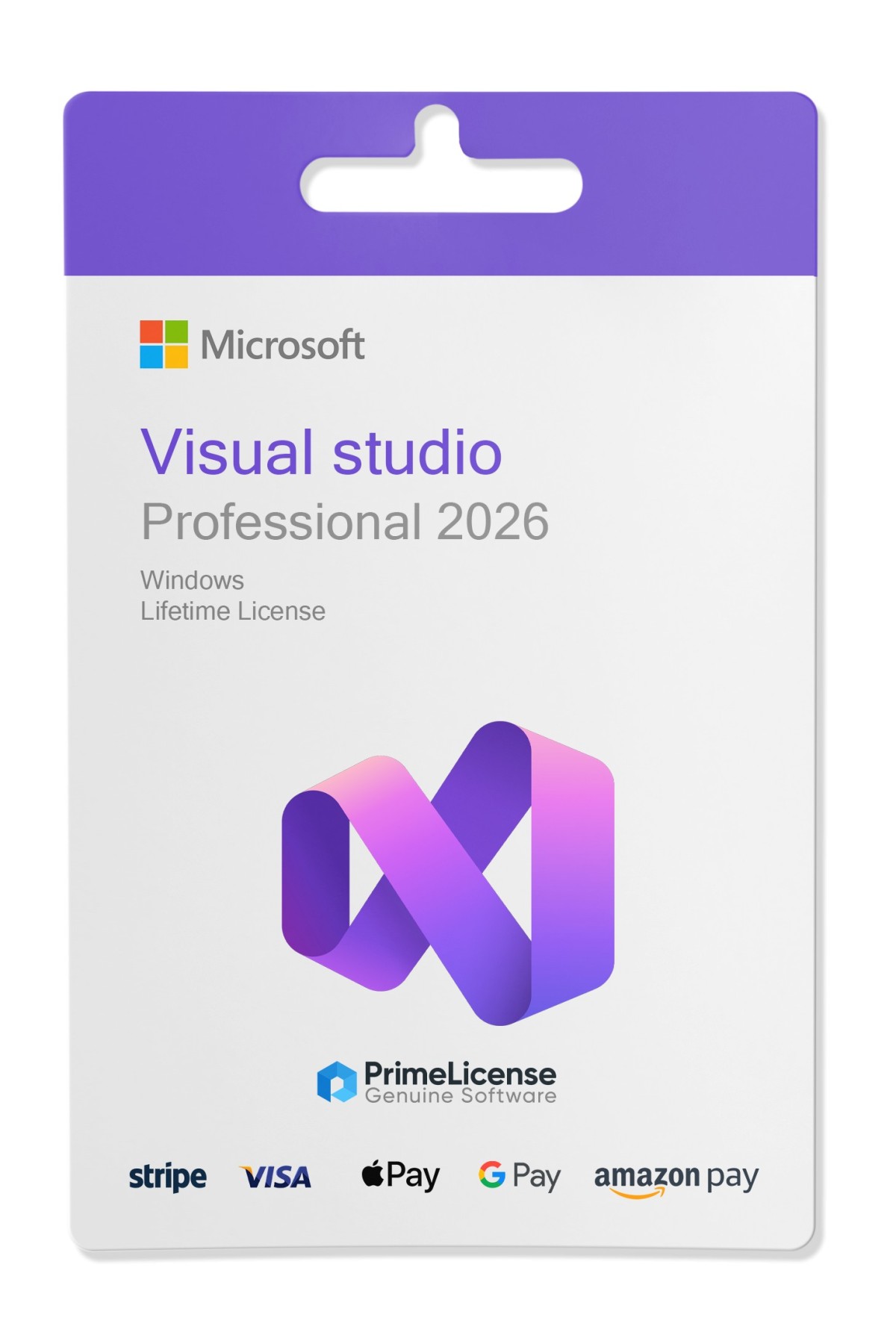
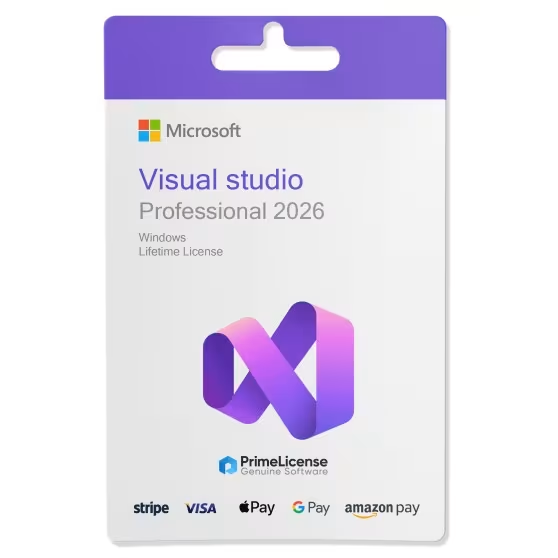
Microsoft Visual Studio Professional 2026 is a comprehensive IDE designed for professional developers and small teams who need powerful tools to create, test, and deploy applications across multiple platforms. With a one-time purchase, you get access to advanced programming, debugging and collaboration features to speed up the development process.
System requirements: compatible with Windows 10 and later operating system versions
Your order is covered by Trusted Shops purchase protection up to €2,500, plus a 30-day money-back guarantee. All transactions are protected by SSL encryption. We accept payments with Stripe, Apple Pay, Google Pay and other trusted methods to ensure a safe and smooth checkout.

Microsoft Visual Studio 2026 Professional is an advanced IDE with native AI integrations, support for .NET 10, and a modern Fluent UI, ideal for individual developers and small teams. It offers optimised performance (up to 40% faster loads and fewer freezes), extended code coverage for unit tests and tools such as Adaptive Paste to automatically adapt pasted code. Includes enhanced GitHub Copilot for contextual completions, AI debugging and Profiler Agent for automatic optimisations.
Editor and Productivity
Editor supports enhanced IntelliSense, refactoring, code navigation and 11 new customisable themes, with shortcuts such as Ctrl+W to close tabs and "Did You Mean?" search for inaccurate queries. It integrates Mermaid for Markdown diagrams and reliable Hot Reload for .NET, Razor and C++20/26.
Debugging and Testing
Advanced debugger with breakpoints, memory profiling and AI diagnostics for root causes; code coverage measures testing effectiveness on all Professional editions. Integrated Git tools handle commit, branch and pull requests, with inline Markdown comments.
Languages and Platforms
Native support for .NET 10, C# 14, C++26, web/cloud development (Docker, Azure base), mobile apps and Teams/M365 agents. VS2022 compatible extensions and workloads for .NET, C++, web
Microsoft Visual Studio 2026 Professional and Enterprise share the same core IDE engine with support for .NET 10, C# 14, native AI (such as advanced GitHub Copilot) and improved performance, but Enterprise includes premium tools for enterprise teams and complex scenarios. Professional is ideal for individual developers or small teams, while Enterprise adds advanced testing, diagnostics and collaboration capabilities for large projects.
Exclusive Enterprise features
Enterprise offers Live Unit Testing, IntelliTrace for historical debugging, Architecture Validation and advanced code coverage with detailed reports. It also includes Feedback Client for bug collection and Deployment tools for hybrid/cloud environments, not found in Professional.
The main difference between Microsoft Visual Studio 2026 Professional and 2022 Professional lies in performance upgrades, native AI integration, and support for newer frameworks such as .NET 10. Visual Studio 2026, released in November 2025, introduces an "AI-native" IDE with tools such as enhanced Copilot, while the 2022 version focuses on enhancements such as the 64-bit IDE and basic IntelliCode. Both Professional editions offer similar features such as CodeLens and advanced debugging, but do not differ in licensing or usage scenarios.
Highlights in 2026
Visual Studio 2026 offers a modernised UI with Fluent Design, new themes and improved performance (up to 50% fewer freezes and faster load times). Integrates deeper AI, including Adaptive Paste (adapts pasted code to context), Copilot Profiler for automatic optimisations and choice of custom LLM templates. Adds code coverage for all Professional editions, .NET 10 migration tool and extended support for C++26 and cloud (Docker, Kubernetes).
Key Features 2022
Visual Studio 2022 emphasises speed in Find in Files (up to 3x faster), full-line IntelliCode completions and full support for .NET 6/7/8. It includes customisations such as Windows-synchronised themes and enhancements for cloud-native apps and C++20. AI is present but as extensions, not native as in 2026
If you use Visual Studio Professional 2026, these tools can help you increase productivity, all available at PrimeLicense with discounts of up to 70%:
We specialise in the sale of original software licences, with competitive prices and qualified support.
✓ Original software at competitive prices: advantageous prices thanks to the legal resale of used licences, permitted by the European Court of Justice ruling of 3 July 2012.
✓ Official downloads only: software is downloaded from the manufacturers' official websites.
✓ S pecialised support: how certified Microsoft partners, we provide highly specialised support on Microsoft products during installation and activation.
✓ Proven reliability: average rating of 4.8/5 on Trustpilot, Trusted Shops and Google Reviews.
The support team is available to help you. Send us a description of the problem and any screenshots, and you will receive quick and targeted assistance.
We specialise in used software licences. These are original licences purchased legally and then resold. They function like new licences, without any differences in functionality or performance.
This model is legal under EU law, based on the ruling of the European Court of Justice (C-128/2011), and allows you to save money while remaining fully compliant.
Yes, the products offered are 100% genuine. Furthermore, as a Microsoft certified partner, we can provide highly specialised assistance on Microsoft products and qualified support during installation and activation.
Purchasing an original licence on PrimeLicense offers more than just a financial advantage; in addition to the net saving on the software, you can also enjoy a quick activation by following the steps below:
All invoices are generated by "Prime Digital Solutions Inc," the owner of the PrimeLicense platform.
You can request an invoice when placing your order by entering the necessary information in the designated fields during the "checkout" process. Alternatively, you may register your tax details on your account when signing up on our website.
You also have the option to request an invoice after placing your order, but please note that the processing and approval of such requests may take up to 14 business days from the date of your purchase.
You can expect to receive your invoice via email on the same day as the request. For additional details, please feel free to contact us here.
In the same category