• Save -£26.00
PrimeLicense - 100% genuine software and authentic licences
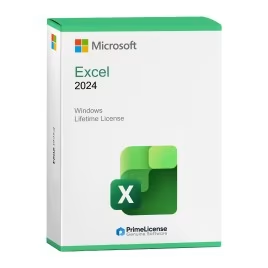
Microsoft Excel (Windows) 2024
PrimeLicense — certified reseller of Microsoft and Adobe software
Your purchase with PrimeLicense is protected by Trusted Shops for up to €2,500
PrimeLicense has an excellent customer rating of 4.9 out of 5 on Trustpilot
Benefits of buying from PrimeLicense: secure payments, free support, and a 30-day money-back guarantee
We sell 100% genuine pre-owned software licenses fully compliant with EU law

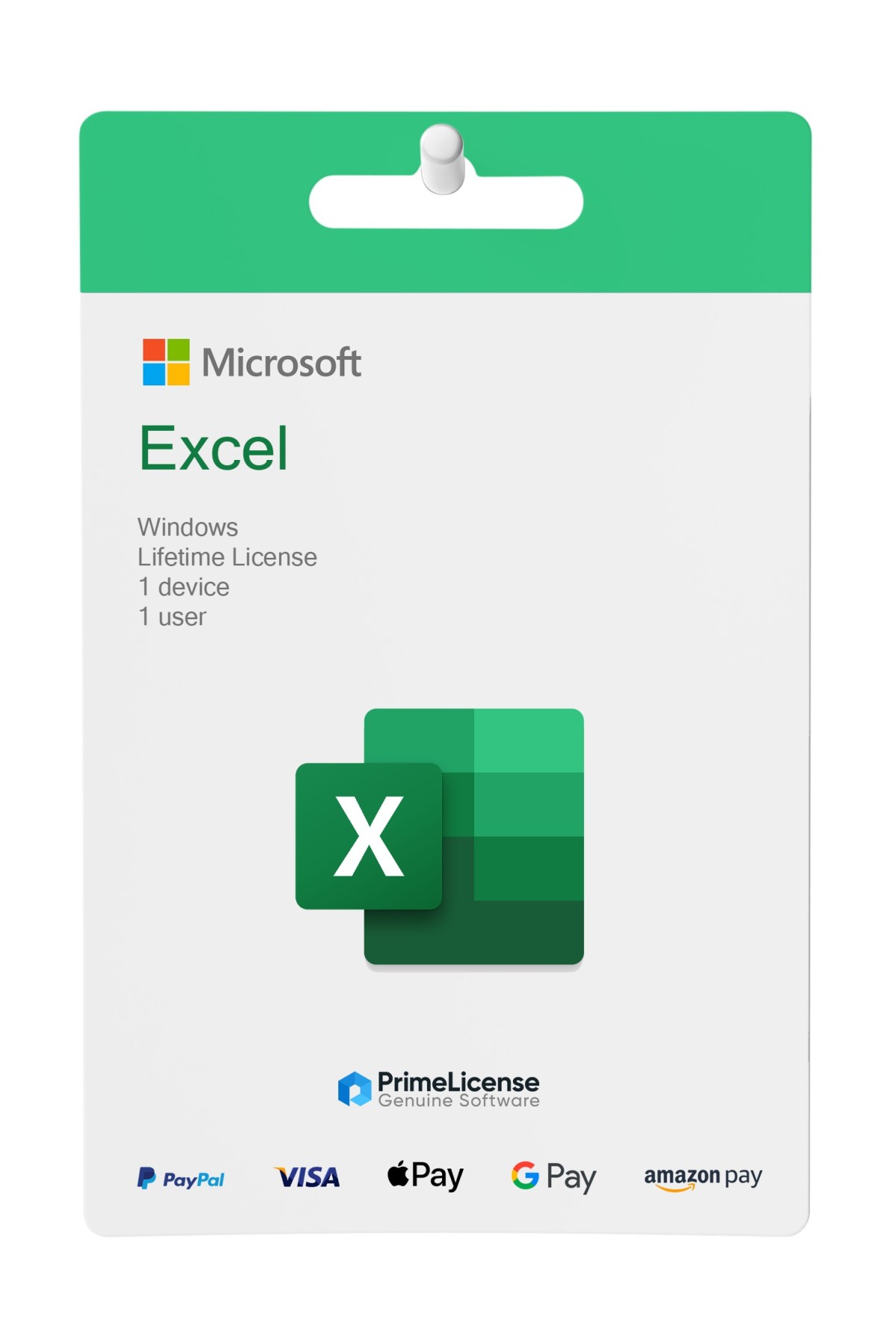
Microsoft Excel (Windows)

£42.90 £68.90
TrustedShops insurance seal Purchase Protection included - up to £2,500
Microsoft Certified Partner Microsoft Certified Partner
Genuine software seal Genuine software licence

Microsoft Excel is spreadsheet management software that offers pre-made templates, advanced formulas and professional charts. The licence is delivered via e-mail within minutes of purchase.

Year
  • 2016
  • 2019
  • 2021
  • 2024


Microsoft Excel is an advanced spreadsheet tool, used by professionals, students and companies across every sector. The software is compatible with Windows 10 or later versions (depending on the edition chosen) and supports 32 and 64 bit systems. All versions of Excel (2016, 2019, 2021 and 2024) are lifetime licences with a one-time purchase: you buy once and the app is yours forever, with no recurring payments or renewal obligations.

Note: if you also need the other Office applications, you can consider purchasing the complete Office suite for Windows, choosing the latest Office 2024 Professional Plus. If you are looking for Office for Mac instead, consider purchasing Office Standard 2024.

What is included with Microsoft Excel for Windows?

When you purchase Microsoft Excel for Windows from PrimeLicense, a certified Microsoft Cloud Service partner, you will receive:

  • A lifetime product key - perpetual licence with no renewal or recurring payments
  • Step-by-step installation and activation instructions - detailed guide via e-mail
  • Free customer support from our team of experts - support via e-mail and WhatsApp

Microsoft Excel: what are the features?

It's the perfect tool for budgeting, business analysis and school activities. It offers the following main features:

  • Pre-made templates for budgets, invoices, reports
  • Advanced formulas, pivot tables, conditional formatting
  • Charts and visual tools for data analysis
  • Support for Macros and VBA for process automation
  • Power Query and Power Pivot (in advanced versions)
  • File format support: .XLSX, .CSV, .TXT and others
  • Simple integration with other Office apps

Why choose Microsoft Excel?

Excel is the global standard for data analysis thanks to its versatility: it works whether you work in an SME, a multinational or as a freelancer. Unlike open-source or cloud-based spreadsheets, Excel offers complex formulas, enterprise-ready VBA/Macro automation and guaranteed compatibility with documents created in the office. Open XLSX files without loss and use the software for accounting, financial analysis, project management and business reporting.

Guide to versions: what changes?

On PrimeLicense you can choose the version you prefer from 2016, 2019, 2021 or 2024. But what exactly changes between these and why choose one over the other? The sample table below helps you select the software most suited to your needs.

Features Excel 2016 Excel 2019 Excel 2021 Excel 2024
Compatibility Windows 10 Windows 10, 11 Windows 10, 11 Windows 11
Charts Basic charts New charts, improved visualisations Advanced chart updates Elegant interface, modern charts
Formulas Standard TEXTJOIN, advanced formulas Dynamic arrays Dynamic arrays
Collaboration - - Teams integration Teams integration
Ideal use Legacy systems, basic use Intermediate users Collaborative work Advanced users and professionals
Is Microsoft Excel free?

Excel is available in a free version via online browser, but it's limited to basic functionality compared to the desktop version. Although the latter requires a one-time purchase, it's the best choice for comprehensive use.

How do I install Excel on my computer?

After purchase you'll receive a licence key via email with a download link from the official Microsoft website. Simply follow the step-by-step instructions included in the email to activate your Excel licence.

Where is Excel located on my PC?

After installing Excel, you'll find it in the Windows Start menu. You can locate it by searching "Excel" in the search bar or in your programmes menu.

Is the Excel perpetual licence genuine?

PrimeLicense is a certified reseller and provides 100% genuine licences.

Is Excel 2024 better than other versions?

Excel 2024 is the most recent version of the software, with all the latest features and optimised for Windows 11. Excel 2019 and 2021 remain stable and reliable for most office work. Choose the version based on your needs and the operating system you use.

What's the difference between Excel 2021 and Excel 2024?

Excel 2024 offers advanced dynamic arrays and improved integration with Teams. Excel 2021 lacks these latest features, making it the immediately preceding version. Both are valid options if you have Windows 11.

Can I use Excel on a smartphone?

Excel is available as a mobile app for iOS and Android, but you'll need a Microsoft 365 subscription to unlock all features. Excel 2016, 2019, 2021 and 2024 are usable exclusively on Windows PC.

Processor
1.6 GHz, 2-core processor
Hard disk
4 GB available disk space
RAM
4 GB (64bit), 2 GB (32bit) RAM
Operating system
Windows 7 or newer
Other requirements
Internet access
#902456233
68 Items
0889842854305
065-08568

How to activate your licence in three simple steps

Purchasing an original licence on PrimeLicense offers more than just a financial advantage; in addition to the net saving on the software, you can also enjoy a quick activation by following the steps below:

  1. Purchase your licence on PrimeLicense and receive the activation key with instructions via email.
  2. Download the software from the manufacturer's official website.
  3. Activate the software on the portal using your licence.

All invoices are generated by "Prime Digital Solutions Inc," the owner of the PrimeLicense platform.

You can request an invoice when placing your order by entering the necessary information in the designated fields during the "checkout" process. Alternatively, you may register your tax details on your account when signing up on our website.

You also have the option to request an invoice after placing your order, but please note that the processing and approval of such requests may take up to 14 business days from the date of your purchase.

You can expect to receive your invoice via email on the same day as the request. For additional details, please feel free to contact us here.

In the same category

Product Reviews / Q&A

Average rating

0.0
0 Review
★★★★★ Excellent 0
★★★★☆ Good 0
★★★☆☆ Medium 0
★★☆☆☆ Poor 0
★☆☆☆☆ Terrible 0

  • Reviews (0)
  • Questions & Answers (1)
£42.90