English GB


Your cart
There are no more items in your cart

- Save -$133.00

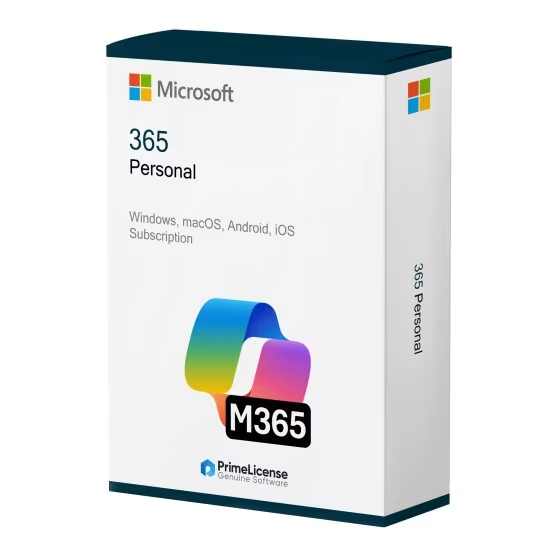


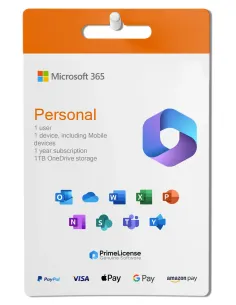
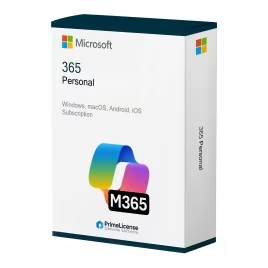


Microsoft 365 Personal is a flexible subscription service that gives you access to the main Office apps, 1TB of OneDrive cloud storage and regular feature updates. You can use it on your PC, Mac, tablet or phone: your files remain automatically synchronised, so you can collaborate in real time regardless of which device you are using. The software is compatible with Windows 10/11, macOS, iOS, Android and web browsers.
This subscription includes the latest versions of Word, Excel, PowerPoint, Outlook, OneNote, Publisher and Access (the latter only for Windows), along with premium features such as Editor in Word, Researcher and Designer in PowerPoint. It also provides 1,000 GB (1TB) of OneDrive cloud storage and advanced tools such as Clipchamp for video editing.
With multi-device synchronisation (up to 5 devices), Microsoft 365 Personal is perfect for individual users, students, freelancers and remote workers who need powerful productivity tools, cloud connectivity and seamless multi-platform access.
Need more users or family sharing? Try Microsoft 365 Family for up to 6 users with 6TB of total OneDrive storage (1TB per person).
IMPORTANT: Microsoft 365 is a subscription-based product. If you are looking for a lifetime licence for Windows, check out Office 2024 Pro Plus or Office 2021 Pro Plus. If you are interested in a lifetime licence for Mac, consider Office 2024 for Mac or Office 2021 for Mac.
Microsoft 365 Personal gives you the latest versions of all the Office apps you need, plus some extras available only with the subscription:
With the purchase of the subscription licence you will also receive an activation guide and free technical support from PrimeLicense via WhatsApp and email.
Both subscriptions include the same Office apps and features, but Microsoft 365 Family is designed for families with multiple users. The Family subscription has these features:
If, in light of this information, you are still unsure which subscription to choose, simply consider how many people will use Microsoft 365 (formerly Office 365): if you are a single user using Microsoft 365 alone, then you should choose the Personal version; if instead you are sharing the subscription with other family members, the Family subscription offers better value for money.
In this case we are talking about a subscription licence, namely Microsoft 365, and the perpetual (lifetime) licence of Office 2024. Beyond this crucial division in terms of payment methodology and software use, there are also other differences that you can discover in the handy table below.
| Feature | Microsoft 365 Personal | Office 2024 |
|---|---|---|
| Payment | Monthly/annual subscription | One-off purchase |
| Duration of use | As long as you are subscribed | Lifetime |
| Updates | Regular feature updates | Security updates only |
| Cloud storage | 1TB OneDrive included | No |
| Device support | Multiple devices (PC, Mac, mobile) | 1 PC or Mac |
| AI features | Copilot, advanced AI tools | Basic AI features |
| Ideal for | Cloud synchronisation and cutting-edge features | One-off purchase, offline use |
Below we compare the Microsoft 365 Personal licence with those of Office 2024 and Office 2021. In the first case we are talking about a subscription licence lasting one year, to be renewed from time to time, in the others instead perpetual licences, that is with one-off payment and unlimited use even offline, although they are versions with updates limited to security.
| Feature | Microsoft 365 | Office 2024 | Office 2021 |
|---|---|---|---|
| Licence | Monthly or annual subscription | Lifetime | Lifetime |
| Versions | Personal/Family | Home, Home & Business, Standard, Professional Plus | Home, Home & Business, Standard, Professional Plus |
| Compatibility | Windows, macOS, Android, iOS | Windows/Mac (depending on version) | Windows/Mac (depending on version) |
| Cloud | 1 TB on OneDrive | - | - |
| Updates | Complete and continuous | Security only (until October 2029) | Security only (until October 2026) |
| Ideal for | Cloud work and multi-device | Professionals working on a single device | Reduced budget, basic use (depending on version) |
Choose Microsoft 365 Personal if you want to work in a constantly updated environment and on different devices. Opt for a lifetime Office licence instead if you use the software offline and only on one Windows or macOS device.
Purchasing an original licence on PrimeLicense offers more than just a financial advantage; in addition to the net saving on the software, you can also enjoy a quick activation by following the steps below:
All invoices are generated by "Prime Digital Solutions Inc," the owner of the PrimeLicense platform.
You can request an invoice when placing your order by entering the necessary information in the designated fields during the "checkout" process. Alternatively, you may register your tax details on your account when signing up on our website.
You also have the option to request an invoice after placing your order, but please note that the processing and approval of such requests may take up to 14 business days from the date of your purchase.
You can expect to receive your invoice via email on the same day as the request. For additional details, please feel free to contact us here.
In the same category