• Save -£77.00
PrimeLicense - 100% genuine software and authentic licences
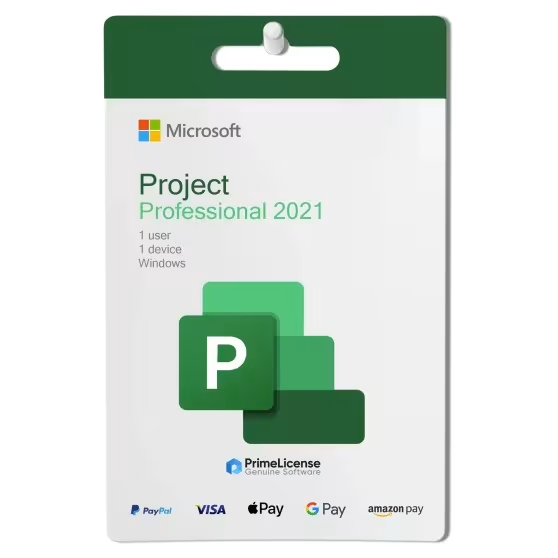
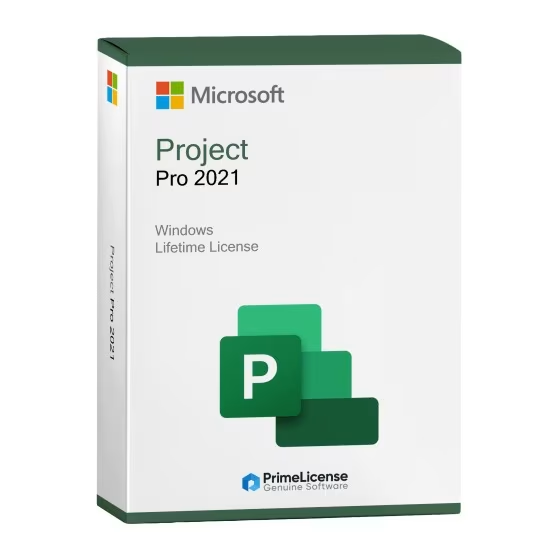
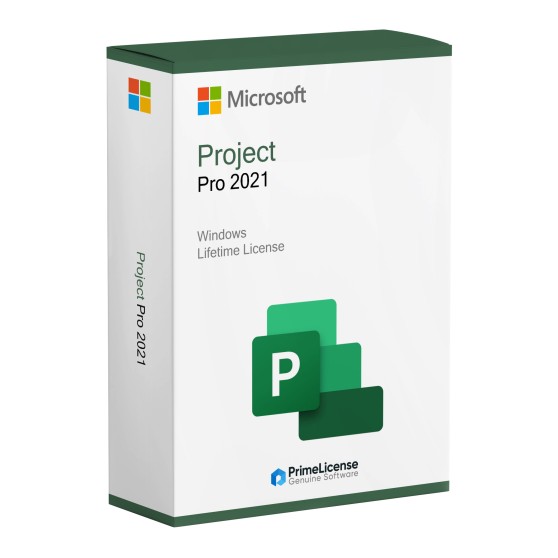
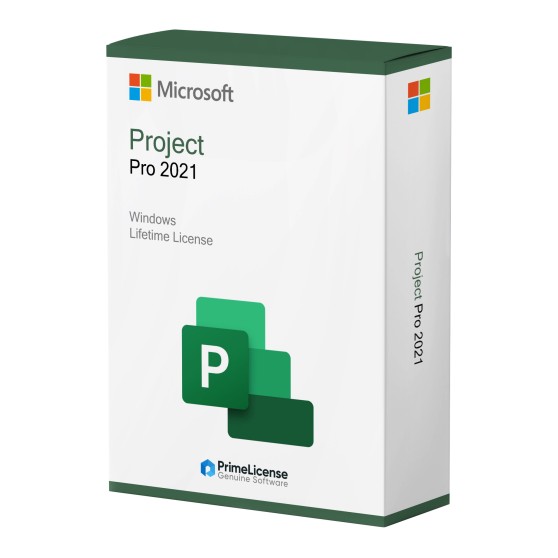
Microsoft Project Pro 2021
PrimeLicense — certified reseller of Microsoft and Adobe software
Your purchase with PrimeLicense is protected by Trusted Shops for up to €2,500
PrimeLicense has an excellent customer rating of 4.9 out of 5 on Trustpilot
Benefits of buying from PrimeLicense: secure payments, free support, and a 30-day money-back guarantee
We sell 100% genuine pre-owned software licenses fully compliant with EU law

Microsoft Project Pro 2021

£42.90 £119.90
TrustedShops insurance seal Purchase Protection included - up to £2,500
Microsoft Certified Partner Microsoft Certified Partner
Genuine software seal Genuine software licence

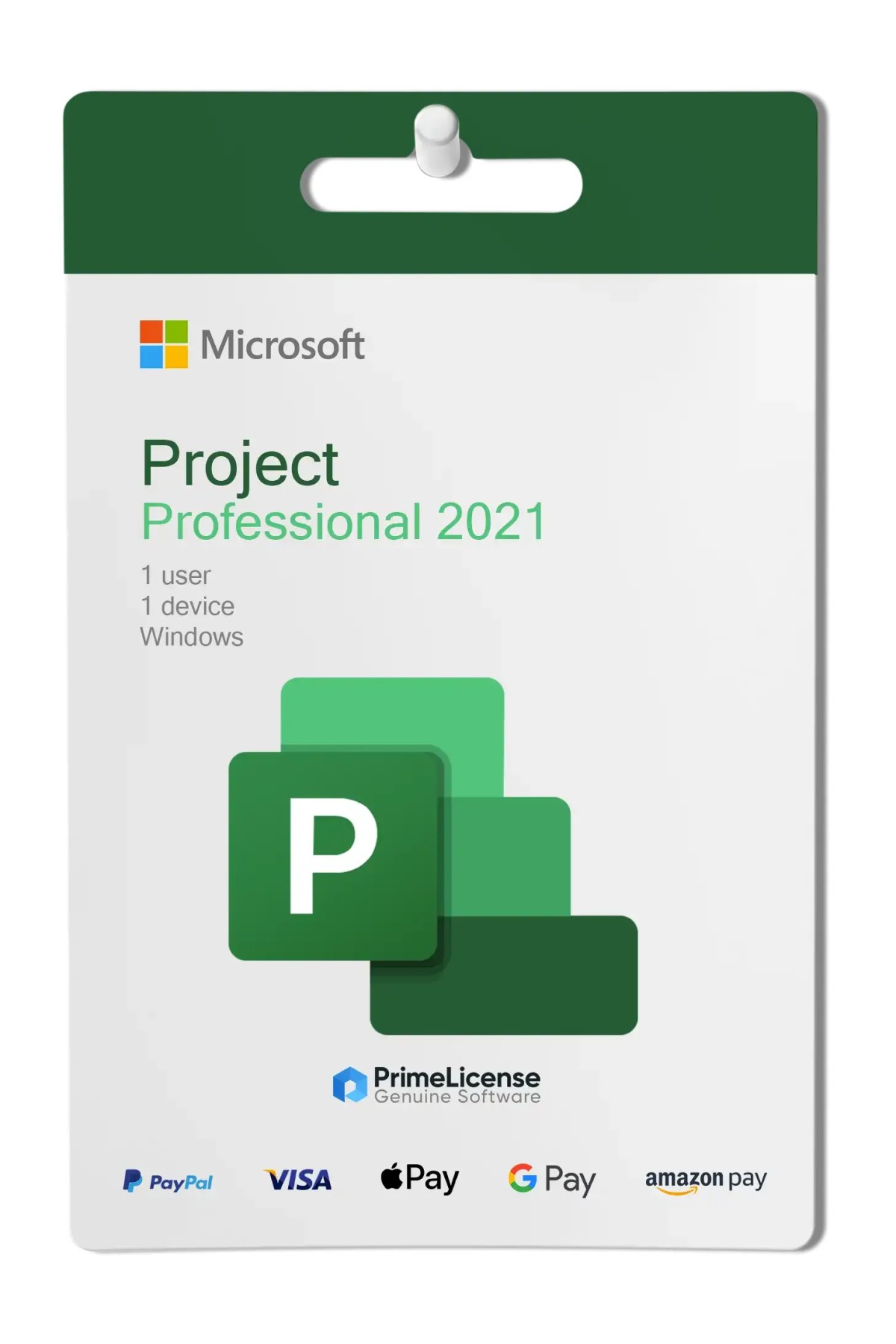
Microsoft Project Professional 2021 is a project management tool for teams and professionals needing advanced planning, resource control, and collaboration. Features Gantt charts, time tracking, custom reports, and integration with Microsoft Teams and SharePoint. Perpetual licence for 1 Windows PC.


Microsoft Project 2021 Professional is a powerful project management tool designed to help professionals and teams organise, execute, and monitor projects effectively. With updated graphics, improved Microsoft Teams integration, and advanced planning capabilities, it offers a modern experience for efficient project management. Project Pro 2021 works seamlessly with Project Server, Project Online, and Microsoft Teams, making it ideal for both individual project managers and large organisations.

Compatibility note: Each version of Microsoft Project must match the release year of the corresponding Microsoft Office version to ensure optimal performance. For example, Project Pro 2021 works best with Office 2021 or Microsoft 365. It is not compatible with earlier versions such as Office 2019 or Office 2016. The same compatibility rule applies to other versions like Project Pro 2024.

What is included with your purchase of Microsoft Project 2021 Professional?

Buy with confidence: PrimeLicense is a Microsoft Certified Partner, officially authorised to sell, support, and provide services for Microsoft products. With your purchase you receive:

  • Original activation key for Project Professional 2021
  • Step-by-step installation and activation guide
  • Free technical support from PrimeLicense experts

This edition includes a perpetual licence for 1 computer (Windows 10 or 11) – meaning you purchase it once and own it forever – with no recurring monthly costs.

What are the main features of Microsoft Project 2021 Professional?

Microsoft Project Professional 2021 simplifies project management, whether you are coordinating a small team or managing large-scale enterprise initiatives. It helps you stay organised, save time, and keep your entire team aligned.

  • Pre-built templates – Launch new projects quickly with integrated templates for different task types.
  • Time tracking – Record working hours and monitor team productivity for billing or payroll.
  • Progress control – Compare current performance against the original plan.
  • Visual planning – Transform complex schedules into clear Gantt charts and timelines.
  • Team collaboration – Communicate directly with colleagues via integrated Microsoft Teams chat and calls.
  • Custom reports – Create clear summaries and data visualisations for management and clients.

Project Standard 2021 vs. Project Professional 2021: what are the differences?

If you are undecided about purchasing the Standard or Professional version of Microsoft Project 2021, below you will find a table illustrating the features of both options.

Features Project Standard 2021 Project Professional 2021
Basic planning (Gantt, Timelines) ✓ ✓
Pre-built templates ✓ ✓
Built-in reports (Burndown, Resources) ✓ ✓
Time tracking (timesheet) — ✓
Resource management and balancing — ✓
Microsoft Teams and SharePoint integration — ✓
Project Server / Project Online support — ✓
Multiple project management — ✓

If you manage simple projects, Project 2021 Standard may be sufficient. For professionals and companies working with larger teams and needing advanced reports, Project 2021 Professional offers the ideal tools.

Project 2019 or Project 2021: which to choose?

Both versions include essential project management tools, but Project Professional 2021 introduces several key improvements:

  • Modern and cleaner user interface
  • Improved time visualisations for complex projects
  • Enhanced reports and filter options
  • Better Microsoft Teams integration

Choose Project Professional 2021 if you want the latest collaboration and visualisation features. Choose Project Professional 2019 if you prefer to save costs whilst retaining all core functions.

Other available versions

Does Microsoft Project 2021 still exist?

Yes, Microsoft Project 2021 exists, but its lifecycle ends on 13 October 2026. From that date, Microsoft will no longer provide security updates, bug fixes, or technical support. The software will continue to function and can be used without additional costs.

What is Microsoft Project Professional used for?

Microsoft Project Professional is a tool that enables project management, timeline planning, resource allocation, and budget monitoring.

How do I use Microsoft Project 2021?

Microsoft Project 2021 requires Windows operating system to run. When launching the application, create a project by defining main tasks and dependencies, assign resources, set deadlines and costs, then monitor progress via Gantt chart.

What is the difference between Microsoft Project 2021 and 2024?

Microsoft Project 2024 offers a more modern and intuitive interface aligned with the new Fluent design of Office 2024, featuring cleaner menus and updated icons. Project 2021 retains the classic design similar to Office 2019/2021, functional but less refined.

Can I download Microsoft Project 2021 Professional for free?

No, it is not available free. Project is sold as a separate, standalone application.

Is Microsoft Project 2021 free with Microsoft 365?

No. Project is sold separately and is not included free with Microsoft 365. You must purchase an additional licence, either as a standalone version or via Project Online subscription.

Platform
Windows
Processor
1.6 GHz, 2-core processor
Hard disk
4 GB available disk space
RAM
4 GB (64bit), 2 GB (32bit) RAM
Operating system
Windows 11, Windows 10, Windows Server 2019
Other requirements
Internet connection for installation and configure the software
#448157901273
27 Items
0889842857177
H30-05939

How to activate your licence in three simple steps

Purchasing an original licence on PrimeLicense offers more than just a financial advantage; in addition to the net saving on the software, you can also enjoy a quick activation by following the steps below:

  1. Purchase your licence on PrimeLicense and receive the activation key with instructions via email.
  2. Download the software from the manufacturer's official website.
  3. Activate the software on the portal using your licence.

All invoices are generated by "Prime Digital Solutions Inc," the owner of the PrimeLicense platform.

You can request an invoice when placing your order by entering the necessary information in the designated fields during the "checkout" process. Alternatively, you may register your tax details on your account when signing up on our website.

You also have the option to request an invoice after placing your order, but please note that the processing and approval of such requests may take up to 14 business days from the date of your purchase.

You can expect to receive your invoice via email on the same day as the request. For additional details, please feel free to contact us here.

In the same category

Product Reviews / Q&A

Average rating

0.0
0 Review
★★★★★ Excellent 0
★★★★☆ Good 0
★★★☆☆ Medium 0
★★☆☆☆ Poor 0
★☆☆☆☆ Terrible 0

  • Reviews (0)
  • Questions & Answers (0)
£42.90
Our agent are not available at this time, for support or inquiries, please reach out us via the contact page.