English GB


Your cart
There are no more items in your cart

- Save -$125.60

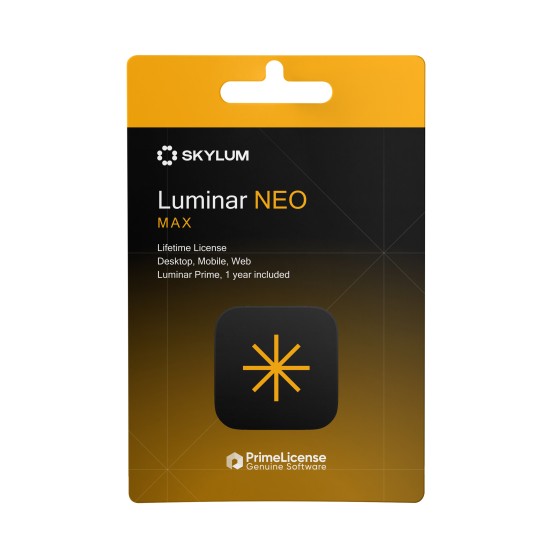
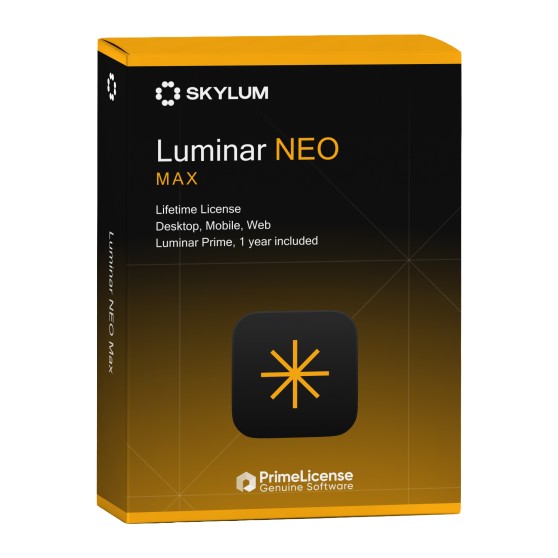
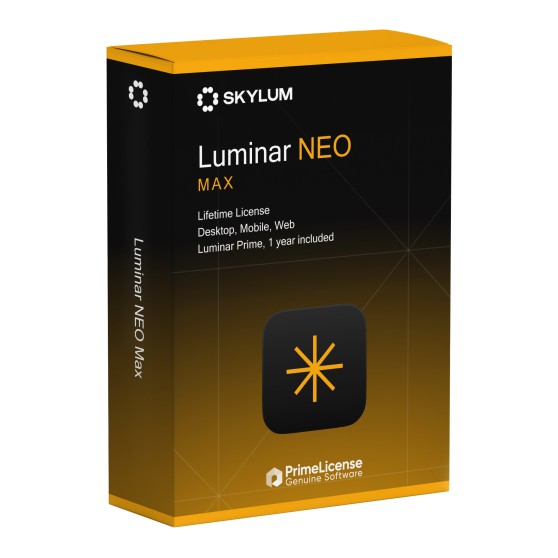




Luminar Max contains everything in Luminar All Platforms and adds a first year of the Luminar Prime subscription and the asset library.
Luminar Max is for photographers who want to work across every device and get new features as soon as they are released. The presets, LUTs and overlays in the library make it easy to give a whole shoot a consistent look, and the courses help you learn new editing techniques. If you do not need Luminar Prime or the library, Luminar All Platforms covers the same devices.
| Edition | Desktop (2 computers) | Mobile (3 devices) | Web (3 devices) | Generative AI | Luminar Prime and assets |
|---|---|---|---|---|---|
| Luminar Desktop | ✓ | — | — | 1 year | — |
| Luminar All Platforms | ✓ | ✓ | ✓ | 1 year | — |
| Luminar Max | ✓ | ✓ | ✓ | 1 year | 1 year |
The perpetual Luminar licence stays valid for good on desktop, mobile and web. Luminar Prime and the asset library are included for 12 months; after that, Skylum continues them only with a paid subscription. The same applies to the generative AI tools.
Both editions run on 2 computers, 3 mobile devices and 3 web devices. Luminar Max adds one year of the Luminar Prime subscription, with its new features, and the library of presets, LUTs, overlays, skies and courses.
Luminar Prime is Skylum's subscription that gives access to the new features added each year. Luminar Max includes it for the first 12 months.
No. You buy the software once with a perpetual licence. Only Luminar Prime, the asset library and the generative AI tools are tied to the first year.
Over 2,900 presets, more than 490 LUTs, more than 490 overlays, over 70 skies and more than 24 creative courses, available throughout the first year.
Yes. In August 2026 Skylum dropped "Neo" from the name, and the software is now called Luminar on desktop, mobile and web.
Purchasing an original licence on PrimeLicense offers more than just a financial advantage; in addition to the net saving on the software, you can also enjoy a quick activation by following the steps below:
All invoices are generated by "Prime Digital Solutions Inc," the owner of the PrimeLicense platform.
You can request an invoice when placing your order by entering the necessary information in the designated fields during the "checkout" process. Alternatively, you may register your tax details on your account when signing up on our website.
You also have the option to request an invoice after placing your order, but please note that the processing and approval of such requests may take up to 14 business days from the date of your purchase.
You can expect to receive your invoice via email on the same day as the request. For additional details, please feel free to contact us here.
In the same category