
 English GB


Your cart
There are no more items in your cart
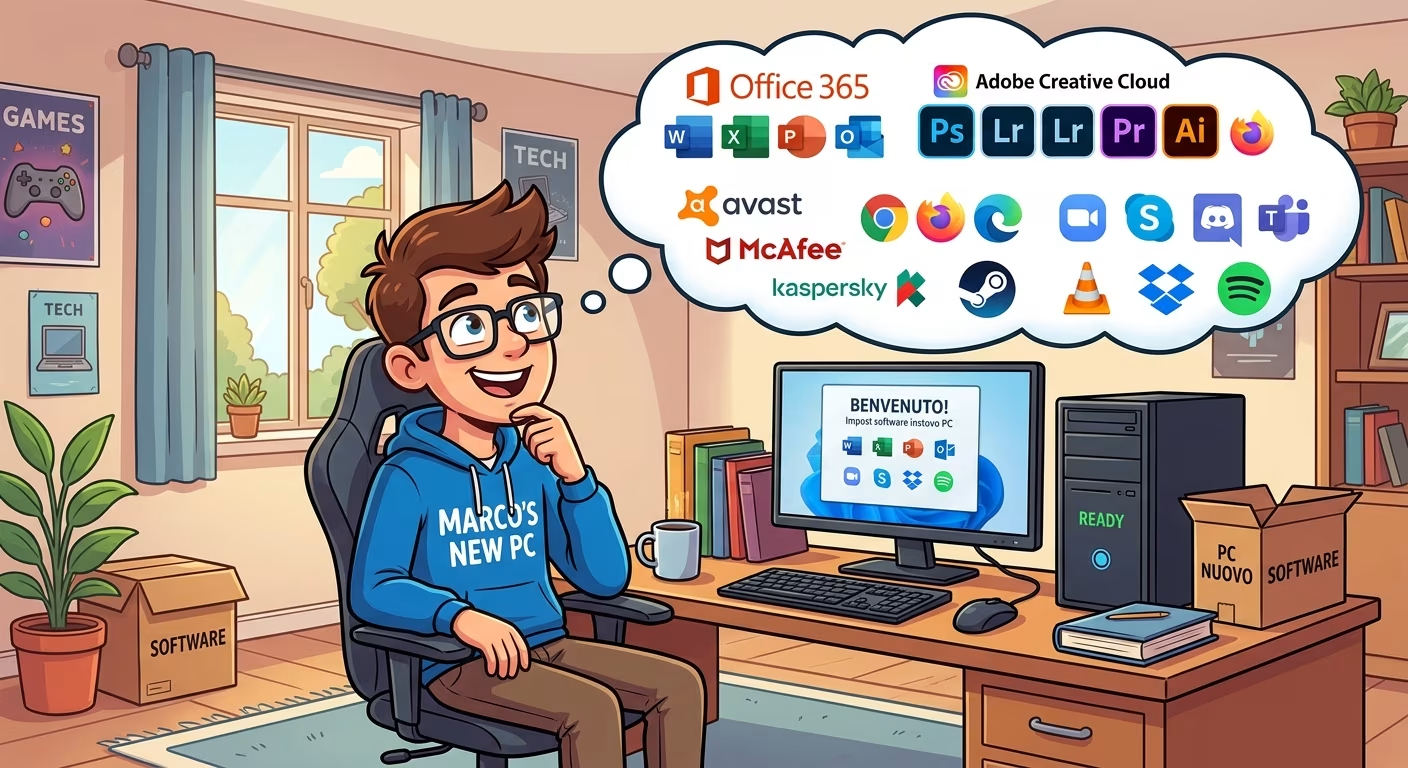
New Computer: Essential Software to Install on Your PC

This article is a practical guide to programmes to install on a new computer, to work and protect your device in the best way possible. You may also find useful software if you are a professional in the field of image and video editing, suitable even for starting to practise.
What are the programmes to install on a new computer?
The programmes that can be considered essential for a new computer are the following:
- The Office package: for working on documents, slides and creating spreadsheets.
- A PDF editor: essential for adding signatures to digital documents or modifying them.
- A good antivirus: to protect your computer from malware, phishing and other threats common online.
Even if you want to use your new computer for gaming, or simply for browsing, these software can still be useful for performing all basic operations.
Office 2024 lifetime licence
Office is the best-known and most used software package for Windows operating systems.
Since 2020, Microsoft has decided to focus on the subscription version, namely Microsoft 365, to allow users to use the Office suite, taking advantage of updates on security and functionality.
However, it is possible to buy a lifetime licence for previous editions of the package, such as Office 2024 Professional Plus. The lifetime licence for Office 2024 allows you to make a single payment and use the following programmes:
- Word
- Excel
- PowerPoint
- Outlook
- Access
- OneNote
- Teams (also downloadable for free)
The lifetime licence allows you to install and use Office 2024 on a single device, whilst regarding security updates, these will be available until October 2029.
It is therefore an excellent solution that does not involve monthly or annual payments and that allows you to use Office programmes in total freedom, even offline.
Nitro PDF: PDF editor with lifetime licence
A PDF editor can be very useful on a new computer. Nitro PDF is an excellent alternative to Adobe Acrobat, especially because you can obtain it with a lifetime licence, paying only once.
This solution allows you to create and modify PDFs, as well as convert them into Word, Excel, Powerpoint files and images.
Furthermore, Nitro PDF allows you to sign and protect PDFs with encryption and permissions, use OCR to make scanned documents editable and easily fill interactive forms.
In general, the licences of the various editions, such as Nitro 10 – PDF Editor, have a contained cost, so they can be suitable for you if after assembling your new computer, you want to rightly keep costs down on software.
McAfee Total Protection: comprehensive antivirus
Many users prefer not to install antivirus on their home computers, relying exclusively on Windows Defender.
Although the antivirus integrated into the Microsoft operating system provides good protection, to have maximum security against malware and phishing it is always better to rely on a programme like McAfee Total Protection.
This solution offers real-time protection, searching for suspicious activity or threats through file, email and web traffic scanning, blocking them before they can damage your computer.
McAfee also features ransomware protection, very useful if you want to use your computer for work, as it can identify and block attacks, safeguarding important files and preventing data loss.
In addition to this are email protection features, warnings for potentially harmful sites, parental controls and identity monitoring. However, like many antivirus programmes, McAfee Total Protection has an annual subscription system to keep the licence active.
Summary table of essential programmes for a new computer
Below we report a summary table of the software analysed.
| Software | Type | Licence | Why install it on a new computer |
|---|---|---|---|
| Microsoft Office 2024 | Productivity | Perpetual licence | To create documents, spreadsheets, presentations and manage email without recurring costs. |
| Nitro PDF 10 | Productivity | Perpetual licence | To modify, convert, sign and protect PDF files from the first use of your new computer. |
| McAfee Total Protection | Protection | Annual subscription | To protect your computer from malware, ransomware, phishing and other online threats with advanced security tools. |
Other essential programmes for professionals
We have seen what the main software are, but which programmes should you install on a new computer if you want to use it for image and video editing? The two most suitable solutions in this case are Adobe Photography Plan for photographs and Pinnacle Studio 26 Ultimate for video editing.
Adobe Photography Plan for photographers
Adobe Photography Plan is a subscription service created for professional and amateur photographers looking for a suite of programmes for modifying, archiving and sharing images. The programmes included are the following:
- Photoshop: for advanced photo retouching, graphics, compositing and creative editing
- Lightroom: to organise, modify and synchronise photos in the cloud across multiple devices
- Lightroom Classic: desktop version dedicated to photographers working with large catalogues and RAW files
- Adobe Bridge: tool for managing, organising and viewing images, videos and other multimedia files
The subscription plan allows you to choose between a monthly, quarterly or annual plan, with the advantage of being able to receive continuous updates on security and programme functionality, 1 TB of space and access to apps also from mobile devices.
Pinnacle Studio 26 Ultimate for video editing
The video editing software Pinnacle Studio 26 Ultimate can adapt to your needs to modify videos to publish on the web, as well as if you need advanced functionality such as multi-camera editing, screen recording, colour grading, video masking, creative effects and object tracking.
This version introduces several improvements in terms of stability and performance, with reduced start-up times and a more responsive interface that allows you to manage complex projects smoothly.
Programmes to install on a new computer: the choices of PrimeLicense users
According to analysis of PrimeLicense data, over 70% of users prefer to buy perpetual licences with one-time payment to obtain programmes essential for the new computer.
In general, a perpetual licence is a suitable choice for using programmes for long periods of time, without the need for new functionality that, in some cases, could compromise the workflow.
This does not take away from the fact that around 30% of PrimeLicense users believe it is better to rely on subscriptions to obtain updates on functionality and have a service more in line with their performance requirements. Cloud integration and artificial intelligence are much sought-after functionalities that, in some suites like Office 365 (old name of Microsoft 365), are available only through subscription.
Frequently Asked Questions
Below we report some of the most frequent questions from users about which programmes to install on a new computer.
Among the most useful software to install on a new computer are an Office package, a PDF editor, a reliable antivirus and if necessary for work output, also programmes for photo and video editing such as Adobe Photography Plan and Pinnacle Studio.
The space required varies depending on the software. An Office suite, a PDF editor and an antivirus take up relatively few gigabytes overall, however it is always advisable to check system requirements before installation.
A perpetual licence is suitable for software you will use for many years without the need for new functionality, whilst a subscription is more suitable if you want continuous updates, cloud services and access to the latest programme versions.
Desktop programmes are installed directly on the computer and can work even without an Internet connection. Web applications, on the other hand, are used via a browser and often require a connection to access all functionality.
Windows already includes several useful tools, such as Windows Defender, Notepad, Paint, Photos and Microsoft Edge. However, to work with documents, modify PDFs or obtain more complete protection, it can be useful to install dedicated software such as Nitro PDF, Adobe Photoshop or McAfee Antivirus.

Comments (0)
Leave a Comment