
 English GB


Your cart
There are no more items in your cart
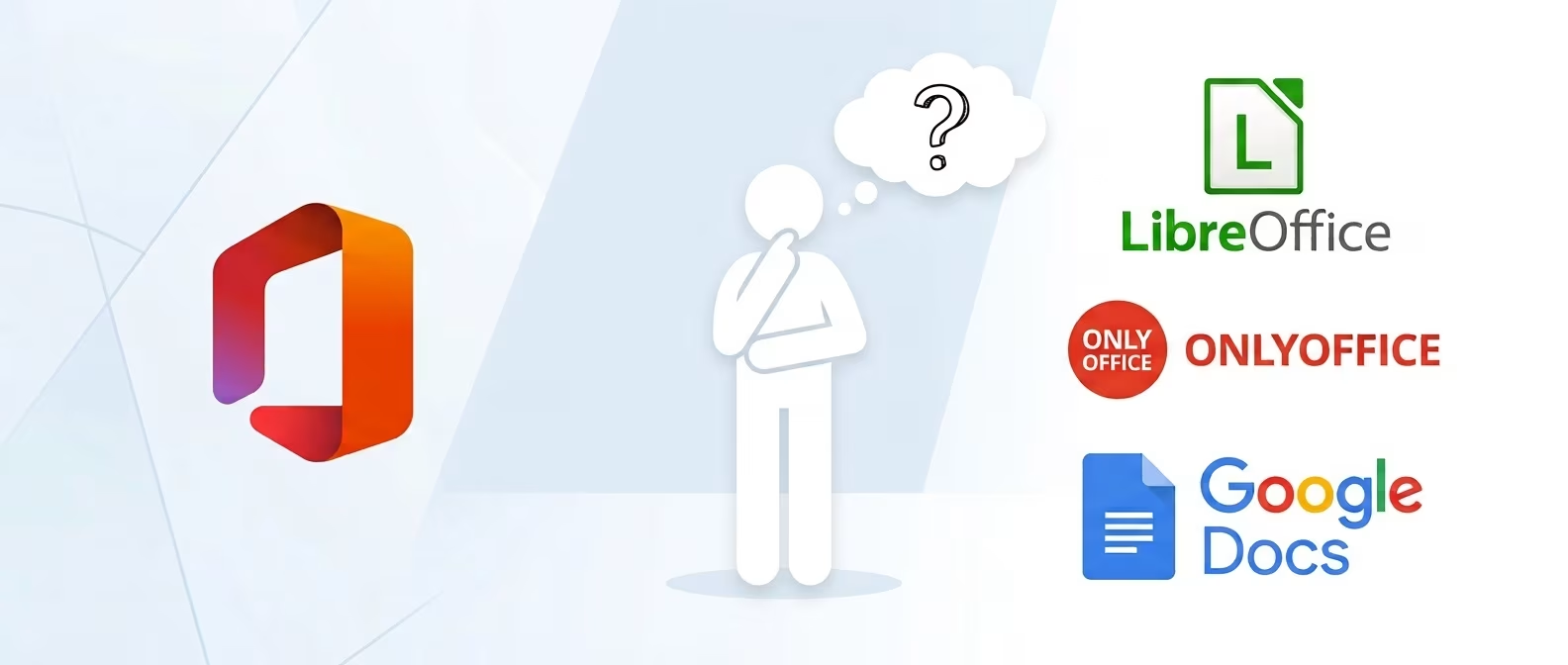
Office alternatives: best free software

Office alternatives, namely alternative programmes to Microsoft Office and Microsoft 365, do exist. The question is whether these are up to standard with their counterparts from the well-known American company. Generally speaking, it is often an ideal solution if you do not need to make professional use of these programmes.
Some of the free Office alternatives can be installed directly on your PC or laptop, whilst others you can mainly use online, allowing you to collaborate with other users.
In this article we shall look in detail at LibreOffice, Google Docs, Sheets and Slides and ONLYOFFICE, to give you an idea of their advantages and limitations compared to Microsoft Office.
LibreOffice: the free and open source suite
LibreOffice is one of the best free Office alternatives: it is a genuine open source suite that you can install on Windows, macOS and Linux operating systems, so you can use it even without being connected to the Internet.
Among the suite's programmes we find Writer, which is the alternative to Microsoft Word; Calc which allows you to create and modify spreadsheets as with Excel and Impress, which you can use for creating presentations as with PowerPoint.
With LibreOffice you can also use a programme for creating diagrams and drawings called Draw, Base for databases and Math for creating mathematical formulae.
Compatibility is good, in fact LibreOffice allows you to open and save documents in Microsoft Office formats, including DOCX, XLSX and PPTX. However, with some complex files created by programmes from the Microsoft suite, differences in formatting or operation of certain features may occur.
Pros
- completely free and open source
- works offline
- available for Windows, macOS and Linux
- opens and saves the main Microsoft Office formats
Cons
- interface different from Microsoft Office
- possible differences with complex Office documents
- less suitable for those who work continuously with documents from Microsoft Office
Google Docs, Sheets and Slides: the free online alternative
If you prefer to work online and do not need a suite installed on your device, you can consider using Google Docs, Google Sheets and Google Slides.
These are three practical applications which you can access by creating a Google account. They are basically online alternatives to Word, Excel and PowerPoint that allow you to create and share files online.
This suite is used in the workplace as it allows you to collaborate online by simply sharing a document with other users. Allowing them to view it, comment on it or edit it.
Changes to the document are saved automatically to the cloud, which is why Google's online suite proves very practical.
The suite's files allow you to work with those from Microsoft Office: you can upload Word, Excel and PowerPoint documents to Drive, edit them and keep them in Microsoft format, or convert them.
If you use a browser such as Chrome or Edge on a PC or laptop, you can configure Docs, Sheets and Slides to work offline. In general, it is a very practical and effective free solution, although it does have limitations for advanced professional use of spreadsheets and text files.
Pros
- free with a Google account
- excellent collaboration tools
- no suite installation required
- automatic saving to Google Drive
Cons
- less suitable for some advanced activities
- possible differences with complex Office files
- offline use less immediate than a suite installed on PC
ONLYOFFICE: free alternative compatible with Office formats
Finally, ONLYOFFICE Desktop Editors completes the list. It proves to be a good free alternative, especially if you are accustomed to working with Microsoft Office.
This is because ONLYOFFICE has good compatibility with formats used by Microsoft Office, such as DOCX, XLSX and PPTX. The Desktop Editors version is available for Windows, macOS and Linux, with tools to work with documents, spreadsheets, presentations, forms and PDF files.
The interface is very intuitive, as it is very similar to that of programmes from the Microsoft suite. The desktop version can be used offline, but also has tools dedicated to online collaboration.
However, like other free Office alternatives, ONLYOFFICE does have limitations when it comes to using advanced professional functions or integrating with workflows specifically developed around Microsoft programmes.
Pros
- free Desktop Editors
- good compatibility with Microsoft formats
- familiar interface
- available for Windows, macOS and Linux
Cons
- fewer advanced features than Microsoft Office
- some enterprise solutions are paid
- does not necessarily replace Office in more complex workflows
What are the limitations of suites like ONLYOFFICE? A specific case
One of the critical limitations of ONLYOFFICE emerges when users need to collaborate with colleagues or clients using Microsoft Word or other Office apps: DOCX files created in ONLYOFFICE do not always open natively in Word or lose complex formatting. A more frequent case is that of documents with multi-level tables and cells with formulae, created with ONLYOFFICE Desktop Editors, which you try to open with Word 2024: Word will not open it or the formatting is corrupted.
The reason is often in ONLYOFFICE's XML validation of the DOCX format, which is not 100% equivalent to Microsoft's, as DOCX is a public standard but Microsoft implements it in a proprietary manner.
Microsoft Office and free alternatives: comparison table
Below we offer you a comparison table to quickly summarise the differences between Microsoft Office and its free alternatives.
| Feature | Microsoft Office | LibreOffice | ONLYOFFICE | |
|---|---|---|---|---|
| Documents | Word | Writer | Docs | Document Editor |
| Spreadsheets | Excel | Calc | Sheets | Spreadsheet Editor |
| Presentations | PowerPoint | Impress | Slides | Presentation Editor |
| Offline use | Yes | Yes | Yes, to be configured | Yes |
| Online collaboration | Yes | More limited | Excellent | Yes |
| Office formats | Native | Supported (with limitations) | Supported | Supported |
| Advanced features | Yes (for enterprise workflows) | Limited | Yes (with limitations) | Limited in free version |
Why choose an Office suite over free Office alternatives?
After reading this article and considering what free alternatives to Microsoft Office exist, you may well ask yourself why purchase the original suite if all these options are available.
The answer depends mainly on how you intend to use the various programmes. For example, if you need to write a document, prepare a basic presentation or create a simple spreadsheet, a free suite may well be more than sufficient.
However, if you want to make daily use of these tools for work, then free options may soon show all their limitations.
If clients and colleagues continuously send you Word, Excel and PowerPoint files, using the original programmes allows you to avoid possible differences in how documents are displayed and formatted. Another element you need to consider is advanced features, especially regarding programmes like Excel.
Excel indeed has numerous tools for data analysis and management that often prove indispensable at a professional level and are not directly compatible with other software.
Similarly, both Word and PowerPoint have features designed for more complex documents and presentations.
Moreover, Microsoft Office can be more convenient for companies already using the Microsoft ecosystem and having therefore developed their workflow around its programmes. Therefore, if you collaborate as a freelancer with a company, free Office alternatives could create compatibility or file reading problems.
What do PrimeLicense users choose?
According to data we have collected from PrimeLicense support regarding user purchase experience and their questions about Office suite software, approximately 80% prefer to purchase Microsoft Office with a one-off licence, thus avoiding the recurring cost of a subscription. Only 20% instead opt for Microsoft 365 subscription, to have access to cloud services and features provided by the plan.
30% of the total stated they had tried free Office alternatives, claiming that after a period of use varying (usually just over one month) they decided to purchase an Office package. In some cases it is errors such as the one seen in the specific case above, whilst in others it is problems related to the user interface, often considered less "readable" and less direct than Microsoft's.
Frequently asked questions
Here are some of the most frequently asked questions about free Office alternatives from Microsoft's suite.
Among the best free Office alternatives you can use LibreOffice, Google Docs, Sheets and Slides or ONLYOFFICE. The choice depends mainly on the features you need and whether you prefer to work online or offline.
Yes, LibreOffice is completely free and open source. You can install it on Windows, macOS and Linux and use programmes such as Writer, Calc and Impress without subscribing to a subscription.
Both are free and open source suites, but LibreOffice is updated more frequently and offers better compatibility with modern Microsoft Office formats. OpenOffice is still available, but has less active development.
Microsoft makes free online versions of Word, Excel and PowerPoint available, usable via browser with a Microsoft account. Complete desktop applications instead require a licence or subscription.
If you do not want to subscribe to Microsoft 365, you can purchase a version of Office with a perpetual licence and one-off payment. This way you can use the programmes included in the version you have purchased without having to renew a monthly or annual subscription.

Comments (0)
Leave a Comment