
 English GB


Your cart
There are no more items in your cart
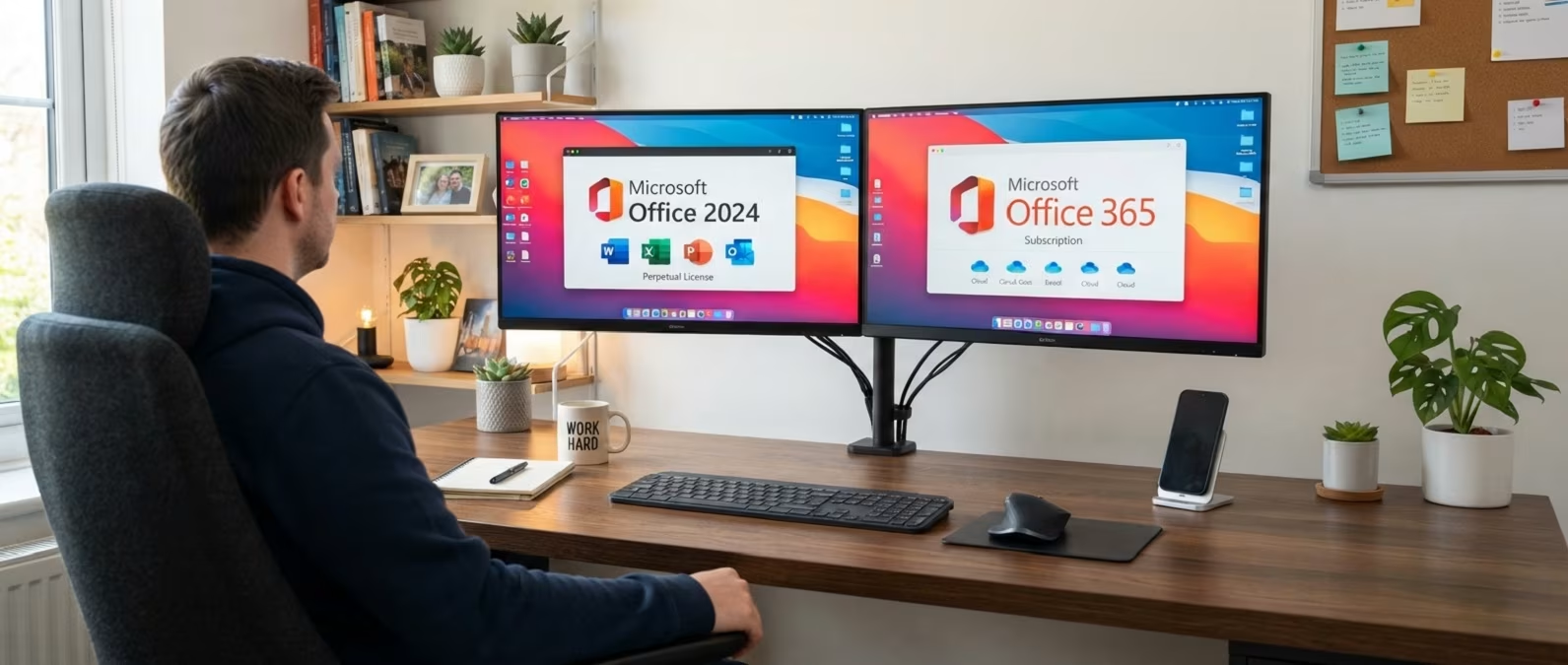
Office 2024 one time purchase or Microsoft 365: which one you should buy?

Should you purchase an Office 2024 one time licence or opt for Microsoft 365? A question that increasingly challenges users who must decide on the best approach for using the world's most famous productivity suite. We'll explore the differences between these two products in terms of the applications you can use, costs, advantages and disadvantages.
By the end, you'll certainly have clearer ideas and will be able to purchase your Office licence with complete peace of mind, knowing you've chosen the product best suited to your specific needs.
What are the differences between perpetual licence and subscription?
Before looking at the two Microsoft products, it's important to understand the difference between licence types: perpetual licence and subscription. The term "perpetual licence" refers to a lifetime licence: you purchase it once and it's yours forever, no additional payments and no recurring costs. You pay a one-time fee and that's it.
A subscription, as you might imagine, is instead a recurring cost, and licences of this type involve an expense that can be monthly or annual. The moment the user stops paying the subscription fee, the service stops.
Office 2024 one time licence: features and versions
Office 2024 one time licence is a product released by Microsoft in perpetual form, which means that by purchasing this iteration of the Office package, you gain access to the most popular tools in the suite with a single payment.
It generally includes the main programmes from the company such as Word, Excel, PowerPoint, Outlook, Publisher, Access and OneNote. As a perpetual Office licence, it does not include subscription services or continuous updates, but it is fully compatible with Windows 10 and Windows 11 operating systems, and also adapts to use on Apple computers with macOS.
The table below illustrates the various versions currently available for purchase on PrimeLicense of Office 2024 one time licence, with respective compatibility, official price on the Microsoft portal and PrimeLicense's price as a Microsoft Cloud Service Partner.
| Office one time licence version | Compatibility | Retail price | PrimeLicense price |
|---|---|---|---|
| Office Home 2024 | Windows | £127.90 | £110.90 |
| Office Home & Business 2024 | Windows, macOS | £256.00 | £187.90 |
| Office Professional Plus 2024 | Windows | £111.90 | £42.90 |
Microsoft 365: subscription comparison
Microsoft 365 is the subscription product from the brand and therefore involves a monthly or annual payment to give you continuous access to the apps. With this type of product, you'll always have the latest features available, bug fixes and security updates, as well as ongoing official technical support at no additional cost.
The advantage, compared to a perpetual Office licence, is compatibility with all operating systems and real-time collaboration features, making it an ideal choice for those working in a team or remotely.
The applications included in this case are Word, Excel, PowerPoint, Outlook, OneNote and also 1 TB of cloud storage space, so you never interrupt your workflows. Integration with Copilot AI is another factor to consider, although this is subject to additional paid credits.
Just like Office 2024, Microsoft 365 also has different versions with price bands adapted based on the offering. The table below shows the available plans.
| Office subscription version | Compatibility | Retail price (annual subscription) | PrimeLicense price (annual subscription) |
|---|---|---|---|
| Microsoft 365 Personal | Windows, macOS, Android, iOS | £98.90 | £72.90 |
| Microsoft 365 Family | Windows, macOS, Android, iOS | £111.90 | £98.90 |
| Microsoft 365 Business Standard | Windows, macOS, Android, iOS | £162.90 | £128.90 |
Direct comparison: Office 2024 one time licence and Microsoft 365
After analysing the two products separately, it's time to compare them on all the aspects that really matter when making a purchase decision.
Cost over time
This is probably the deciding factor for many users: with Microsoft Office perpetual licence (such as the 2024 or 2021 versions) you incur a one-time cost which, over the long term, can prove more convenient than a subscription.
To give a concrete example: Microsoft 365 Personal costs, at retail price, £98.90 per year, which means that in three years you'll have spent nearly £300 without owning anything permanent. With Office 2024 Home, available for around £110.90, after three years you've already broken even and from the fourth year onwards you're saving money.
The reasoning changes partially with Microsoft 365 Family: if the subscription is shared between six people, the cost is reduced to less than £22 per person per year, a figure difficult to beat by any individual licence.
Updates and future versions
One of the most concrete limitations of perpetual licence is that it remains tied to the version you purchased. Office 2024 will receive security updates until 2029, but it won't introduce new features: what you buy today is what you'll have forever. When Office 2026 or a later version is released, you'll need to purchase a new licence at full price.
With Microsoft 365, however, you always have access to the latest available version at no additional cost. Every improvement, every new feature and every security update is distributed automatically included in your subscription.
Number of devices and users
Office 2024 with perpetual licence is valid for a single device. If you have a PC at work and a laptop at home, you'll need two separate licences, doubling your cost.
Microsoft 365 Personal allows you instead to install the apps on all devices of a single user—PC, Mac, tablet and smartphone—accessing them simultaneously on up to five of them. Microsoft 365 Family extends this possibility to a maximum of six people, each with their own devices and their own cloud storage space.
Cloud features and collaboration
Office 2024 is essentially a desktop applications package: it works offline, does not include OneDrive and offers limited real-time collaboration capabilities compared to its subscription counterpart.
Microsoft 365 is instead deeply integrated with the cloud: each user has 1 TB of OneDrive space, can share documents with a click, collaborate in real time on the same file with colleagues and family members, and access their documents from any device and from anywhere.
Artificial intelligence and Copilot
This is perhaps the most marked difference between the two products in the current context. Office 2024 perpetual licence does not include Microsoft Copilot: no integrated AI assistant in Word, Excel, PowerPoint or Outlook.
Microsoft 365, by contrast, includes Copilot within all major applications, allowing you to generate text, analyse data, create presentations and summarise e-mails with artificial intelligence support. For those who consider AI a real productivity tool and not just a gadget, this is an advantage difficult to ignore. It's worth noting that Copilot is subject to additional costs as usage is linked to the use of paid credits.
Summary table
Below you can find a table that serves as a summary, differentiating between Office 2024 perpetual licence and the most popular Microsoft 365 subscription plans.
| Feature | Office 2024 (perpetual licence) | Microsoft 365 Personal | Microsoft 365 Family |
|---|---|---|---|
| Licence type | Perpetual (one-time) | Annual/monthly subscription | Annual/monthly subscription |
| Microsoft retail price | ~£130 / ~£300 from manufacturer | £98.90/year | £111.90/year |
| Number of devices | 1 | 1 (1 user) | Multiple devices (up to 6 users) |
| Updates | Security only, no new versions | Always up-to-date | Always up-to-date |
| OneDrive | Not included | 1 TB | 1 TB per person (6 TB total) |
| Copilot AI | Not included | Included (with paid credits) | Included (account holder only) |
| Apps | Word, Excel, PowerPoint + (varies by version) | Word, Excel, PowerPoint, Outlook, OneNote | Word, Excel, PowerPoint, Outlook, OneNote |
| Offline use | Yes, complete | Yes | Yes |
| Real-time collaboration | Limited | Yes | Yes |
| Technical support | Limited | Ongoing | Ongoing |
Conclusions: which version should you buy?
Both Office packages are valid and the choice between the two solutions essentially depends on your usage profile and priorities.
Office 2024 perpetual licence is right for you if:
- You prefer a fixed cost with no surprises
- You use the applications in a traditional way, without the need to collaborate in real time with others
- You have no interest in artificial intelligence features
- You work mainly on a single device
- You make intensive professional use of the apps as a freelancer or small business and want to amortise the cost over time
Microsoft 365 is the right choice if:
- You want the latest version of the apps at all times, with all the most recent features
- You need to work on multiple devices (PC, Mac, smartphone, tablet)
- You frequently collaborate with colleagues or family members and value cloud storage such as OneDrive
- You're interested in integration with Microsoft Copilot and AI features
- You have a family or group: the Family plan, split among six people, is extremely cost-effective
Frequently asked questions
If you still have any questions about the Office 2024 and Microsoft 365 comparison, below you can find answers to your questions.
Yes, perpetual Office licence is available by choosing one of the Office 2024 or Office 2021 versions. Unlike Microsoft 365, which requires a monthly or annual subscription, these versions are purchased once only and remain yours forever, with no recurring costs.
The cost of Office 2024 perpetual licence varies and depends on the version you choose. Office 2024 Home & Business has a different price from Office 2024 Professional Plus, and again different for other editions. If you're looking for discounted Office, you can check the table of products in our catalogue to choose the version best suited to your needs and budget.
This is a lifetime licence, so it is perpetual. By purchasing Office 2024 Professional Plus, you'll get the entire Microsoft productivity package (Word, Excel, PowerPoint, Outlook, OneNote, Access and Publisher), yours forever. You won't need to renew your subscription or pay monthly fees subsequently.
Yes, cheap Office licences are legal if sold by certified Microsoft partners. PrimeLicense is part of the Microsoft Cloud Service Partner programme and you can therefore purchase our original licences 100% safely without concerns. The lower price compared to the official Microsoft retail price is due to our status as an authorised reseller and purchase volumes that allow us to offer competitive rates to customers.
It's actually the same product. Microsoft 365 is the new name for Office 365, renamed so by Microsoft in 2020 to better reflect the evolution of the product, which has become an integrated productivity platform well beyond the simple "Office" brand. Microsoft 365 includes not only desktop applications (Word, Excel, PowerPoint), but also cloud storage on OneDrive, access to Microsoft Teams, and other integrated online services.
No, there is no lifetime licence for Microsoft 365 (formerly Office 365) since it is the subscription offering proposed by the brand. It's available only with monthly or annual payment. If you're looking for a perpetual option, you must choose Office 2024 or Office 2021, which are purchased once only and remain yours indefinitely.
Both versions are sold with perpetual licence and are intended for professional use. They differ mainly in the applications included: Office Standard includes Word, Excel, PowerPoint, Outlook and OneNote; Office Professional Plus also includes Access and Publisher, thus offering a more complete suite for those working with databases (Access) or needing to create advanced marketing materials (Publisher).

Comments (0)
Leave a Comment