
 English GB


Your cart
There are no more items in your cart
- Save -£110.00

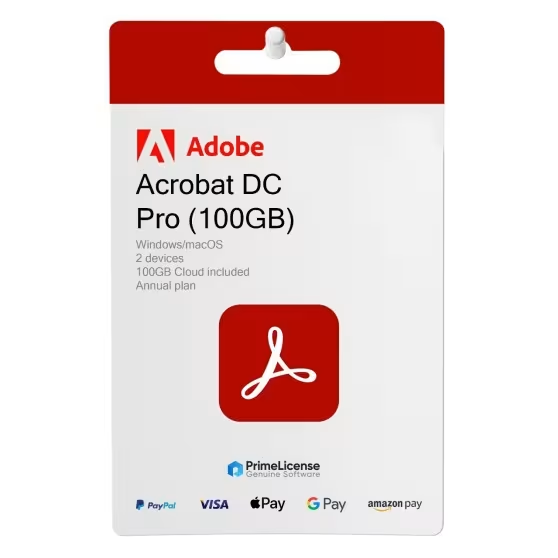




Adobe Acrobat Pro - Subscription Plan
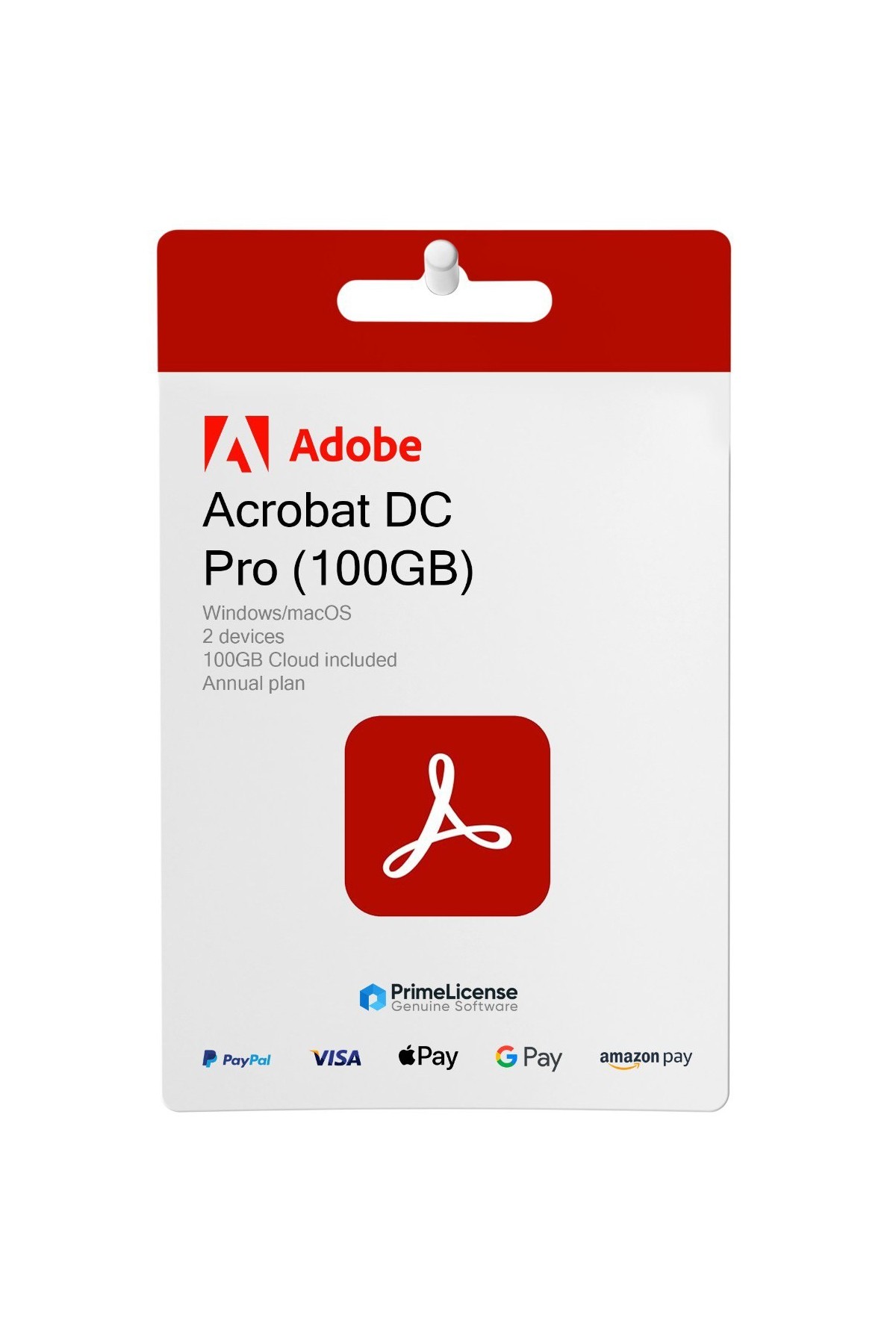
Adobe Acrobat Pro DC is the leading programme for converting, cropping, editing, signing and managing all your PDF documents. This version includes 100GB of Adobe Cloud Storage for your online archiving.
The DC version, which stands for Document Cloud, is for multiple devices with an annual subscription plan. If you are looking for a version with no expiry date, you can purchase Adobe Acrobat Pro 2020 (compatible with Windows only) with a perpetual licence.
IMPORTANT: you can redeem only a maximum of two keys monthly on a single account.
What is included in Adobe Acrobat Pro DC?
The Adobe Acrobat Pro DC licence gives you access to all the software's features, namely tools designed for productivity and collaboration on any device.
- PDF creation and conversion - allows you to convert Word, Excel, PowerPoint files and images into PDF files
- Export to other formats - you can transform PDFs into Word, Excel, PowerPoint files
- Direct editing - you can edit PDF documents with the ability to add text, annotations and highlighting, replace or crop images
- Optical recognition - the OCR function that recognises text from scanned documents, making it selectable and editable
- Electronic signature - you can apply a digital signature to guarantee document authenticity
- Collaboration - review and annotation tools to provide feedback directly within the document
- Cloud integration - access and share documents securely with Adobe Document Cloud
- Storage space - 100 GB of cloud space included in the subscription
Adobe Acrobat Pro DC: differences with other versions
Adobe Acrobat Pro DC is a version of Adobe software with a subscription licence. The term "DC" stands for Document Cloud and refers to the use of cloud features, typically associated with subscriptions. The subscription can be monthly, quarterly or annual.
Unlike perpetual licence versions, such as Adobe Acrobat Pro 2020 or Adobe Acrobat Pro 2019, it allows you to benefit from 100 GB of cloud storage space for immediate and seamless document archiving and sharing with your work team.
The differences do not end there, however, since Adobe Acrobat Pro DC is also compatible with Windows and macOS, guaranteeing use on two devices. If you have a Mac, this is the most suitable version for working on PDF files with Acrobat Pro.
Adobe Acrobat Pro: which to choose in brief?
Adobe Acrobat Pro is available in three main configurations: one perpetual licence version and two subscription options. The choice depends on your device requirements, budget and whether you prefer cloud access with continuous updates or a stable solution with no recurring costs.
| Feature | Acrobat Pro 2020 | Acrobat Pro DC | Acrobat Standard DC |
|---|---|---|---|
| Licence type | Perpetual (one-time) | Subscription (monthly, quarterly, annual) | Subscription (monthly, quarterly, annual) |
| Operating systems | Windows | Windows, macOS | Windows, macOS |
| Devices | 1 | 2 (not for simultaneous use) | 1 |
| Cloud Storage | — | 100 GB | 100 GB |
| Advanced features | ✓ (OCR, redaction, preflight, batch) | ✓ (OCR, redaction, preflight, batch + generative AI) | — (editing, conversion, digital signature) |
| Updates | — | ✓ Continuous | ✓ Continuous |
Adobe Acrobat Pro 2020 is the ideal choice if you prefer a lifetime licence with no recurring costs. It retains all advanced features (OCR, redaction of sensitive data, version comparison, print preflight) and is usable on 1 Windows PC. It does not receive post-release updates, but the core features remain fully operational.
Adobe Acrobat Pro DC is the complete subscription version, ideal for those who work on multiple devices (up to 2 simultaneously) and need cloud access, real-time collaboration and continuous updates with new features (including generative AI). Compatible with Windows and macOS, it includes 100 GB of cloud storage.
Adobe Acrobat Standard DC is the basic subscription solution for those with essential needs: editing, conversion, digital signature and cloud access. It lacks advanced features such as OCR, permanent redaction and batch processing, but is available for both Windows and macOS.
- Platform
- MacOS
Windows - Language
- Multilanguage
- Users suported
- 1 User
- Operating system
- Windows 11, Windows 10. For OS Mac Catalina 10.15.7 minimum
- Other requirements
- Any device that supports the operating systems listed above. Systems with ARM processors are not supported. An Internet connection is required to activate the program. The program license is verified repeatedly at regular intervals.
#0948291938
92 Items
65324279
How to activate your licence in three simple steps
Purchasing an original licence on PrimeLicense offers more than just a financial advantage; in addition to the net saving on the software, you can also enjoy a quick activation by following the steps below:
- Purchase your licence on PrimeLicense and receive the activation key with instructions via email.
- Download the software from the manufacturer's official website.
- Activate the software on the portal using your licence.
All invoices are generated by "Prime Digital Solutions Inc," the owner of the PrimeLicense platform.
You can request an invoice when placing your order by entering the necessary information in the designated fields during the "checkout" process. Alternatively, you may register your tax details on your account when signing up on our website.
You also have the option to request an invoice after placing your order, but please note that the processing and approval of such requests may take up to 14 business days from the date of your purchase.
You can expect to receive your invoice via email on the same day as the request. For additional details, please feel free to contact us here.
Product Reviews / Q&A
-
Reviews (0)
-
Questions & Answers (0)
-
Latest
-
Latest
Tap to zoom
£188.90