English GB


Your cart
There are no more items in your cart

- Save -$31.40

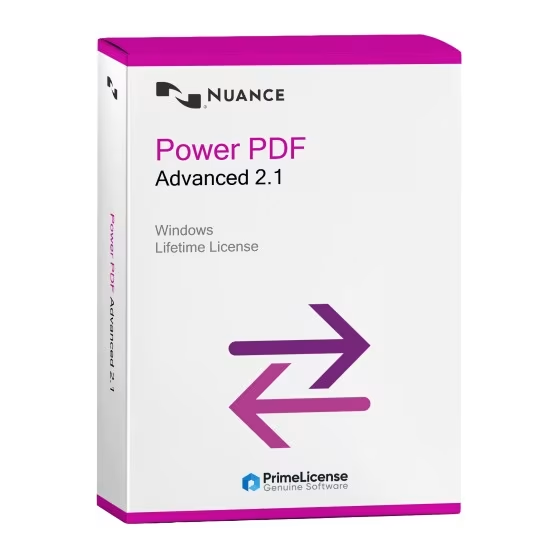
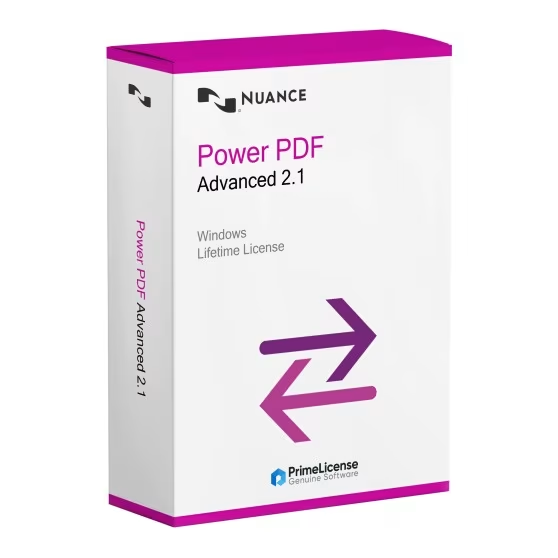
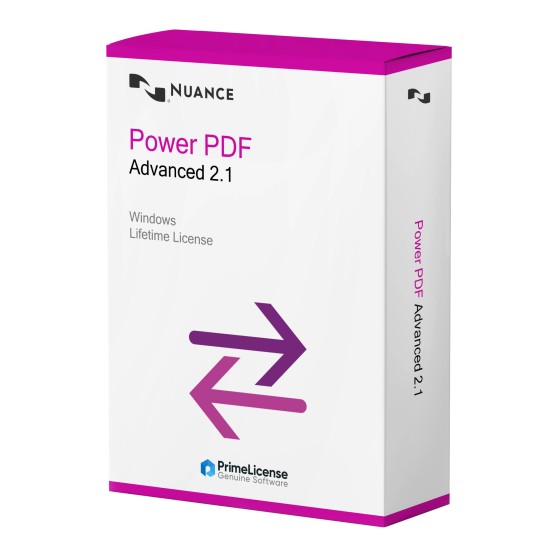


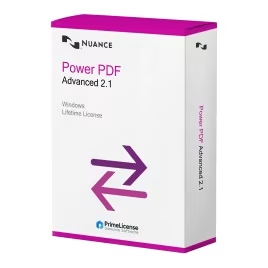


Nuance Power PDF Advanced 2.1 is a lifetime licence software programme for managing your PDF files. It allows you to create, modify and convert them securely, with collaboration tools such as notes, highlighting and stamps.
When you purchase a Nuance Power Advanced PDF 2.1 licence, you get:
Your order is also protected by Trusted Shops up to €2,500 and processed through our secure checkout. Every purchase is covered by a 30-day satisfaction guarantee, so you can purchase with complete peace of mind.
Note for Mac users: Nuance Power PDF Advanced 2.1 is currently available for Windows systems only. If you use macOS, we recommend exploring alternative PDF editors such as Adobe Acrobat Pro DC or PDFChef by Movavi.
Nuance Power Advanced PDF 2.1 is an easy-to-use software programme that allows you to create, modify, convert and protect your PDF documents without complications.
With Nuance PDF, you can:
Below is a table illustrating the main features of Nuance Power PDF Advanced 2.1 compared with other popular PDF editors.
| Feature | Nuance Power PDF Advanced 2.1 | Adobe Acrobat Pro 2020 | Adobe Acrobat Pro DC |
|---|---|---|---|
| Compatibility | Windows | Windows | Windows/macOS |
| Licence Type | Lifetime licence | Lifetime licence | Subscription |
| Security Features | Yes - document protection with password, redaction and digital signatures | Yes - advanced protection, but more complex to use | Yes - password protection, permissions and encryption |
| Support for Legal Documents | Complete tools for solicitors (Bates numbering, redaction, secure signatures) | Full support, but with greater difficulty of use | Yes - via Adobe Acrobat Sign |
Nuance Power PDF Advanced 2.1 offers the same professional functionality as Adobe Acrobat Pro 2020 but with a direct and immediate interface. Among the advantages we have a tool structure entirely present in a single panel and the lightweight nature of the software itself, as well as lifetime access offered by a one-time payment.
With Nuance PDF you have full control over your documents: redactions, digital signatures, password protection, Bates numbering and more. It is designed for legal professionals, businesses and users who want advanced PDF functionality without complexity or recurring costs.
Purchasing an original licence on PrimeLicense offers more than just a financial advantage; in addition to the net saving on the software, you can also enjoy a quick activation by following the steps below:
All invoices are generated by "Prime Digital Solutions Inc," the owner of the PrimeLicense platform.
You can request an invoice when placing your order by entering the necessary information in the designated fields during the "checkout" process. Alternatively, you may register your tax details on your account when signing up on our website.
You also have the option to request an invoice after placing your order, but please note that the processing and approval of such requests may take up to 14 business days from the date of your purchase.
You can expect to receive your invoice via email on the same day as the request. For additional details, please feel free to contact us here.
In the same category