• Save -52.00 $
PrimeLicense - 100% genuine software and authentic licences
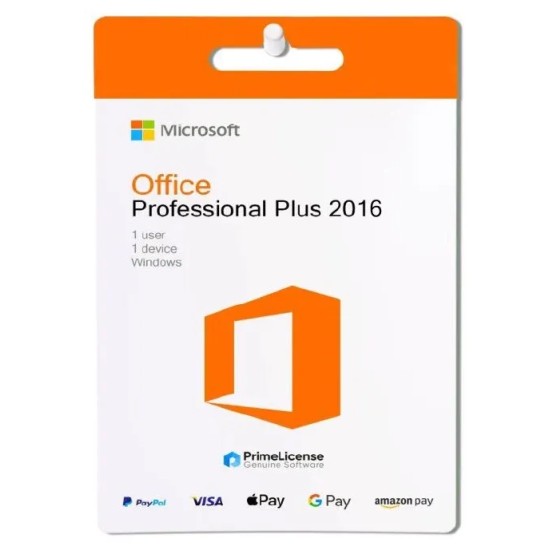
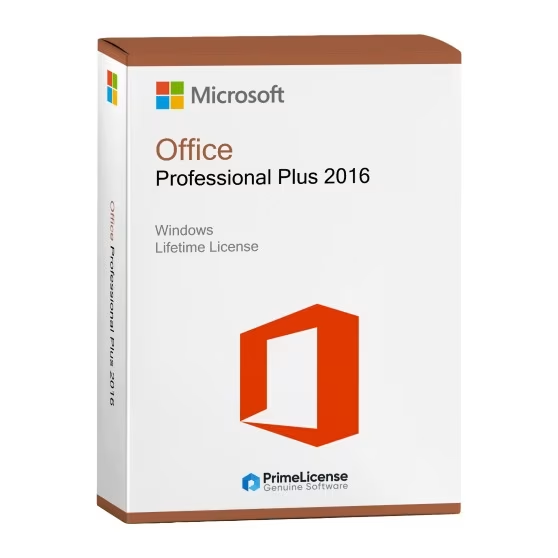
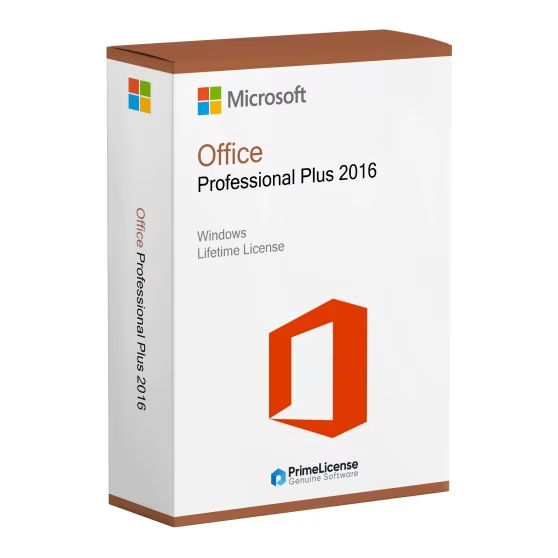
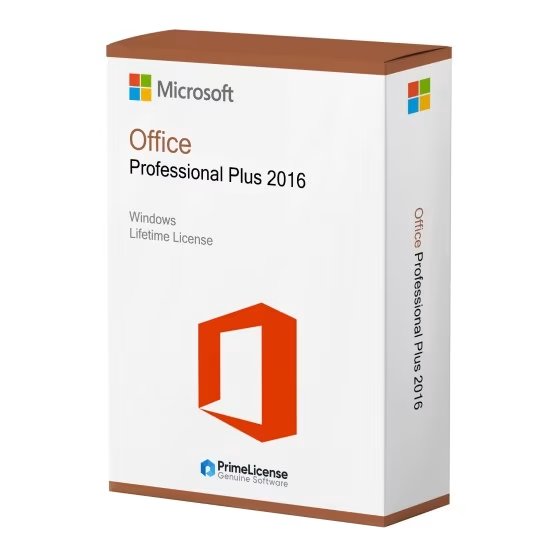
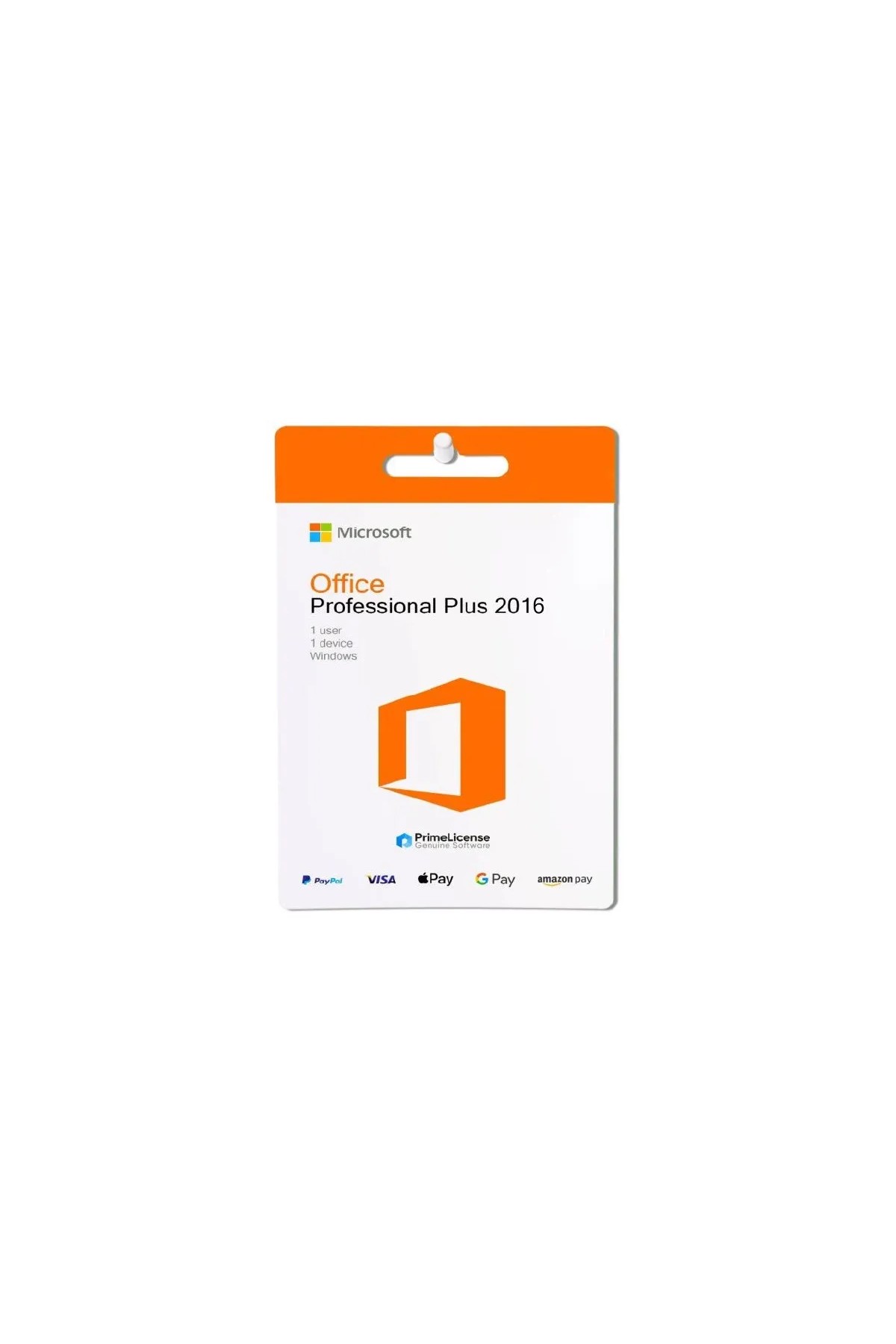
Office Professional Plus 2016 - Lifetime License - Original Software Licences
PrimeLicense — certified reseller of Microsoft and Adobe software
Your purchase with PrimeLicense is protected by Trusted Shops for up to €2,500
PrimeLicense has an excellent customer rating of 4.9 out of 5 on Trustpilot
Benefits of buying from PrimeLicense: secure payments, free support, and a 30-day money-back guarantee
We sell 100% genuine pre-owned software licenses fully compliant with EU law
Office Professional Plus 2016 - Lifetime License - Original Software Licences
PrimeLicense — certified reseller of Microsoft and Adobe software
Your purchase with PrimeLicense is protected by Trusted Shops for up to €2,500
PrimeLicense has an excellent customer rating of 4.9 out of 5 on Trustpilot
Benefits of buying from PrimeLicense: secure payments, free support, and a 30-day money-back guarantee
We sell 100% genuine pre-owned software licenses fully compliant with EU law

Office Professional Plus 2016 - Lifetime License

27.90 $ 79.90 $
TrustedShops insurance seal Purchase Protection included - up to £2,500
Microsoft Certified Partner Microsoft Certified Partner
Genuine software seal Genuine software licence

Office 2016 Professional Plus is the Microsoft productivity suite package with perpetual licence. Includes Word, Excel, PowerPoint, Outlook. Original product key for Windows PC, email delivery.


Microsoft Office 2016 Professional Plus is the perpetual licence to get the apps from the Office package, no hidden costs and no subscription: you pay once and the software is yours forever. This version is for Windows PC and is compatible with both Windows 10 and Windows 11 (32 and 64-bit systems). Upon purchase you will receive a product key, step-by-step installation instructions for easy setup and free support from our team.

IMPORTANT: Office 2016 Pro Plus is Windows only. Users who need Office for Mac can purchase Office 2016 Home & Business, Office 2021 Home & Business, Office Standard 2024 or Office Home & Business 2024.

What is included in Microsoft Office 2016 Professional Plus?

Microsoft Office 2016 Professional Plus gives you the complete set of essential Office tools: everything you need for school, work or business in one reliable package. Although it is not the most recent version, it still does the job for users who prefer a one-time purchase over a subscription. Please note that Office 2016 lacks some of the most recent features and cloud integration found in Microsoft 365 and from Office 2021 onwards.

  • Word – Create clean, professional-looking documents with ease
  • Excel – Build spreadsheets, analyse data and use advanced formulas
  • PowerPoint – Create engaging presentations with animations and visual elements
  • Outlook – Organise email, calendar events and contacts all in one place
  • Publisher – Design print-ready materials such as brochures and flyers
  • Access – Create and manage simple databases, no technical skills required
  • OneNote – Save notes, tasks and ideas in a digital notebook

Office 2016 vs Office 2019 and Microsoft 365: what are the differences?

Thanks to the table below you can immediately identify the differences with the other versions of Office, ensuring a choice more in line with your needs.

Feature Office 2016 Pro Plus Office 2019 Pro Plus Microsoft 365
Payment One-time payment One-time payment Monthly or annual subscription
Duration Lifetime Lifetime Only whilst you are subscribed
Apps included Word, Excel, PowerPoint, Outlook, Access, Publisher, OneNote Word, Excel, PowerPoint, Outlook, Access, Publisher, OneNote Same core apps + cloud-based features (e.g. Teams, OneDrive)
Cloud storage Not included Not included 1 TB on OneDrive
Updates Security updates only Security updates only Frequent feature updates
Device support 1 PC (Windows only) 1 PC (Windows only) Multiple devices (PC, Mac, tablet, mobile)
Ideal for Budget-conscious users who need the core Office tools Users who want a more recent version without a subscription Users who prefer collaboration, cloud synchronisation and flexibility

The choice between Office 2016 Pro Plus and Office 2019 Pro Plus is mainly linked to your budget and whether or not you need software with a more modern UI. The difference with Microsoft 365 is much broader and concerns both the price, which in the case of a subscription is recurring, and the features, updates and the ability to use the Office package on multiple devices. If you work remotely, Microsoft 365 is the best choice, whereas for offline work both Office 2016 and Office 2019 are still valid budget-friendly options. If you want a newer version of Office with a perpetual licence, you can opt for Office 2021 Pro Plus or Office 2024 Pro Plus.

When does Office 2016 Professional Plus expire?

Office 2016 Pro Plus has no expiry date, so once you purchase the licence you can continue using the software on your Windows PC without any restrictions. However, it should be noted that official Microsoft support for this version ended on 14 October 2025, although this does not prevent the software from functioning correctly beyond that date.

Is Office 2016 Professional compatible with Windows 11?

Yes, Office 2016 Pro Plus is compatible with Windows 11.

Can I reinstall Office 2016 Professional if I format my computer?

No, this licence is tied to the device, so it cannot be reinstalled in case of formatting.

Is Office 2016 Professional the most economical Office licence?

Yes, whilst not the cheapest option overall, Office 2016 is one of the most economical licences you can find on PrimeLicense for the Office package.

How can I retrieve the product key for Office 2016?

If your licence for Office 2016 is linked to your Microsoft account, you can retrieve the product key from the official Microsoft website, in your personal profile.

Is Office 2016 Professional Plus the best Microsoft Office option?

Office 2016 Professional Plus is an excellent choice for users who need the classic features of the Office package at the best price, without requiring cloud synchronisation or modern visual elements.

Which is better, Office 2016 Professional Plus or Office 2019?

Compared to Office 2016, Office 2019 Pro Plus has a more modern interface and slightly improved performance. Both packages have no recurring costs or subscriptions, so you can choose them as perpetual licences based on your budget and requirements.

Which is better, Office 2016 Professional Plus or Microsoft 365?

The difference in this case lies in the type of licence. Microsoft 365 is a subscription plan and therefore involves a monthly or annual recurring cost. If you want more recent features, collaboration tools, and cloud access, then it is a valid choice for your workflow despite requiring recurring payment.

Processor
1.6 GHz, 2-core processor
Hard disk
4 GB available disk space
RAM
4 GB (64bit), 2 GB (32bit) RAM
Operating system
Windows 10 or newer
Other requirements
Internet access
#902456224
89 Items
0001148121978
269-16805

How to activate your licence in three simple steps

Purchasing an original licence on PrimeLicense offers more than just a financial advantage; in addition to the net saving on the software, you can also enjoy a quick activation by following the steps below:

  1. Purchase your licence on PrimeLicense and receive the activation key with instructions via email.
  2. Download the software from the manufacturer's official website.
  3. Activate the software on the portal using your licence.

All invoices are generated by "Prime Digital Solutions Inc," the owner of the PrimeLicense platform.

You can request an invoice when placing your order by entering the necessary information in the designated fields during the "checkout" process. Alternatively, you may register your tax details on your account when signing up on our website.

You also have the option to request an invoice after placing your order, but please note that the processing and approval of such requests may take up to 14 business days from the date of your purchase.

You can expect to receive your invoice via email on the same day as the request. For additional details, please feel free to contact us here.

In the same category
Product Reviews / Q&A

Average rating

5.0
5 Reviews
★★★★★ Excellent 5
★★★★☆ Good 0
★★★☆☆ Medium 0
★★☆☆☆ Poor 0
★☆☆☆☆ Terrible 0

  • Reviews (5)
  • Questions & Answers (1)
27.90 $