English GB


Your cart
There are no more items in your cart

- Save -$62.80





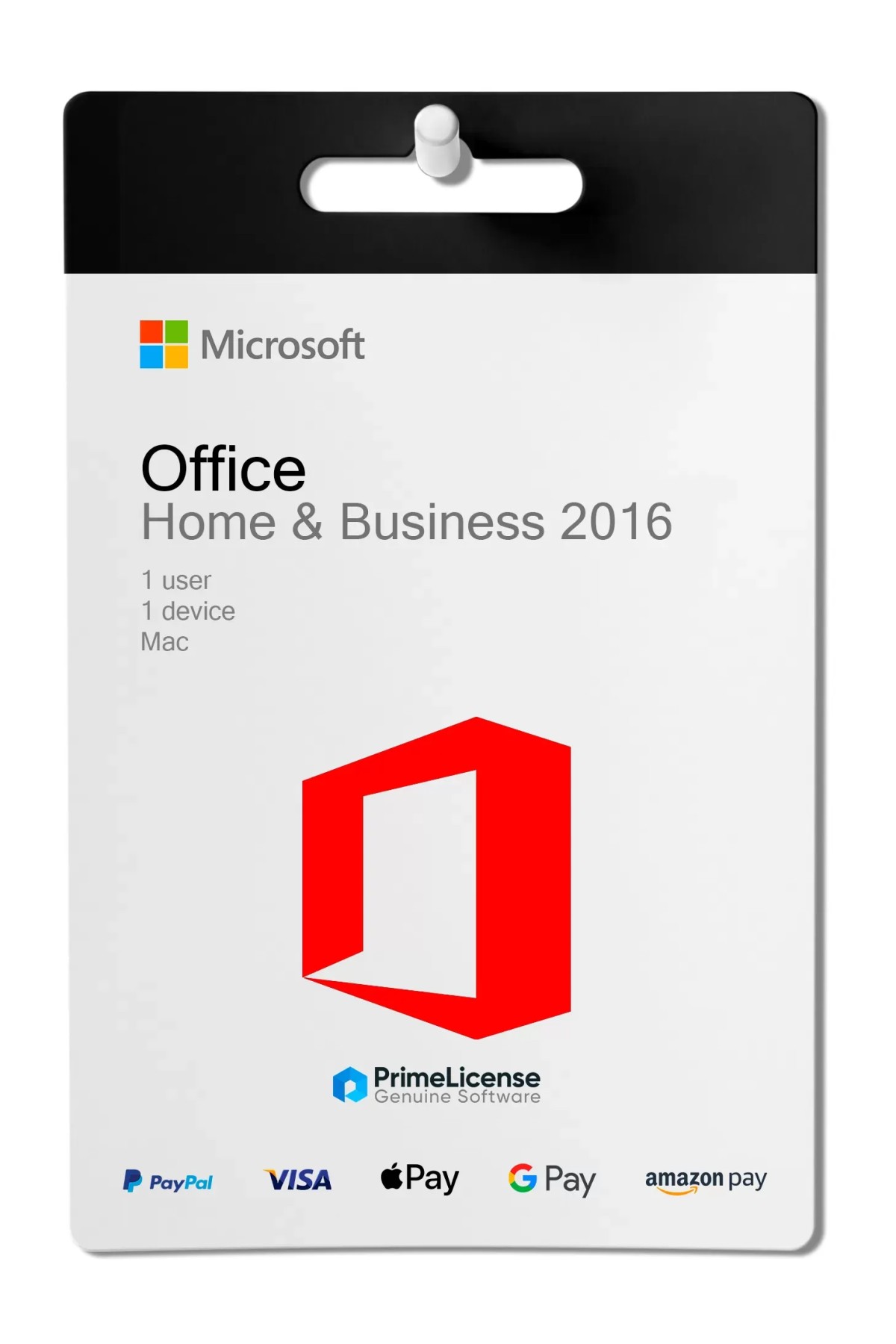
Microsoft Office 2016 Mac Home & Business is a powerful productivity suite with a one-time purchase, designed for professionals, freelancers and small business owners using macOS. It includes all the essential Office apps to work efficiently, manage communication and create professional documents and presentations, all completely optimised for Mac.
IMPORTANT: This version is for Mac and works on macOS Catalina 10.15 or later versions. If you need an Office package for Windows you can opt for Office Professional Plus 2016. If you need a more recent version of the software, you can discover our entire Office catalogue which includes editions from 2019, 2021 and 2024.
By purchasing Office 2016 Mac Home & Business you will receive: an Office 2016 product key for Mac with a lifetime licence without subscriptions; installation guide and step-by-step instructions; free PrimeLicense technical support. As for the features and applications present, the Office package for Mac includes the following:
It is designed to integrate perfectly with macOS and is fully compatible with previous Office file formats.
Before proceeding with the purchase of Office 2016 Mac, please note that mainstream support for this version ended on 13 October 2020, marking the end of feature updates and free support. The product is currently in its extended support phase (until October 2026), which continues to provide critical security updates but no new features or design improvements. After this date, Microsoft will no longer provide security updates, bug fixes or technical support. The software can still be used without restrictions.
The table below illustrates some of the differences between the two main versions of Office 2016 that can be purchased on PrimeLicense, namely the Home & Business edition for Mac and Professional Plus for Windows.
| Feature | Office 2016 Home & Business (Mac) | Office 2016 Professional Plus (Windows) |
|---|---|---|
| Payment | One-time | One-time |
| Duration of Use | Lifetime | Lifetime |
| Apps Included | Word, Excel, PowerPoint, Outlook, OneNote | The same + Access and Publisher |
| Updates | Security updates only until October 2026 | Security updates only until October 2026 |
| Cloud Storage | No | No |
| Device Support | Mac | Windows |
| Suitable for | Budget-conscious Mac users | Windows users |
Office 2016 Mac Home & Business includes the essential apps: Word, Excel, PowerPoint, Outlook and OneNote. It is ideal for home users, students and small business owners who need the basics for productivity and communication on their Mac.
Office 2016 Professional Plus is a Windows-only edition and in addition to all Home & Business apps, it also includes Access and Publisher, making it suitable for professional users who need database management and desktop publishing.
Purchasing an original licence on PrimeLicense offers more than just a financial advantage; in addition to the net saving on the software, you can also enjoy a quick activation by following the steps below:
All invoices are generated by "Prime Digital Solutions Inc," the owner of the PrimeLicense platform.
You can request an invoice when placing your order by entering the necessary information in the designated fields during the "checkout" process. Alternatively, you may register your tax details on your account when signing up on our website.
You also have the option to request an invoice after placing your order, but please note that the processing and approval of such requests may take up to 14 business days from the date of your purchase.
You can expect to receive your invoice via email on the same day as the request. For additional details, please feel free to contact us here.
You might also like
In the same category