• Save -$62.80
PrimeLicense - 100% genuine software and authentic licences
Microsoft 365 Business Standard - Original Software Licences
PrimeLicense — certified reseller of Microsoft and Adobe software
Your purchase with PrimeLicense is protected by Trusted Shops for up to €2,500
PrimeLicense has an excellent customer rating of 4.9 out of 5 on Trustpilot
Benefits of buying from PrimeLicense: secure payments, free support, and a 30-day money-back guarantee
We sell 100% genuine pre-owned software licenses fully compliant with EU law
Microsoft 365 Business Standard - Original Software Licences
PrimeLicense — certified reseller of Microsoft and Adobe software
Your purchase with PrimeLicense is protected by Trusted Shops for up to €2,500
PrimeLicense has an excellent customer rating of 4.9 out of 5 on Trustpilot
Benefits of buying from PrimeLicense: secure payments, free support, and a 30-day money-back guarantee
We sell 100% genuine pre-owned software licenses fully compliant with EU law

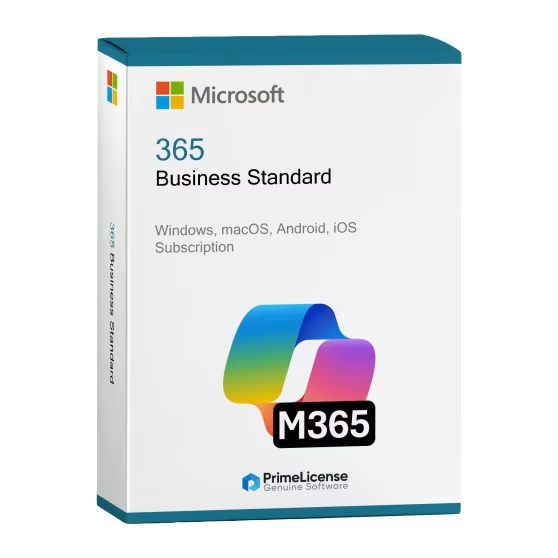
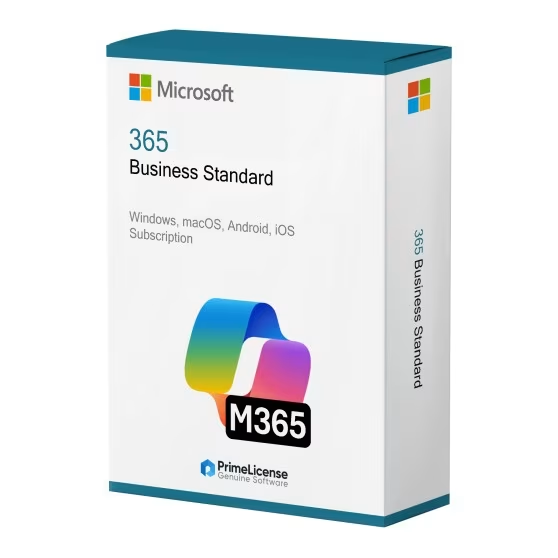
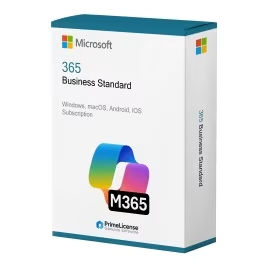
Microsoft 365 Business Standard

$235.34 $298.14
TrustedShops insurance seal Purchase Protection included - up to £2,500
Microsoft Certified Partner Microsoft Certified Partner
Genuine software seal Genuine software licence

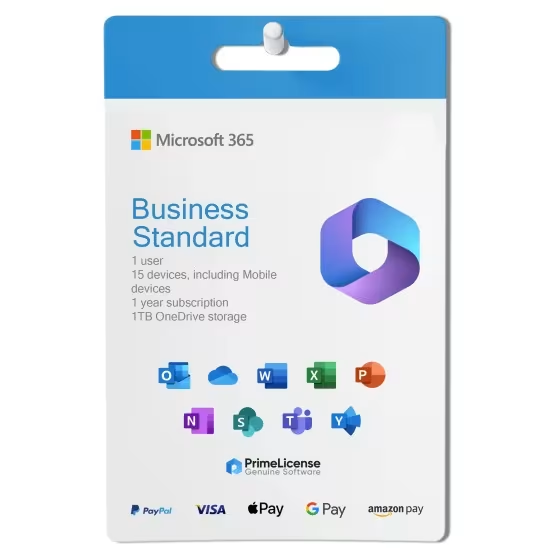
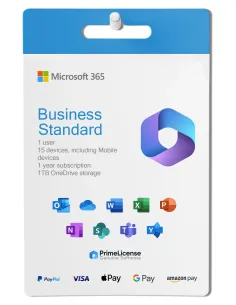
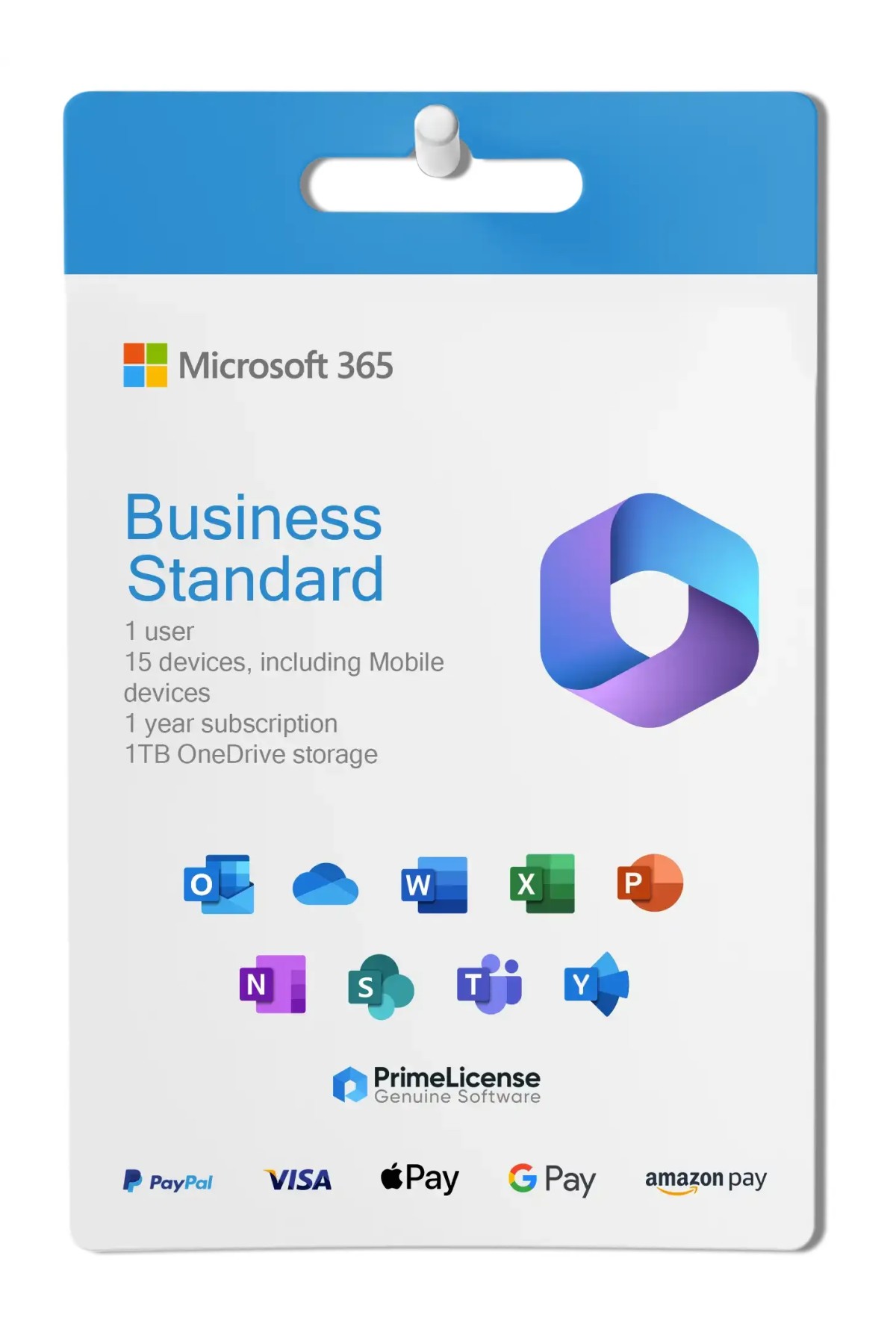
Microsoft 365 Business Standard is a 1-year subscription for 1 user (15 devices) to the Office package. Compatible with Windows, macOS, iOS, Android and browsers. The licence is delivered within minutes of purchase.

Validity
  • 1 Year


Microsoft 365 Business Standard is the former Office 365 subscription designed for small and medium-sized businesses that want their teams to collaborate best, stay connected and secure, regardless of where people work.

This all-in-one subscription includes the full versions of the most reliable Office apps such as Word, Excel, PowerPoint, Outlook and OneNote, along with powerful cloud tools such as SharePoint and OneDrive for Business. Whether your team works from home, in the office or in hybrid mode, Business Standard offers everything you need in one package. Extended compatibility includes Windows 10 and 11 operating systems, macOS, iOS, Android and web browsers (enterprise-level compatibility)

IMPORTANT: This subscription is intended for business use. If you are looking for Microsoft 365 for personal use, discover Microsoft 365 Personal for 1 user and Microsoft 365 Family for up to 6 users. If you prefer Office with a perpetual licence, you can choose from several products designed for Windows or macOS available in our catalogue.

What is included in Microsoft 365 Business?

Microsoft 365 Business Standard offers complete business productivity, with all classic Office applications and advanced collaboration tools:

  • Word - Creation of professional documents with real-time co-authoring and business templates
  • Excel - Advanced data analysis, business intelligence and financial modelling capabilities
  • PowerPoint - Professional presentations with business branding and collaboration features
  • Outlook - Business email hosting with 50GB mailboxes and advanced planning
  • Teams Business - Video conferencing, chat, file sharing and collaboration platform
  • SharePoint - Document management, intranet sites and workflow automation
  • OneDrive for Business - 1TB of business cloud storage with enterprise security and compliance
  • Exchange Online - Professional email hosting with custom domain support

All applications include enterprise-level security, compliance features and administrative controls. Business Standard subscription also includes a custom email domain (e.g. you@yourcompany.com).

Microsoft 365 Business Standard vs Microsoft 365 Personal: which one to choose?

The two types of subscriptions for the Microsoft 365 service differ not only in price but also in their intended use. The table below illustrates the features of the two plans to help you decide which one to choose for your needs.

Feature Microsoft 365 Business Standard Microsoft 365 Personal
Target users Business teams and organisations Individual users
User licences Business licence per user Single personal account
Collaboration tools Teams, SharePoint, advanced collaboration Basic sharing and co-authoring
Email hosting Exchange Online with custom domains Personal Outlook.com email
Storage 1TB OneDrive for Business per user 1TB personal OneDrive
Video conferencing Microsoft Teams with enterprise features Basic Teams meetings
Administration Full admin centre and user management No administrative control
Security Enterprise-level security and compliance Consumer-level security
Custom domains Business email with custom domain No custom domain support
Ideal for Businesses that need collaboration and email hosting Individual productivity and personal use

In summary, Microsoft 365 Business Standard is designed for organisations that need professional email hosting, team collaboration and advanced business features. Microsoft 365 Personal is designed for individual users who need Office apps without business collaboration or administrative requirements.

Microsoft 365 Business Standard vs Office 2024: subscription or perpetual licence?

The choice comes down to two different approaches to software ownership: Office 2024, in its Professional Plus or Home & Business variants, is a perpetual licence: you buy it once and own it forever but you are limited to that specific version with only security updates. Microsoft 365, on the other hand, is a subscription service in which you pay monthly or annually and always have access to the latest features and tools as long as you maintain your subscription. Specifically, Microsoft 365 Business Standard is designed for businesses:

  • Complete business platform, including email hosting, Teams and SharePoint
  • Continuous updates with the latest features and security patches
  • Scalable licences - easily add or remove users as your business grows
  • Enterprise collaboration tools for remote and hybrid work
  • Integrated security and compliance for protection of business data
  • Professional email hosting with custom domain

Choose Microsoft 365 Business Standard if your team needs to collaborate, communicate regularly and access files from anywhere. The subscription also guarantees you updates and new features as soon as they are released. Choose an Office 2024 version if you do not need cloud storage or the latest features.

Microsoft 365 Business and Personal: what are the differences?

The Microsoft 365 Business plan is designed for collaborative work between teams thanks to the specific features of the subscription, while the Personal plan, at a lower cost, has limitations that make it a valid choice only for home or private use. You can discover all the specific details in the description of the respective products.

Microsoft 365 Business: what are Standard and Premium?

The Microsoft 365 Business Premium plan includes all the features of the Standard plan but adds Microsoft Defender for Business and information protection tools to block the sharing of sensitive documents.

Does Microsoft 365 Business have a perpetual licence?

No, Microsoft 365 Business Standard is a subscription plan.

Where can I use Microsoft 365 Business?

You can use Microsoft 365 Business on Windows, macOS, Android and iOS operating systems, as well as from a web browser while you are online.

Where do I redeem the Microsoft 365 Business Standard licence?

The Microsoft 365 Business Standard licence is redeemed only on corporate domain and on the company admin panel at the official page. The administrator, after redeeming the licence, assigns the product to an e-mail address within the company, granting for each licence 1 user 15 devices for simultaneous use.

How many devices can I use with Microsoft 365 Business Standard?

Each licence is for 1 user but you can use up to 15 devices with the Microsoft 365 Business Standard subscription.

Do I need internet to use Microsoft 365 Business Standard?

The only time an internet connection is required is for licence activation, after which the Business Standard plan can be used offline. The connection becomes necessary to synchronise files using OneDrive and for other online services.

Platform
Android
MacOS
Windows
iOS
Processor
Windows: 1.6 GHz or faster, 2-core. 2 GHz or greater recommended for Microsoft Teams / Mac with Intel processor
Hard disk
Windows: 4 GB of available disk space / Mac: 10 GB of available disk space; HFS+ hard disk format (also known as macOS Extended) / iOS: N/A / Android: 1 GB
RAM
Mac: 4 GB RAM / Windows: 4 GB RAM; 2 GB RAM (32-bit)
Users suported
1 user, 15 devices
Other requirements
Internet connection for connection to cloud service or web use of Office 365
#448157901257
32 Items
0889842861907
KLQ-00211

How to activate your licence in three simple steps

Purchasing an original licence on PrimeLicense offers more than just a financial advantage; in addition to the net saving on the software, you can also enjoy a quick activation by following the steps below:

  1. Purchase your licence on PrimeLicense and receive the activation key with instructions via email.
  2. Download the software from the manufacturer's official website.
  3. Activate the software on the portal using your licence.

All invoices are generated by "Prime Digital Solutions Inc," the owner of the PrimeLicense platform.

You can request an invoice when placing your order by entering the necessary information in the designated fields during the "checkout" process. Alternatively, you may register your tax details on your account when signing up on our website.

You also have the option to request an invoice after placing your order, but please note that the processing and approval of such requests may take up to 14 business days from the date of your purchase.

You can expect to receive your invoice via email on the same day as the request. For additional details, please feel free to contact us here.

In the same category
Product Reviews / Q&A

Average rating

0.0
0 Review
★★★★★ Excellent 0
★★★★☆ Good 0
★★★☆☆ Medium 0
★★☆☆☆ Poor 0
★☆☆☆☆ Terrible 0

  • Reviews (0)
  • Questions & Answers (1)
$235.34