• Save -£86.00
PrimeLicense - 100% genuine software and authentic licences
Adobe Acrobat Pro 2019 - Original Software Licences
PrimeLicense — certified reseller of Microsoft and Adobe software
Your purchase with PrimeLicense is protected by Trusted Shops for up to €2,500
PrimeLicense has an excellent customer rating of 4.9 out of 5 on Trustpilot
Benefits of buying from PrimeLicense: secure payments, free support, and a 30-day money-back guarantee
We sell 100% genuine pre-owned software licenses fully compliant with EU law
Adobe Acrobat Pro 2019 - Original Software Licences
PrimeLicense — certified reseller of Microsoft and Adobe software
Your purchase with PrimeLicense is protected by Trusted Shops for up to €2,500
PrimeLicense has an excellent customer rating of 4.9 out of 5 on Trustpilot
Benefits of buying from PrimeLicense: secure payments, free support, and a 30-day money-back guarantee
We sell 100% genuine pre-owned software licenses fully compliant with EU law

Adobe Acrobat Pro 2019

Pre-Order
£59.90 £145.90
−15% extra at checkout Back to Work, until 15 September
TrustedShops insurance seal Purchase Protection included - up to £2,500
Microsoft Certified Partner Microsoft Certified Partner
Genuine software seal Genuine software licence

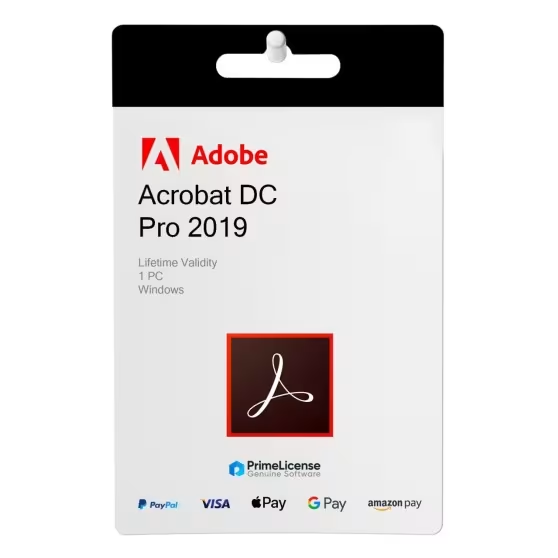
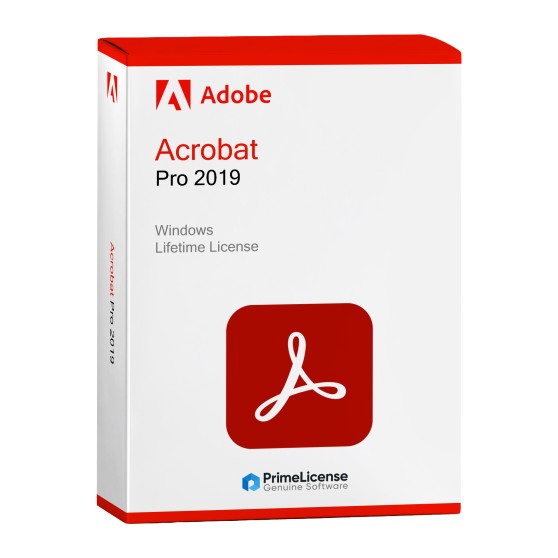
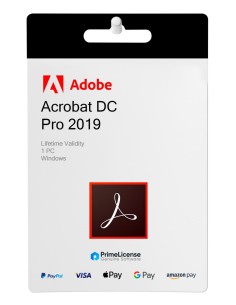
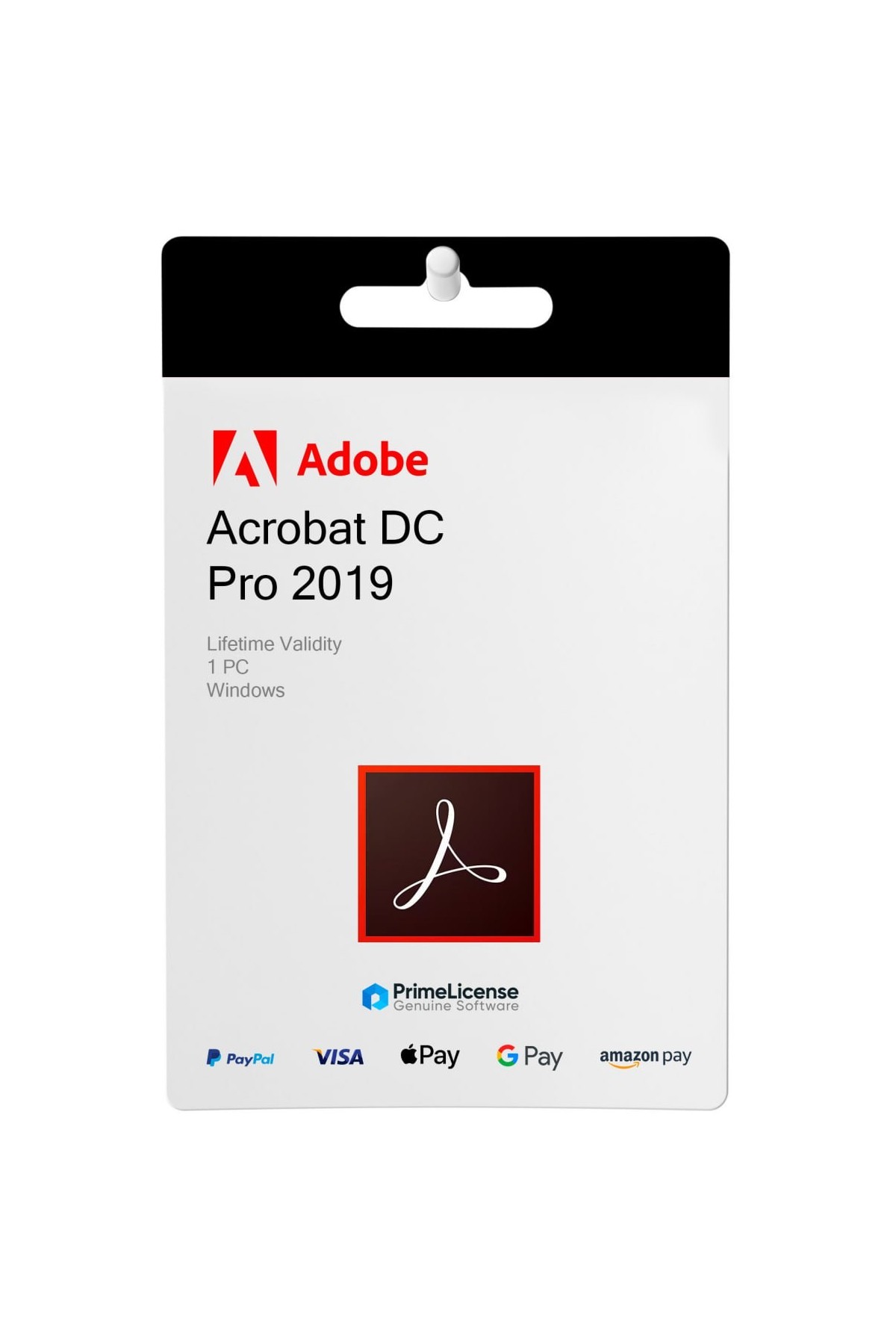
Adobe Acrobat Pro 2019 is a PDF editor for 1 Windows PC. Sign, edit and manage all your PDF documents without recurring subscriptions. The perpetual licence is delivered via e-mail.


Adobe Acrobat Pro 2019 is the software with perpetual licence that allows you to open, alter, modify and sign PDFs. The software is 100% original and activatable on Windows PCs with advanced editing tools. It offers new professional features such as OCR, document comparison, redaction and advanced security with digital certificates. If you prefer the latest Adobe programme with lifetime licence, you can opt for Adobe Acrobat Pro 2020.

If you are a Mac user or require Cloud functionality and Adobe Acrobat Sign, then you can consider purchasing Adobe Acrobat Pro DC or Adobe Acrobat Standard DC, both on subscription but compatible with both Windows and macOS.

What can you do with Adobe Acrobat Pro 2019?

Adobe Acrobat Pro 2019 offers a complete PDF solution that combines essential everyday functionality with advanced professional tools, making it ideal for businesses, legal professionals and anyone who needs powerful document management capabilities. You can create, modify and view PDF documents, convert them to Microsoft Office formats, add comments and annotations or fill in and sign forms digitally:

  • Advanced Editing Tools – Edit text, images and page layout with precision
  • OCR Technology – Convert scanned documents into searchable and editable PDFs
  • Document Comparison – Automatically identify differences between PDF versions
  • Redaction Capability – Permanently remove sensitive information with legal compliance
  • Batch Processing – Apply consistent changes across multiple documents simultaneously
  • Form Creation – Design interactive PDF forms with calculations and validation rules
  • Advanced Security – Implement digital certificates, advanced passwords and usage restrictions
  • Preflight Tools – Ensure that PDFs meet professional printing and accessibility standards

Why choose Adobe Acrobat Pro 2019?

Adobe Acrobat Pro 2019 gives you a lifetime licence: you pay once and the software is yours forever. Unlike subscription models (DC versions, Document Cloud), you have no monthly or annual costs. If you use the software for years, the cost per use is lower than equivalent subscription plans. With features such as OCR, automatic comparison, legal redaction and advanced security, the software covers 95% of business PDF workflows, freelancer and private needs.

The software works on any version of Windows from 7 onwards (with update patches). It is a recognised industry standard and many professionals still use version 2019 without need for upgrade. If your PDF workflow is stable and you do not need cloud functionality or online tools, then you can confidently choose Adobe Acrobat Pro 2019.

Adobe Acrobat comparison: which version to choose?

If you are still unsure which version of Adobe Acrobat to choose, below you can find a table that summarises the main features of the most popular versions in comparison.

Features Adobe Acrobat Pro 2019 Adobe Acrobat Pro 2020 Adobe Acrobat Pro DC Adobe Acrobat Standard DC
System Windows Windows Windows, macOS Windows, macOS
Devices 1 1 2 1
Licence Lifetime Lifetime Subscription (1 month, 3 months, 1 year) Subscription (1 month, 3 months, 6 months, 1 year)

Adobe Acrobat Pro 2019 is the ideal solution if you want all PDF editing and control functionality at an advantageous price. Thanks to the perpetual licence formula, you pay once and the software is yours forever. You can use the software on only 1 Windows PC, if instead you need a version for macOS you can choose Adobe Acrobat Pro DC or Standard DC instead, both with subscription formula. The monthly cost is justified if you need collaborative cloud PDF workflow.

Prices and discounts on Acrobat Pro 2019: the advantage of buying from PrimeLicense

The advantage is not just in the price: as an Adobe Certified Reseller, PrimeLicense offers you the authentic experience with official licence keys, 100% original software, instant email delivery, step-by-step guide, guaranteed activation and free expert technical support.

Is Adobe Acrobat Pro 2019 free?

No, Adobe Acrobat Pro 2019 is commercial software supplied with a perpetual digital licence so it is not free software. You pay once for a lifetime licence and it is not a subscription. If you are looking for a free PDF reader, Adobe Acrobat Reader (basic version) is available free of charge, but advanced editing features are missing.

Can you get Adobe Acrobat Pro for free?

No, Adobe Acrobat Pro is not available free of charge since it is paid software, but Adobe offers Acrobat Reader in a free version which allows basic reading and annotations on PDFs, limited cloud preview and free 7-day trials of Adobe Acrobat Pro DC if you wish to test Pro features before purchasing.

What is the difference between Acrobat Pro 2019 and Acrobat Pro 2020?

Both are software with lifetime licence, but Adobe Acrobat Pro 2020 offers user interface improvements, optimised compatibility with Windows 10/11, faster editor features and longer mainstream support. If your PDF workflow is stable, version 2019 remains functional at a more advantageous price; if instead you need performance and modern UI, 2020 is the version for you.

What is the difference between Acrobat Pro 2019 and Acrobat Reader?

Acrobat Reader allows only reading, basic annotations and form completion. Acrobat Pro 2019 offers complete professional editing functions: text/image editing, OCR, document comparison, legal redaction, advanced digital signature, security and batch processing.

How much does Adobe Acrobat Pro cost without a subscription?

The cost of Adobe Acrobat Pro without a subscription varies depending on the version chosen. Acrobat Pro 2019 has a lower cost than Acrobat Pro 2020 so if you are looking for a full PDF editor at the lowest possible price, version 2019 is the one for you.

How do I activate the Adobe Acrobat Pro 2019 licence?

You can activate the licence by following our step-by-step guide, sent via email with the product following your purchase. For any further questions, do not hesitate to contact our customer support.

Platform
Windows
Language
Multilanguage
Users suported
1 User
Operating system
Windows 11, Windows 10.
Other requirements
Any device that supports the operating systems listed above. Systems with ARM processors are not supported. An Internet connection is required to activate the program. The program license is verified repeatedly at regular intervals.
#2390428394143
0883919267043
65292979

How to activate your licence in three simple steps

Purchasing an original licence on PrimeLicense offers more than just a financial advantage; in addition to the net saving on the software, you can also enjoy a quick activation by following the steps below:

  1. Purchase your licence on PrimeLicense and receive the activation key with instructions via email.
  2. Download the software from the manufacturer's official website.
  3. Activate the software on the portal using your licence.

All invoices are generated by "Prime Digital Solutions Inc," the owner of the PrimeLicense platform.

You can request an invoice when placing your order by entering the necessary information in the designated fields during the "checkout" process. Alternatively, you may register your tax details on your account when signing up on our website.

You also have the option to request an invoice after placing your order, but please note that the processing and approval of such requests may take up to 14 business days from the date of your purchase.

You can expect to receive your invoice via email on the same day as the request. For additional details, please feel free to contact us here.

In the same category

Product Reviews / Q&A

Average rating

0.0
0 Review
★★★★★ Excellent 0
★★★★☆ Good 0
★★★☆☆ Medium 0
★★☆☆☆ Poor 0
★☆☆☆☆ Terrible 0

  • Reviews (0)
  • Questions & Answers (1)
£59.90
Our agent are not available at this time, for support or inquiries, please reach out us via the contact page.