
 English GB


Your cart
There are no more items in your cart
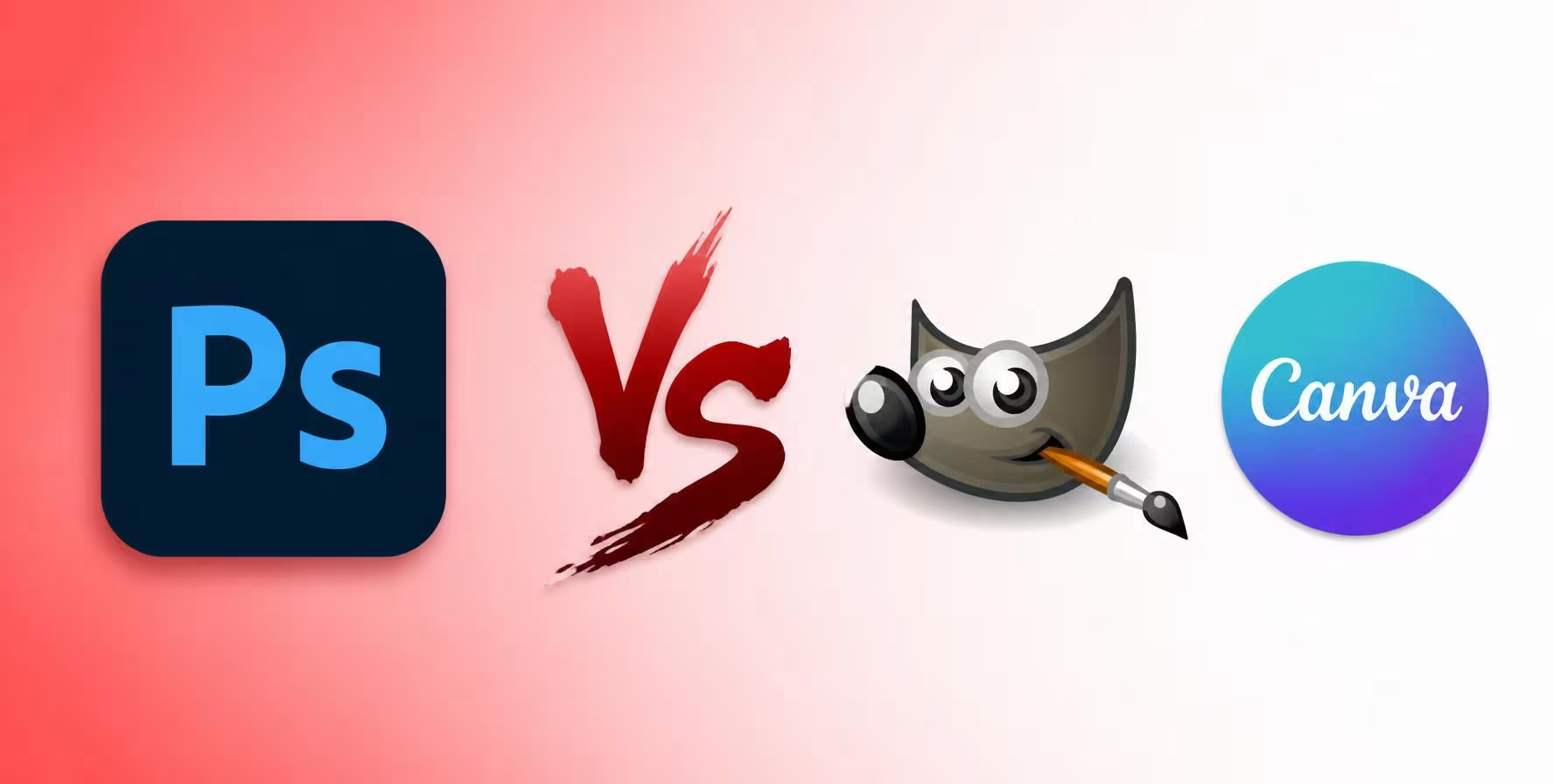
Photoshop alternatives: are they worth it?

Adobe Photoshop has many features and advantages, but at the same time it could be too complex for a beginner, or perhaps present a high cost over time as it is available on a subscription plan. For this reason, in our article we will see what the alternatives to Photoshop are, to give you a wider choice among various editing programmes.
What is Photoshop?
Adobe Photoshop is the most well-known and widely used software in the world for photo retouching and image editing. You have surely heard about it, especially if you are taking your first steps in this field and are looking for the best programmes. The software is developed by Adobe, a software manufacturer based in the United States.
The first editions of the programme were dedicated to professionals, but over the years it has become more accessible, so much so that it is used not only by photographers, but also by graphic designers, illustrators, content creators and businesses.
The main characteristics of Photoshop are layer management, automatic subject selection, use of masks, filters, effects and precision adjustments. Furthermore, with the latest updates, Photoshop has integrated functions based on artificial intelligence, such as Generative Fill.
To use Adobe Photoshop, it is necessary to renew the licence through a subscription plan that allows you to obtain continuous updates.
What are the options for using Photoshop?
If you are looking for alternatives to Photoshop, but you still want to consider the possibility of buying Adobe software, then you can choose from several options.
- Adobe Photoshop: you can buy it by choosing a subscription plan for 1 month or three months, with 20 GB of cloud storage and two additional Adobe software: Lightroom and Bridge. The subscription allows you to access all recent versions of Photoshop: 2023, 2024 and 2025.
- Adobe Photography Plan: this option, with a subscription plan for 1 month, 3 months or 1 year, is aimed especially at professionals, as it is a complete suite for editing, organising and managing photographs. It includes Photoshop, Lightroom, Lightroom Classic, Adobe Bridge and 1 TB of space on Adobe Cloud.
Alternatives to Photoshop: do they exist?
Yes, there are several free and paid alternatives to Photoshop, ideal for starting out with graphic editing. In general, alternatives to Photoshop allow you to perform common photo retouching operations, image resizing, background removal and text addition.
They can be considered "entry-level" tools, but they can still be sufficient for graphic editing for social media posts or if you want to edit images occasionally.
Limitations of alternatives to Photoshop
Although alternatives to Photoshop can be an economical and practical solution, compared to Adobe's software they have several limitations.
Photo retouching tools can be less advanced, if not downright basic. Furthermore, free alternatives to Photoshop do not allow you to work with complex files or high-resolution images.
Furthermore, those using other Adobe programmes such as Illustrator, Lightroom or InDesign could encounter compatibility issues. In general, Photoshop still remains the best photo retouching programme on the market, so if you want to rely on alternative software, you must always take into account their limitations.
The same reasoning applies to other Adobe programmes: even for PDF management, the choice between the official solution and free software involves similar compromises, which we have compared in PDF editors: Acrobat Pro and free alternatives.
Analysis of alternatives to Photoshop
Let us see below what the most commonly used alternatives to Photoshop are that you can consider for image editing.
GIMP
GIMP is one of the most well-known free alternatives to Photoshop. It is an open source software compatible with Windows, macOS and Linux, highly appreciated by users looking for an editor with many features.
The programme allows you to work with multiple layers, use masks and numerous photo retouching tools, and is also compatible with various plugins. These characteristics make it suitable for particularly complex jobs as well.
However, GIMP's interface is not intuitive for beginners, so mastering the software requires some time to understand how it works.
Canva
Unlike GIMP, Canva is an online platform with a Freemium service, so it has basic features accessible for free, while others are unlockable only through the paid Canva Pro version.
Currently, Canva is a programme very much used especially for graphic content intended for social media, or for promotional material. Its main strength is ease of use, with ready-made templates and intuitive tools that allow you to create graphic projects straight away, even without in-depth study or expertise.
The downside is that Canva does not offer photo retouching functions, so it proves poorly suited for working on photographs. Furthermore, being online, it requires a fixed connection.
The paid Canva Pro version has more advanced features such as background removal, automatic resizing, brand kit and advanced AI tools, as well as social media post scheduling.
Comparison table: Photoshop and alternatives
With the comparison table below, you will be able to make a direct comparison between Photoshop and its main alternatives.
| Feature | Photoshop | GIMP | Canva |
|---|---|---|---|
| Payment | Subscription | Free | Free with Pro version |
| Platform | Windows, macOS | Windows, macOS, Linux | Browser, Windows, macOS, mobile |
| Photo retouching | Advanced | Advanced | Basic |
| Layer management | Yes | Yes | Limited |
| AI tools | Yes | No | Yes (Pro) |
| Ease of use | Medium | Medium | High |
| Ideal for | Photographers and professionals | Experienced users | Beginners and social content |
Is it possible to save by buying Photoshop?
Yes, if you consider the limitations of other editing software and prefer to opt for purchasing a Photoshop subscription but at the same time want to save, there is a solution. PrimeLicense offers monthly and quarterly subscriptions at advantageous prices (starting from €19.90 for the monthly subscription) thanks to its status as an Adobe Certified Reseller. This certification is essential for legitimacy, security and reliability, so you can purchase your subscription without any risk. It indicates full compliance and official provenance from Adobe channels.
The advantages do not end there, as with your purchase you receive not only an activation key via email but also an installation guide and high-level technical assistance, always available to solve your software problems.
If Photoshop is not enough for you, there is also the option to choose the complete Creative Cloud Pro (All Apps) suite, one of the preferred choices among buyers because it includes not only Photoshop but all the essential apps for photo and video editing. It is indeed the best-selling product in the multimedia segment and is the fourth most preferred globally among all PrimeLicense software.
Conclusion
As you have been able to see in our article, alternatives to Photoshop do exist and are a valid solution if you want to get into photo retouching or have rather simple needs.
Programmes such as GIMP and Canva allow you to modify images, create graphic content and perform many everyday activities without incurring subscription costs.
If, on the other hand, you use the software for work or need professional tools, advanced features based on artificial intelligence and full compatibility with the Adobe ecosystem, Photoshop remains today one of the industry's points of reference.
The best choice therefore depends on your budget, your level of experience and the use you intend to make of the programme.
Frequently asked questions
Let us see what the most frequently asked questions from users are regarding alternatives to Photoshop.
Among the free alternatives to Photoshop, GIMP is one of the most complete thanks to support for layers, masks and numerous professional photo retouching tools. GIMP is open source and available for Windows, macOS and Linux, making it accessible to anyone. If instead you are looking for a simpler and faster solution to create graphic content without having to learn complex tools, Canva is a valid alternative — it works directly in your browser, offers thousands of ready-made templates and does not require any design experience.
It depends on the use case. Canva is ideal for quickly creating social media posts, presentations, infographics, flyers and promotional material, as it offers pre-set templates that greatly speed up your workflow. However, Canva does not offer the same advanced photo retouching tools available in Photoshop. If you need to do professional photo retouching — correct colours, retouch skin, create complex compositions with advanced masks, work with layers in a sophisticated way — Photoshop remains the tool of reference. Canva and Photoshop solve different needs: Canva is for those who want quick design, Photoshop is for those who want total control and precision.
The choice depends on the frequency and complexity of the work you will do. If you edit images only occasionally for personal use — retouching photos to share on social media, cropping images, applying simple filters — a free alternative like GIMP or Canva can be perfectly sufficient. If, on the other hand, you work regularly with professional photographs, do advanced retouching, create complex graphic projects, or work in a professional context, Photoshop offers more advanced tools, receives constant updates with new features (such as artificial intelligence for intelligent fill), and integrates seamlessly with other Adobe Creative Cloud software (Lightroom, Illustrator, InDesign). For professionals, the investment in Photoshop pays for itself in efficiency, quality of results and workflow security.
Currently Adobe distributes Photoshop exclusively through Creative Cloud subscription. Unlike the past, when it was possible to purchase a perpetual licence (such as Photoshop CS6), recent versions are not available as a one-time purchase. This means that accessing Photoshop requires a monthly or annual subscription. Adobe's choice is motivated by business reasons (ensuring a steady revenue stream) and product reasons (customers receive continuous updates with new features, security fixes and AI improvements without having to buy a new version). If you prefer a solution without recurring subscription, alternatives such as GIMP remain free, even if with less advanced functionality.
Adobe Photoshop is available through subscription with costs varying depending on the plan you choose. You can buy Photoshop alone with a monthly subscription, or opt for the Photography Plan, which includes Photoshop, Lightroom, Lightroom Classic, 20 GB of storage space on Adobe Cloud and other cloud features. There is also the option of the complete Adobe Creative Cloud, which includes Photoshop plus all other Adobe software (Illustrator, InDesign, Premiere Pro, etc.). Prices vary for each geographic market (Italy, United Kingdom, Germany, France, United States) and Adobe often offers promotional discounts for new customers or those switching from other solutions. For exact and up-to-date prices, consult Adobe's official website in your country or contact a certified Adobe reseller.
Comments (0)
Leave a Comment